manuals.online logo
Brands
  1. Home
  2. •
  3. Brands
  4. •
  5. DPA
  6. •
  7. Microphone System
  8. •
  9. DPA d:fine User manual

DPA d:fine User manual

Other manuals for d:fine

2

Popular Microphone System manuals by other brands

INIM SAGITTARIUS VW2W instructions

INIM

INIM SAGITTARIUS VW2W instructions

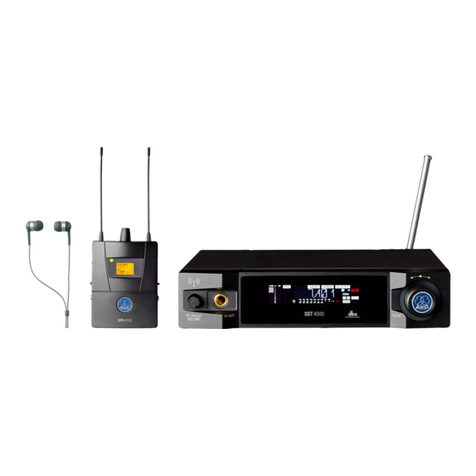
AKG IVM 4500 User instructions

AKG

AKG IVM 4500 User instructions

Earthworks Audio PM40 manual

Earthworks Audio

Earthworks Audio PM40 manual

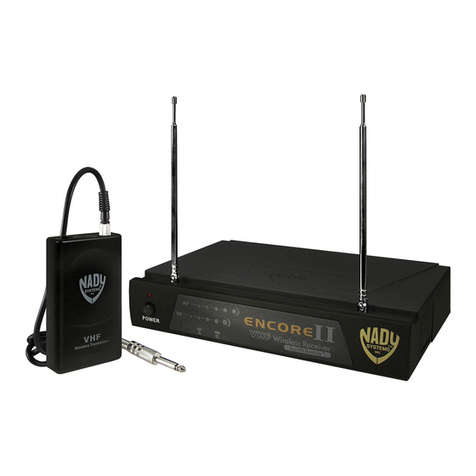
Nady Systems ENCORE 2 owner's manual

Nady Systems

Nady Systems ENCORE 2 owner's manual

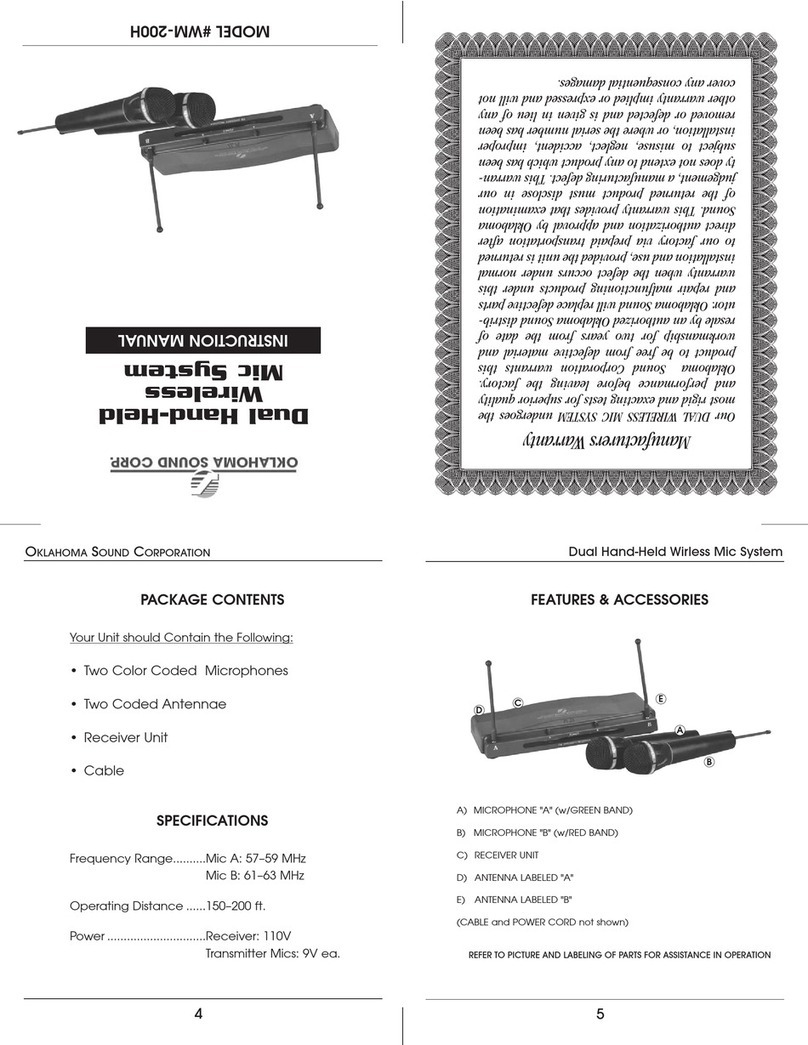
Oklahoma Sound WM-200H instruction manual

Oklahoma Sound

Oklahoma Sound WM-200H instruction manual

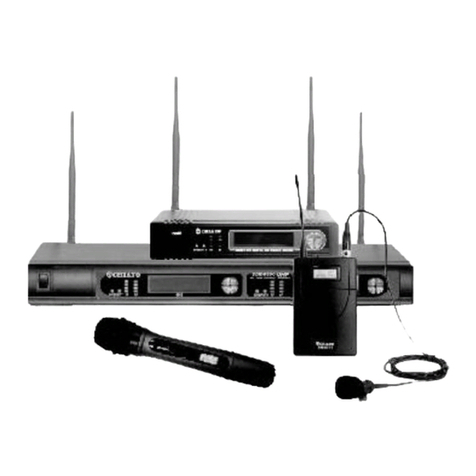
Chiayo SDR-8200 Operation manual

Chiayo

Chiayo SDR-8200 Operation manual

Paso R824 quick start guide

Paso

Paso R824 quick start guide

Naxa NAM-982 instruction manual

Naxa

Naxa NAM-982 instruction manual

Xvive U3 user manual

Xvive

Xvive U3 user manual

Tekon DUOS installation guide

Tekon

Tekon DUOS installation guide

Heyuan Intelligence IOT-G2S-01 user manual

Heyuan Intelligence

Heyuan Intelligence IOT-G2S-01 user manual

Devine WMD-IE user manual

Devine

Devine WMD-IE user manual

LG LF-D7150 owner's manual

LG

LG LF-D7150 owner's manual

LD U305 HBH 2 user manual

LD

LD U305 HBH 2 user manual

Chainway URA8 user manual

Chainway

Chainway URA8 user manual

ORATOR D860TD instruction manual

ORATOR

ORATOR D860TD instruction manual

Sennheiser Evolution Wireless Digital EW-DX EM 2 quick guide

Sennheiser

Sennheiser Evolution Wireless Digital EW-DX EM 2 quick guide

Shure UA844 user guide

Shure

Shure UA844 user guide

manuals.online logo
manuals.online logoBrands
  • About & Mission
  • Contact us
  • Privacy Policy
  • Terms and Conditions

Copyright 2025 Manuals.Online. All Rights Reserved.

d:fineTM In-Ear Broadcast Headset Microphone
dpamicrophones.com
Place the in-ear plug in the ear one of two ways Wind excess cable around the in-ear plug.
Shorten headset mount:
Lengthen headset mount:
1. Hold cable lock and draw cables to
create excess:
2. Draw the ear hooks away from each
other to the desired sizes:
1. Draw small coils on headset mount
away from each other to the desired
size
2. Hold the cable lock and draw the
cables back to fit the shape of the
headset mountmounts:
1.
1.
2.
2.

Specifications, In-Ear
Connector
3.5 mm stereo Mini-Jack.
Single In-Ear: Signal at Mini-Jack Tip
Dual In-Ear: Signal at Mini-Jack Tip (Left – micro-
phone boom side) and Ring (Right)
Type
Dynamic earplug
Sensitivity
107 dB
Nominal impedance
18 Ω
Two sizes ear-adapters are included
The microphone cable can be changed independently of the headset mount. Dis-
mount the microphone boom and open the cable lock to release the microphone
cable.
DPI-DIM