manuals.online logo
Brands
  1. Home
  2. •
  3. Brands
  4. •
  5. Dr. Trust
  6. •
  7. Scale
  8. •
  9. Dr. Trust 517 User manual

Dr. Trust 517 User manual

Other Dr. Trust Scale manuals

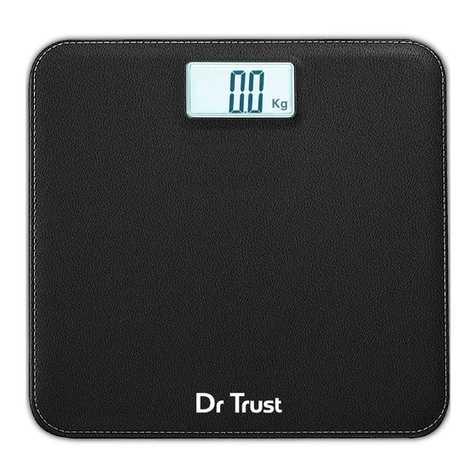
Dr. Trust ABS LEATHER User manual

Dr. Trust

Dr. Trust ABS LEATHER User manual

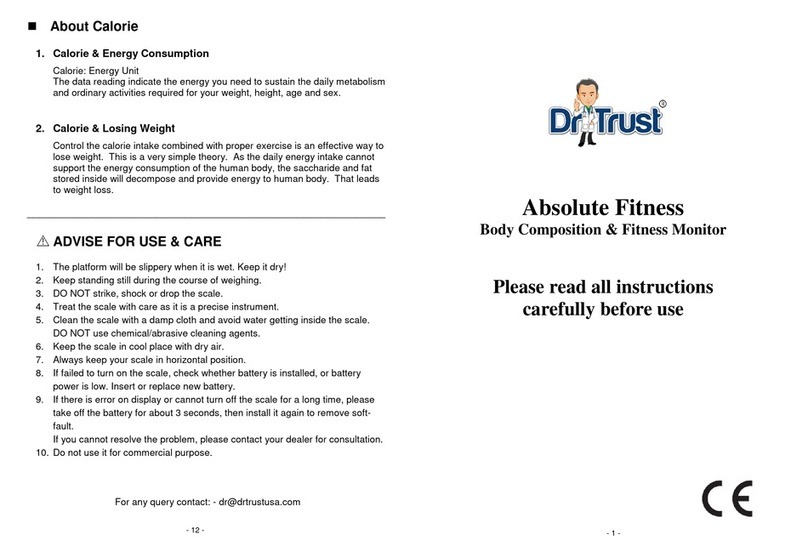
Dr. Trust Absolute Fitness Owner's manual

Dr. Trust

Dr. Trust Absolute Fitness Owner's manual

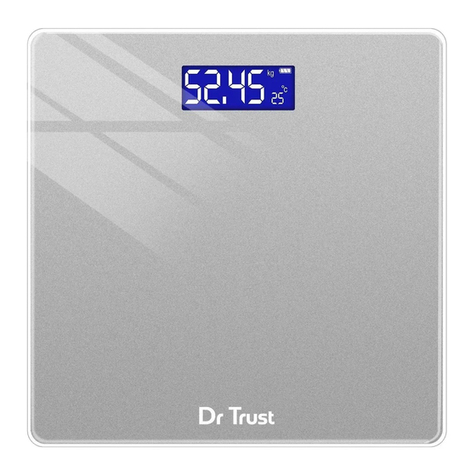
Dr. Trust ELEGENCE User manual

Dr. Trust

Dr. Trust ELEGENCE User manual

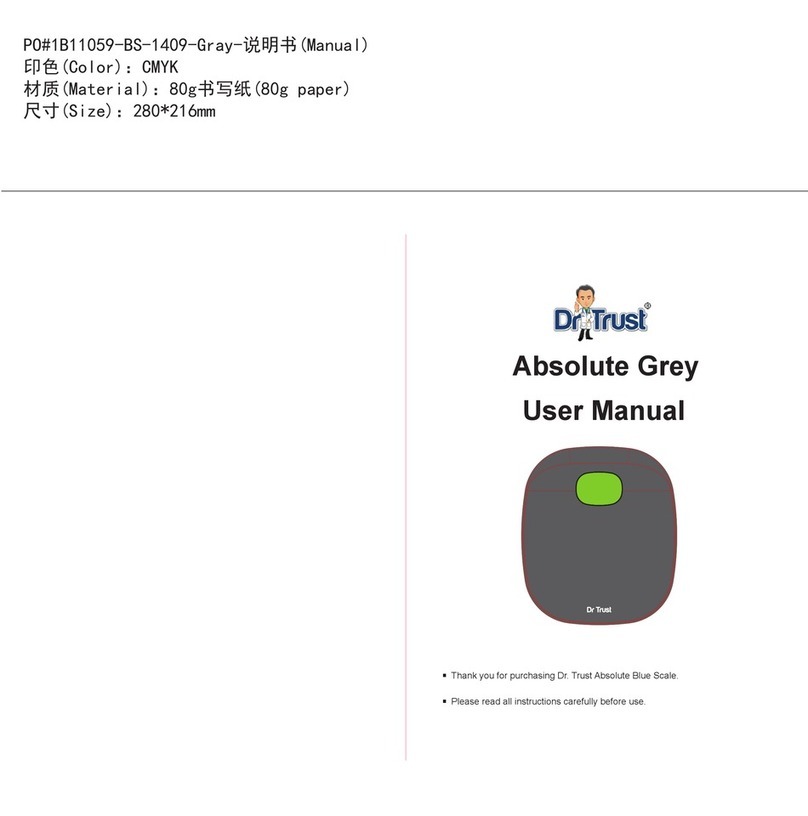
Dr. Trust Absolute Grey User manual

Dr. Trust

Dr. Trust Absolute Grey User manual

Popular Scale manuals by other brands

KERN MCC-M operating instructions

KERN

KERN MCC-M operating instructions

Little Balance SB MECA 8113 user manual

Little Balance

Little Balance SB MECA 8113 user manual

Fitbit Zip Aria Wi-Fi Smart Scale user manual

Fitbit Zip

Fitbit Zip Aria Wi-Fi Smart Scale user manual

KERN MPU 250K100 operating instructions

KERN

KERN MPU 250K100 operating instructions

Steinberg Systems SBS-PF-200 user manual

Steinberg Systems

Steinberg Systems SBS-PF-200 user manual

Total TP2000 user guide

Total

Total TP2000 user guide

A&D HL-200i operating instructions

A&D

A&D HL-200i operating instructions

OHAUS Courier 3000 user guide

OHAUS

OHAUS Courier 3000 user guide

Scarlett SC-KS57P97 instruction manual

Scarlett

Scarlett SC-KS57P97 instruction manual

BASETech LS-40S operating instructions

BASETech

BASETech LS-40S operating instructions

SR Instruments SR Scales SR565i-H Operating and service manual

SR Instruments

SR Instruments SR Scales SR565i-H Operating and service manual

Gallet PEP 301ART instruction manual

Gallet

Gallet PEP 301ART instruction manual

AWS ZEO-50 user manual

AWS

AWS ZEO-50 user manual

Gima Glass Body Fat Analyzer Use and maintenance book

Gima

Gima Glass Body Fat Analyzer Use and maintenance book

Seca 374 user manual

Seca

Seca 374 user manual

EDLUND BBPZ-20 quick start guide

EDLUND

EDLUND BBPZ-20 quick start guide

TEC TEC SL59 SERIES owner's manual

TEC

TEC TEC SL59 SERIES owner's manual

Alecto ACW-40 user manual

Alecto

Alecto ACW-40 user manual

manuals.online logo
manuals.online logoBrands
  • About & Mission
  • Contact us
  • Privacy Policy
  • Terms and Conditions

Copyright 2025 Manuals.Online. All Rights Reserved.

e. ABOUT US
iit
Dr Trusï
ELECTRONIC KITCHEN
SCALE-517
USER
INSTRUCTIONS
TABLE OF CONTENT
INTRODUCTION
FEATURES
PRODUCT £•PECIFICATION£•
OPERATION
INSTRUCTIONS
TROUBLEs«OOTING
AD VICE FOR RIGH T USE, CARE & STO RAGE
CUSTOMER SUPPORT
ABOUT US
1.
INTRODUCTION
2.
FEATURES “
2 •
Comes with high precision strain gauge sensor.
•Weighs in gram increments up to a maximum of 5
kilograms.
•Features auto-tare function.
•Designed with a smooth ABS platform.
•LCD display.
•Easy cleaning and maintenance.
•Easily measure by grams/pounds/ounces (solid items)) or
5
pounds/milliliters (liquid items).
•
Comes with quick unit conversion button.
5
7 3. PRODUCT SPECIFICATION
•High Precision Strain Gauge Sensor
•Maximum Weighing Capacity: Skg
•Minimum Weighing Capacity: 5g
•Unit: g/kg/oz/lbor oz/mI
•Display: LCD
With your new Dr Trust Electronic Kitchen Scale - 517, kitchen
weighing is simple and easy. Designed to meet all your kitchen
ingredientsweighing needs, this small scale is the quickest and
most accurate way to do measurements hassle-free. It weighs
solid and liquid ingredients including sugar, flour, milk and
shortening etc. for consistently reliable results. This handy
scale provides precise weighing of cooking/baking
ingredients‘ portions specified in your dieting guides. This is
compact, lightweight and convenient to use and store scale.
Additionally,its operation and cleanup are quick and easy.
2
www.drtrustusa.com
•
Tare function
•
Switch ON/Automatic OFF
•
Overload and Low Power indicator
•
Auto set zero and Auto power off
•
Power:
1x3V CR2032 lithium battery
4. OPERATION INSTRUCTIONS
Step 1. Please install battery in place.
Step 2. Put the scale on the hard & flat surface.
Step 3.Press the key of , the LCD will show“8888"and it
will turn to“0"after 3 seconds.
3
www.drtrustusa.com

Step 4. Put the food item on the scale, the LCD will show the
weight of it.
Zero /Tare Function
This function will allow you to deduct the weight ofa container
from the total weight in order to determine the net weight of
the content only. It means this function excludes the weight of
the container which holds ingredients to allow you weigh the
contents only.
Step 1. In “Weight” mode, place a container on the scale, LCD
will show the weight ofcontainer.
Step 2. Press the key of
key to clear the weight of the
container, and then put the food item into container, the LCD
will show the food weight
only. Repeat to press
key to
weight moredifferent food.
Step 3. Removing the food from the containers, the LCD will
dispIaytheIoadvaIue;pressthekeyof
again, after seconds
the LCD will show the weight in zero.
www.drtrustusa.com

AutomaticTurnOFF
The scale will turn off automatically after approximately 1
minuteofhavingnot used.
UnitExchange(g/kg/lb/oz/ml)
Under the weight mode, press“UNlT”keyto change the unit like
”g”or“oz"etc.asdemanded.
OverloadIndication
When the scale is overloaded, the “EEEE” will
appear ontheLCD.
Low Power Indication
When the LCD show”Lo", open the battery
cover and replace the new battery with correct
polarity.
5. TROUBLESHOOTING
Problem
Possible Solution
Display screen not
working
Check that the batteries are installed
correctly. Batteries may need to be
replaced.
6. ADVICE FOR RIGHT USE, CARE & STORAGE
•Please use scale on the hard & flat surface.
•Clean the scale with a wet cloth, avoid water seeping into
the scale.
•Please remove the battery from the scale if it is not be
used for a long period.
www.drtrustusa.com

Donot put anything onthe scale ifthe scale is not inuse.
Donotuse chemical abrasive cleaners
Do not drop or beat the scales as it may damage the
sensor.
Donot putthe scale inthe wet orhot environment.
Donot overload unit -max load 5000g.
If product is out of function, please check the battery
status.It should be placed incorrect polarity.
This scale is for family use only and should not be used
commercially.
Storage
This scale is an extremely sensitive weighing device. The
vapors from some household products may affect the
electronic components ofyour scale.
•Donot store it where you store cleaning chemicals.
•
Do not store anything on the scale to prevent quick
rundown ofthe batteries.
Note: Always adhere to the maximum weight capacity of the
scale.
Caution
Please dis pose of ol d or defective batteries in an
environmentally safe way and in accordance with your local
laws andregulations.
6
www.drtrustusa.com
7. CUSTOMER SUPPORT
CONTACT ADDRESS
USA
Nureca INC. USA
276 Sth Avenue, Suite 704-397, New York (NY) - 10001, USA
EUROPE
Nureca Gmbh
Colonius Carré, Subbelrather Str. 15a,
CoIogne,50823 Germany
INDIA
Corporate Office (Mumbai)
Nureca Private Limited
#103/104, Orbit Plaza, New Prabhadevi Marg,
Prabhadevi, Mumbai, Maharashtra-400025
Call On
USA : +1 212-234-45-63
India : +91-7527013265 / +9J-9356658436
Website: www.drtrustusa.com
Email: customercarepnureca.com
Connect with us on social networks
Facebook:gdrtrusC
Instagram: drtrustisin
Youtube: NurecaUsa
COPYRIGHTO
2019 DR TRUST. ALL RIGHTS RESERVED
www.drtrustusa.com