DTRONICS
How does it work.
Updating the DT-RDX is done by sending the new firmware file to the
DT-RDX in System Exclusive format (or simply SysEx).
Updating steps:
-Download the latest firmware version from our website.
-Install a midi program that has SysEx support in this manual we
are using MIDI-OX
-Connect the MIDI IN from the DT-RDX with the MIDI OUT from the
computer running the MIDI software
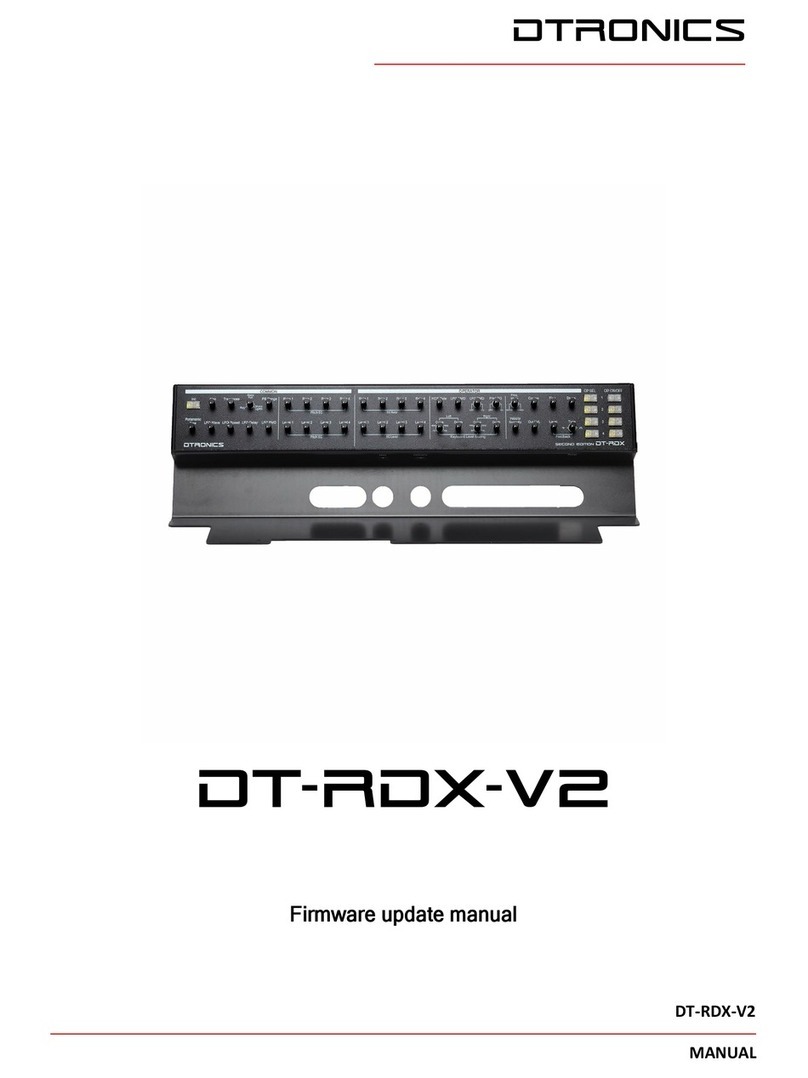
-HOLD OPSEL 3 switch (button 5, see figure 1)
while turning on the DT-RDX. Nothing will
happen, no lights will go on. Now you can
release the button. The DT-RDX is now in
bootloader mode.
-Open MIDI-OX and select the right midi output device that you
are using. Menu Options -> MIDI Devices
-Do NOT connect the midi out of the programmer.