Table of Content
1.
Introduction ................................................................................................... 3
1.1.
Safety Considerations............................................................................. 4
1.1.1.
SAFETY CONSIDERATIONS .......................................................... 4
1.1.2.
CONSIDÉRATIONS DE SÉCURITÉ ................................................ 5
1.1.3.
SAFTY BERÜCKSICHTIGUNGEN................................................... 6
1.1.4.
CONSIDERACIONES DE SEGURIDAD .......................................... 7
1.2.
System Requirements............................................................................. 8
1.3.
Technical Support ................................................................................... 8
2.
Getting Started.............................................................................................. 9
2.1.
Check List ............................................................................................... 9
3.
Overview ..................................................................................................... 10
3.1.
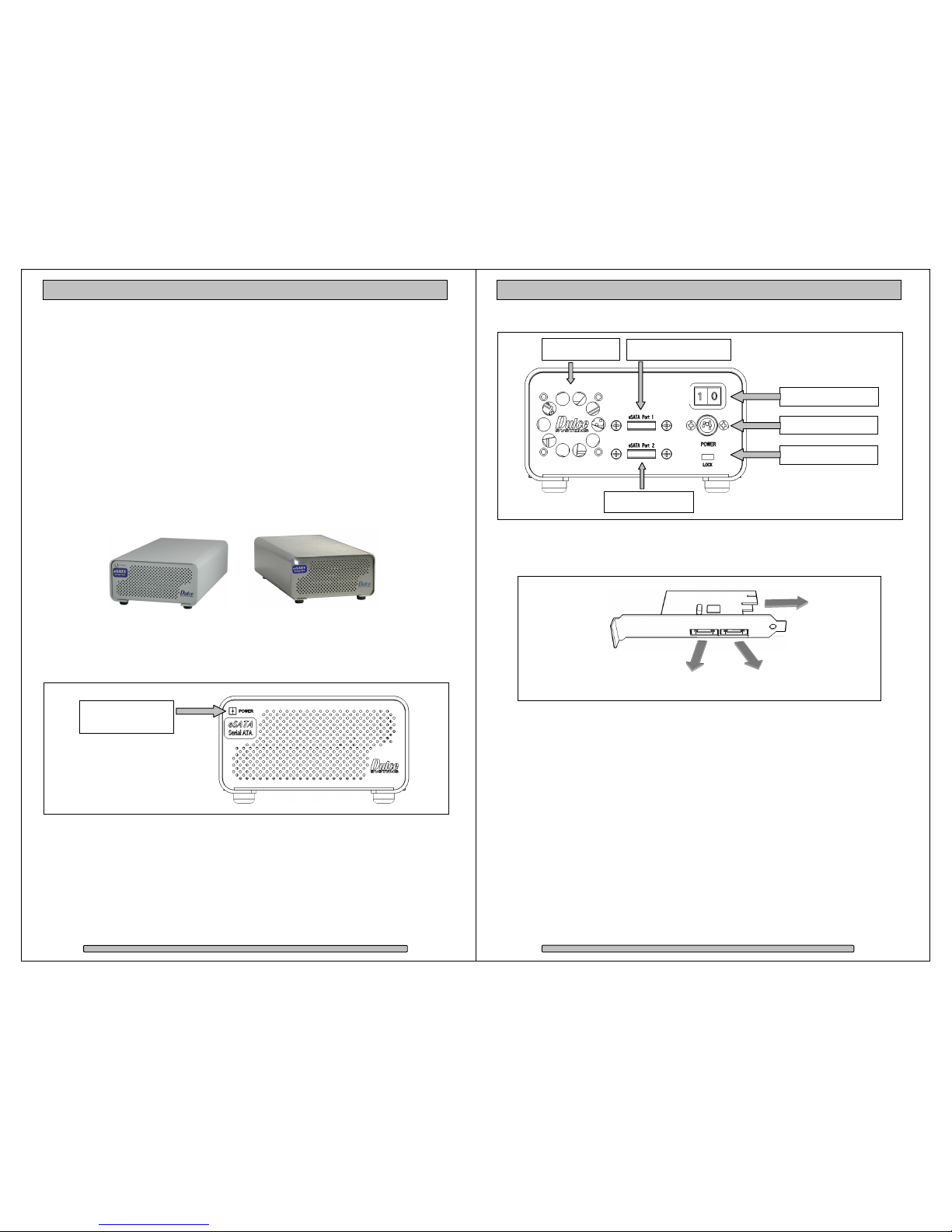
The Classic and PRO look .................................................................... 10
3.2.
Front Indicators ..................................................................................... 10
3.3.
Rear Panel ............................................................................................ 11
3.4.
PCI-e Host Adapter Port Assignment.................................................... 11
3.5.
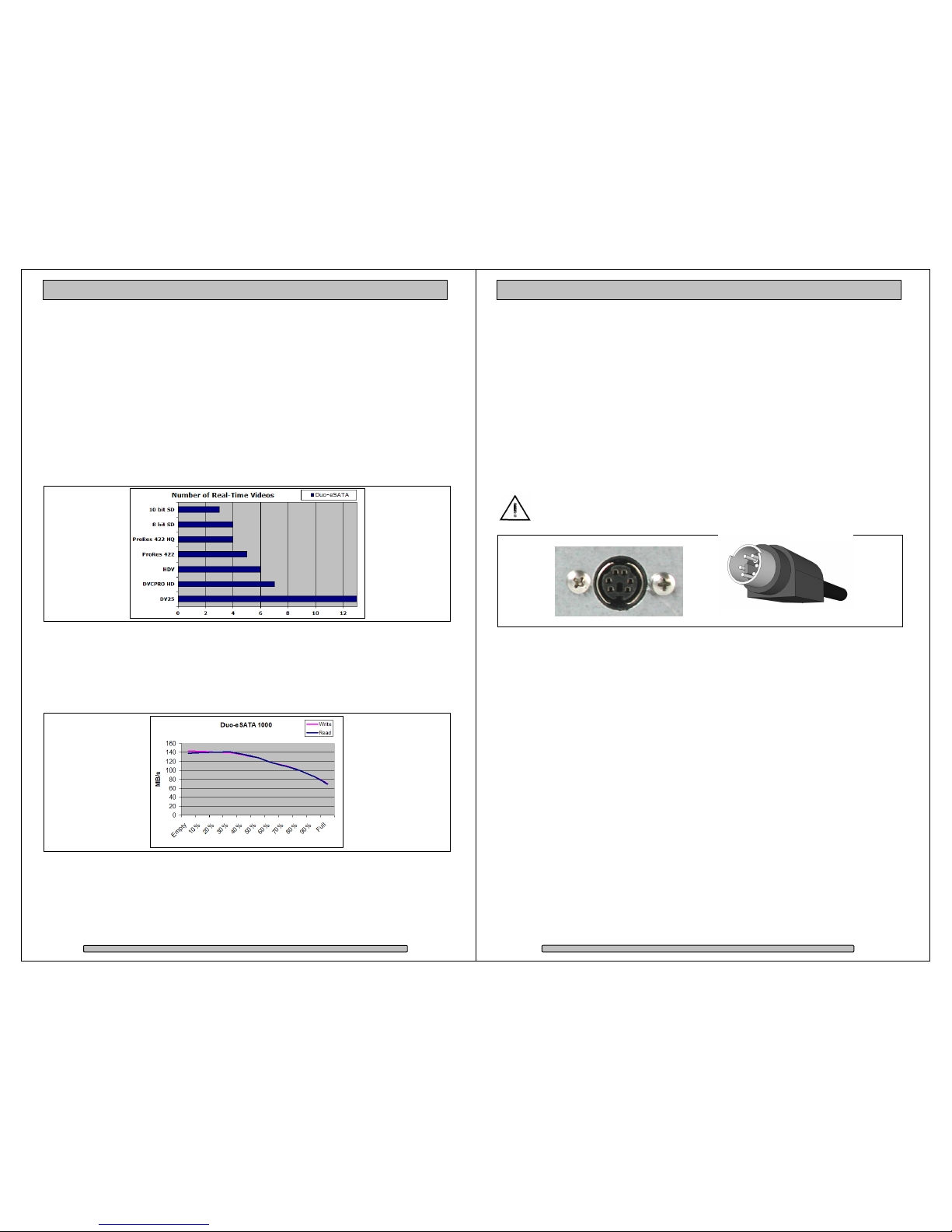
Performance.......................................................................................... 12
4.
Installation................................................................................................... 13
4.1.
Power Cable Connection ...................................................................... 13
4.2.
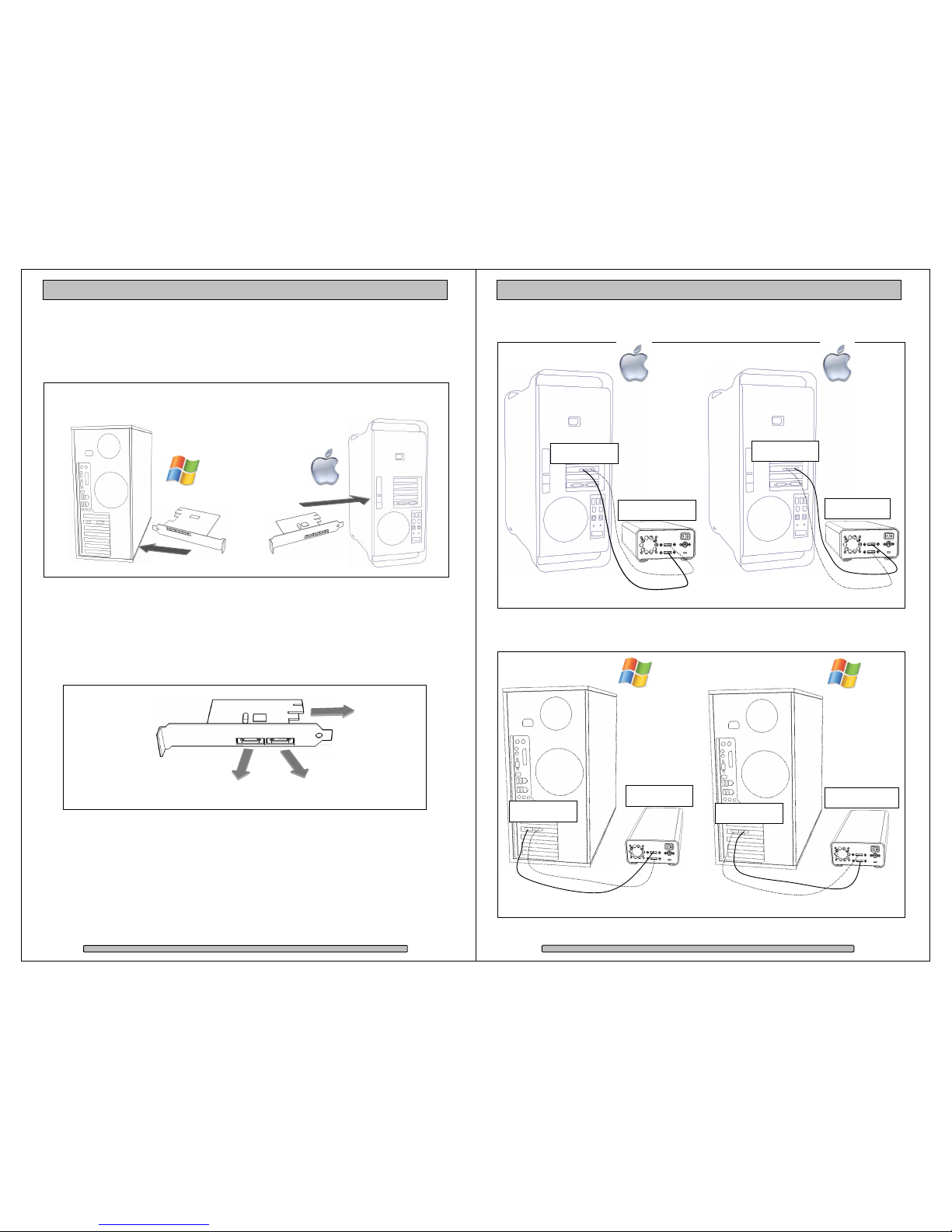
eSATA Controller Installation................................................................ 14
4.3.
Making the Connections........................................................................ 14
4.3.1.
Mac Connection.............................................................................. 15
4.3.2.
Windows PC Connection................................................................ 15
4.4.
Driver Installation .................................................................................. 16
4.4.1.
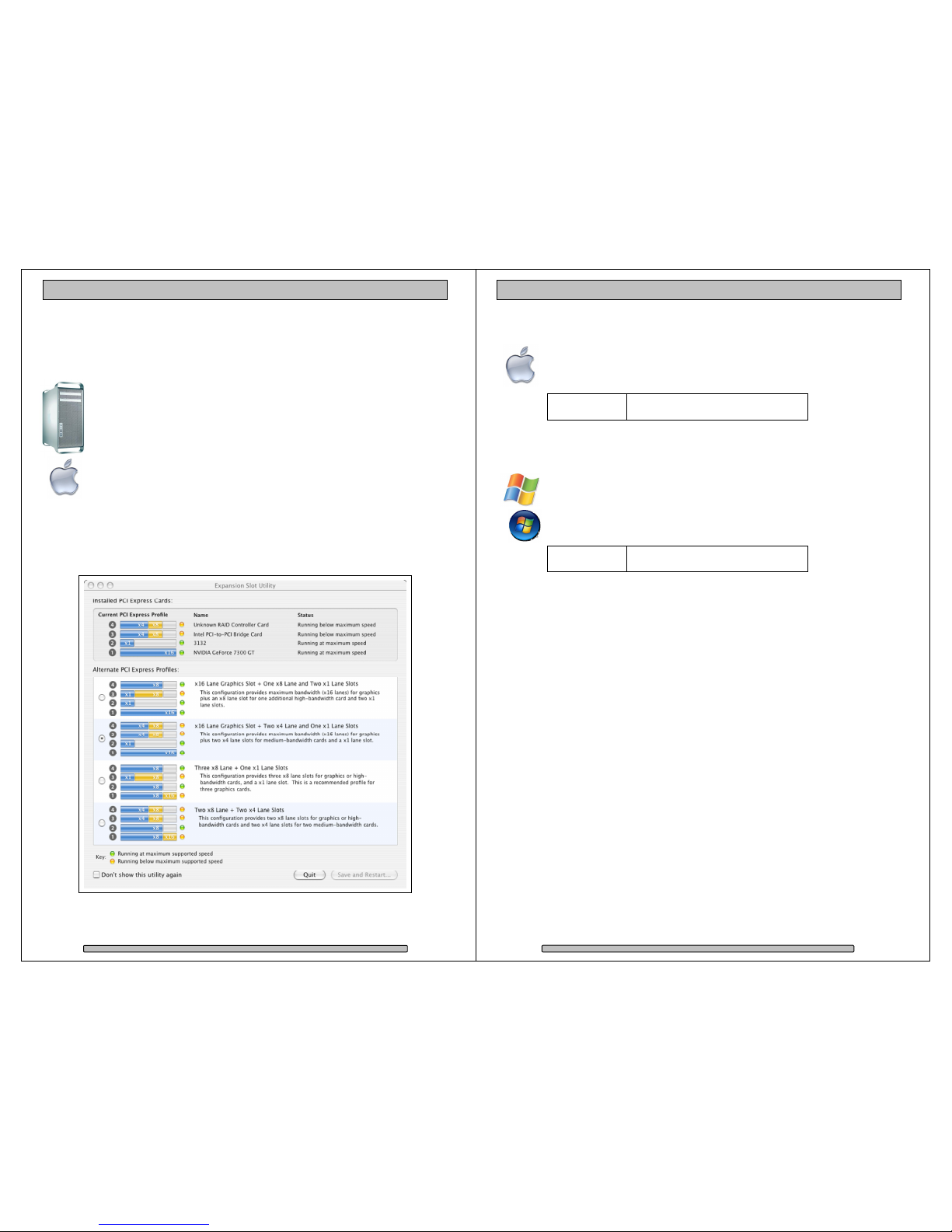
Mac Pro – Expansion Slot Utility Settings....................................... 16
4.4.2.
Mac Driver Installation .................................................................... 17
4.4.3.
Windows Driver Installation ............................................................ 17
5.
Formatting and Partitioning......................................................................... 18
5.1.
Apple OS X Formatting ......................................................................... 18
5.1.1.
Erase an Existing RAID Set and Partition....................................... 18
5.1.2.
Create a New RAID Set.................................................................. 19
5.1.3.
Change the Icon ............................................................................. 20
5.2.
Windows XP / Vista Formatting............................................................. 21
6.
Limited Warranty......................................................................................... 23
7.
Product Registration.................................................................................... 24
Page 3