G 3800 X036 Operation Manual August 2006
4© 2006 Carlo Gavazzi Industri A/S. All rights reserved
1. Introduction
The G3800 tool has been designed for configuration of the Mastergenerators G3800x015, G3800x016 and
G3800x036.
All functions in the mastergenerator are represented by graphic symbols, and all function related parameters
and comments are setup locally in the PC, and then transferred to the Mastergenerator through RS232.
Likewise, data from the Mastergenerator can be uploaded and modified.
The Mastergenerator firmware and configuration tool are subject to changes, as new functions are added con-
tinuously. Please check the download section at our hompage www.dupline.com for the latest updates.
1.1. Start-up
1.1.1. Hardware requirements
• The program operates under Windows 95/98/2000/xp and NT and requires at least:
• 400Mhz Pentium II processor with 32 Mbytes Ram or higher
• A free serial port (Com1 or Com2)
• 10 Mbytes hard disk for installation
• Screen resolution of 800 x 600 pixels, 256 colours or higher
• Mouse or other pointing tool desirable, but not necessary
1.1.2. Installation
Insert the CD rom and run the program “Setup.exe”. This will guide you through the installation
process. After installation, the program can be started by clicking G3800xxxxTool.
1.1.3. Start-up of program
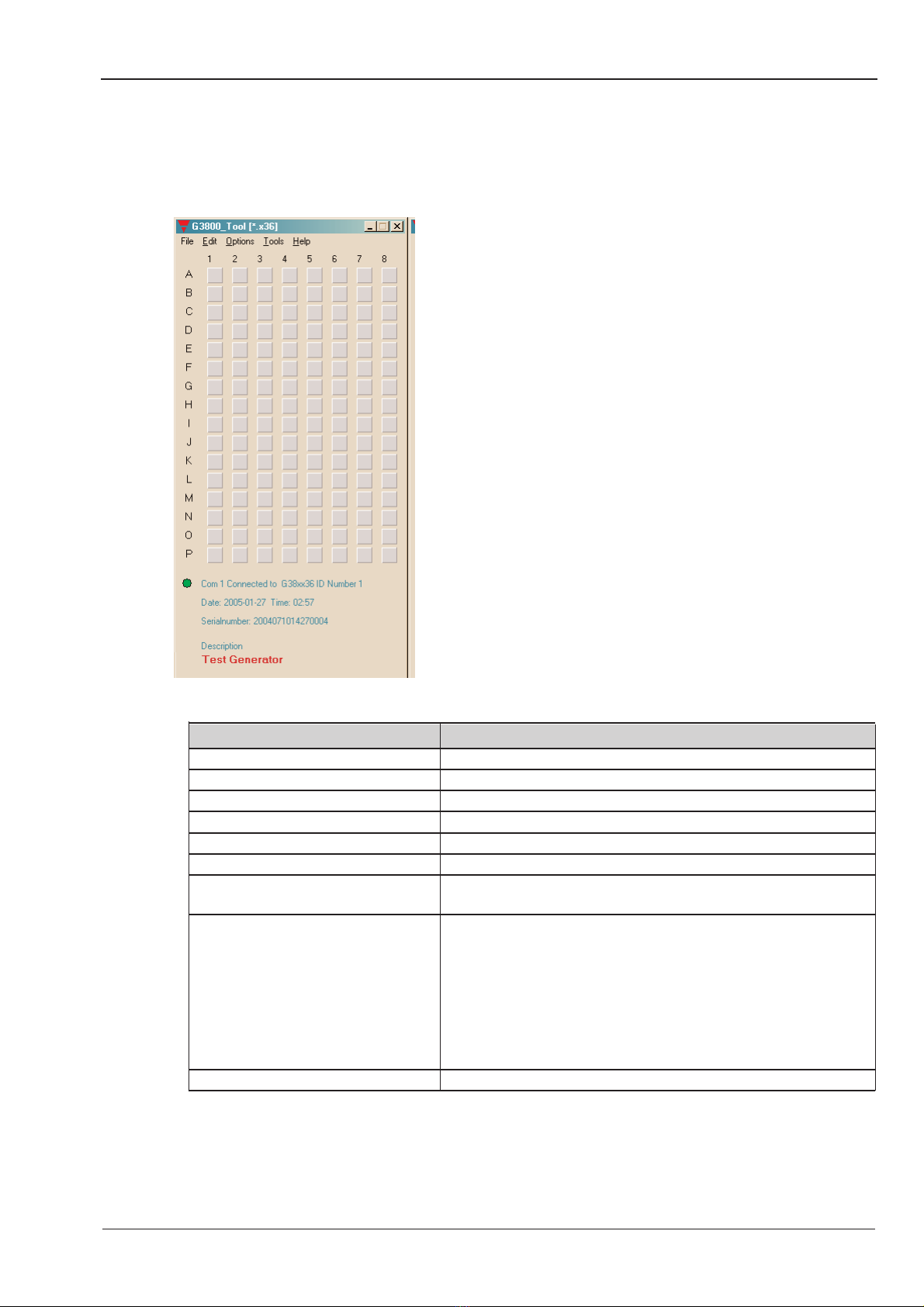
When G3800xxxxTool is started, two windows will open:
To the left, the main window showing the 128 addresses available in Dupline and the menus. To the right, the
properties window, which for each function shows the parameters related to the selected functions.
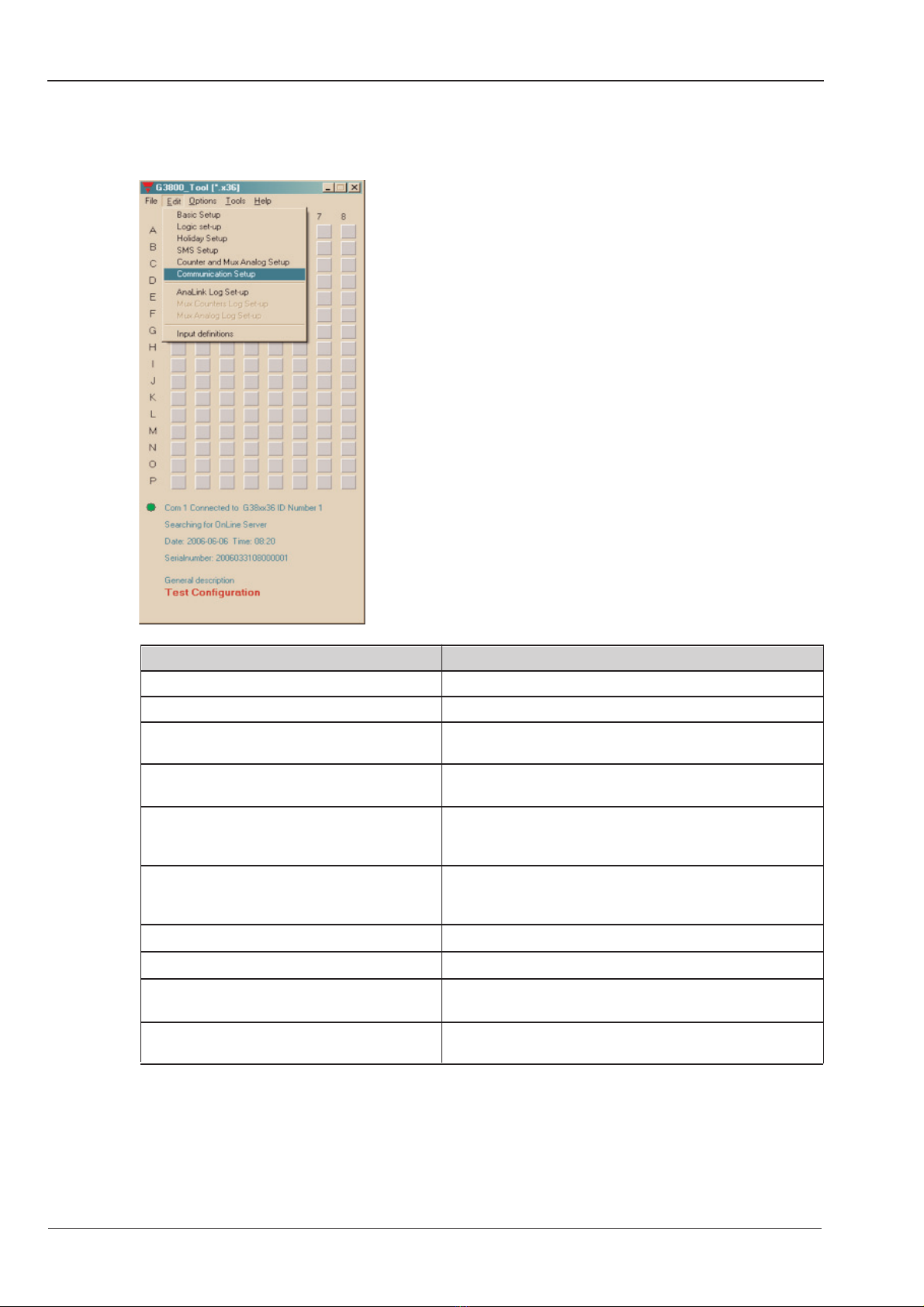
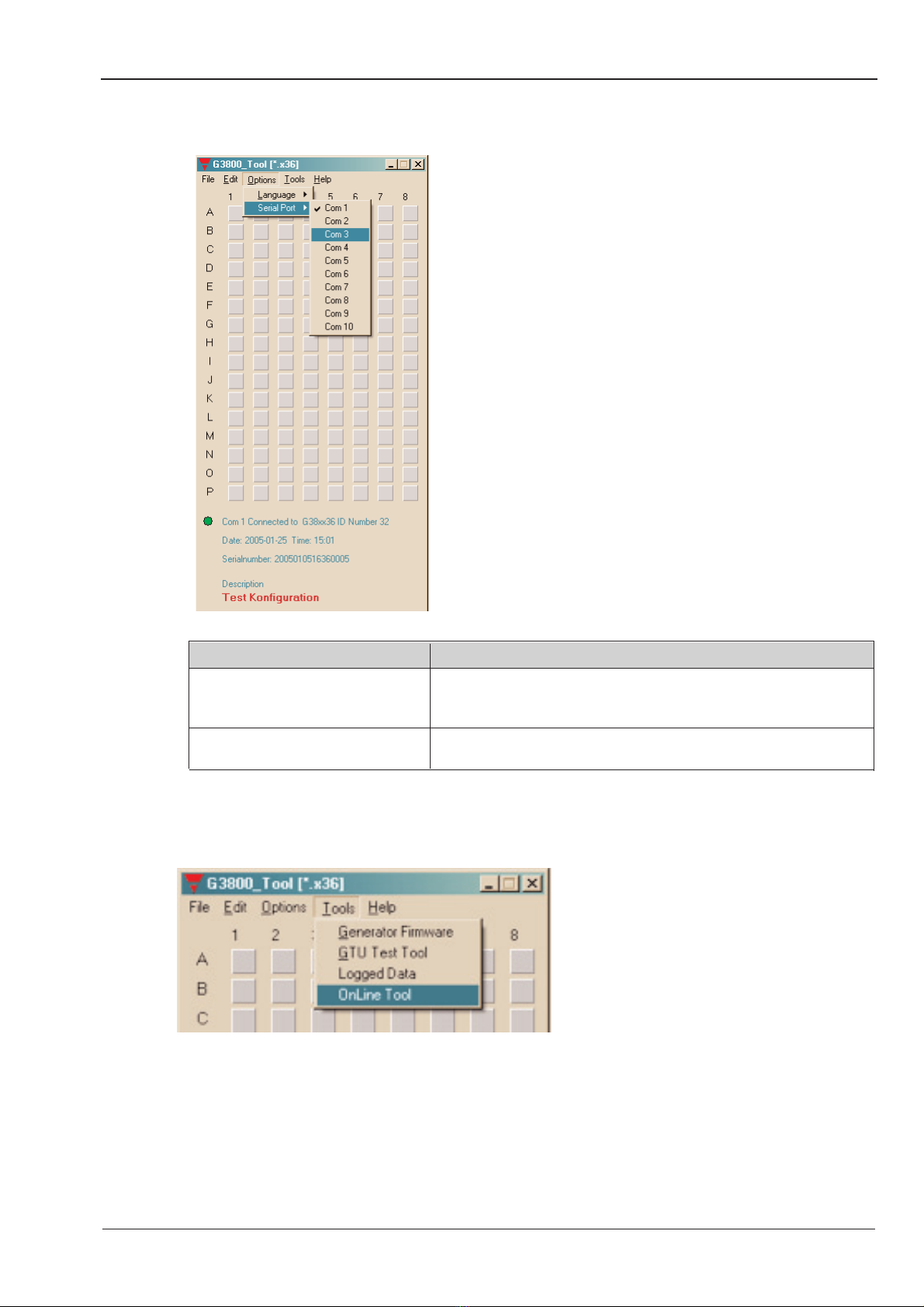
A third window may appear, which also contanis configuration entries, or functions for maintenance and test.