
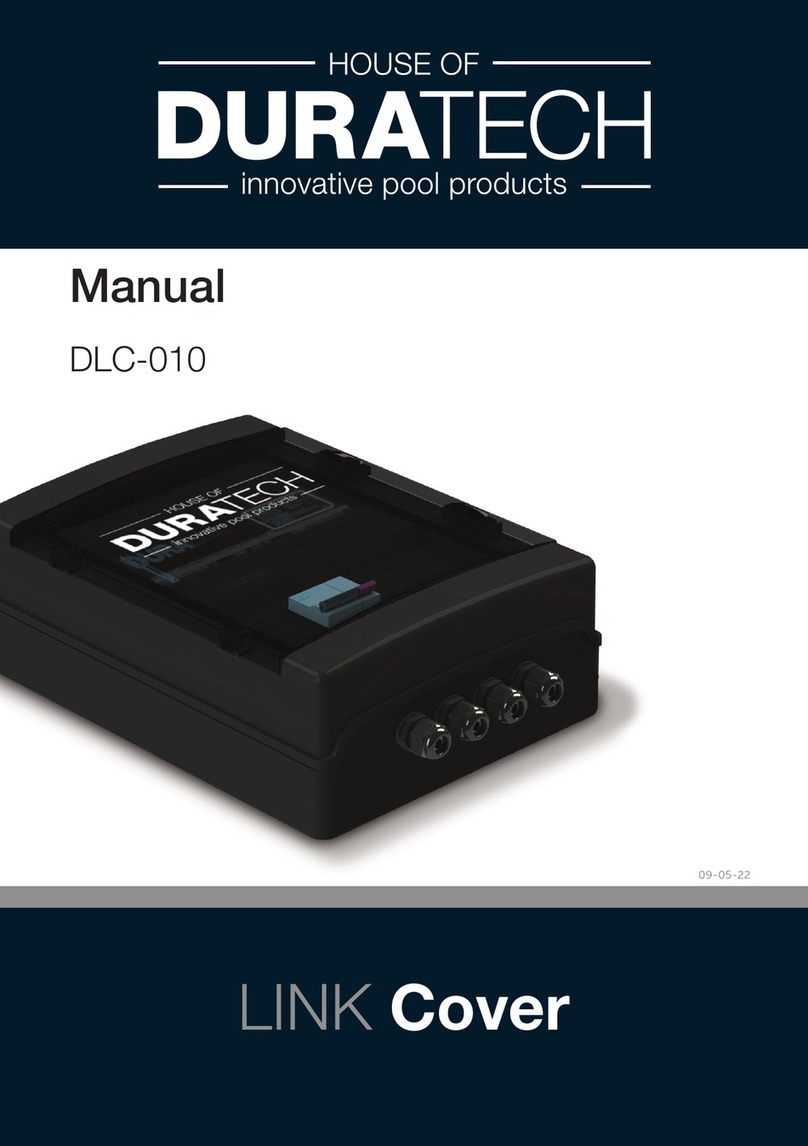
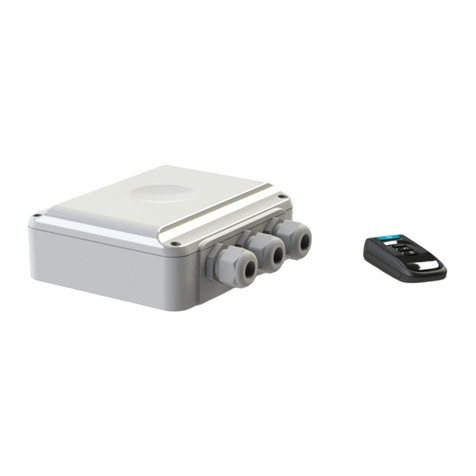
Duratech PLP-REM User manual

English....................Page 3
Nederlands.......Pagina 21
Français...............Page 39
Deutsch...............Seite 57
Español.............Página 75
PLP-REM
Manual
LINK Driver
20-08-21

2

3
ENG
Table of contents
Technical specifications
General Specifications
Logic board
Installation Instructions
Single PLP-REM unit
Multiple PLP-REM installation
Operation modes
DIP switch functionalities
Transmitter functions
Operation mode: PLC
Operatio mode: ON/OFF
Replacing transmitter keypad
Pairing the handheld transmitter
DMX 512 communication
Single PLP-REM unit
Multiple PLP-REM installation
RS-485 communication
Single PLP-REM unit
Multiple PLP-REM installation
RS-485 command set
RESET procedure
Transmitter battery
Troubleshooting
Pool light wiring instructions
Wiring remark
Page 4
Page 5
Page 6
Page 7
Page 8
Page 9
Page 10
Page 10
Page 11
Page 11
Page 12
Page 13
Page 14
Page 14
Page 15
Page 16
Page 16
Page 17
Page 18
Page 19
...........................................................
..............................................................................
...............................................................
...............................................
..................................................................................
....................................................................
............................................................
........................................................
...............................................
.........................................
...............................................................
...............................................
...............................................................
...............................................
...........................................................................
...................................................................................
.................................................................................
.....................................................................................
..............................................................
.........................................................................................

4
General specifications
Input Voltage: 12VAC 50Hz ± 10%
Max rating “12VAC TO LAMPS” contact 58A / 12VAC
Max rating relay contact A &B 16A / 250 VAC
Max switching power A & B 4000VA
RF band 868 MHz
Ambient Air Temperature: 0°C to +40°C
Humidity 10% to 90% RH
non condensing
Ingress protection rate: IP54
IEC Protection Class: Class II
Technical specifications

5
ENG
Logic board
DMX Address dial
To choose the
DMX start address
CAN bus
12VAC connection
terminals
To connect the pool
lights
DIP switch
To select controller functionalities
RS-485
connection
To connect to
home automation
system
(see page 14)
SD card slot
For firmware updates
DMX input/outpout
The PLP-REM can act
as a DMX receiver with
DMX passthrough
A/B output
For auxiliary circuits
Acts as a SPST
(single-pole, single-
throw) switch
Status LED’s:
(1) General status
Green = OK
Red = error overvoltage or overcurrent
(2) Pairing / RESET status
(3) 12VAC to Pool lamps (Green = ON)
(4) Switch A (Green = ON)
(1)
(2)
(3)
(5)
(4)
(8)
(6)
(7)
(5) Switch B status (Green = ON)
(6) CAN status
(7) RS-485 signal
(8) DMX signal
Pairing / RESET
button
DuraLink RF board
For wireless communication
DuraLink

6
Installation Instructions
Single PLP-REM unit
.Connect a 12VAC magnetic transformer to the “12VAC FROM TRANSFORMER”
terminal of the PLP-REM.
Connect the pool lights to the “12VAC TO LAMPS” terminal in the PLP-REM.
. Install the filter (included in box) to the primary circuit (230VAC side)
of the transformer
.The “12VAC TO LAMPS” relay contact has a max rating of 58A. Make sure the
total power load does not exceed this (58A x 12VAC = 696VA)
12VAC
230VAC
C
C

7
ENG
12VAC 230VAC
C
12VAC 230VAC
C
12VAC 230VAC
C
Multiple PLP-REM installation
For extended installations (total lamp power > 700VA), multiple PLP-REM’s
can be linked together. This way, a perfect synchronisation of all pool lights
is still guaranteed.
The PLP-REM’s need to communicate with each other, to ensure all the
lamps are in perfect sync.
Connect the PLP-REM’s with each other using the CAN bus:
Connect the CAN terminals of the first PLP-REM with the CAN terminal of
the second PLP-REM*.
If more than 2 PLP-REM’s are necessary, simply daisy chain each CAN termi-
nal with the one from the next PLP-REM (see below). Respect the
polarity of the terminals! (CAN L & H)
Next, set the DIP switches on the PLP-REM’s to the correct MASTER/SLAVE
setting. The first PLP-REM will be the MASTER. All the others will be SLAVE’s.
Refer to page 9 for Master/Slave DIP switch info.
CAN BUS
set as MASTER set as SLAVE set as SLAVE
* We recommend using a shielded twisted pair cable (min. 0,5mm² - up to 200m) to connect
multiple PLP-REM’s using the CAN bus.
In a Master/Slave setup, only the PLP-REM that is set as MASTER will
react to transmitter commands. Any additional transmitters will need to
be paired with this MASTER PLP-REM
!

8
ON/OFF PLC
Compatible lamps
Switch lamps ON/OFF YES YES
Change lamp color YES(1) YES(1)
Operate Relay A & B YES YES
Dimming lamps NO YES(1)
DMX control NO YES
RS-485 control YES(2) YES
Dip switch setting DIP 1 ON DIP 1 OFF
Remote keypad type(3)
Operation Modes
The PLP-REM controller has 2 main operation modes:
“ON/OFF control mode” & “PLC control mode”. Each mode has it’s own
functionalities:
1) Only for RGB lamps
2) In ON/OFF control mode, only a few RS-485 commands are available (see p 15)
3) Depending on which control mode is selected, the keypad of the transmitter needs
to be changed

9
ENG
DIP switch functionalities
The DIP switch on the main circuit board of the PLP-REM allows the user to
customise the way the PLP-REM operates.
* Fast DMX setting
Only for Adagio Pro lamps from 2018 and onwards
DIP SWITCH
function setting 1 2 3 4 5 6
Operation Mode ON/OFF ON
PLC OFF
Relay A PULSE mode ON
TOGGLE mode OFF
Relay B PULSE mode ON
TOGGLE mode OFF
Fast DMX setting * FAST ON
STANDARD OFF
DMX NO LOOP ON
LOOP OFF
MASTER/SLAVE mode SLAVE ON
MASTER OFF
ON position
OFF position
CAUTION: Always switch o the main power supply to the
PLP-REM before changing the DIP switches

10
Transmitter functions
Short push (< 1 sec):
Toggle all lamps ON or OFF
Short push:
Go to next color program
Long push:
Auto sync procedure (3)
OPERATION MODE: PLC (default mode)
Short push:
Toggle output A ON/OFF
Long push:
/
Short push:
Toggle output B ON/OFF
Long push:
/
Short push (< 1 sec):
Toggle all lamps ON or OFF (1)
Long push (> 2 sec(2)):
All lamps & “12VAC TO LAMPS” relay are turned OFF (1)
Short push:
Go to next color program
Long push:
Toggle output A ON/OFF
Short push:
Go to the previous color program
Long push:
Toggle output B ON/OFF
Short push:
Select next dimming level:
100% -- 50% -- 25% ---> 100% -- ...
Long push:
Set lamps to Program 1 (blue) & full brightness
(1) Lamp ON or OFF status is memorized after power down
(2) The green LED in the transmitter will light up as soon as you start pressing a button, and will stop
after 2 seconds, so you know exactly when to release the button.
(3) The lamps will be turned o for 30 seconds and then switched ON/OFF 3 times. This will set all
lamps to program 1: blue
OPERATION MODE: ON/OFF
Table of contents
Languages:
Other Duratech Controllers manuals
Popular Controllers manuals by other brands

Digiplex
Digiplex DGP-848 Programming guide

YASKAWA
YASKAWA SGM series user manual

Sinope
Sinope Calypso RM3500ZB installation guide

Isimet
Isimet DLA Series Style 2 Installation, Operations, Start-up and Maintenance Instructions

LSIS
LSIS sv-ip5a user manual

Rockwell Automation
Rockwell Automation 1769-L31 installation instructions










