Bluetooth Stereo Headset
earomix ABT-S100
User Guide
1110
[Notes]
Passkey or PIN is a code that you enter on your mobile phone to
pair it with your headset. This makes your phone and the headset
recognize each other and automatically work together.
❷
Search earomix ABT-S100 headset according to the
user guide of the Bluetooth device.
In most cases, select ‘set’, ‘connection’ from the menu to
search the Bluetooth device or select the option for add.
❸
Select earomix ABT-S100 headset from the list of found
devices.
If there is any question of whether the headset is to be
paired or not, press ‘yes’ or ‘confirm’. If the passkey (or PIN)
is required on the screen, enter ‘0000’ (four 0’s) as the pass-
word of headset.
❹
The indicator light flashes Blue when paired successfully.
•Connecting
If the device has been paired before, just tapping
▶/ ■
gives the re-establishment of
connection between the headset and the paired device.
•Multi Pairing (Pairing second Bluetooth enabled device)
Bluetooth has been originally designed to have one Bluetooth enabled device paired at a
time. If other device is to be connected to your headset, it firstly disconnects the currently
paired device from headset and makes other device connected to the headset.
However, ABT-S100 can be paired with two devices simultaneously. So, if either of them is
to be connected to the headset, just make a connection with the device you wish to use.
[Notes]
•
The headset is on the connectable state once it is turned on. (Red flash every 2 seconds) If it is
not connected to other device within 3 minutes in the connectable state, the headset goes
into Deep Sleep mode.
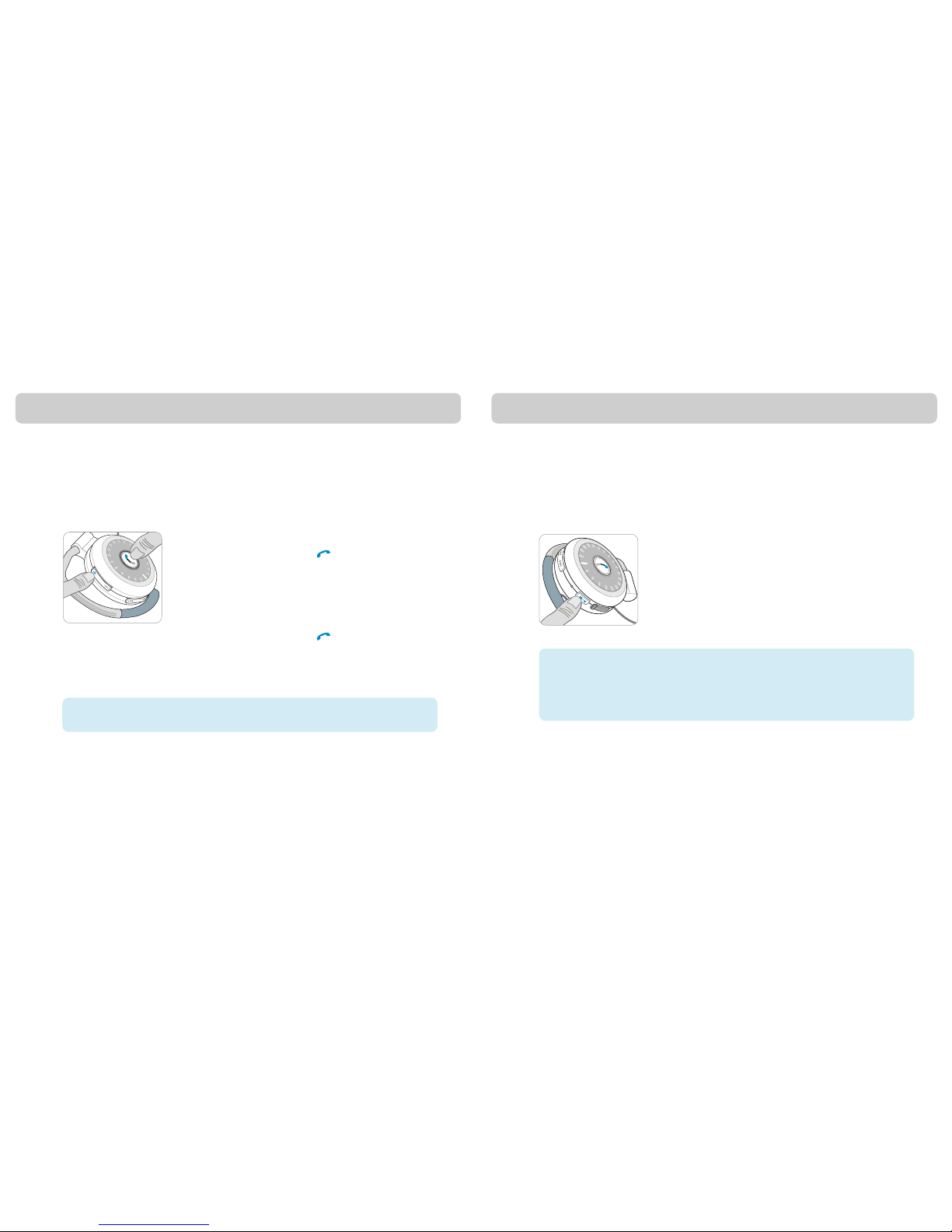
In order to establish the connection, press and hold down
▶/ ■
for 3 seconds or turn the
power on again and start it again.
•
Disconnection
The connection currently established with the device can be disconnected by pressing and
holding down
▶/ ■
for 3 seconds (standby state).
* Please stop music first, if music is being played.
•
For detailed information on the connecting, see the user guide of mobile phone or other
device. Time for making connection with the headset may vary from device to device.
[Notes]
•
The device which is paired with headset first between mobile phone and other device will be
used in mobile phone communication.
For detailed information on the multi pairing, see the user guide of mobile phone or other device.