1. Check your package contents
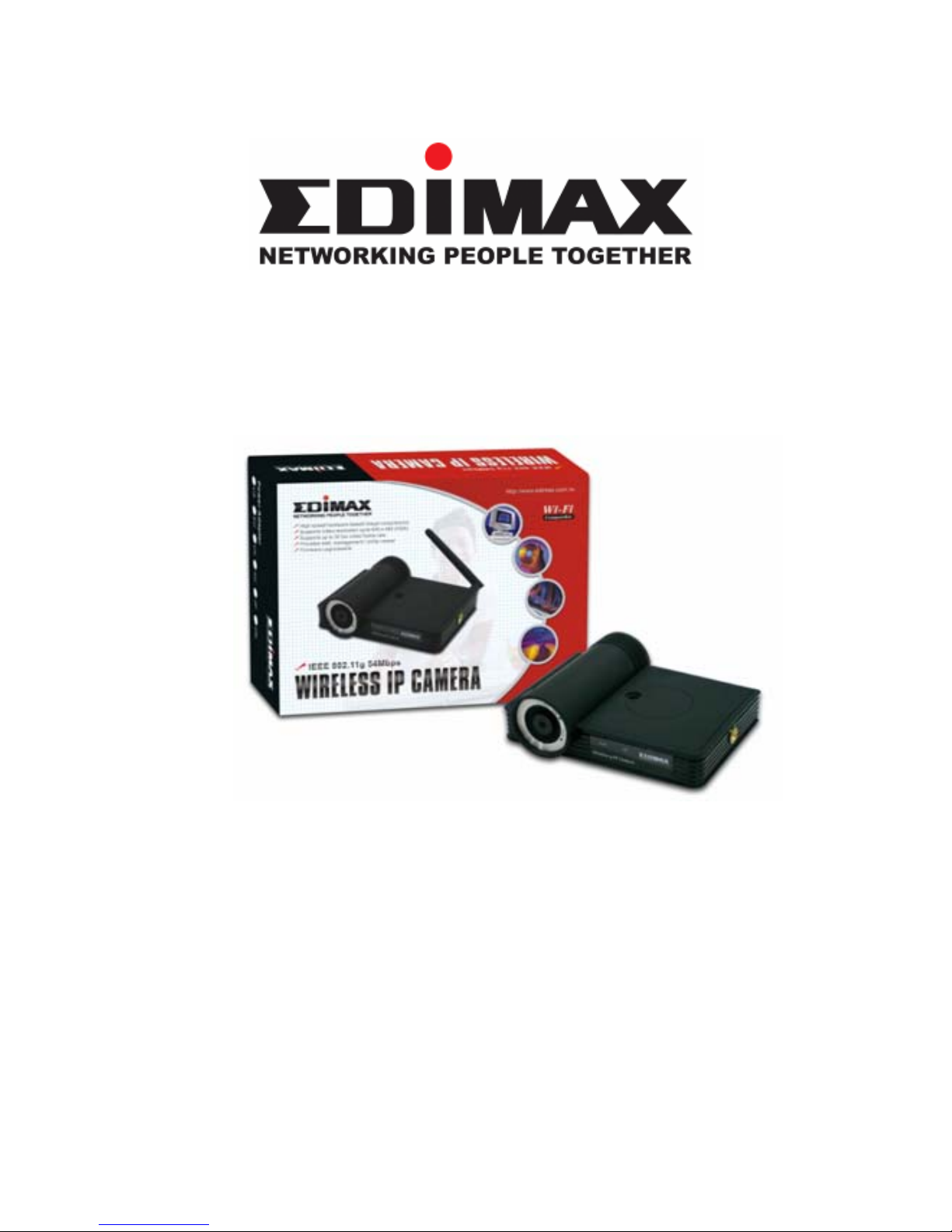
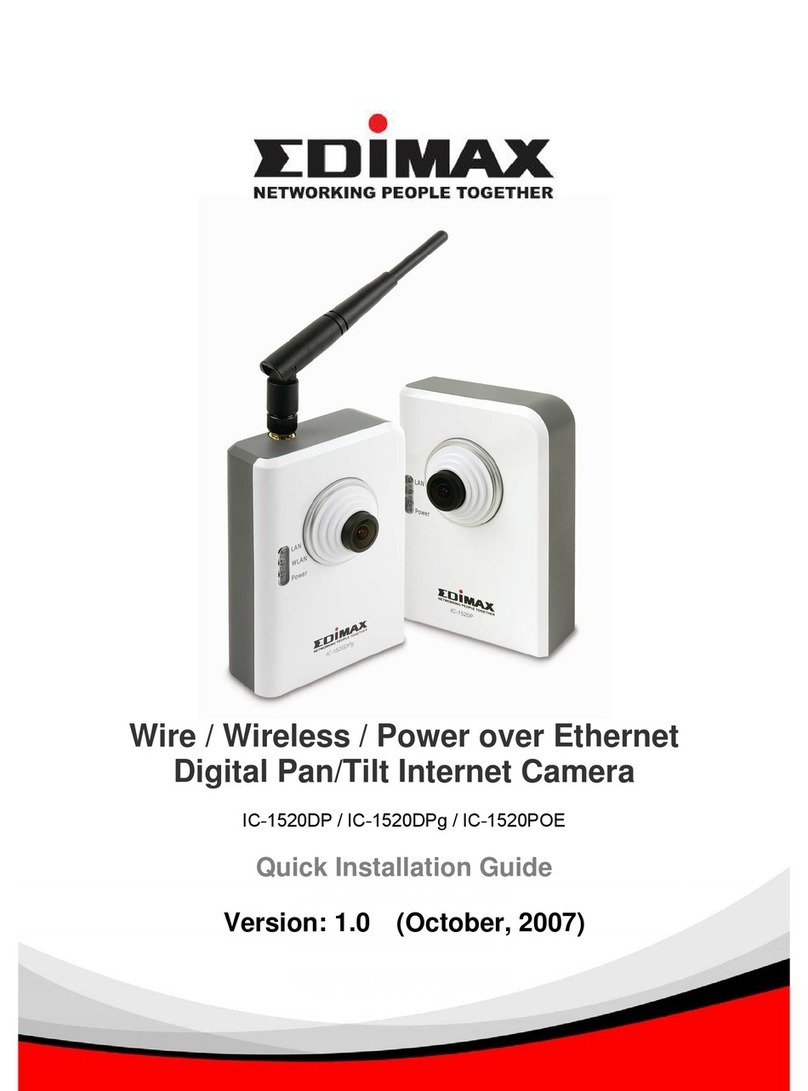
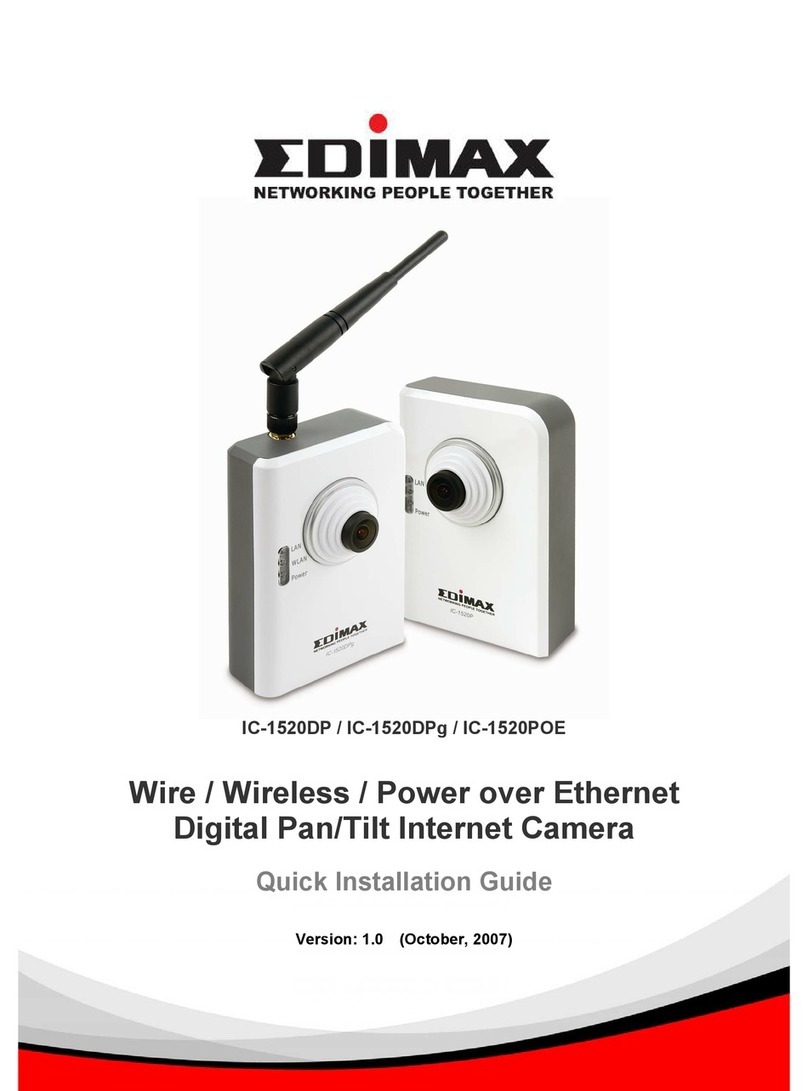
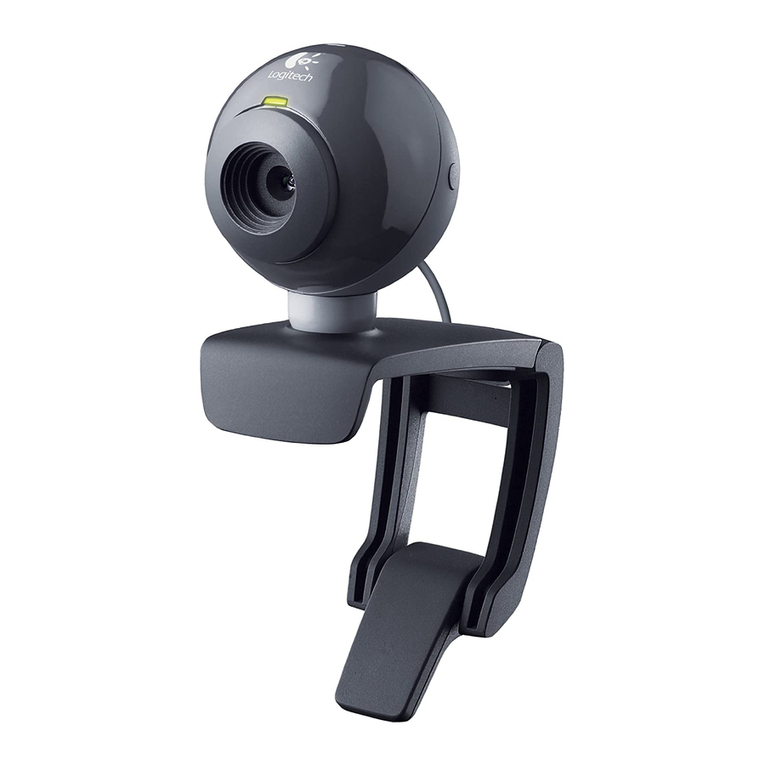
zOne Internet Camera / with antenna (IC-1500Wg only)
zOne external power adapter
zOne camera stand and 100M Cat.5 Ethernet cable
zOne Quick Installation Guide and User’s CD
Please contact your dealer if any items above are missing.
2. System Requirements
System requirements for PC, MAC or Notebook to access the
Internet Camera are:
zOS: Windows 98SE, Me, NT, 2000, XP, Server 2003
zCPU: Intel Pentium III 750MHz or Celeron 1GHz above
zMemory Size: 128MB (256MB recommended)
zVGA Card Resolution: 800 x 600 or above
3. Hardware Installation
3.1. LED and Focusing
The Camera head and its focus ring allow you to modify the aim
and focus of the Camera, to adjust the Camera’s focus, rotate
the dark focus ring. There are three or four LEDs indicating the
camera status and networking status.
zMonitoring : When someone is viewing the camera, the
LED will light.
zReady : When the camera is powered on and ready for
access, the LED will light on.
zLAN : When the Internet Camera is linked to the wired
network, the LED light will turn on. The LED will flash when a
video is transmitting or receiving through the wired network.
zWLAN (IC-1500Wg only) : When the Internet Camera is
linked to a Wireless LAN AP or a Wireless Station, the LED
light will turn on. The LED will flash when a video is
transmitting or receiving through wireless network.