Limited Liability
The buyer must agree that the system will re-
duce the risk of re, theft, burglary or other dan-
gers but does not guarantee against such events.
“ELDES UAB” will not take any responsibility
regarding personal, property or revenue loss while
using the system.
“ELDES UAB” responsibility according to local
laws does not exceed value of the purchased sys-
tem.
“ELDES UAB” is not aliated with GSM opera-
tors providing cellular services therefore is not res-
ponsible for the quality of cellular services.
Manufacturer Warranty
The system carries a 24-month warranty by the
manufacturer “ELDES UAB”.
Warranty period starts from the day the system
has been purchased by the end user. The warranty
is valid only if the system has been used as inten-
ded, following all guidelines listed in the manual
and within specied operating conditions. Receipt
with purchase date must be kept as a proof.
The warranty is voided if the system has been
exposed to mechanical impacts, chemicals, high
humidity, uids, corrosive and hazardous environ-
ment or other force majeure factors.
Content:
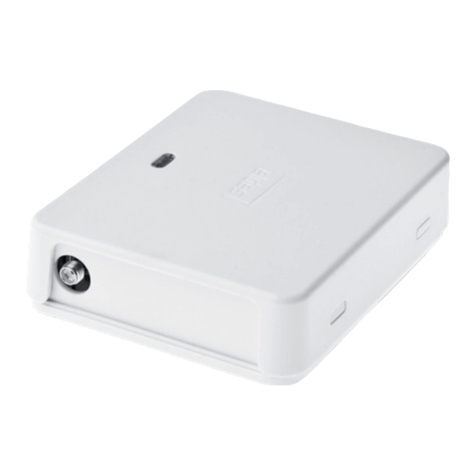
1. The system Esim110.............................................1pcs
2. Esim110 user manual................. .........................1pcs
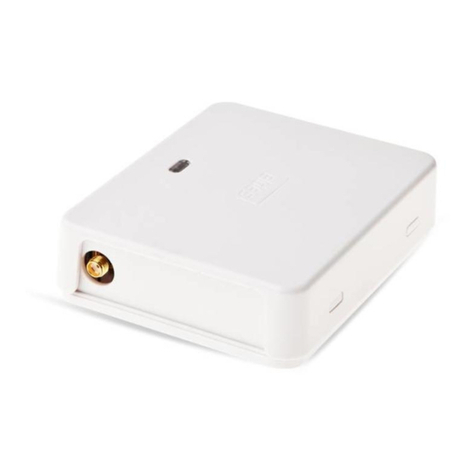
3. GSM antenna.................................... .....................1pcs
About User Manual
This document describes GSM Gate Controller
Esim110, its operation and installation.
It is very important to read User Manual be-
fore start using the system. A quick start guide is
located in rst two chapters. Chapter 3 describes
additional system capabilities.
CONTENT
1. General Information.........................................................4
1.1 Function..................................................................................................................4
1.2 Operation Description.......................................................................................4
1.3 Technical Specications....................................................................................4
1.4 Connector and LED Indicators Functionality ...........................................5
1.5 Connection Circuit..............................................................................................5
1.6 System Installation..............................................................................................5
2. System Pre-operation
and the Main Control Commands .......................................6
2.1 Selecting device language and verication of SMS central number6
2.2 Administrator Password Change...................................................................6
2.3 Administrator Numbers....................................................................................7
2.3.1 Saving or Changing Administrator Numbers........................................7
2.3.2 Verication of Administrator Numbers....................................................7
2.3.3 Deletion of Administrator Numbers ........................................................7
2.4 Date and Time Settings .....................................................................................7
2.5 User Numbers......................................................................................................7
2.5.1 Saving User Numbers.....................................................................................8
2.5.2 Verication of User Numbers.......................................................................8
2.5.3 Deletion of User Numbers ...8
2.6 Conguring Output Impulse Duration of User Numbers.....................8
2.7 Info on Status SMS..............................................................................................9
2.8 Sending Messages from Any Phone Number..........................................9
2.9 Input Status ...........................................................................................................9
2.10 Changing input names................................................................................10
2.11 Input arming/disarming.............................................................................. 10
2.12 Conguring input impulse duration ...................................................... 10
3. Appendix.........................................................................11
3.1 Restoring Default Parameters......................................................................11
3.2 Esim110 CongTool conguration software..........................................11
3.3 ESIM110 control by GPRS.............................................................................. 11
3.3.1 How to connect to ESIM110 through www.eldes.lt website ........11
3.3.2 How to connect directly to ESIM110 with your web browser.......12
3.3.3. Standart GPRS parameters. ..................................................................... 13
3.4 Technical Support.............................................................................................14