manuals.online logo
Brands
  1. Home
  2. •
  3. Brands
  4. •
  5. Electro-Harmonix
  6. •
  7. Music Pedal
  8. •
  9. Electro-Harmonix nano POCKET METAL MUFF User manual

Electro-Harmonix nano POCKET METAL MUFF User manual

Other Electro-Harmonix Music Pedal manuals

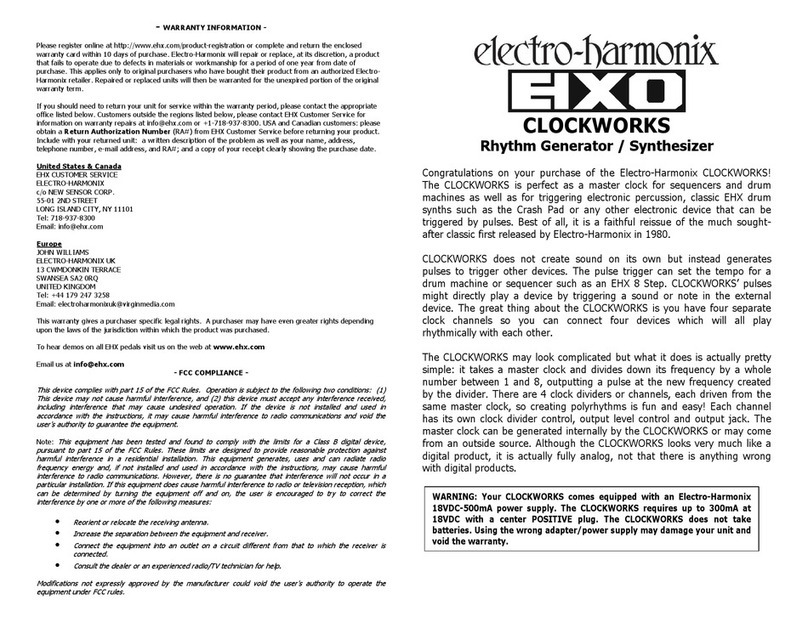
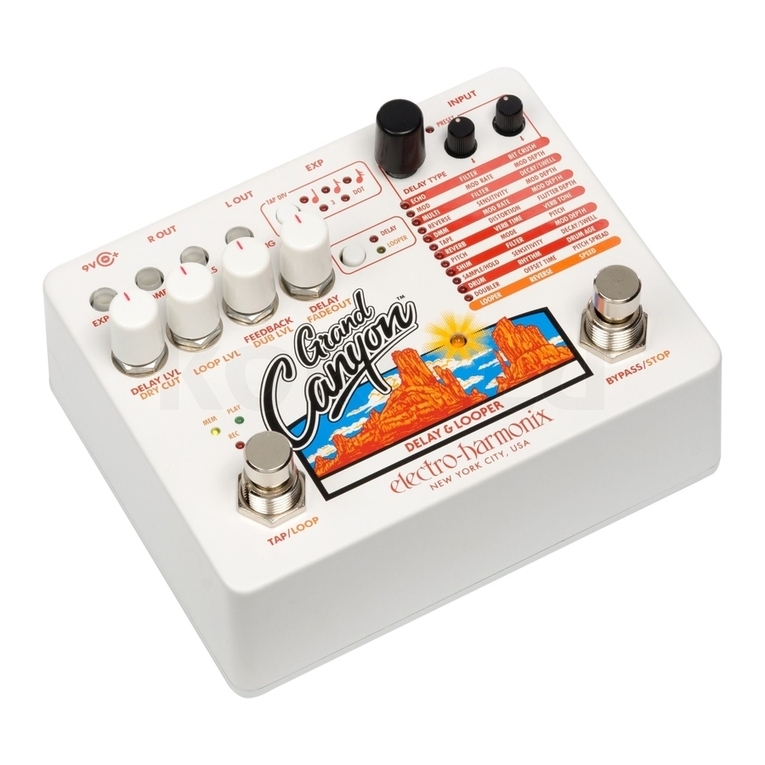
Electro-Harmonix Grand Canyon User manual

Electro-Harmonix

Electro-Harmonix Grand Canyon User manual

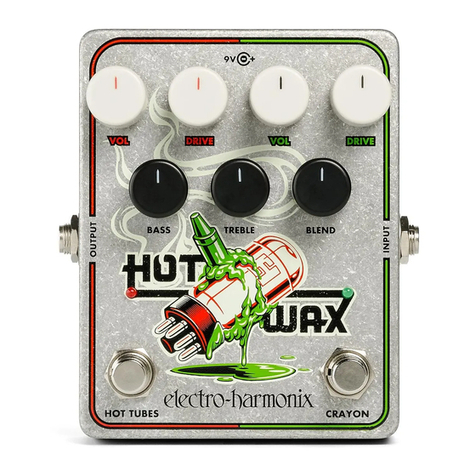
Electro-Harmonix HELL MELTER User manual

Electro-Harmonix

Electro-Harmonix HELL MELTER User manual

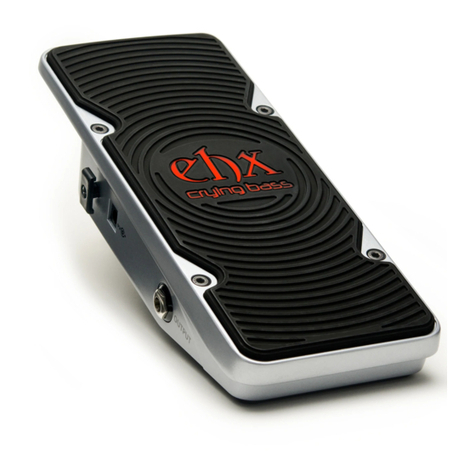
Electro-Harmonix Iron Lung User manual

Electro-Harmonix

Electro-Harmonix Iron Lung User manual

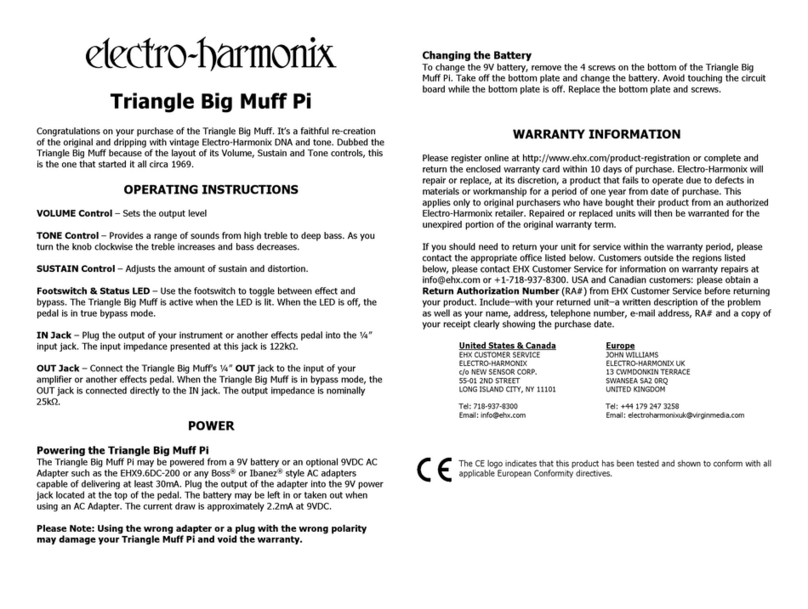
Electro-Harmonix Triangle Big Muff Pi User manual

Electro-Harmonix

Electro-Harmonix Triangle Big Muff Pi User manual

Electro-Harmonix NANO LOOPER 360 User manual

Electro-Harmonix

Electro-Harmonix NANO LOOPER 360 User manual

Electro-Harmonix LESTER G User manual

Electro-Harmonix

Electro-Harmonix LESTER G User manual

Electro-Harmonix XO OCTAVE MULTIPLEXER User manual

Electro-Harmonix

Electro-Harmonix XO OCTAVE MULTIPLEXER User manual

Electro-Harmonix Tube Zipper User manual

Electro-Harmonix

Electro-Harmonix Tube Zipper User manual

Electro-Harmonix Riddle: Q-Balls User manual

Electro-Harmonix

Electro-Harmonix Riddle: Q-Balls User manual

Electro-Harmonix XO HOLY GRAIL PLUS User manual

Electro-Harmonix

Electro-Harmonix XO HOLY GRAIL PLUS User manual

Electro-Harmonix DELUXE MEMORY MAN User manual

Electro-Harmonix

Electro-Harmonix DELUXE MEMORY MAN User manual

Electro-Harmonix 8-STEP PROGRAM FOOT CONTROLLER User manual

Electro-Harmonix

Electro-Harmonix 8-STEP PROGRAM FOOT CONTROLLER User manual

Electro-Harmonix MOD REX User manual

Electro-Harmonix

Electro-Harmonix MOD REX User manual

Electro-Harmonix Deluxe Memory Man User manual

Electro-Harmonix

Electro-Harmonix Deluxe Memory Man User manual

Electro-Harmonix Grand Canyon User manual

Electro-Harmonix

Electro-Harmonix Grand Canyon User manual

Electro-Harmonix MOD 11 User manual

Electro-Harmonix

Electro-Harmonix MOD 11 User manual

Electro-Harmonix STEREO POLYCHORUS XO User manual

Electro-Harmonix

Electro-Harmonix STEREO POLYCHORUS XO User manual

Electro-Harmonix EHX-2020 User manual

Electro-Harmonix

Electro-Harmonix EHX-2020 User manual

Electro-Harmonix XO WHITE FINGER User manual

Electro-Harmonix

Electro-Harmonix XO WHITE FINGER User manual

Electro-Harmonix XO STEREO CLONE THEORY User manual

Electro-Harmonix

Electro-Harmonix XO STEREO CLONE THEORY User manual

Electro-Harmonix XO Bass Metaphors User manual

Electro-Harmonix

Electro-Harmonix XO Bass Metaphors User manual

Electro-Harmonix BLACK FINGER User manual

Electro-Harmonix

Electro-Harmonix BLACK FINGER User manual

Electro-Harmonix MICRO Q-TRON User manual

Electro-Harmonix

Electro-Harmonix MICRO Q-TRON User manual

Electro-Harmonix Octavix User manual

Electro-Harmonix

Electro-Harmonix Octavix User manual

Popular Music Pedal manuals by other brands

Behringer ULTRA WAH UW300 manual

Behringer

Behringer ULTRA WAH UW300 manual

Whirlwind oc-bass quick start guide

Whirlwind

Whirlwind oc-bass quick start guide

Strymon Lex-rotary user manual

Strymon

Strymon Lex-rotary user manual

Behringer PB600 manual

Behringer

Behringer PB600 manual

Lexicon MX200 user guide

Lexicon

Lexicon MX200 user guide

Dunlop Hendrix 68 Shrine Octavio Fuzz Series quick start guide

Dunlop

Dunlop Hendrix 68 Shrine Octavio Fuzz Series quick start guide

Matthews Effects Whaler V2 manual

Matthews Effects

Matthews Effects Whaler V2 manual

Grid 1 Pedal Jeanie user manual

Grid 1

Grid 1 Pedal Jeanie user manual

Amptweaker tightboost user manual

Amptweaker

Amptweaker tightboost user manual

Ibanez TS-808 Tube Screamer Overdrive Pro owner's manual

Ibanez

Ibanez TS-808 Tube Screamer Overdrive Pro owner's manual

Dimavery EPVP-50 manual

Dimavery

Dimavery EPVP-50 manual

Tefi Vintage Lab GEGÈ operating manual

Tefi Vintage Lab

Tefi Vintage Lab GEGÈ operating manual

Pro-MIDI G25 user manual

Pro-MIDI

Pro-MIDI G25 user manual

DW 7000 owner's manual

DW

DW 7000 owner's manual

FAMC Liquid-Foot Jr. Series user manual

FAMC

FAMC Liquid-Foot Jr. Series user manual

Dimavery EPOD-50 Overdrive user manual

Dimavery

Dimavery EPOD-50 Overdrive user manual

TREX ToneBug Totenschläger user manual

TREX

TREX ToneBug Totenschläger user manual

BBE ORANGE SQUASH user manual

BBE

BBE ORANGE SQUASH user manual

manuals.online logo
manuals.online logoBrands
  • About & Mission
  • Contact us
  • Privacy Policy
  • Terms and Conditions

Copyright 2025 Manuals.Online. All Rights Reserved.

FCC COMPLIANCE
Note:
This equipment has been tested and found to comply with the limits
for a Class B digital device, pursuant to part 15 of the CC Rules. These
limits are designed to provide reasonable protection against harmful
interference in a residential installation. This equipment generates, uses and
can radiate radio frequency energy and, if not installed and used in
accordance with the instructions, may cause harmful interference to radio
communications. However, there is no guarantee that interference will not
occur in a particular installation. If this equipment does cause harmful
interference to radio or television reception, which can be determined by
turning the equipment off and on, the user is encouraged to try to correct
the interference by one or more of the following measures:
•
Reorient or relocate the receiving antenna.
•
Increase the separation between the equipment and receiver.
•
Connect the equipment into an outlet on a circuit different from that
to which the receiver is connected.
•
Consult the dealer or an experienced radio/TV technician for help.
Modifications not expressly approved by the manufacturer could void the
user's authority to operate the equipment under CC rules.
POCKET METAL MUFF
- DESCRIPTION -
Congratulations on your purchase of the POCKET METAL MU ! You now
have the instant classic thrashing tone of the Metal Muff in the palm of your
hand.
- CONTROLS -
DISTORTION CONTROL – adjusts the amount of input gain.
VOLUME CONTROL – sets the output level.
SCOOP TOGGLE SWITCH – provides two settings of attenuation in the
middle frequency range. In the up position, the mid attenuation is high. In
the middle position the mid attenuation is low. In the down position there is
no mid frequency attenuation.
FOOTSWITCH – Selects whether the POCKET METAL MU is engaged or
bypassed. The corresponding LED will be lit when the pedal is engaged, and
dark when bypassed.
INPUT Jack – This ¼” jack is the audio input to the POCKET METAL MU .
OUTPUT Jack – This ¼” jack is the audio output from the POCKET METAL
MU . When the POCKET METAL MU is in Bypass mode, the OUTPUT jack
is connected to the INPUT jack through a buffer.
- OPERATION AND WARNINGS -
Power, from the internal 9-volt battery or external battery eliminator, is
activated by plugging into the input. The input cable should be removed
when the unit is not in use to avoid running down the battery. The input
impedance presented at the Input Jack is 1Mohm. The output impedance at
the Output Jack is 600 ohms.
The barrel connector on the front of the POCKET METAL MU is for a 9-volt
battery eliminator capable of delivering 100 mA of current. The inner ring of
the 9-volt battery eliminator must be negative, the outer ring positive.
The unit’s battery may be left in or taken out when the eliminator is in use.
To achieve its biting distortion, the POCKET METAL MU has very high
maximum gain. This requires that both the pickups and cables be well
shielded and properly grounded to avoid excessive hum when high sustain
control settings are used.
To chang th 9-volt batt ry, you must r mov th 4 scr ws on th
bottom of th METAL MUFF. Onc th scr ws ar r mov d, you can
tak off th bottom plat and chang th batt ry. Pl as do not
touch th circuit board whil th bottom plat is off or you may
damag a compon nt.
The optional 9V power supply from Electro-Harmonix is US96DC-200BI
(same as used by Boss ™ & Ibanez™) 9.6 volts/DC 200ma. The barrel
connector on the front of the POCKET METAL MU is for the 9-volt battery
eliminator capable of delivering 100 mA of current. The inner ring of the 9-
volt battery eliminator must be negative, the outer ring positive. The unit’s
battery may be left in or taken out when the eliminator is in use.
- WARRANTY INFORMATION -
Please register online at http://www.ehx.com/product-registration or
complete and return the enclosed warranty card within 10 days of purchase.
Electro-Harmonix will repair or replace, at its discretion, a product that fails
to operate due to defects in materials or workmanship for a period of one
year from date of purchase. This applies only to original purchasers who
have bought their product from an authorized Electro-Harmonix retailer.
Repaired or replaced units will then be warranted for the unexpired portion
of the original warranty term.
If you should need to return your unit for service within the warranty period,
please contact the appropriate office listed below. Customers outside the
regions listed below, please contact EHX Customer Service for information on
warranty repairs at [email protected] or +1-718-937-8300. USA and Canadian
customers: please obtain a R turn Authorization Numb r (RA#) from
EHX Customer Service before returning your product. Include with your
returned unit: a written description of the problem as well as your name,
address, telephone number, e-mail address, and RA#; and a copy of your
receipt clearly showing the purchase date.
Unit d Stat s & Canada
EHX CUSTOMER SERVICE
ELECTRO-HARMONIX
c/o NEW SENSOR CORP.
55-01 2ND STREET
LONG ISLAND CITY, NY 11101
Tel: 718-937-8300
Email: info@ehx.com
Europ
JOHN WILLIAMS
ELECTRO-HARMONIX UK
13 CWMDONKIN TERRACE
SWANSEA SA2 0RQ
UNITED KINGDOM
Tel: +44 179 247 3258
Email: electroharmonixuk@virginmedia.com
This warranty gives a purchaser specific legal rights. A purchaser may have
even greater rights depending upon the laws of the jurisdiction within which
the product was purchased.
To hear demos on all EHX pedals visit us on the web at www. hx.com
Email us at info@ hx.com