- 6 -
Menu setting in default (You may make adjustment according to the individual taste.)
BEFORE USE
First read all instructions before use and retain the manual for later reference. Only plug this appliance into an
earthed socket. Before first use, remove the packing materials. Clean the basket and frying grill. (See
“CLEANING AND MAINTENANCE”) Wipe inside and outside of the appliance with a soft cloth. Make sure that
the electrical parts remain dry. This appliance heats food at all directions and most of the ingredients do not
need any oil.
Operate the appliance before first use for approximately 10 minutes in order to burn off production residues.
Make sure there is good ventilation. The appliance may emit some smoke and a characteristic smell when you
switch it on for the first time. This is normal and will stop soon.
Note: Always use the frying grill with the silicone cases attached. They will help to stabilize the frying grill in
the basket during cooking.
USE
1. Place the appliance on a dry, stable and heat-resistant surface.
2. Since the appliance becomes hot during use, make sure that it is not too close to other objects.
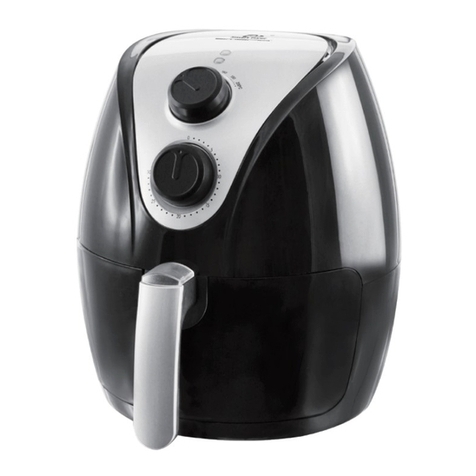
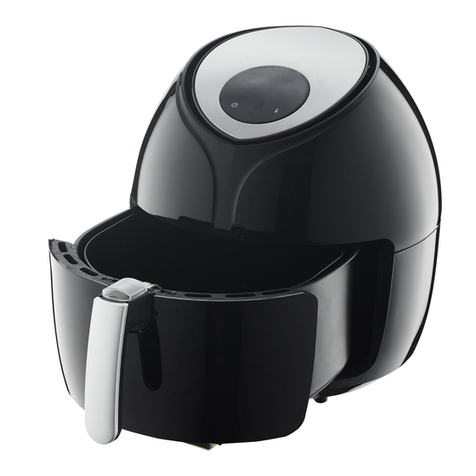
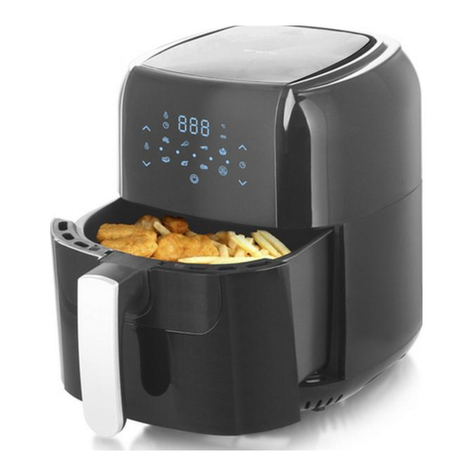
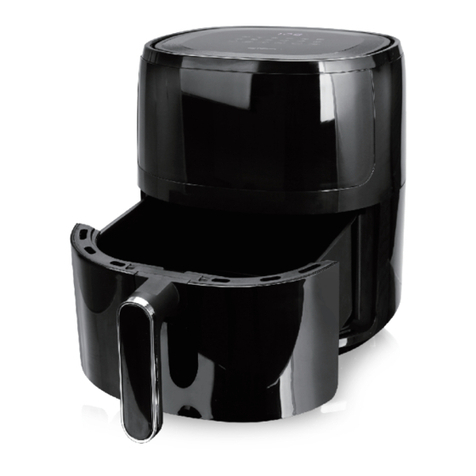
3. Pull out the basket from the appliance by the basket handle. Put the frying grill into the basket.
4. Place the ingredients into the basket. (Do not exceed the MAX level indicated inside the basket.) Slide the
basket into the appliance. Make sure they are placed correctly and closed completely. Otherwise the
appliance will not work. Caution: Do not touch the basket during use or after use in short time as it gets
very hot. Only hold the basket by the handle.
5. Connect the power plug to a suitable outlet. The machine is now standby.
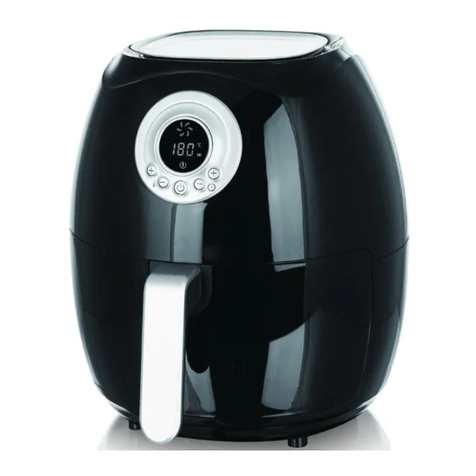
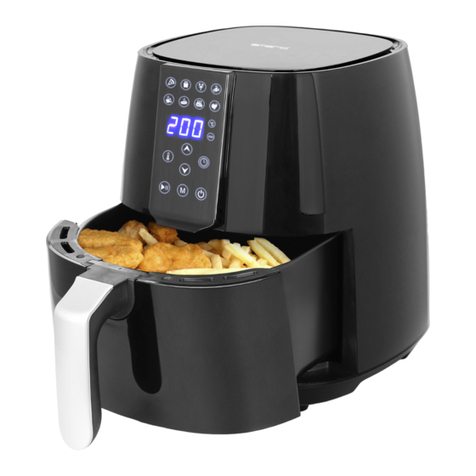
6. Press the temperature and timer control button to first enter temeperature setting; press adjustment
button to set your desired temperature ( 80 ℃- 200 ℃). Press the temperature and timer control button
again to start timer setting; press adjustment button to set the desired time (1 –60 minutes). You can
also long press the adjustment button for rapid adjustment. When the setting value stops flashing, the
setting is accomplished.
7. You can also press the menu selection button to directly choose the cooking functions in the menu. The
selected icon in the menu will flash. If you wish to adjust the time and temperature a little, please make
adjustment as step 6. When the last menu icon is selected, press the menu selection button once more,
the menu setting mode will be exited.
8. Press the on/off button again; the machine starts working. The digital display shows the set temperature
and time. You can press the on/off button again to make a pause, or directly press the temperature and
timer control button to make adjustment. If there is no operation for several minutes in the pause state,
the machine will automatically enter standby without beep sounds.
9. When the whole cooking process is finished, the appliance will stop working automatically and enter
standby after a count-down on the digital display. There are beep sounds for a reminder. You can also
manually put the machine into standby by long pressing the on/off button for 3 seconds.
10. Pull out the basket from the appliance by the basket handle. Check if the ingredients are ready. If not,
simply slide the basket back into the appliance. Set the temperature and the timer to a few extra minutes.
Then press the start/pause button to run the machine again. NOTE: You can also pull out the basket to
check and shake the ingredients during cooking process. When you slide back the basket, the machine will
continue to work with the selected setting.