©ESAB AB 2015
- 9 -
bi25e
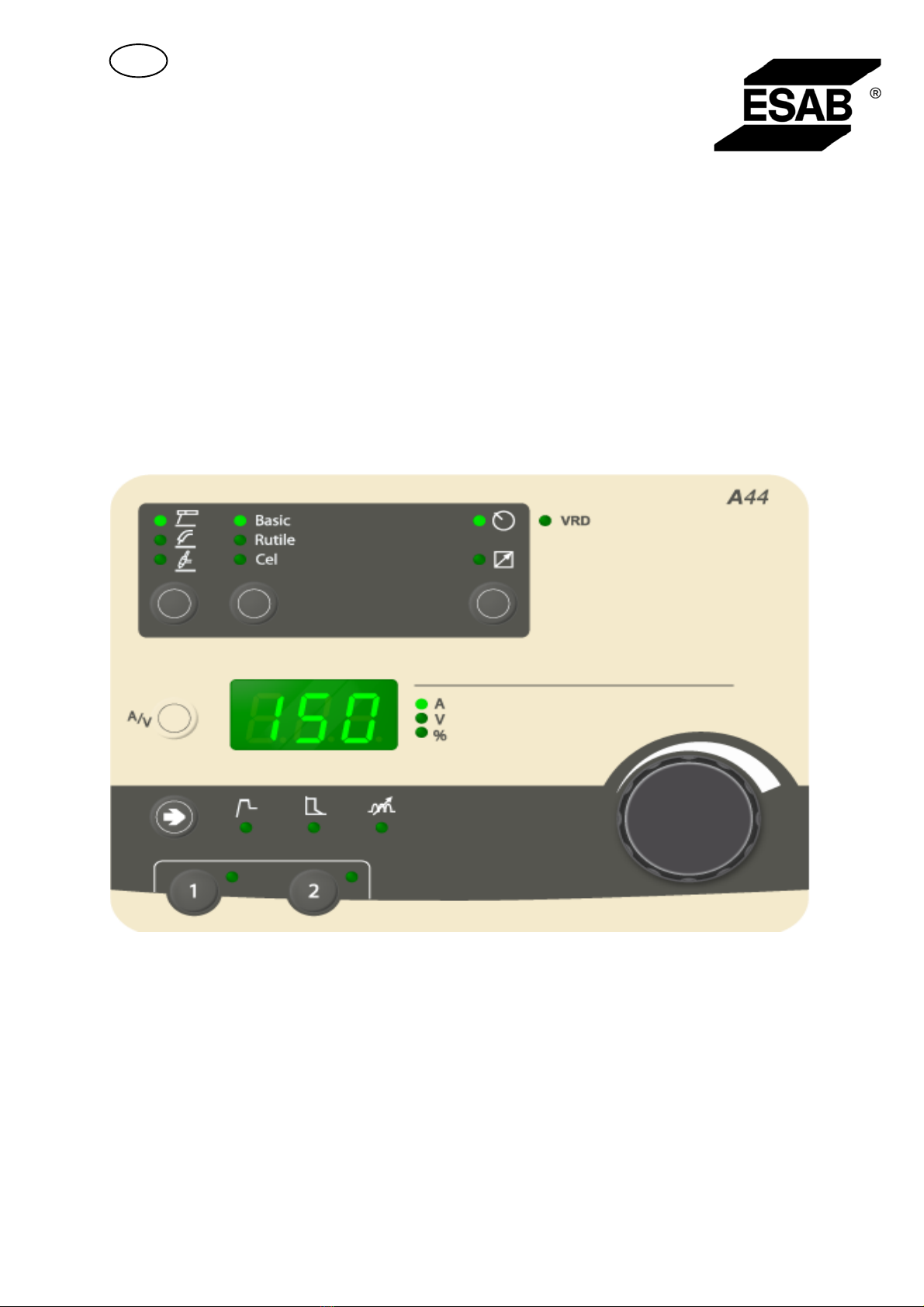
Active panel
Settings are made from the control panel.
Remote control unit
Settings are made from the remote control unit.
The remote control unit must be connected to the remote control unit socket on the
machine before activation. When the remote control unit is activated the panel is
inactive.
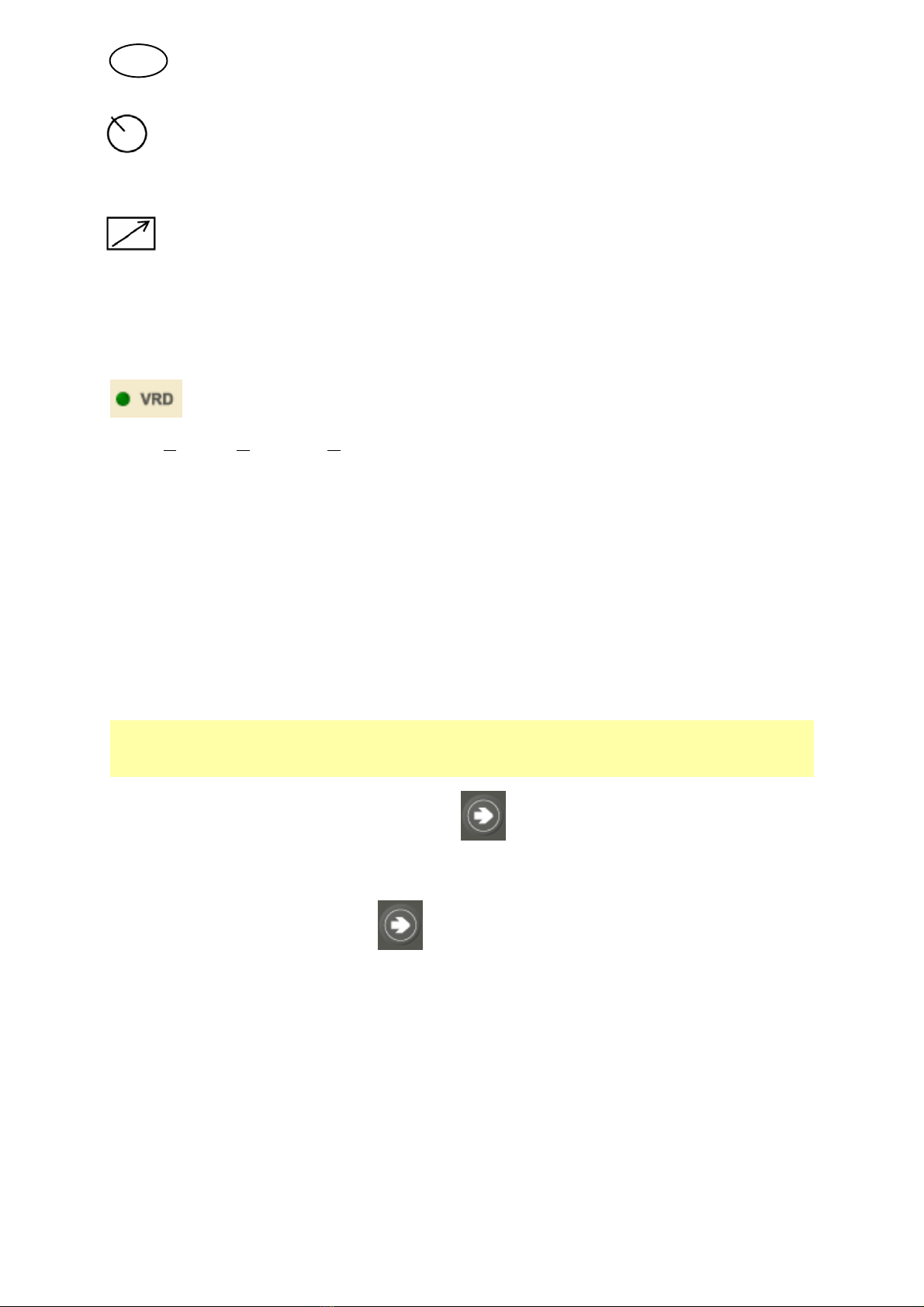
VRD (Voltage Reducing Device)
The VRD function ensures that the open-circuit voltage does not exceed 35 V when
welding is not being carried out. This is indicated by a lit VRD LED.
The VRD function is blocked when the system senses that welding has started.
If the VRD function is activated and the open-circuit voltage exceeds the 35 V limit,
this is indicated by an error message (16) appearing in the display and welding
cannot be started whilst the error message is displayed.
Contact an authorised ESAB service technician to activate the function.
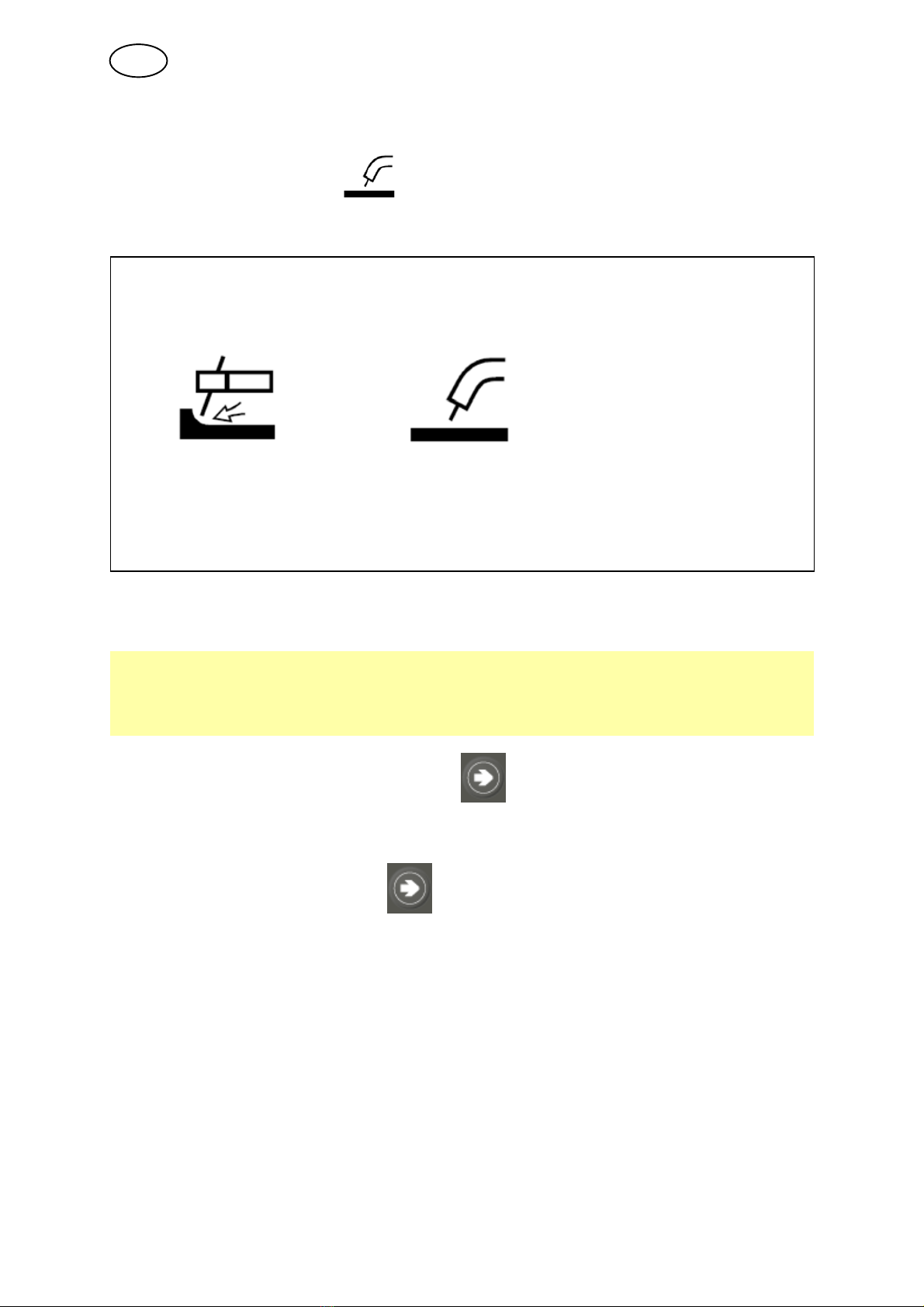
4.3 Hidden function TIG welding
Function Settings
I = Min current 0 - 99%
To access the function in A44, use button . Keep the button depressed for 5
seconds. The display shows a letter and a value. The knob is used to change the
value of the selected function.
To leave hidden function, press for 5 seconds.
Min current
Used to set the minimum current for the remote control.
If the max current is 100 A and the min current is to be 50 A, set the hidden function
min current to 50%.
If the max current is 100 A and the min current is to be 90 A, set the min current to 90%.
This function also applies when setting background current with pulsed TIG.
GB