manuals.online logo
Brands
  1. Home
  2. •
  3. Brands
  4. •
  5. Excalibur
  6. •
  7. Kitchen Utensil
  8. •
  9. Excalibur Electronic Temperature Fork and Spatula... User manual

Excalibur Electronic Temperature Fork and Spatula... User manual

Popular Kitchen Utensil manuals by other brands

DS Produkte Z 04569 instructions

DS Produkte

DS Produkte Z 04569 instructions

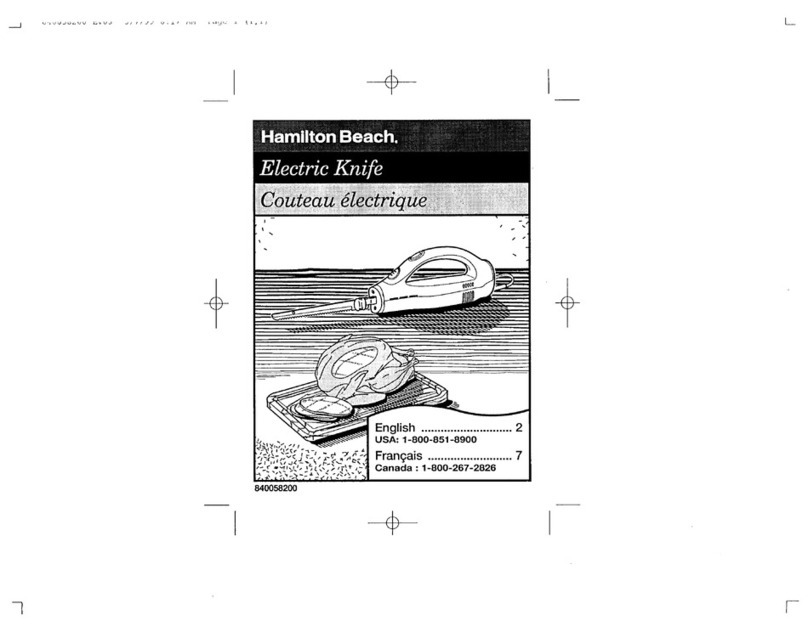
Hamilton Beach 74150 Use & care guide

Hamilton Beach

Hamilton Beach 74150 Use & care guide

Spring CBS Instructions for use

Spring

Spring CBS Instructions for use

Rohe GP 001 Using and cleaning instructions

Rohe

Rohe GP 001 Using and cleaning instructions

Weston 07-0301 manual

Weston

Weston 07-0301 manual

IKEA TROVÄRDIG quick start guide

IKEA

IKEA TROVÄRDIG quick start guide

IKEA UNDERSÖKA manual

IKEA

IKEA UNDERSÖKA manual

TRFL LoafNest Recipe book

TRFL

TRFL LoafNest Recipe book

NEFF T4..3.. instruction manual

NEFF

NEFF T4..3.. instruction manual

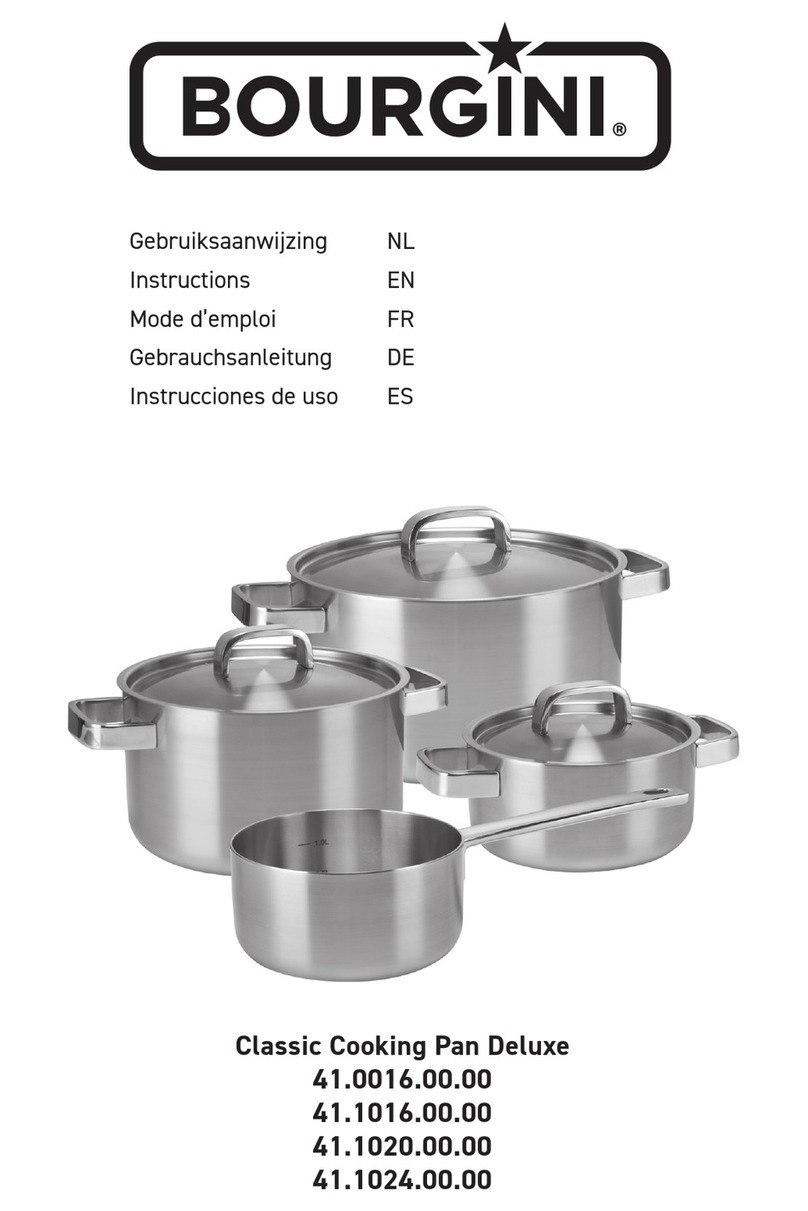
Bourgini 41.0016.00.00 instructions

Bourgini

Bourgini 41.0016.00.00 instructions

Schulte-Ufer De Luxe i Series Using and cleaning instructions

Schulte-Ufer

Schulte-Ufer De Luxe i Series Using and cleaning instructions

Cook's Companion IntelliBag Series quick start guide

Cook's Companion

Cook's Companion IntelliBag Series quick start guide

Melissa 646-035 user guide

Melissa

Melissa 646-035 user guide

NuWave 31760 owner's manual

NuWave

NuWave 31760 owner's manual

Breville EW30XL Instructions for use

Breville

Breville EW30XL Instructions for use

Genius Nicer Dicer Chef S instruction manual

Genius

Genius Nicer Dicer Chef S instruction manual

Miele CS 1223-1 Operating and installation instructions

Miele

Miele CS 1223-1 Operating and installation instructions

KitchenAid KRAV instructions

KitchenAid

KitchenAid KRAV instructions

manuals.online logo
manuals.online logoBrands
  • About & Mission
  • Contact us
  • Privacy Policy
  • Terms and Conditions

Copyright 2025 Manuals.Online. All Rights Reserved.

Model No.: 809-1
Userʼs Guide for
Electronic Temperature
Fork and Spatula
C
ongratulations on your purchase of
the Electronic Temperature Fork
and Spatula from Excalibur Electronics.
This advanced fork and spatula set will
help you cook your meat safely, and
will ensure that your food is cooked
just the way you like it.
Read this manual thoroughly especially
safety and care instruction. Keep this
guide for reference. The package
contains 1 Fork, Spatula and Userʼs
Guide.
BATTERY INSTALLATION
The Electronic Fork and Spatula each
re
quire 2 AAA batteries for operation.
The
battery compartment
is located
battery compartment is located battery compartment
on
t
h
e
unders
ide of the handl
es.
1. Remove the battery compartment
cover.
2.
Insert
2 AAA batteries,
making
sure to match the polarit
y
(+ and -) as shown on the inside
of the battery compartment.
3. Replace battery compartment cover.
OPERATING YOUR FORK AND SPATULA
1. Press the
MEAT/ON/OFF
button to
turn on
(
Press and hold the
MEAT/ON/
OFF
button fo
r 1 second
to turn off t
he unit).
2. Press th
e
MEAT
/ON/O
FF
button
to select
yo
to select yo to select
ur meat type. A red
indicator light will illuminate to
show which meat type you
have
selected.
Continue
pressing the
button
to cycle throu
gh
the
different
types of meat.
3. Press the
TAST
E
button to select
your f
avorite tenderness.
your favorite tenderness. your f
4. Inser
t the temperature probe into the
thickest part of the meat. On the fork
these are the pointed ends (tines) of
the fork itself. On the spatu
la, t
his is
the pointed end
that is at a 90º angle
fro
m the spatula itself
.
A beep will
sound and the LCD will blink
when the meat has reached its
assigned t
enderness.
NOTE:
Use the chart on the following
page to help determine just how cooked
you want your meat.
CELSIUS AND FAHRENHEIT
P
ush the Cº/Fº button that is located
on the back of the unit
just below t
he
battery compartment
t
o s
elect bet
ween
C
els
ius and
F
ahrenheit
SAFETY AND CARE
• Never su
bmerge
in water or other
li
quids
• Clean with soapy water or damp
cloth after use
• Never lea
ve fork or spatula in
meat while cooking
• Always use standard AAA batteries
• Do
use rechargeable batteries
or
mix batteries
90-DAY LIMITED WARRANTY
EXCALIBUR ELECTRONICS, INC.,
warrants to the original consumer that its
products are free from any electrical or
mechanical defects for a period of 90 DAYS
from the date of purchase. If any such defect
is discovered within the warranty period,
EXCALIBUR ELECTRONICS, INC., will
repair or replace the unit free of charge upon
receipt of the unit, shipped postage prepaid
and insured to the factory address below.
The warranty covers normal consumer
use and does not cover damage that occurs
in shipment or failure that results from
alterations, accident, misuse, abuse, neglect,
wear and tear, inadequate maintenance,
commercial use, or unreasonable use of the
unit. This warranty does not cover cost of
repairs made or attempted outside of the
factory.
Any applicable implied warranties,
including warranties of merchantability
and fi tness, are hereby limited to 90 DAYS
from the date of purchase. Consequential
or incidental damages resulting from a
breach of any applicable express or implied
warranties are hereby excluded. Some states
do not allow limitations on the duration of
LIMITED 90-DAY WARRANTY implied
warranties and do not allow exclusion of
incidental or consequential damages, so
the above limitations and exclusions in
these instances may not apply. The only
authorized service center in the United
States is:
Excalibur Electronics, Inc.
13755 SW 119th Ave
Miami, Florida 33186 U.S.A.
Phone: 305.477.8080
Fax: 305.477.9516
www.ExcaliburElectronics.com
Ship the unit carefully packed, preferably
in the original carton, and send it prepaid,
and adequately insured. Include a letter,
detailing the complaint and including
your daytime telephone number, inside
the shipping carton. If your warranty has
expired and you want an estimated fee
for service, write to the above address,
specifying the model and the problem.
NOTE:
Please do not send your unit
without fi rst receiving an estimate
for servicing from EXCALIBUR
ELECTRONICS, INC. Contact us before
sending your unit. We cannot store your
unit!
Excalibur Electronics, Inc. reserves the right
to make technical changes without notice in
the interest of progress.
MEAT TYPE
RARE
MEDIUM
RARE
MEDIUM
WELL
DONE
Beef
140
145
160
171
Lamb
151
160
171
Pork
160
171
Chicken
180
Turkey
180
Note:
Temperatures shown here in Fahrenheit.

Excalibur Electronics, Inc.
13755 SW 119
th
Avenue
Miami, Florida 33186
Phone: 305.477.8080
Fax: 305.477.9516
Play games live at:
www.ExcaliburElectronics.com
809-1 ElecTempForkSpat 022607 v2