manuals.online logo
Brands
  1. Home
  2. •
  3. Brands
  4. •
  5. Extech Instruments
  6. •
  7. Measuring Instrument
  8. •
  9. Extech Instruments DC400 User manual

Extech Instruments DC400 User manual

Other Extech Instruments Measuring Instrument manuals
Extech Instruments SDL100 User manual

Extech Instruments

Extech Instruments SDL100 User manual

Extech Instruments Oyster Series User manual

Extech Instruments

Extech Instruments Oyster Series User manual

Extech Instruments SP505 User manual

Extech Instruments

Extech Instruments SP505 User manual

Extech Instruments 407123 User manual

Extech Instruments

Extech Instruments 407123 User manual

Extech Instruments 380801 User manual

Extech Instruments

Extech Instruments 380801 User manual

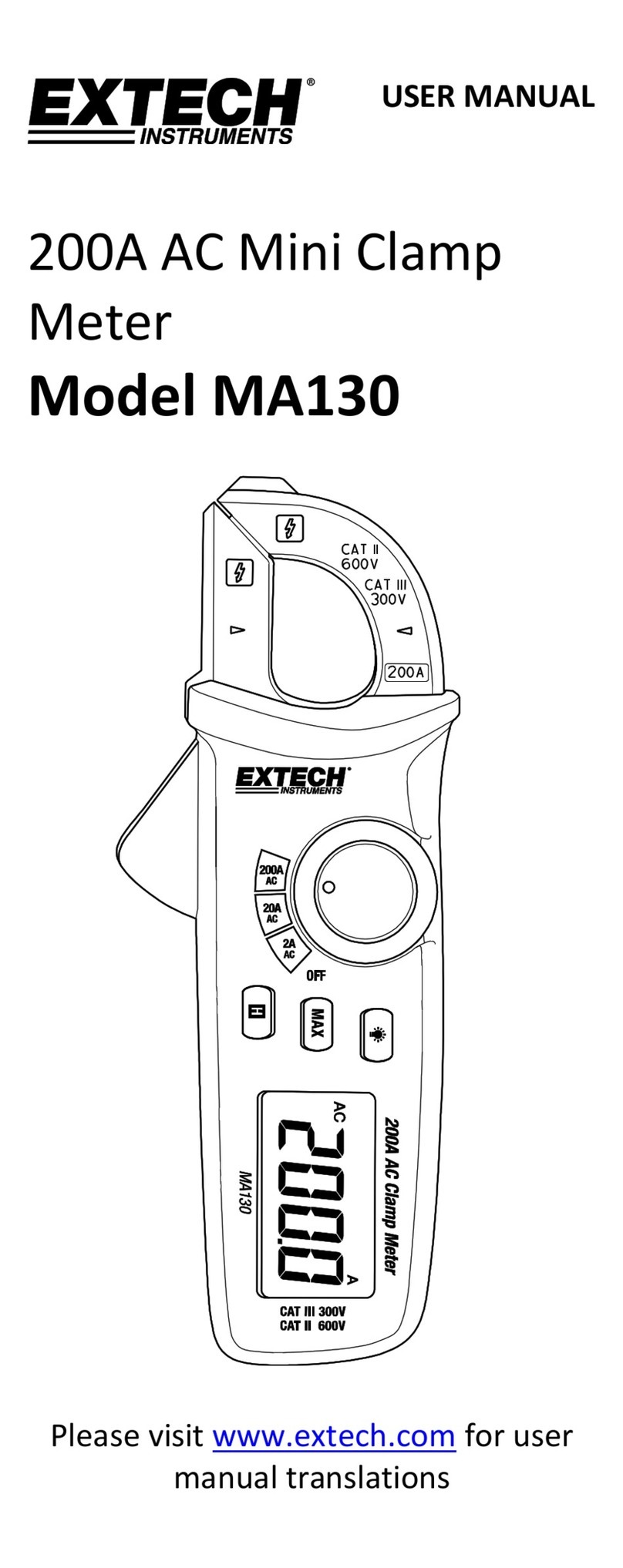
Extech Instruments MA130 User manual

Extech Instruments

Extech Instruments MA130 User manual
Extech Instruments ExStik EC510 User manual

Extech Instruments

Extech Instruments ExStik EC510 User manual

Extech Instruments MA250 User manual

Extech Instruments

Extech Instruments MA250 User manual

Extech Instruments 407119 User manual

Extech Instruments

Extech Instruments 407119 User manual

Extech Instruments EasyView EA33 User manual

Extech Instruments

Extech Instruments EasyView EA33 User manual

Extech Instruments SDL300 User manual

Extech Instruments

Extech Instruments SDL300 User manual

Extech Instruments EX650 User manual

Extech Instruments

Extech Instruments EX650 User manual

Extech Instruments MA61 User manual

Extech Instruments

Extech Instruments MA61 User manual

Extech Instruments CO10 User manual

Extech Instruments

Extech Instruments CO10 User manual

Extech Instruments RPM250W User manual

Extech Instruments

Extech Instruments RPM250W User manual

Extech Instruments DT300 User manual

Extech Instruments

Extech Instruments DT300 User manual

Extech Instruments MA440 User manual

Extech Instruments

Extech Instruments MA440 User manual

Extech Instruments VB450 User manual

Extech Instruments

Extech Instruments VB450 User manual

Extech Instruments RH390 User manual

Extech Instruments

Extech Instruments RH390 User manual

Extech Instruments EasyView EA31 User manual

Extech Instruments

Extech Instruments EasyView EA31 User manual

Extech Instruments UM200 User manual

Extech Instruments

Extech Instruments UM200 User manual

Extech Instruments SL355 User manual

Extech Instruments

Extech Instruments SL355 User manual

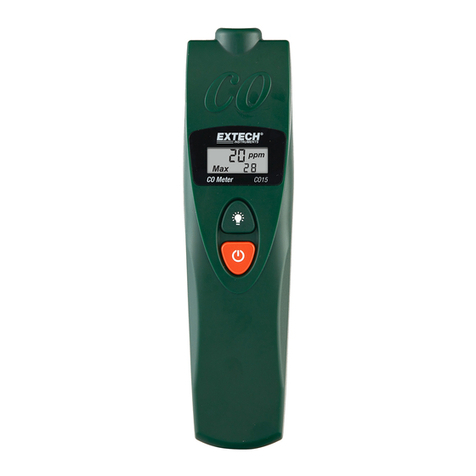
Extech Instruments CO15 User manual

Extech Instruments

Extech Instruments CO15 User manual

Extech Instruments HD300-NISTL User manual

Extech Instruments

Extech Instruments HD300-NISTL User manual

Popular Measuring Instrument manuals by other brands

Powerfix Profi 278296 Operation and safety notes

Powerfix Profi

Powerfix Profi 278296 Operation and safety notes

Test Equipment Depot GVT-427B user manual

Test Equipment Depot

Test Equipment Depot GVT-427B user manual

Fieldpiece ACH Operator's manual

Fieldpiece

Fieldpiece ACH Operator's manual

FLYSURFER VIRON3 user manual

FLYSURFER

FLYSURFER VIRON3 user manual

GMW TG uni 1 operating manual

GMW

GMW TG uni 1 operating manual

Downeaster Wind & Weather Medallion Series instruction manual

Downeaster

Downeaster Wind & Weather Medallion Series instruction manual

Hanna Instruments HI96725C instruction manual

Hanna Instruments

Hanna Instruments HI96725C instruction manual

Nokeval KMR260 quick guide

Nokeval

Nokeval KMR260 quick guide

HOKUYO AUTOMATIC UBG-05LN instruction manual

HOKUYO AUTOMATIC

HOKUYO AUTOMATIC UBG-05LN instruction manual

Fluke 96000 Series Operator's manual

Fluke

Fluke 96000 Series Operator's manual

Test Products International SP565 user manual

Test Products International

Test Products International SP565 user manual

General Sleep Zmachine Insight+ DT-200 Service manual

General Sleep

General Sleep Zmachine Insight+ DT-200 Service manual

Sensa Core Lacto Spark user manual

Sensa Core

Sensa Core Lacto Spark user manual

VOLTCRAFT UTS-1980 operating instructions

VOLTCRAFT

VOLTCRAFT UTS-1980 operating instructions

EBCHQ 94915 Operation manual

EBCHQ

EBCHQ 94915 Operation manual

Balluff BIP LD2-T017-01-EP-S4 Series user guide

Balluff

Balluff BIP LD2-T017-01-EP-S4 Series user guide

Pulsar IMP Lite Series instruction manual

Pulsar

Pulsar IMP Lite Series instruction manual

ETCR 6800 user manual

ETCR

ETCR 6800 user manual

manuals.online logo
manuals.online logoBrands
  • About & Mission
  • Contact us
  • Privacy Policy
  • Terms and Conditions

Copyright 2025 Manuals.Online. All Rights Reserved.

BAT
USERGUIDE
400AMiniDCClampMeter

ModelDC400
contact:
[email protected]
www.ponpe.com
2DC400‐en‐GB_V2.007/15
Introduction
ThankyouforselectingtheExtechInstrumentsModelDC400clampmeterthatmeasuresupto
400ADC.Thisdeviceisshippedfullytestedandcalibratedand,withproperuse,willprovideyears
ofreliableservice.Pleasevisitourwebsite(www.extech.com)toregisterthemeterandtocheck
forthelatestversionofthisUserGuide.
Features
 HighAccuracyandResolution
 Large4000countLCDdisplay
 Onetouch“AutoZero”
 DataHoldandAutoPowerOfffunctions
 30mm(1.2”)Jawdiameter
Safety
InternationalSafetySymbols
Thissymbol,adjacenttoanothersymbolorterminal,indicatestheusermustrefertothemanualfor
furtherinformation.

Thissymbol,adjacenttoaterminal,indicatesthat,undernormaluse,hazardousvoltagesmaybe
present

Doubleinsulation
SafetyNotes
Donotexceedthemaximumallowableinputrange.
SetthefunctionswitchOFFwhenthedeviceisnotinuse.
Removethebatteryifthedeviceistobestoredforlongerthan60days.
Neverdisposeofbatteriesinafire.Batteriesmayexplodeorleak.
Nevermixbatterytypes.Alwaysinstallnewbatteriesofthesametype.
Warnings
Setfunctionswitchtotheappropriatepositionbeforemeasuring.
Donotmeasurecurrentonacircuitwhosevoltageexceeds600V.
Cautions
Improperuseofthismetercancausedamage,shock,injuryordeath.Readandunderstandthisuser
manualbeforeoperatingthemeter.
Inspecttheconditionofthemeterforanydamagebeforeoperatingthemeter.Repairanydamage
beforeuse.
Iftheequipmentisusedinamannernotspecifiedbythemanufacturer,theprotectionprovidedbythe
equipmentmaybeimpaired.
contact:
[email protected]
www.ponpe.com
3DC400‐en‐GB_V2.007/15
Specifications
GeneralSpecifications
Display3‐3/4digit(4000count)LCD
FunctionsAmperesDC
Polarity‘‐‘indicatesnegativepolarity
CurrentsensorHalleffectsensor
Overloadindication“OL”
DCAzeroadjustOnetouchzerobutton
AutoPowerOffAfterapprox.15minutes
Displayrate2updatespersecond(approx)
BatteryOne9VBattery
Operatingtemp.‐10oCto50oC(4oFto122oF)
OperatingHumidity<85%RH
Powerconsumption14mA(typical)
Weight290g(10.3oz.)includingbattery
Dimensions208x43x30mm(8.2x1.7x1.2”)(HxWxD)
Jawopening30mm(1.2”)
SafetyratingIEC1010CategoryII600V
RangeSpecifications
FunctionRangeResolutionAccuracy(%ofreading)Overloadprotect
DCCurrent40.00A10mA
±(3.5%+3digits)400ADC
400.0A100mA
Description
1. Currentsensingjaw
2. Measurementtrigger
3. Functionswitch
4. DataHoldbutton
5. One‐touchDCAzerobutton
6. LCDDisplay
BAT
1
www.ponpe.com
contact:
[email protected]
4DC400‐en‐GB_V2.007/15
Operation
DCCurrentMeasurements
1. SettheFunctionswitchtothe40Aor400ADCrange.
2. Withnoconductorinthejaws,presstheZERObuttontonullthemeterdisplay.
3. PresstheTriggertoopenthecurrentsenseJaw.
4. Fullyencloseoneconductortobemeasured.Donotallowagapbetweenthetwohalvesof
thejaw.
5. ReadtheDCAvalueonthedisplay.

DataHold
TofreezethecurrentreadingontheLCD,presstheHOLDbutton.ToreleasetheDataHold
functionandreturnthemetertonormaloperation,presstheHOLDbuttonagain.


Maintenance
BatteryReplacement
1. WhenthelowbatterysymbolappearsontheLCDthebatterymustbereplaced.
2. Removetheorangerubberizedcover.
3. Removethebatterycompartmentscrew.
4. Liftoffthebatterycompartmentcoverandreplacethe9Vbattery.
5. Replacecompartmentcoverandsecurethescrew.


Neverdisposeofusedbatteriesorrechargeablebatteriesinhouseholdwaste.
Asconsumers,usersarelegallyrequiredtotakeusedbatteriestoappropriatecollectionsites,
theretailstorewherethebatterieswerepurchased,orwhereverbatteriesaresold.
Disposal:Donotdisposeofthisinstrumentinhouseholdwaste.Theuserisobligatedtotakeend‐of‐life
devicestoadesignatedcollectionpointforthedisposalofelectricalandelectronicequipment.

Cleaning
Useonlyadryclothtocleanthemeterhousing;donotusecleaningagents,abrasives,or
solvents.



Copyright©2013‐2015FLIRSystems,Inc.
Allrightsreservedincludingtherightofreproductioninwholeorinpartinanyform
www.extech.com
contact:
[email protected]
www.ponpe.com