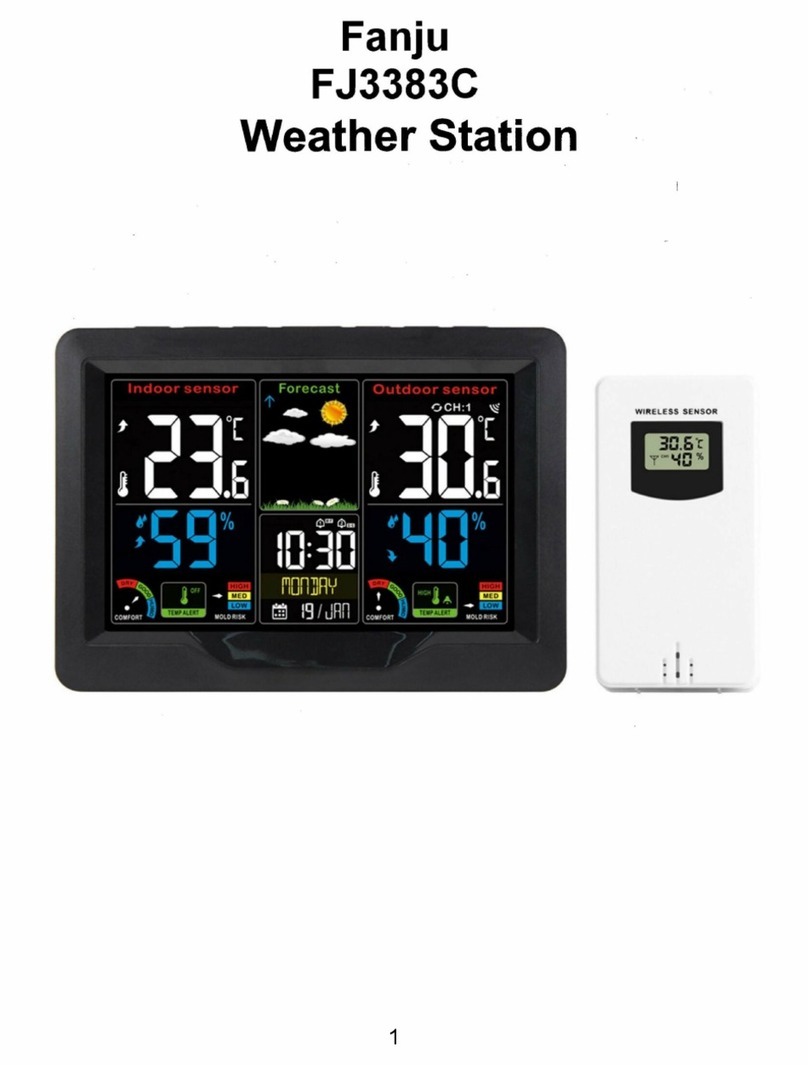
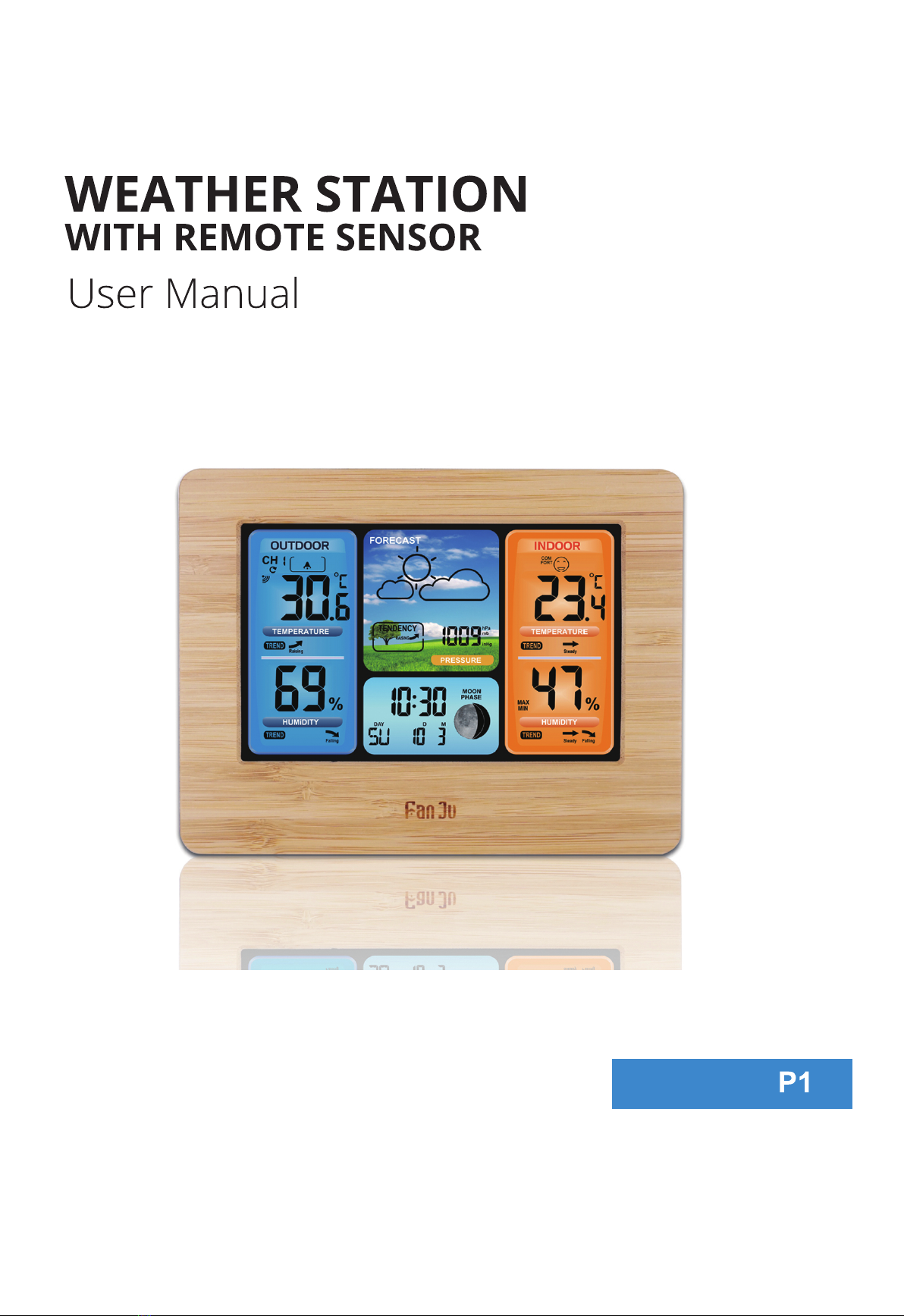
FJ3373 Manual
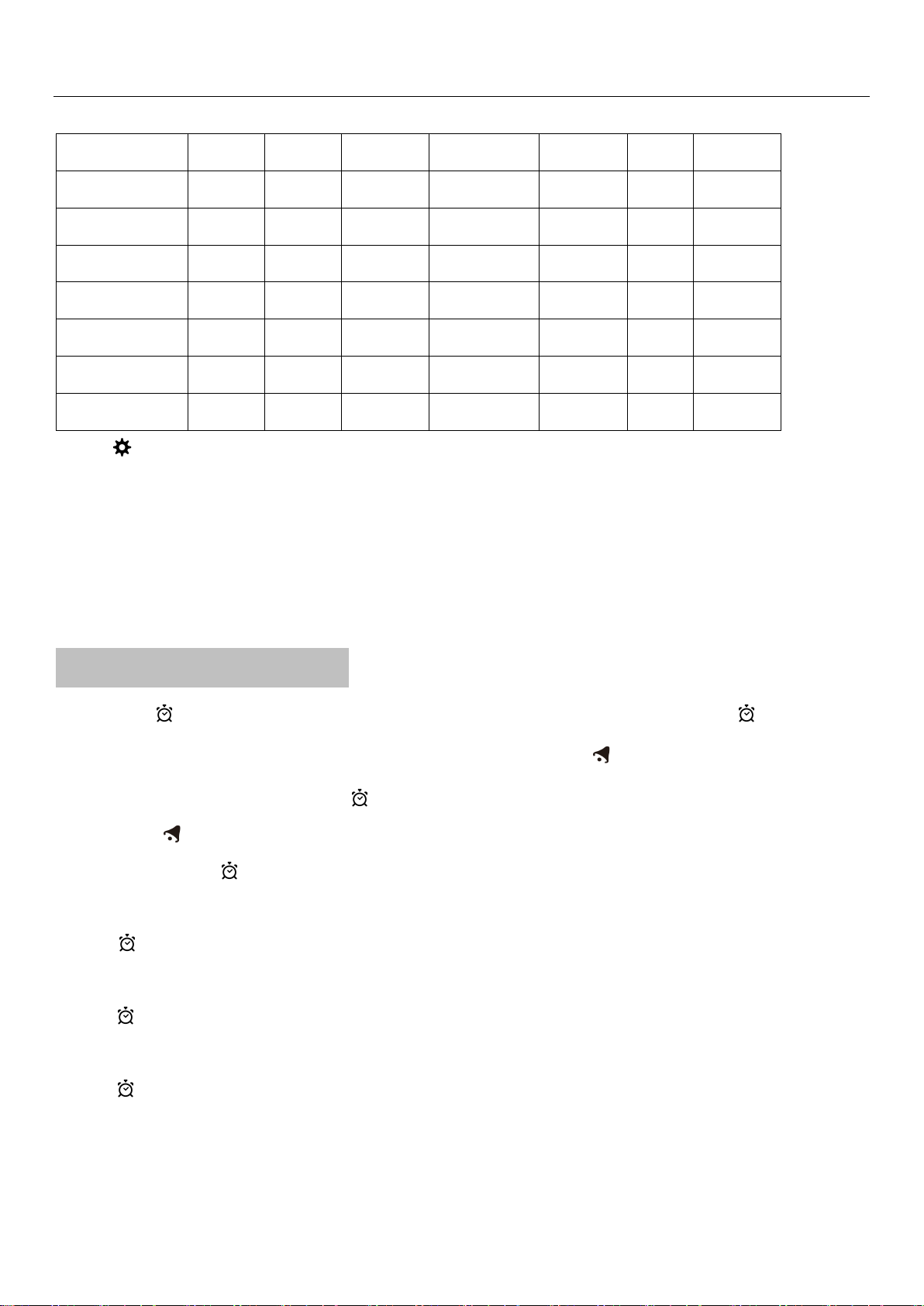
“▲” and “▼” buttons to select a language.
Language Sunday Monday
Tuesday Wednesday Thursday
Friday
Saturday
German, GE SO MO DI MI DO FR SA
English, EN SU MO TU WE TH FR SA
French, FR DI LU MA ME JE VE SA
Italian, IT DO LU MA ME GI VE SA
Spanish, SP DO LU MA MI JU VI SA
Dutch, DU ZO MA DI WO DO VR ZA
Danish, DA SO MA TI ON TO FR LO
Press“ ” to confirm your setting and to end the setting procedures, enter the clock mode
F.Y.I.:
After 20 seconds without pressing any button, the clock switches automatically from Set Mode to Normal Time Mode.
There are 7 languages of Weekday: English, German, Italian, French, Spanish, Dutch and Danish.
Setting the Daily Alarms:
Press once “ ” button, the display conversion to alarm activation mode, In this mode, press the “ ” button again to
activate the alarm function, which is displayed as "ON", while the alarm icon " " is displayed。Also, in this mode the
alarm has been activated, and then press “” button, you can turn off the alarm function, the display show "OFF" and
the alarm icon " " does not show
Press and hold down “ ”button for 2 seconds until Alarm Time hour display of the Alarm time starts to flash. Use the
“▲” and “▼” buttons to set the required hour.
Press “” button to confirm your setting, The Minute display of the Alarm time starts to flash. Use the “▲” and “▼”
buttons to set the required minute.
Press “ ” button to confirm your setting, the snooze time of the Alarm starts to flash. Use the “▲” and “▼” buttons to
set the minute of snooze you need, it also can be turn OFF.
Press “ ” button to confirm your setting and to end the setting procedure
F.Y.I.:
After 20 seconds without pressing any button the clock switches automatically from setting mode to Normal clock
mode.
The alarm will sound for 2 minutes if you do not deactivate it by pressing any button. In this case the alarm will be