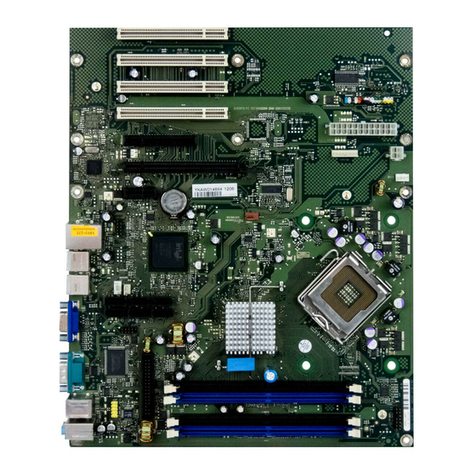
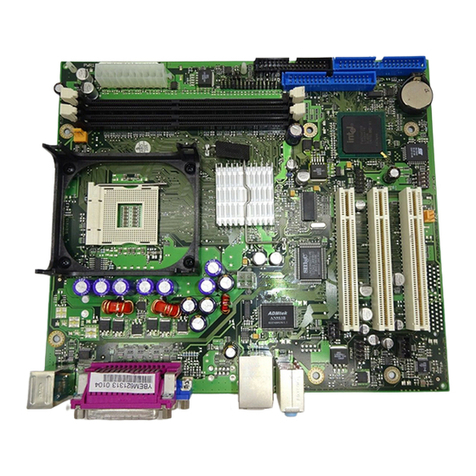
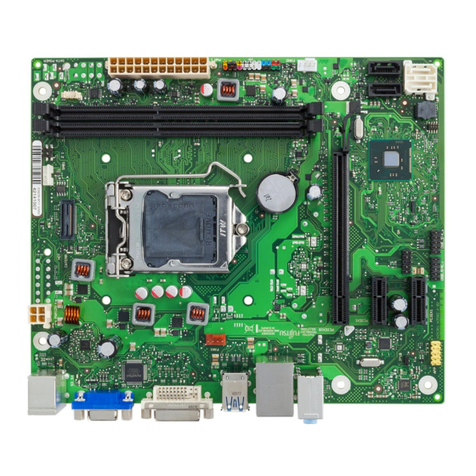
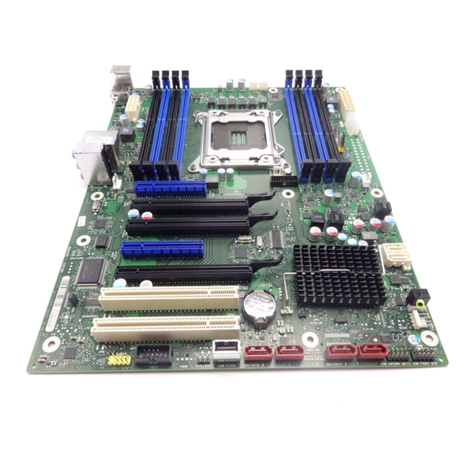
Internal connectors and slots
1maximum supported transfer rate per port / interface
2monitored and controlled
3ifsupportedbyusedpsu
Special Features
Silent Fan OS Independent, temperature related full featured silent fan control
System Guard View and adjust Silent Fan (only OEM version) / Silent Fan LT
Silent Drives Noise reduction for optical and hard disk drives
Recovery BIOS Restores a corrupted BIOS
Desk Update Simple driver update with DU DVD
Multi Boot Comfortable boot from any boot device
HDD Passwort Access protection for disk drives
Silent Fan LT OS Independent, temperature related silent fan control
Keyboard Power
Button Fujitsu Technology Solutions Keyboard Power Button Support
Low Power Soft Off Reduced Energy consumption in shut down
USB Power Off Enable/Disable USB Power via BIOS in shut down mode
Support for FTS PCIe
VGA card
Optional D3653 VGA card must be equipped on PCIe x4 (mechanical
x8) Slot
Low Power Active
Mode
Special sleep mode, which replaces the conventional Windows sleep
mode in order to significantly reduce the idle power consumption.
Low Power Active Mode is managed with the Workplace Power and
Communication Settings utility, which can be found in the Control Panel in
the System and Security category.
Risk of Explosion if battery is replaced by an incorrect type.
Dispose of used batteries according to the instructions.
Il y a risque d’explosion si la batterie est remplacée par une batterie de type incorrect.
Mettre au rebut les batteries usagées conformément aux instructions.
Explosionsgefahr, wenn die Batterie mit einem inkorrekten Batterietyp ersetzt wird.
Alte Batterien gemäß Gebrauchsanweisung entsorgen.
Fujitsu