Troubleshooting
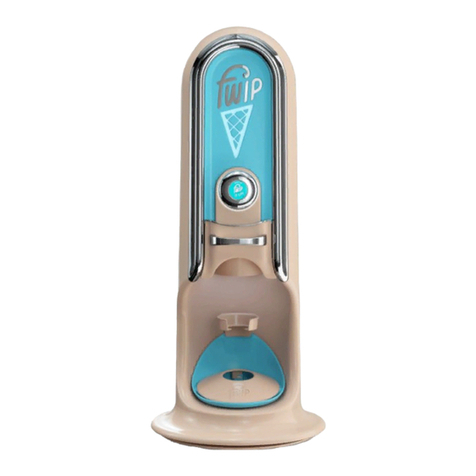
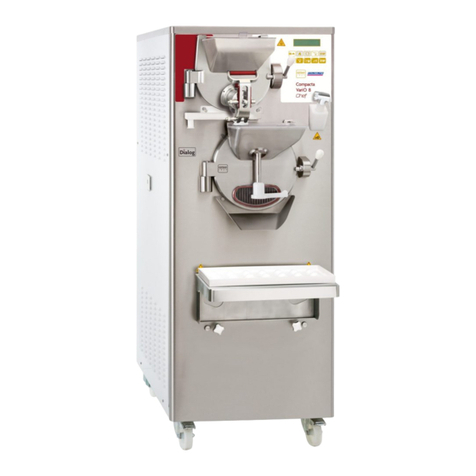
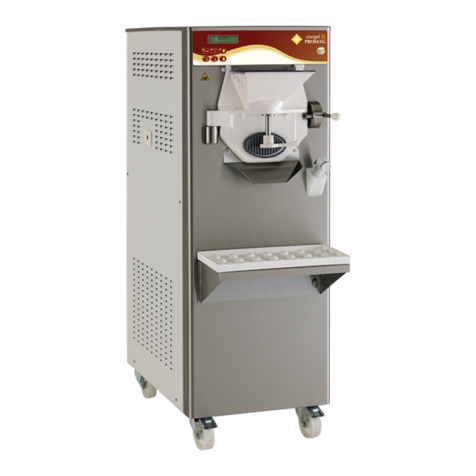
The drawer (4) is stuck?
1 - To open the front of the
drawer (4), slide the tab in the
centre underside of the front
of the drawer (4) and lift the
handle upwards.
2 - Look inside the machine,
and move the capsule so you
can remove the drawer (4)
and the capsule.
3 - Open the drawer (4) and
remove capsule. Close the
drawer.
Unknown Capsule
Note: Using non-fwip capsules in our machine will not work,
please remove the capsule and use an original fwip capsule.
If it is an original fwip capsule and this message is displayed you
may need to:
1 - Wipe the capsule of any frost/condensation.
2 - Swivel the capsule around.
If the message persists, contact fwip support on 0207 247 077.
Mamma Mia
This message will appear when the machine has had to pause
in its cycle because the machine has encountered an unusual
amount of resistance. It could be due to:
A foreign object caught in the machine:
1 - Check and remove the object
2 - Make sure the capsule is not deformed or excessively frozen
- if so, use another.
3 - Restart the machine
If the message persists, contact fwip support on 0207 247 0777.
I’m Too Cold
1 - Check the freezer is at -14°C (if you have a Tefcold freezer,
please set it to 4 on the settings ‘dial’)
2 - Is the capsule at -14°C? Did you just receive a delivery? Or
move the stock from another freezer? It will take up to 8hours
for product to adjust to temperature.
If the message persists, contact fwip support on 0207 247 0777.
Drawer Won’t Open / Plunger Stuck Down
If the plunger stays down after dispensing:
1 - Press the OLED button on the front of the machine again and
wait for it to go back up.
If this does not help, contact fwip support on 0207 247 0777.
11