Adjustment #1: Earcup Centering
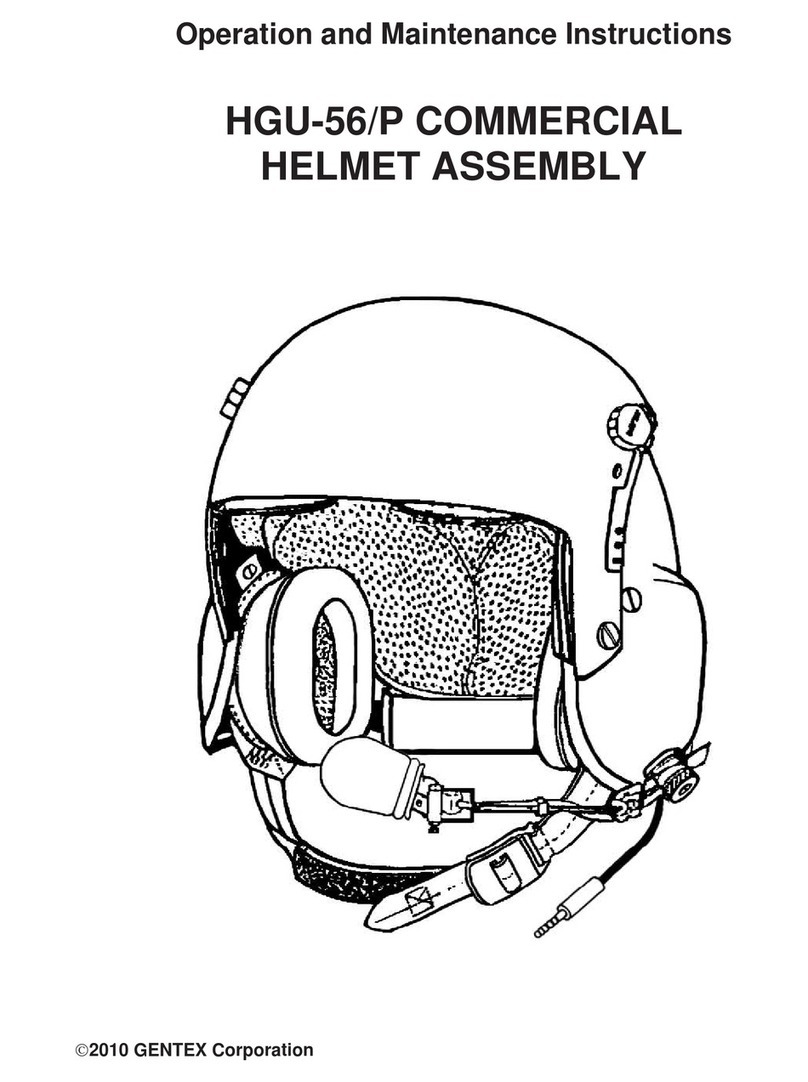
1. If the ears are not centered within the earcups, rotate the earcups within the
retention assembly. Don the helmet, tighten the chinstrap, and recheck the
earcup centering.
2. If the ears are not centered within the earcups after the earcups have been
rotated, unfasten the chinstrap, doff the helmet, and remove the TPL as in
Replacement Procedure 1, Step 1 (Page 13). Have the crewmember don
the helmet and hold it so that the edge of the helmet is approximately 3/4"
above the eyebrows. With the helmet in this position, check the location of
the earcups. If the earcups now completely surround the ears, this indicates
a need for TPL custom-fitting. Have the crewmember doff the helmet.
Perform the TPL Custom Fitting Procedure. This should result in a proper
fit of the helmet and the earcups.
3. If the ears are not centered in the earcups after the TPL has been removed,
or you must raise or lower the helmet to achieve proper centering, you will
have to adjust the retention straps upward or downward. To obtain access
to these straps, you must remove the energy-absorbing liner and at least one
earcup. Follow these steps:
a. Remove either earcup from the retention assembly as in Replacement
Procedure 3, Steps 2 and 3 (Page 16).
b. Remove the energy-absorbing liner as in Replacement Procedure 1,
Steps 3 and 4 (Page 14).
c. Adjust the retention strap
holes upward or downward as
necessary. The front and
center straps allow for upward
or downward adjustment; the
rear straps allow for forward
or rearward adjustment. (See
Figure 9.) Remove the
attachment hardware. Apply
one or two drops of white
Weldwood glue #281 or
equivalent to the first two
threads of each screw and
reinstall the hardware in the
selected holes as needed.
d. Reinstall the energy-
absorbing liner as in
Replacement Procedure 1,
Step 5 (Page 14).
e. Reinstall the earcups as in Replacement Procedure 3, Steps 10 -11
(Page 17).
8
Figure 9. Retention Straps
FRONT STRAPS
CENTER
STRAPS
REAR STRAPS