318513www.globalindustrial.com.5
4. Calibration
Note:
(1) Before calibrating the scale, you should prepare standard weights (more than 10% of
FS weight) for calibration.
(2) In the following steps, pressing ZERO/ON/OFF will exit calibration.
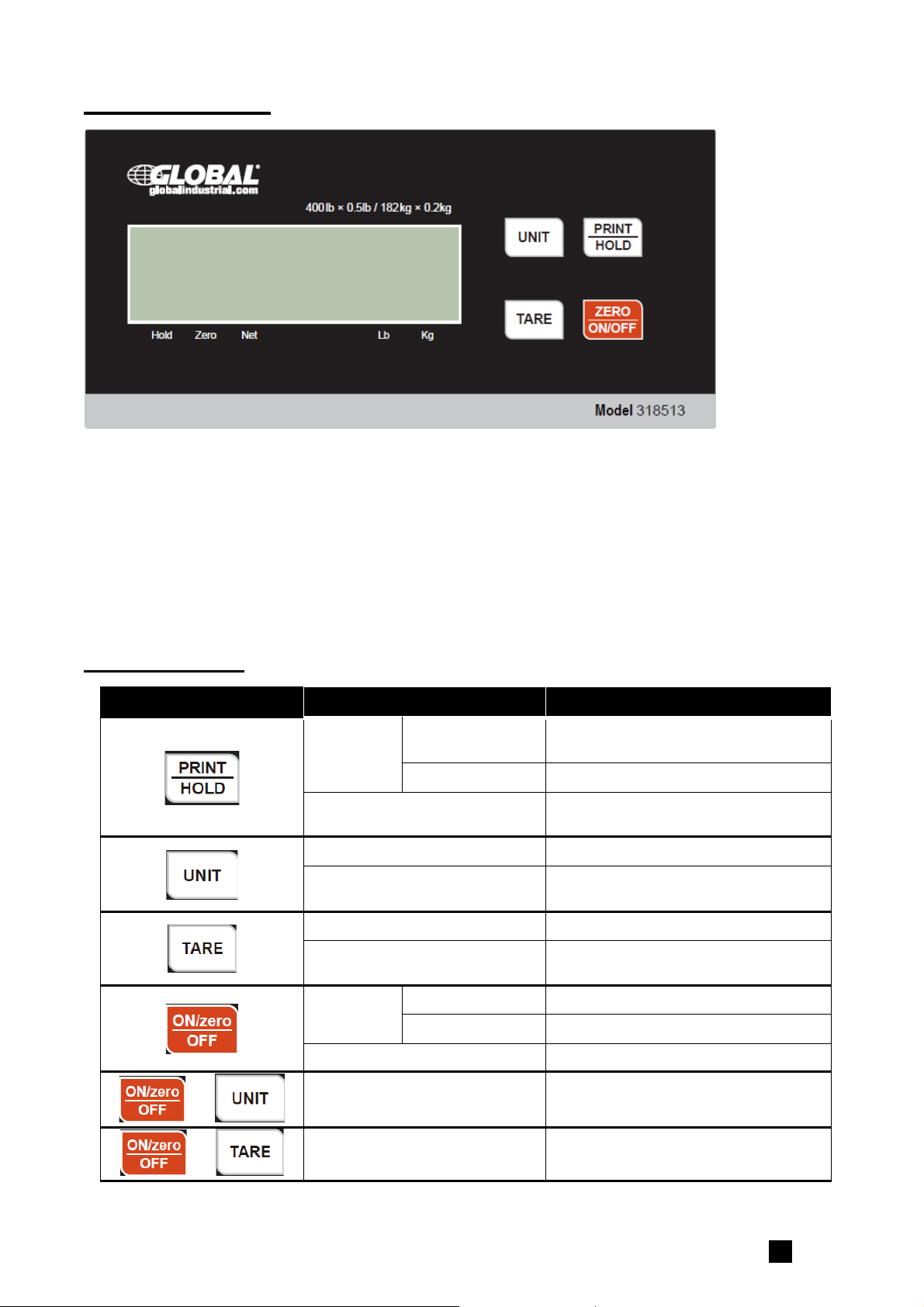
1. Move all weight from the scale. Under normal weighing mode, press and hold TARE and
ZERO/ON/OFF keys for more than 4s to enter calibration mode.
2. The indicator will show “CAL.P0”, the scale will begin to calibrate the zero-point of the
scale. Remove all weight from the scale. Press the TARE key to confirm, or press the
ZERO/ON/OFF to exit this mode. After receiving the reasonable zero-point data, the next
step will automatically occur.
3. When “CAL.P1” is displayed, the scale will be calibrated on second calibration point.
xxxxxx kg (or lb) will be displayed. The default standard weight is 50%FS. Load
5%-100%FS weight on the scale, and use the HOLD or UNIT keys to input the loaded
weight. Press the TARE key to confirm the input, and then the indicator will flash the
input standard weight. After the scale becomes stable it will automatically be directed to
next step. If the second point cannot be calibrated correctly, it will display “CAL.Er” and
return back to step2 for re-calibration.
4. When “CAL.P2”is displayed, the scale will be calibrated on third calibration point. xxxxxx
kg (or lb) will be displayed. The default standard weight is 100% FS. Load 10%-100%FS
(this must be equal or larger than the weight from the second calibration point) weight
on the scale. Use the HOLD or UNIT keys to input the standard weight’s value. Press
the TARE key to confirm. The indicator will flash the input weight. If the indicator receives
reasonable data, it will go to next step automatically. If an error occurred, the scale will
display “CAL.Er” and return back to step2 for re-calibration.
5. When “CAL.P0” is shown again, the scale will calibrate the zero-point again. Remove any
weight from the scale, press the TARE key to confirm; the displayed data will flash. If the
indicator receives reasonable data, it will calculate and store all parameters into
EEPROM. Then it will auto-reset, and be directed to weighing mode. If an error occurred
in calibration, the scale will display “CAL.Er” and then it necessary to repeat the
procedure from step2.