manuals.online logo
Brands
  1. Home
  2. •
  3. Brands
  4. •
  5. Godox
  6. •
  7. Camera Accessories
  8. •
  9. Godox LEDP120C User manual

Godox LEDP120C User manual

Other manuals for LEDP120C

1

Other Godox Camera Accessories manuals
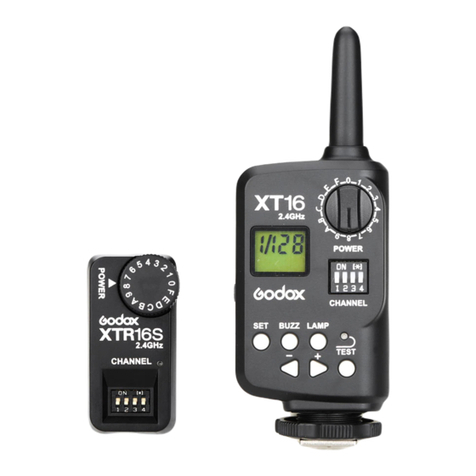
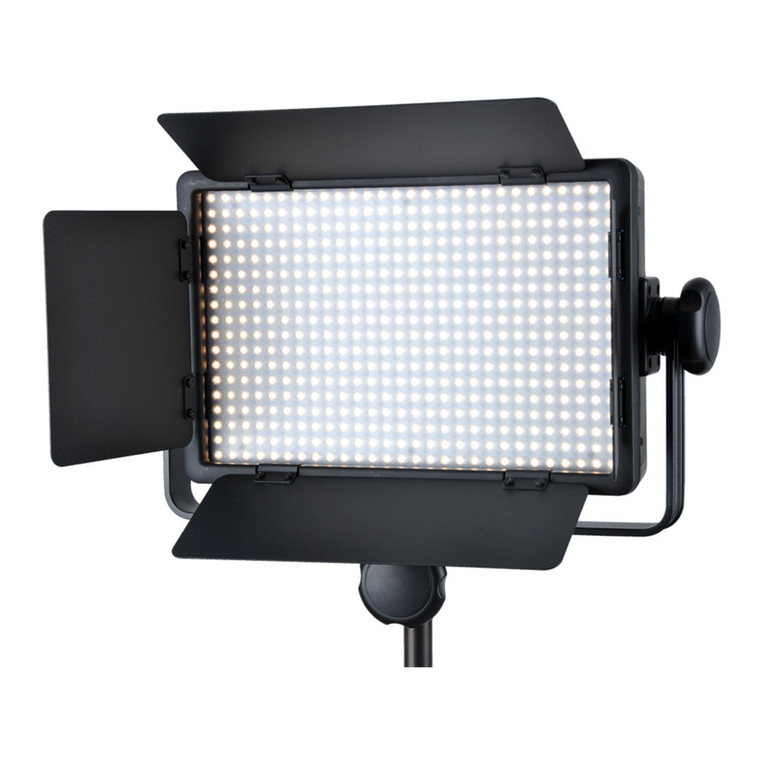
Godox RING 48 User manual

Godox

Godox RING 48 User manual

Godox SLB60W User manual

Godox

Godox SLB60W User manual

Godox LED 36 User manual

Godox

Godox LED 36 User manual

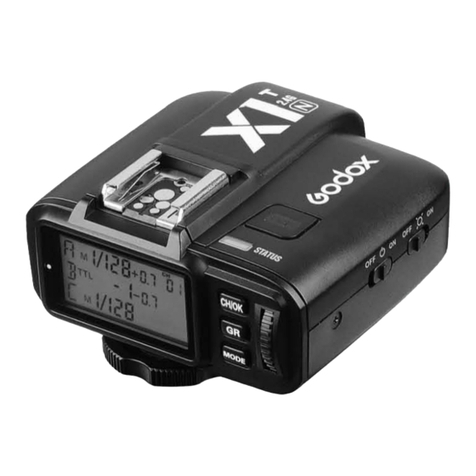
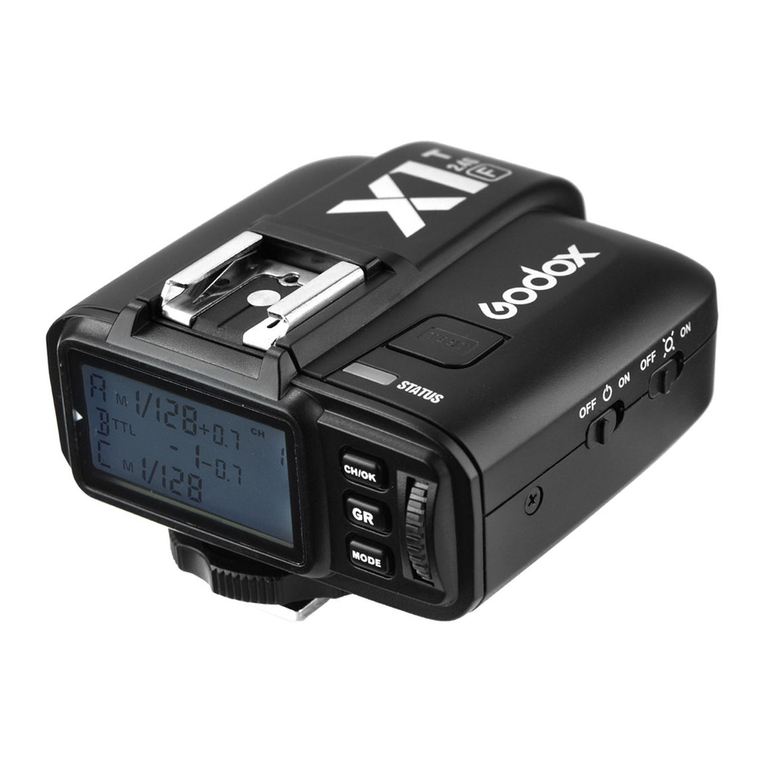
Godox X1 User manual

Godox

Godox X1 User manual

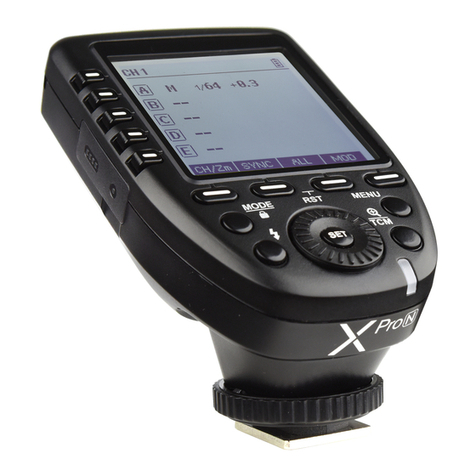
Godox XProO User manual

Godox

Godox XProO User manual

Godox V860IIIN User manual

Godox

Godox V860IIIN User manual
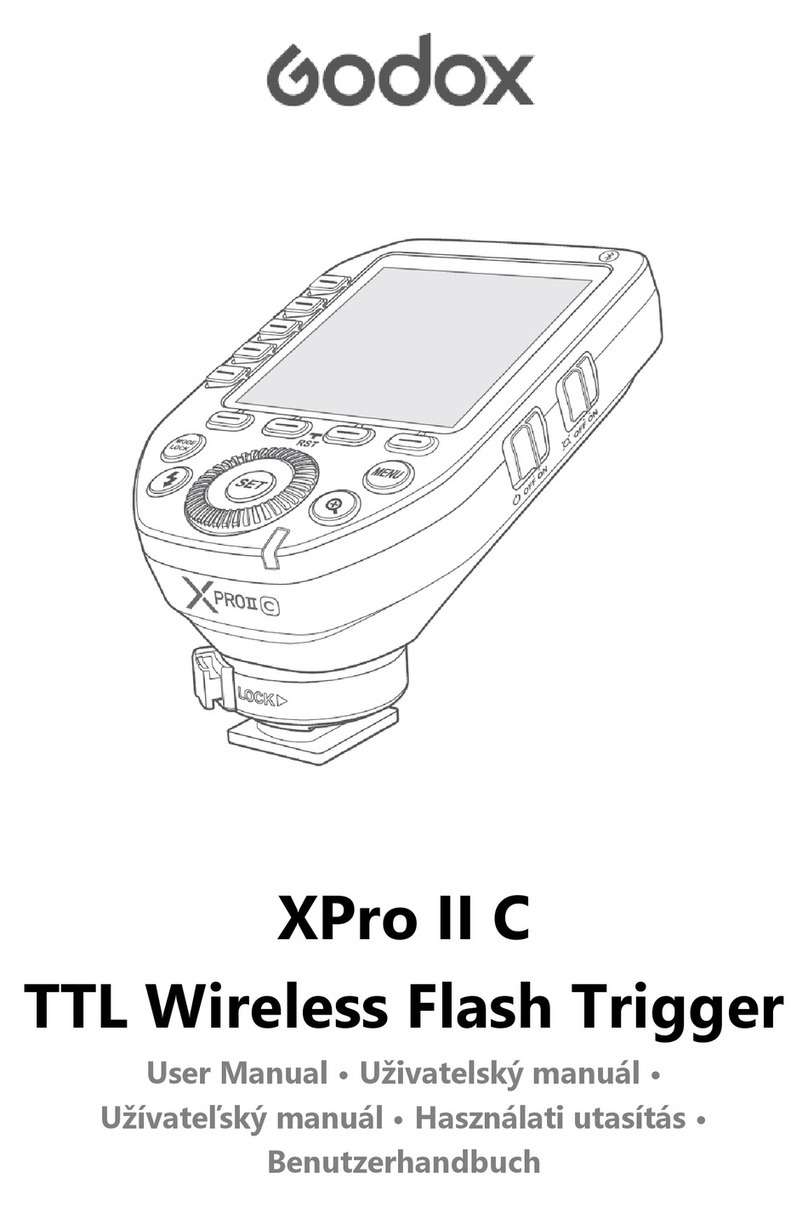
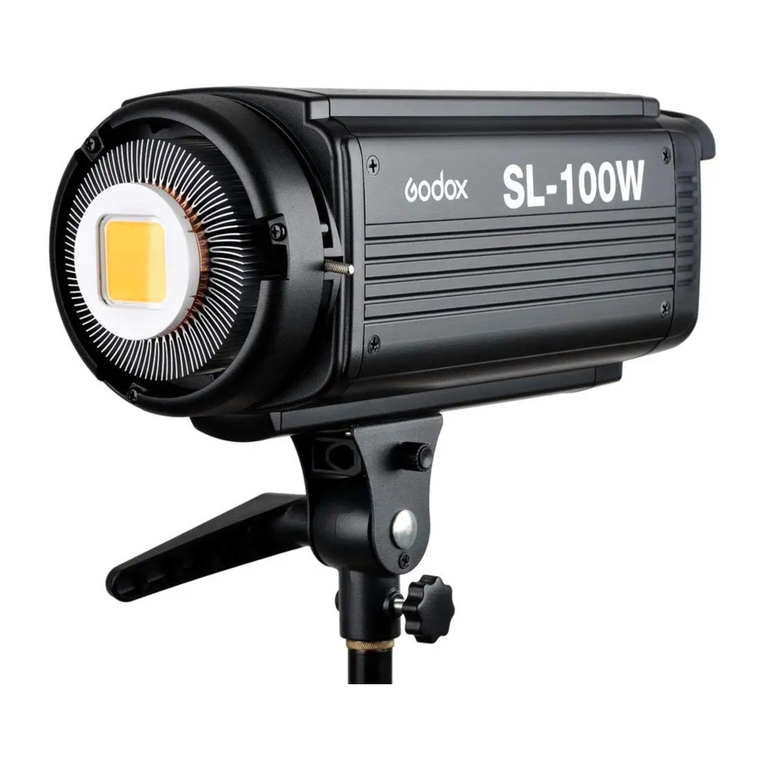
Godox SL-100W User manual

Godox

Godox SL-100W User manual

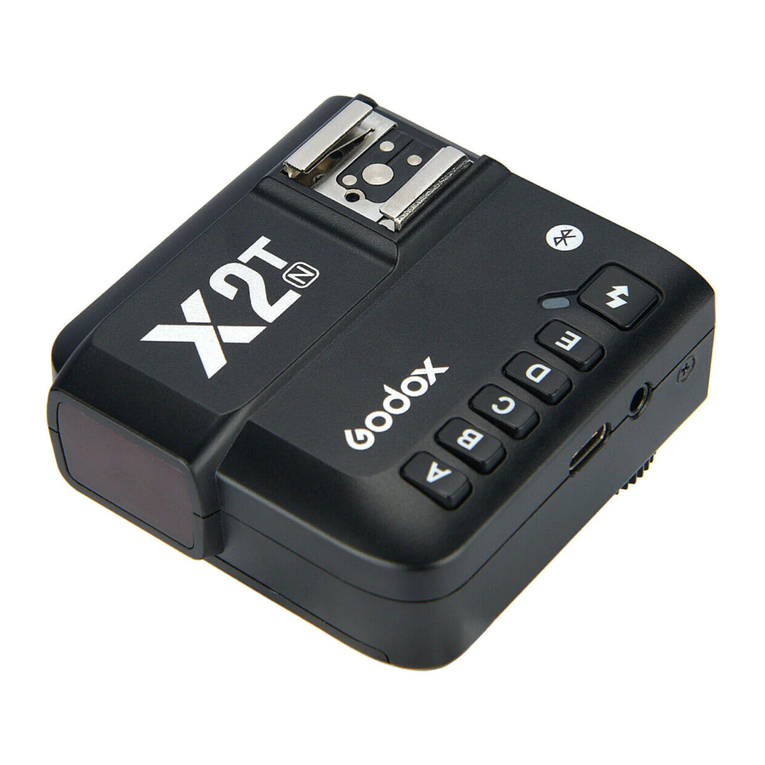
Godox X2T-O User manual

Godox

Godox X2T-O User manual

Godox DE200 User manual

Godox

Godox DE200 User manual

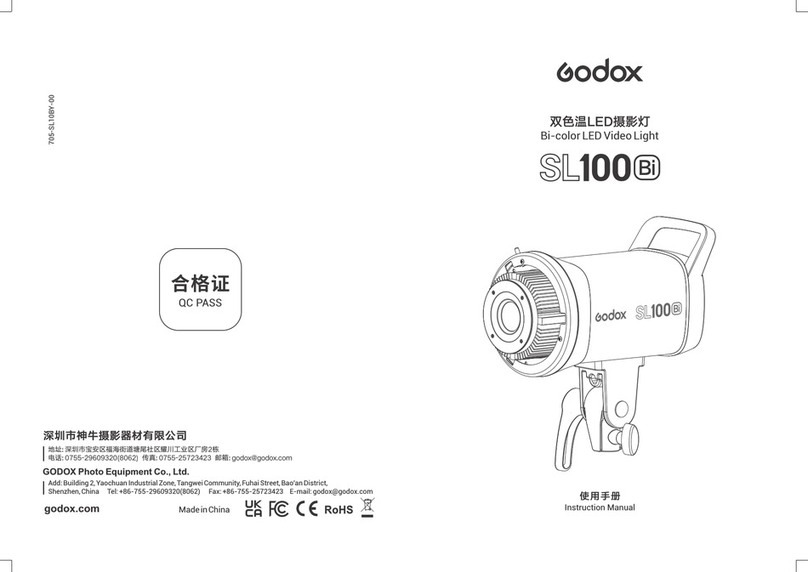
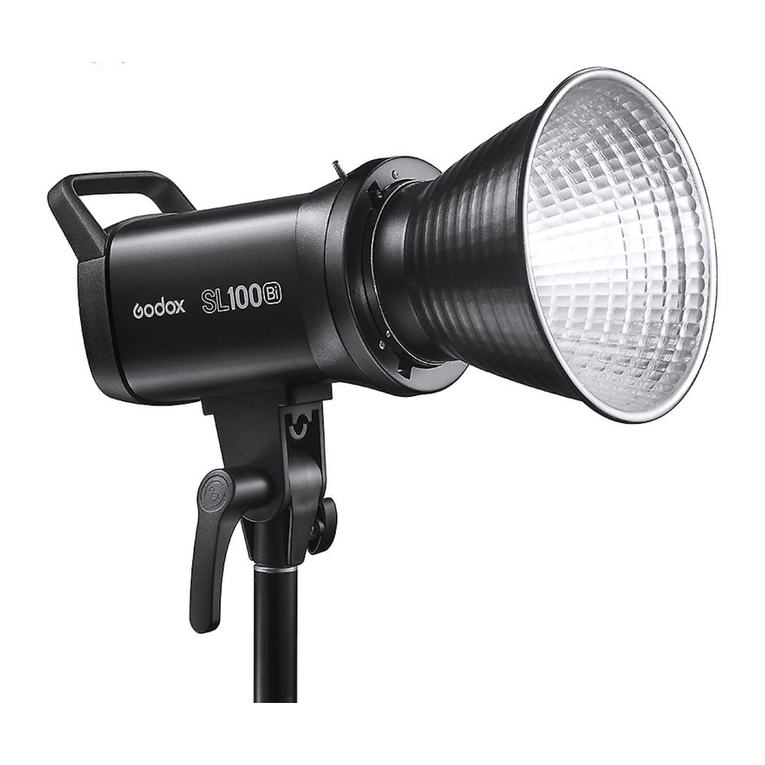
Godox SL100Bi User manual

Godox

Godox SL100Bi User manual

Godox FL150S User manual

Godox

Godox FL150S User manual

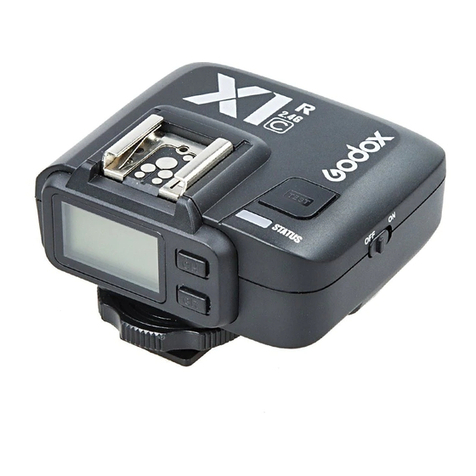
Godox X1C User manual

Godox

Godox X1C User manual
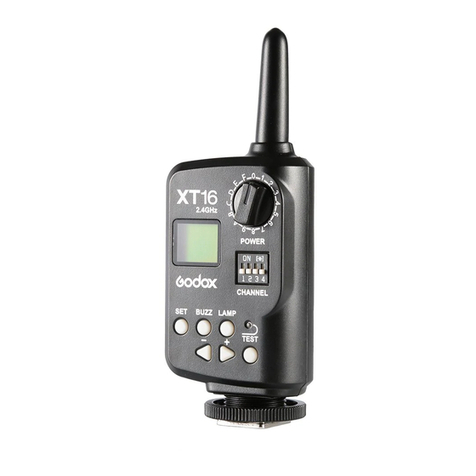
Godox X2TC User manual

Godox

Godox X2TC User manual

Godox LED500L User manual

Godox

Godox LED500L User manual

Godox SK300II User manual

Godox

Godox SK300II User manual

Godox X1R-N User manual

Godox

Godox X1R-N User manual

Godox QE Series User manual

Godox

Godox QE Series User manual

Godox K-150A User manual

Godox

Godox K-150A User manual

Godox LR150 User manual

Godox

Godox LR150 User manual

Godox XProF User manual

Godox

Godox XProF User manual

Godox GM55 User manual

Godox

Godox GM55 User manual

Godox SL Series User manual

Godox

Godox SL Series User manual

Godox X1 User manual

Godox

Godox X1 User manual

Godox S2 User manual

Godox

Godox S2 User manual

Popular Camera Accessories manuals by other brands

Bowens Camera Bag 125 null

Bowens

Bowens Camera Bag 125 null

Viltrox EF-NEX Mount instructions

Viltrox

Viltrox EF-NEX Mount instructions

Calumet 7100 Series CK7114 operating instructions

Calumet

Calumet 7100 Series CK7114 operating instructions

Ropox 4Single Series User manual and installation instructions

Ropox

Ropox 4Single Series User manual and installation instructions

Cambo Wide DS Digital Series Main operating instructions

Cambo

Cambo Wide DS Digital Series Main operating instructions

Samsung SHG-120 Specification sheet

Samsung

Samsung SHG-120 Specification sheet

Ryobi BPL-1820 Owner's operating manual

Ryobi

Ryobi BPL-1820 Owner's operating manual

Aegis ABL-36020P user manual

Aegis

Aegis ABL-36020P user manual

Fantasea EyeGrabber F Series instruction manual

Fantasea

Fantasea EyeGrabber F Series instruction manual

Honeywell HDZ20HD user manual

Honeywell

Honeywell HDZ20HD user manual

EGO BA1400T Operator's manual

EGO

EGO BA1400T Operator's manual

Sima SRW-62 user guide

Sima

Sima SRW-62 user guide

Shape A7SSMKIT Assembly manual

Shape

Shape A7SSMKIT Assembly manual

Slide Kamera HST-2 user manual

Slide Kamera

Slide Kamera HST-2 user manual

Power works 2902613 Original instructions

Power works

Power works 2902613 Original instructions

SES SE-2047-2 user manual

SES

SES SE-2047-2 user manual

Starlite OctoDome nxt instructions

Starlite

Starlite OctoDome nxt instructions

Custom Brackets Digital PRO-M Instructions for use

Custom Brackets

Custom Brackets Digital PRO-M Instructions for use

manuals.online logo
manuals.online logoBrands
  • About & Mission
  • Contact us
  • Privacy Policy
  • Terms and Conditions

Copyright 2025 Manuals.Online. All Rights Reserved.

LED Video Light
型号: LEDP120C
Instruction Manual | 说明手册
Chinese English Bilingual | 中英文双语
705-L12000-00
地址/Add: 深圳市宝安区福永镇福洲大道西新和村华发工业园A4栋
Building A4, Xinhe Huafa Industrial Zone, Fuzhou RD West, Fuyong
Town, Baoan District, Shenzhen 518103, China
电话/Tel: +86-755-29609320(8062) 传真/Fax: +86-755-25723423
邮箱/E-mail: [email protected]
http://www.godox.com
神牛摄影器材有限公司
GODOX Photo Equipment Co., Ltd.
Made In China
Foreword
For your safety
Thank you for purchasing this Godox product!
LEDP120C video light is excellent for macrophotography, wedding shooting, product
shooting, photojournalistic and video recording, etc. The lightweight and portable light
provides high brightness, convenient operation and accurate color temperature.
Features:
● High-quality LED bulbs
● Using lithium battery with great portability
● Soft and even illumination
● Included with a L-type bracket
● Adjustable light brightness and color temperature
● Fits almost any cameras and camcorders
Type
Changeable Version(Color Temperature 3300K~5600K)
Model
LEDP120C
Do not place in high temperature or high humidity conditions.
Do not handle with wet hands, immerse in water, or expose to rain.
Observe precautions when handling batteries:
● Do not put batteries into a fire or apply direct heat to it.
● Batteries are prone to leakage when fully discharged. To avoid damage to the
product, be sure to remove batteries out when the product will not be used for a
long time or when batteries run out of charge.
● Should liquid from batteries come into contact with skin or clothing, rinse
immediately with fresh water.
Body
Parts
116 LED Beads
L-type Bracket
ON/OFF
Power Switch
Battery Indicator
Button
Select Dial for
Light Brightness
Select Dial for
Color Temperature
Heat Dissipation Hole
Lithium Battery
Compartment
Battery Unlock Button
1/4″ Bracket Mounting Hole
Power Management
1. Power Supply
One power supply modes is available:
● Using lithium battery: This light uses SONY NP-F970 model lithium battery.
Note: When using lithium battery, press the Battery Indicator Button and the battery
level will be displayed.
2. Installing Lithium Battery
● Turn the Power Switch off.
● Target the socket of the lithium battery
towards the "+" "-" contacts of the Battery
Compartment. Push the battery in until it
locks.
● Power the light on.
● After using the light, please power it off.
● When removing the battery, hold down
the Battery Unlock Button and push out
the battery in the opposite direction of pushing in.
Using the Video Light
1. On the Camera
● Install the L-type Bracket onto the 1/4″ Bracket
Mounting Hole and tighten the upper locking
ring of the L-type Bracket.
● Screw the lower locking ring of the L-type
Bracket to the highest point and insert the
Camera Hotshoe Connection horizontally into the
hotshoe of a camera or a camcorder. Tighten the
lower locking ring.
2. By the Handle
● Install the L-type Bracket onto the 1/4″ Bracket
Mounting Hole and tighten the upper locking ring
of the L-type Bracket.
3. On the Light Stand
● Install the light stand onto the 1/4″ Bracket
Mounting Hole
Note: If your camcorder has no hotshoe connection, it is advised to purchase a
camcorder connecting bracket in the market and install the video light through
its 1/4″ Bracket Mounting Hole.
Battery Indicator
Button
Operation
1. Before Usage
● Insert the lithium battery.
● Switch the power on, the video light giving out light.
2. Light Brightness/Color Temperature Adjustment
Adjusting Light Brightness
● Turn the Select Dial for Light Brightness to adjust the light brightness.
Color Temperature
3300K~5600K
Model
Changeable Version
(LEDP120C)
Light Brightness Range
10%~100%
Adjusting Color Temperature
● Turn the Select Dial for Color Temperature to adjust color temperature.
Color temperature range:
What’s in the Box of LEDP120C?
Included Item
LEDP120C Video Light
L-type Bracket
NO.
1
2
LEDP120C(3300K~5600K)
1 PC
1 PC
LEDP120C Video Light L-type Bracket
* Product design and specifications are subject to change without notice.
Technical Data
Video Light
Lithium Battery
Power
Color Temperature
Brightness(LUX)
Color Rendering Index
TLCI(Qa)
Light Brightness
Range
LED Beads Quantity
Operation Temperature
Dimension
Net Weight
Changeable Version
LEDP120C
7.4V Lithium Battery (NP-F970 model lithium battery)
(sold separately)
Max. 12W
5600K±300K
580 (0.5m/4500K)
630 (0.5m/3300K)
680 (0.5m/5600K)
>95
>95
10%~100%
116
-10~50°C
175mm*130mm*17mm (not with the L-type Bracket)
220g
Color Temperature Range
3300K~5600K
Model
Changeable Version
(LEDP120C)