Specications
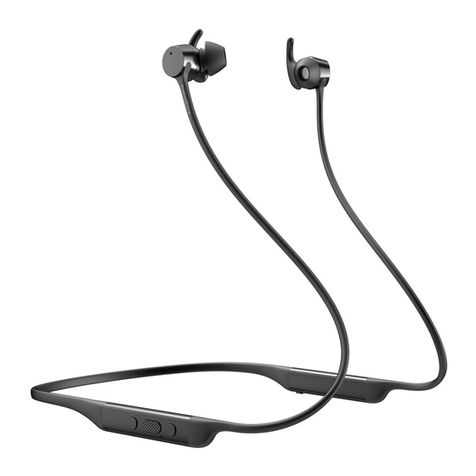
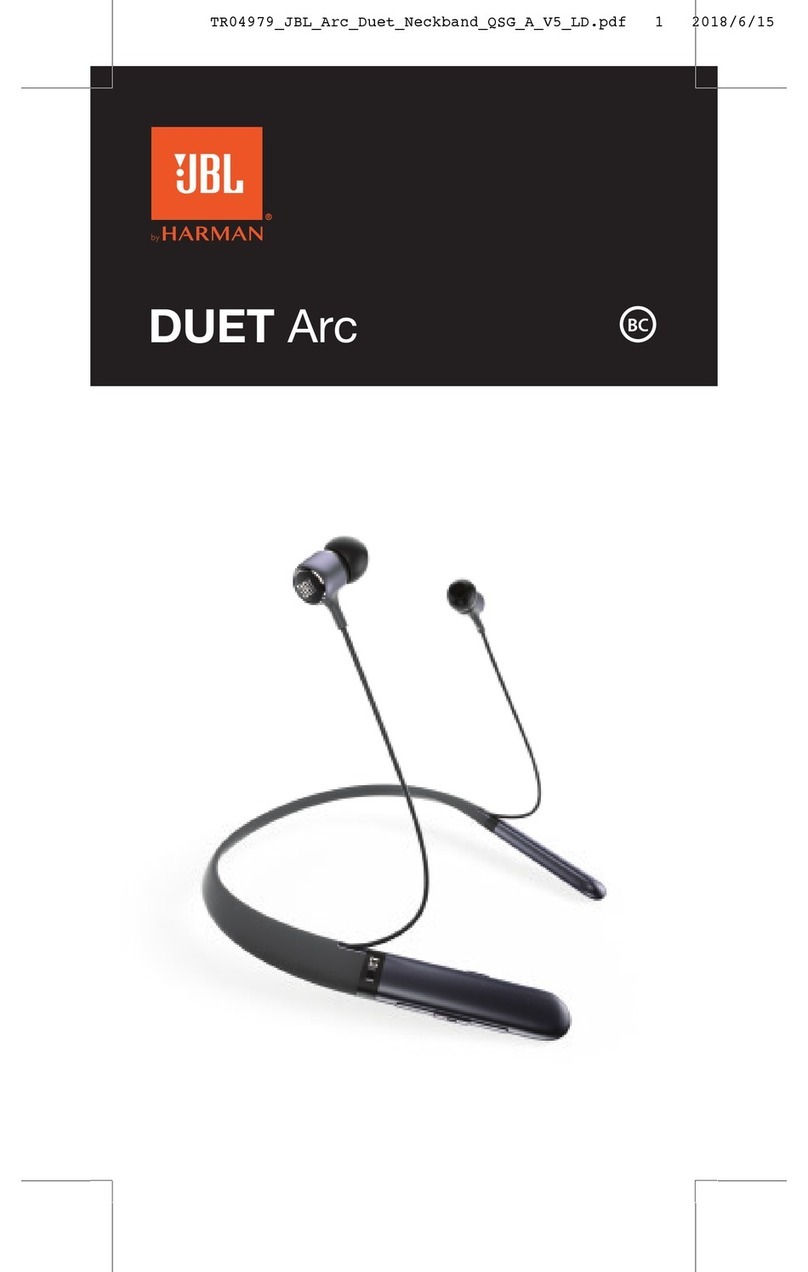
Earphones
Model GTCIBTB21 / GTCIBTP21
Sensitivity 93dB +/- 3 @ 1KHz
Impedance 16 Ω
Rated Input DC 5V 100 mA
Frequency Response 20 Hz – 20 kHz
Frequency Band(s) 2400 – 2482 MHz
Max. Radio Frequency
Power Transmitted
8 dBm
Bluetooth Interface Bluetooth 5.1
Bluetooth Profiles A2DP, AVRCP, HFP, HSP
Operating Distance Up to 10m
Battery Life Up to 14 hrs
Charging Time 2 hrs
Operation Temp. 5 – 40 °C
Net Weight 15.8 g
Batteries
Model 581013A
Battery Type Li-ion rechargeable battery
Battery Rating 3.7V 50mAh 0.185Wh
Number of Battery 2
Designation Code 1ICP6/10/13
Manufacturer Dongguan Sunly Battery
Technology Co., Ltd.
Dimension 10.2 × 10.8 × 7.8 mm
Net Weight 2 g
Switching On/O
To switch on, press and hold until the blue indicator
lights up once.
• If the earphones are already paired with a Bluetooth
device before, it will automatically connect with the
last paired device when both are in pairing mode.
To switch o, press and hold until the red indicator
lights up once.
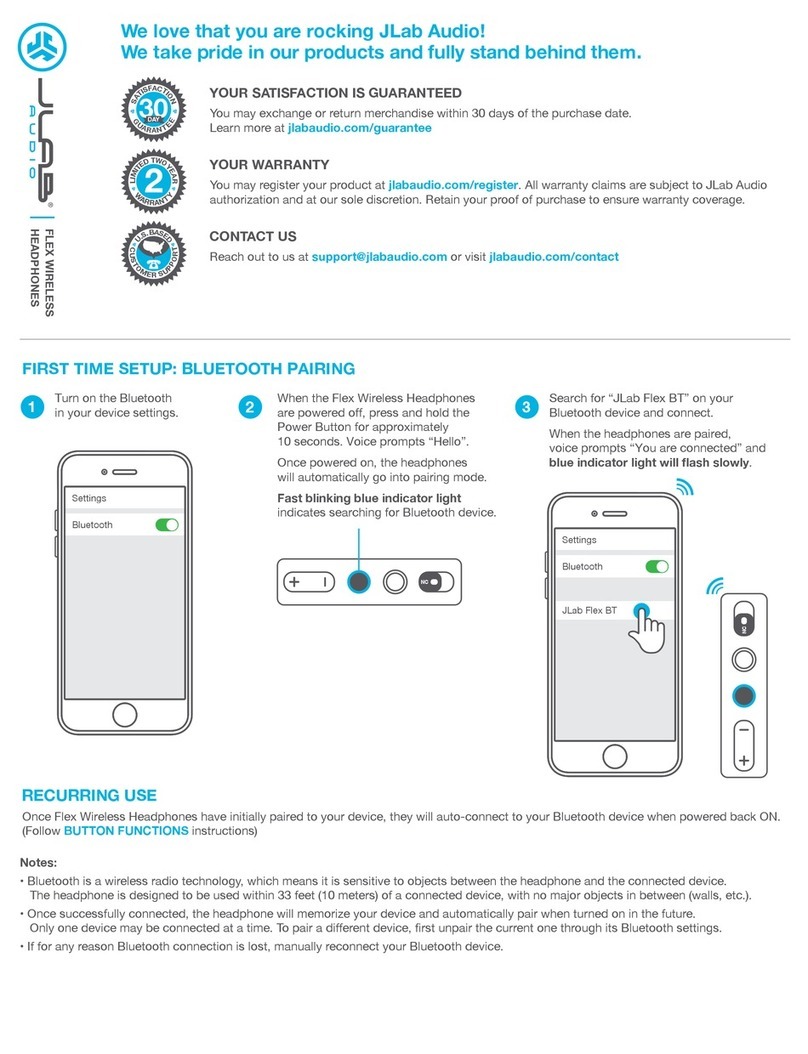
Bluetooth Pairing
1. Ensure the earphones is switched o.
2. Press and hold for 8 seconds to enter Bluetooth
pair mode. The red and blue indicator starts ashing
rapidly and alternately.
If no Bluetooth device is paired within 5
minutes, the earphones will switch o.
3. Activate the Bluetooth feature on your Bluetooth
device and start searching. Then select “GTCIBTB21”
or “GTCIBTP21”.
4. If necessary, enter the passcode, “0000”, to pair and
connect the earphones. Some device also ask to
conrm the headset connection after paring.
5. The blue indicator will blink and the earphones
will beep after you have successfully paired the
earphones.
Not compatible with all smartphone brands;
please check your individual smartphone user
manual.
Operation
If you receive or make a call while listening to music, the
music is paused until you end the call.
To Frequency
Increase volume repeatedly as desired
Decrease volume repeatedly as desired
Call Functions
Answer / end a call once
Reject a call Hold 2 seconds then release
Redial last call twice
Playback Functions
Play / pause track once
Skip to next track Hold
Go to previous track Hold
Other Functions
Use voice control and once
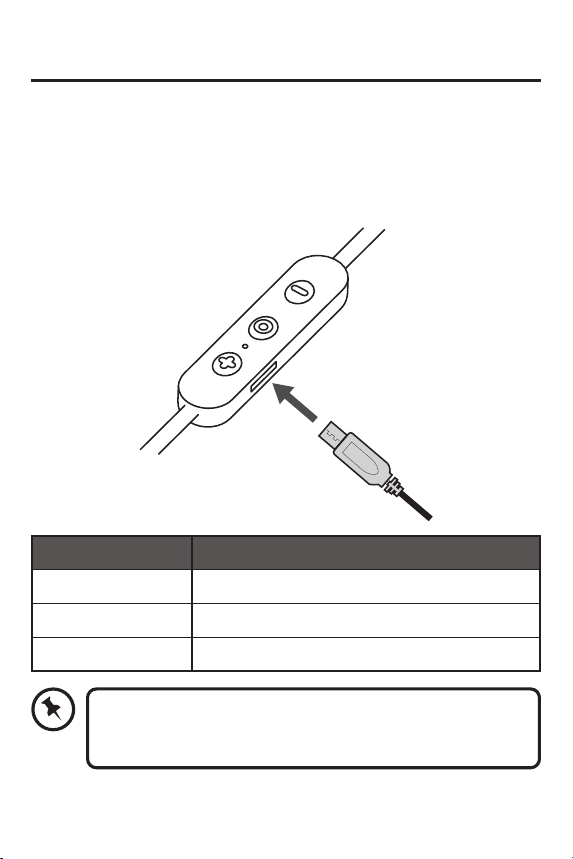
Reset the Headphones
To hardware reset the headphones, connect the USB
cable to a charging source.
Hints and Tips
Product not working:
• Recharge the product.
• Ensure the product is switched on.
• Ensure your Bluetooth-enabled device’s wireless
function is active.
• Ensure there are no other wireless devices in
discovery mode.
• Move the product closer to the device.
• Pair again the product and the device.