
Grandbeing MS0801-E01 User manual

Model No.: MS0801-E01
Operating Instructions
Thanks for purchasing our product.
Please be sure to read this instruction manual
carefully before using our product.


Introduction
MS0801-E01 supports to switch one VGA source, Two Analog Component
Video sourceS, Two Analog Composite Video sources and Three HDMI
sources for input. All of above with independent analog audio input. The
analog audio from the input is digitized and outputted to the HDMI connection.
HDMI input supports HDMI1.3b and HDMI1.4 3D.
On the Analog Component Video and Analog Composite Video channels, If the
resolution of the input signal is 480i or 576i, MS0801-E01 will deinterlace the
resolution to 480p or 576p respectively.
MS0801-E01 has the ability of equalization and amplification to ensure HDMI
signal's transmission through long cable without quality loss.
MS0801-E01 offers solutions for digital entertainment center, HDTV retail and
show site, HDTV, STB, DVD and Projector factory, noise, space and security
concerns, data center control, information distribution, conference room
presentation, school and corporate training environments.

Contents
HDMI Switch .................................................................................................... 1
■Product Overview...................................................................................... 1
■Features.................................................................................................... 1
■Package Contents..................................................................................... 3
■Connections and Operations..................................................................... 3
■Specifications ............................................................................................ 3
■Panel Descriptions .................................................................................... 4
■IR Controller Descriptions .........................................................................5
■Timing Table ............................................................................................. 6
■Typical Application .................................................................................... 6
■Maintenance ............................................................................................. 7
■Product Service......................................................................................... 7
●Provided Service ................................................................................... 7
●Mail-In Service....................................................................................... 7
●Warranty ................................................................................................ 8
●Warranty Limits And Exclusions............................................................. 8

Page 1
HDMI Switch
■Product Overview ( Model Number: MS0801-E01 )
Dear customer
Thank you for purchasing this product. For optimum performance and safety,
please read these instructions carefully before connecting, operating or
adjusting this product. Please keep this manual for future reference.
■Features
z8-inputs-1 outputs multi-function video/Audio switch.
zInputs contain 2×YPBPR, 2×AV, 1×VGA and 3×HDMI signals, Output is
HDMI signal. No image or color distortion.
zAllows display to view any source at any time.
zDeinterlace the resolutions of 480i and 576i to 480p and 576p on the
YPBPR and AV channels.
zDelivers uncompressed digital video with zero signal loss.
zSupport high definition resolutions 1080P, 1080I, 720P and standard video
format.
zDouble switching modes, IR remote and manual.
zHDMI V1.3 / HDMI V1.4 with 3D.
"Notice
Grandbeing Inc. reserves the right to make changes in the hardware,
packaging and any accompanying documentation without prior written notice.

Page 2
Warning
To reduce the risk of fire, electric shock or product damage:
1. Do not expose this apparatus
to rain, moisture, dripping or
splashing and that no objects
filled with liquids, such as vases,
shall be placed on the apparatus.
6. Clean this apparatus
only with dry cloth.
2. Do not install or place this unit
in a bookcase, built-in cabinet or
in another confined space.
Ensure the unit is well ventilated.
3. To prevent risk of electric
shock or fire hazard due to
overheating, do not obstruct
the unit’s ventilation openings
with newspapers, tablecloths,
curtains, and similar items.
4. Do not install near any heat
sources such as radiators, heat
registers, stoves, or other
apparatus (including amplifiers)
that produce heat.
5. Do not place sources of naked
flames, such as lighted candles,
on the unit.
7. Unplug this apparatus
during lightning storms or
when unused for long
periods of time.
8. Protect the power cord
from being walked on or
pinched particularly at
p
lu
g
s.
9. Only use attachments /
accessories specified by
the manufacturer.
10. Refer all servicing to
qualified service
personnel.

Page 3
■Package Contents
① Main unit. P/N_MS0801-E01.
② Power Supply, 5VDC.
③ Operating Instructions. P/N_INSMS0801-E01.
④ Remote.
⑤ IR extension cable.
NOTE: Cables are optional
■Connections and Operations
1) Connect the HDMI/YPbPr/AV/VGA input sources (such as HD-DVD, PS3,
STB etc) into MS0801-E01.
2) Connect the HDMI outputs (such as HD-LCD, HD-DLP) into MS0801-E01.
3) Power on the input source you want to show.
4) Connect the power supply adaptor into MS0801-E01 and turn on the
display you want to watch.
5) Use remote or push the button to choose input source.
■Specifications
Operating Temperature Range -5 to +35°C (-41 to +95 °F)
Operating Humidity Range 5 to 90 % RH (no condensation)
Input Video Signal 0.5-1.0 volts p-p
Input DDC Signal 5 volts p-p (TTL)
Output Video HDMI1.4 with 3D (Only valid when
input HDMI 3D source)
Maximum Transmission Distance <15m (If needed, HDMI extender is
optional)
Power Consumption 10wtts (Max.)
Power Supply 5VDC
Dimensions 1950mmW×350mmH×700mmD/
16.9''W×1.9''H×7.9''D
Note: Insert / Extract cables gently.

Page 4
■Panel Descriptions
Upper Panel
1. YPbPr1 Input port with L/R Audio.
2. YPbPr2 Input port with L/R Audio.
3. AV1 Input port with L/R Audio.
4. AV2 Input port with L/R Audio.
5. VGA input port.
6. Audio of VGA port.
7. LED indicator light for input ports.
8. HDMI output port.
9. IR extender jacket.
10. Input select button.
11. Power input jacket.
12. Power switch.
13. HDMI1 input port.
14. HDMI2 input port.
15. HDMI3 input port.
Note: Press the Input select button until the LED flash twice, the EDID will be reset to
copy mode.

Page 5
■IR Controller Descriptions
IR REMOTE
1. Power
2. YPbPr1 — Press the button to switch to YPbPr1 channel.
3. YPbPr2 — Press the button to switch to YPbPr2 channel.
4. HDMI1 ——Press the button to switch to HDMI1 channel.
5. HDMI2 — Press the button to switch to HDMI2 channel.
6. 1080P 2CH — Press the button to activate EDID as 1080P/2 audio channel/3D TV supported.
7. 1080P 6CH — Press the button to activate EDID as 1080P/6 audio channel/3DTV supported .
8. AV2 — Press the button to switch to AV2 channel .
9. AV1 — Press the button to switch to AV1 channel.
10. VGA — Press the button to switch to VGA channel.
11. HDMI3 — Press the button to switch to HDMI3 channel.
12. AUTO COPY — Press the button to copy the EDID from TV to MS0801-E01
13. 1080P 8CH — Press the button to activate EDID as 1080P/8 audio channel/3D TV supported

Page 6
■Timing Table
■Typical Application
YPBPR/HDMI 480i, 480P, 576i, 576P, 720P@[50/60],
1080i@[50/60], 1080P@[50/60]
VGA
800x600@60, 1024x768@60,
1280x1024@60, 1440 x900@60,
1400 x1050@60, 1600 x1200@60,
1920 x1080@60, 1920 x1200@60
Table of contents
Other Grandbeing Switch manuals
Grandbeing
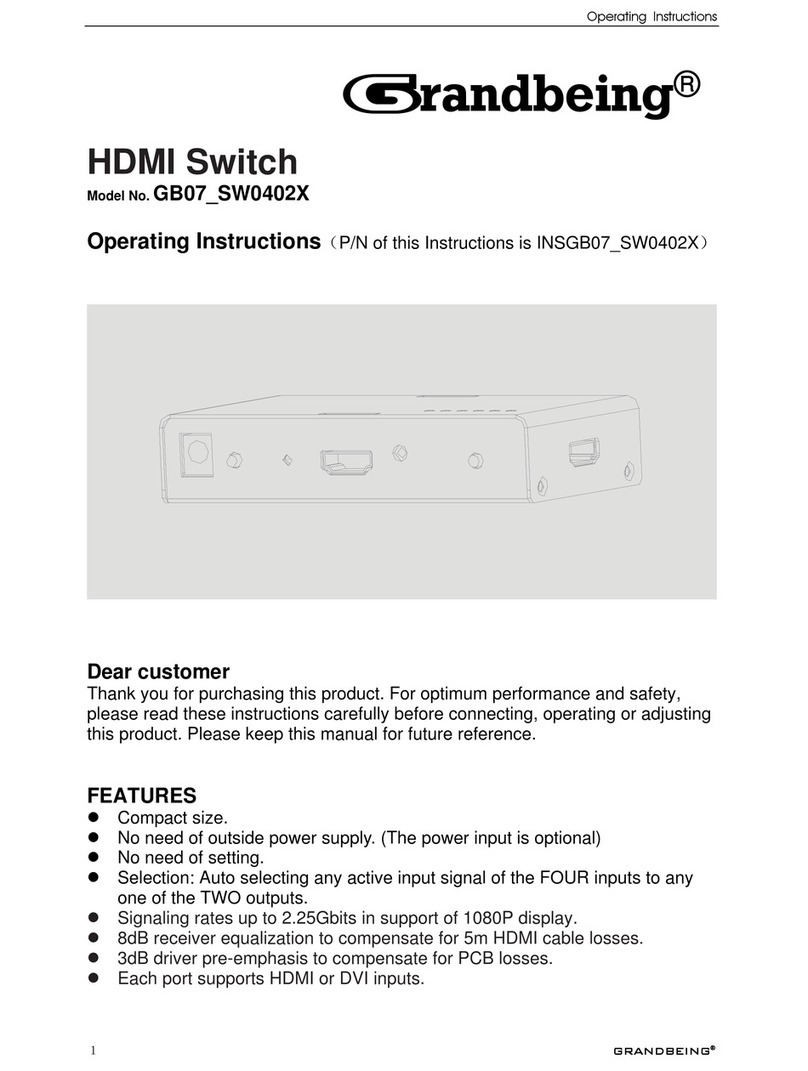
Grandbeing GB07_SW0402X User manual

Grandbeing
Grandbeing SW0401-N073-000 User manual

Grandbeing
Grandbeing GB07SW0501 User manual

Grandbeing
Grandbeing MX0808-31F User manual

Grandbeing
Grandbeing GB07SW0201 User manual

Grandbeing
Grandbeing GB07SW0301 User manual

Grandbeing
Grandbeing SW0301 User manual
Grandbeing
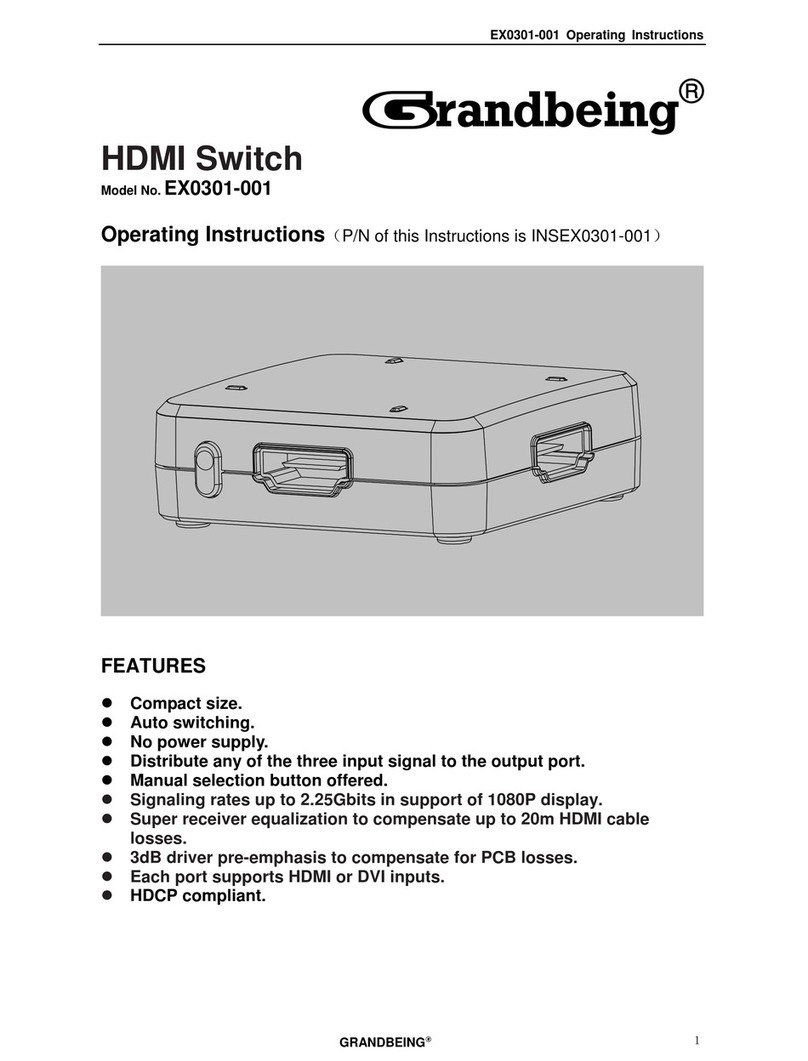
Grandbeing EX0301-001 User manual
Grandbeing
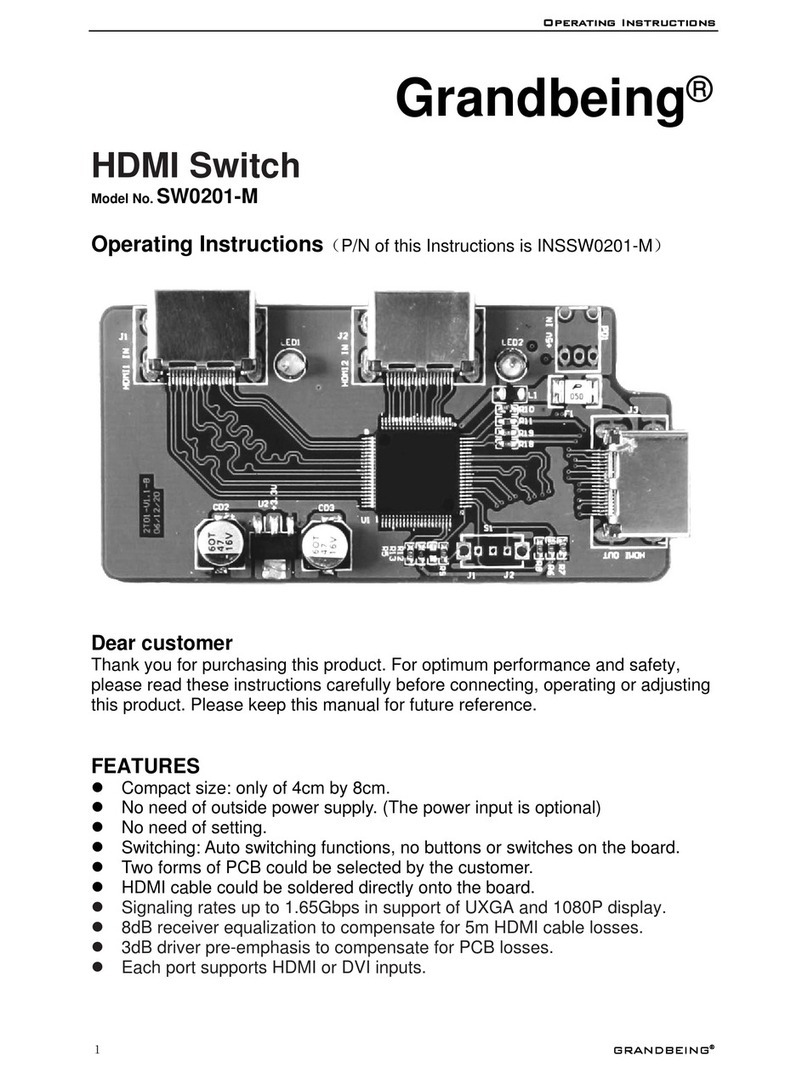
Grandbeing SW0201-M User manual

Grandbeing
Grandbeing SW0401-4A1 User manual

















