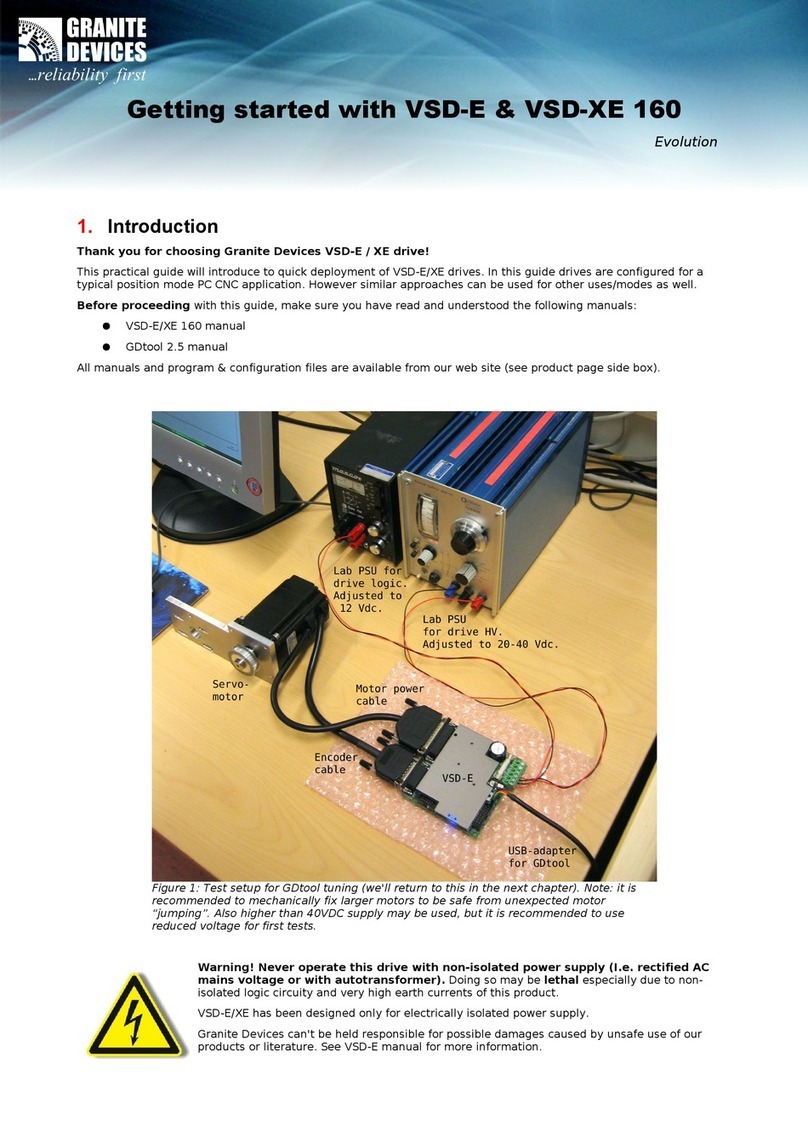
Configure drives using USB-connector
1. Connect USB cable between EtherFox USB port (X3) and PC USB host port
2. Select position 0 form rotary switch
3. Power up the device and drives
4. Start Granity software and select USB-COM port
5. Configure drives using Granity (https://granitedevices.com/wiki/Granity)
6. Exit Granity
7. Select rotary position that indicates the number of drives connected to Simplemotion bus
8. Disconnect USB cable
Configuring Etherfox with Twincat 3
Twincat installation can be read from Beckhoff information system documentation and is not described
in this document.
Copy description file
Copy EtherFOX.xml description file to Twincat installation directory*.
*Installation directory may vary depending on installation settings
Reload Device Descriptions from using TWINCAT dropdown menu from Twincat.
Create a Project