Page 4
ALARM RELAYS
The device has three alarm relay outputs. The outputs are Normally Open and will close when an alarm
event occurs. The alarm outputs are assigned to TEMP, RH and DP.
Each alarm can be set to operate as a low alarm, a high alarm, both low and high alarms or be disabled.
For example:
The TEMP Alarm output can be congured as a high alarm by setting TEMP Alarm Operation to High
Alarm. In this case the alarm condition will be set when the temperature exceeds the TEMP Alarm High
Setpoint. Note that alarm hysteresis and alarm on delay will also come into play, described below.
The RH Alarm output can be congured as both low and high alarms by setting RH Alarm Operation to
Both. In this case the alarm condition will be set when the RH goes above the RH Alarm High Setpoint or
below the RH Alarm Low Setpoint.
If any ALARM OPERATION is set to Disable, then that alarm will have no function and the setpoints will
be hidden on the menu.
Each alarm has a hysteresis value and an on delay time associated with it. For high alarms, the alarm
condition is set when the input value exceeds the high setpoint and it is reset when the input value
goes below the setpoint – hysteresis value. For example, if the TEMP ALARM HIGH SETPOINT = 25.0 °C
and TEMP ALARM HYSTERESIS = 0.5 °C, then the alarm condition will set at 25.0 °C and reset at 24.5 °C.
The hysteresis is opposite for TEMP ALARM LOW SETPOINT. The alarm condition will set when the input
value falls below TEMP ALARM LOW SETPOINT and will reset when the input goes above TEMP ALARM
LOW SETPOINT + HYSTERESIS.
Each alarm also has a congurable on delay. When an alarm condition is set a timer is started and the
actual alarm will not get set until the ALARM ON DELAY time has expired. If the alarm condition gets
reset before the time expires, then no alarm is generated.
All three alarm relays operate as self-resetting and non-latching. The input signal must return to non-
alarm condition before the alarm relay returns to the NO state.
ALARM SETPOINTS
Each process variable (TEMP, RH and DP) has both a high and low alarm setpoint. If the alarms are
enabled and the setpoint is not locked, then the user can change the setpoint values within a range.
ALARM LEDS
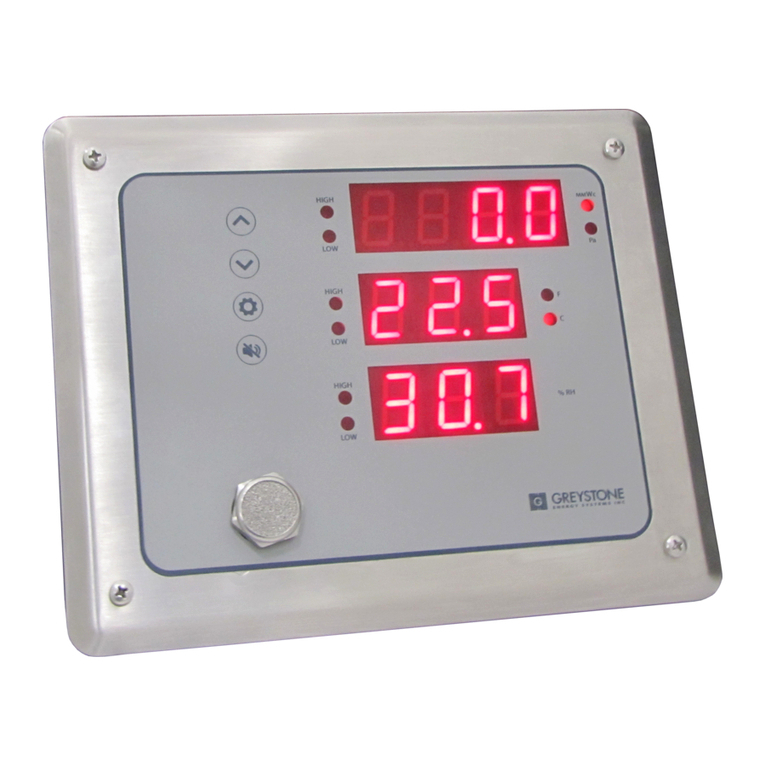
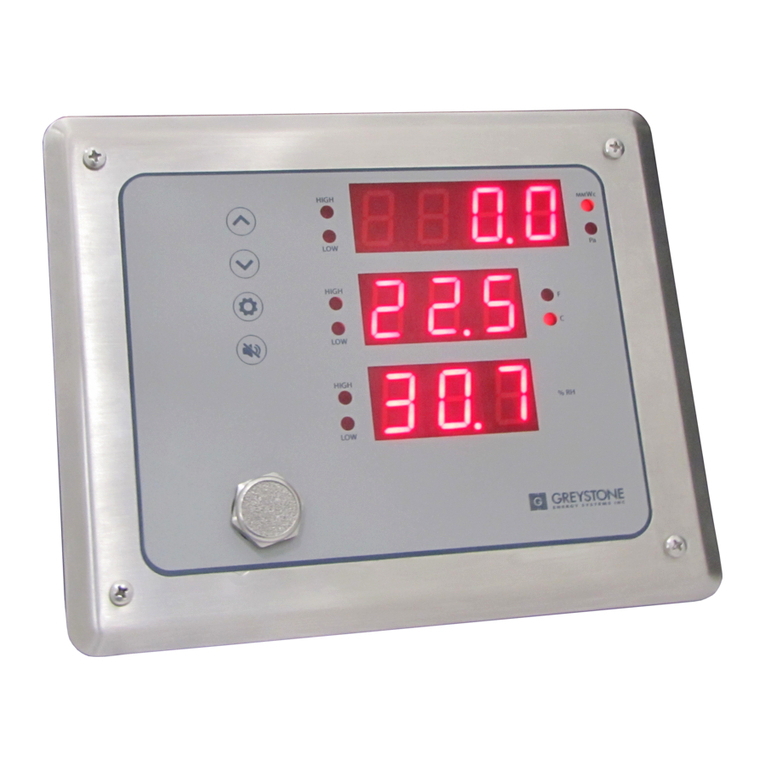
The TEMP, RH and DP each have a low and high alarm condition. When any alarm condition is set the
corresponding front panel LED will ash. The alarm LEDs mimic the alarm relays. If any alarm is disabled,
then the LED will be disabled also.
BUZZER ALARM
The buzzer alarm can be assigned to any of the TEMP, RH or DP alarms specically, or it can be assigned
to all of them. It can be disabled via BUZZER ASSIGNMENT.
If assigned, the buzzer will activate whenever the associated alarm(s) are triggered.
The buzzer reset can be congured as either manual only or automatic reset with BUZZER RESET.
In manual mode the buzzer can only be silenced by:
• removing the alarm condition or
• by pressing the front panel <SILENCE> key
In automatic reset mode the buzzer can be silenced by:
• removing the alarm condition or
• by pressing the front panel <SILENCE> key or
• automatically when the BUZZER AUTO RESET TIME expires
The buzzer is reset or silenced as described above but the alarm condition will continue to be set, this
function only silences the buzzer. If the alarm condition is reset and then set again, the buzzer will
activate again. The buzzer provides a“beeping”or“chirping”sound, not a continuous tone.
IN-CR3CXXANA-01 04/20 Copyright © Greystone Energy Systems, Inc. All Rights Reserved Phone: +1 506 853 3057 Web: www.greystoneenergy.com