Page 2
About This Guide
The information in this guide has been carefully
checked and is believed to be accurate. However,
Hach Ultra assumes no responsibility for any
inaccuracies that may be contained in this guide.
In no event will Hach Ultra be liable for direct,
indirect, special, incidental, or consequential
damages resulting from any defect or omission in
this guide, even if advised of the possibility of
such damages. In the interest of continued
product development, Hach Ultra reserves the
right to make improvements in this guide and the
products it describes at any time, without notice or
obligation.
To avoid damaging the sensor, never remove the
flow chamber during normal operation. The flow
chamber should only be removed during service
procedures.
Operating Controls
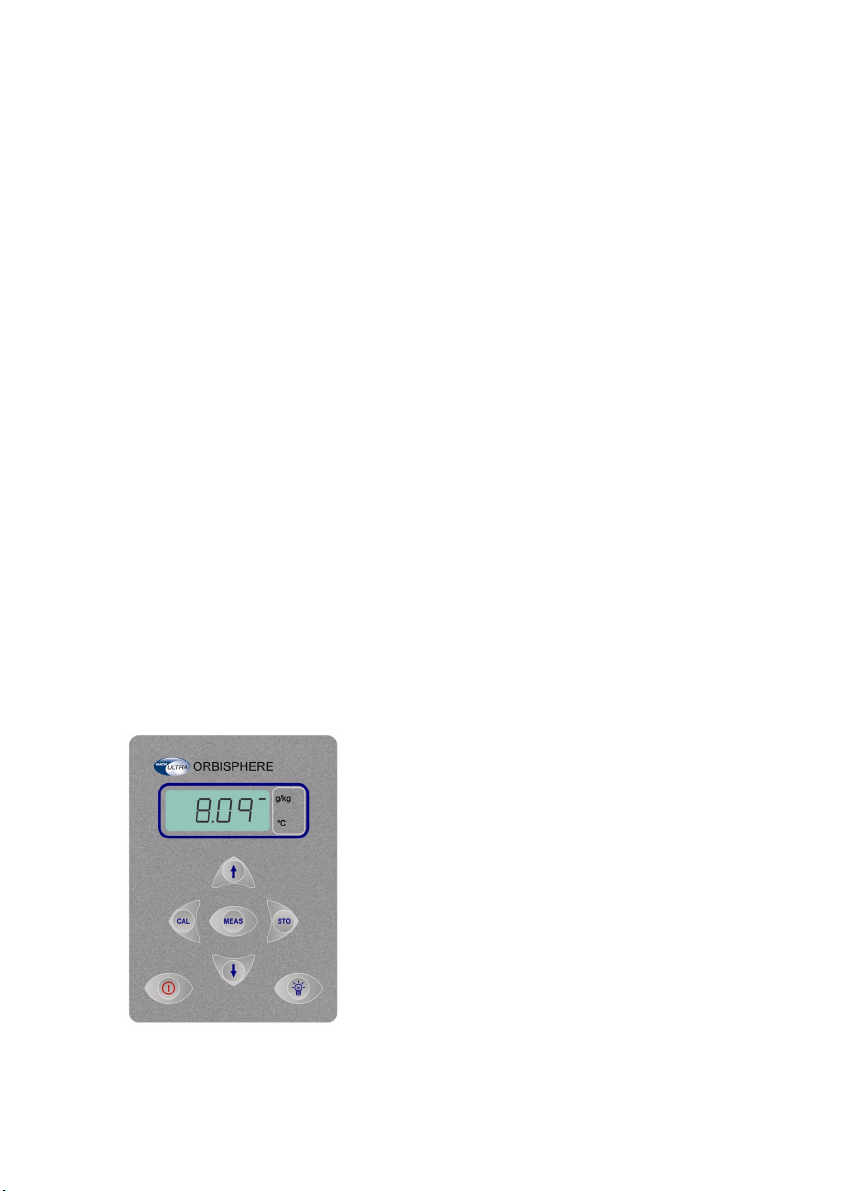
The front panel of the instrument has a three-digit
liquid crystal display (LCD). The LCD includes a
right-side marker to distinguish between gas
concentration and temperature display. This
marker also indicates the measurement display
units (g/kg, V/V, etc.) depending on the
instrument configuration. To the LCD's right is a
label showing the measurement units configured
at the factory for your application.
The button in the bottom right corner backlights
the LCD for approximately three minutes. The
other push-button controls are:
•POWER turns instrument power on or
places it in standby. The instrument
performs a series of start-up tests before
switching to measurement mode
•MEAS places the instrument in
measurement mode
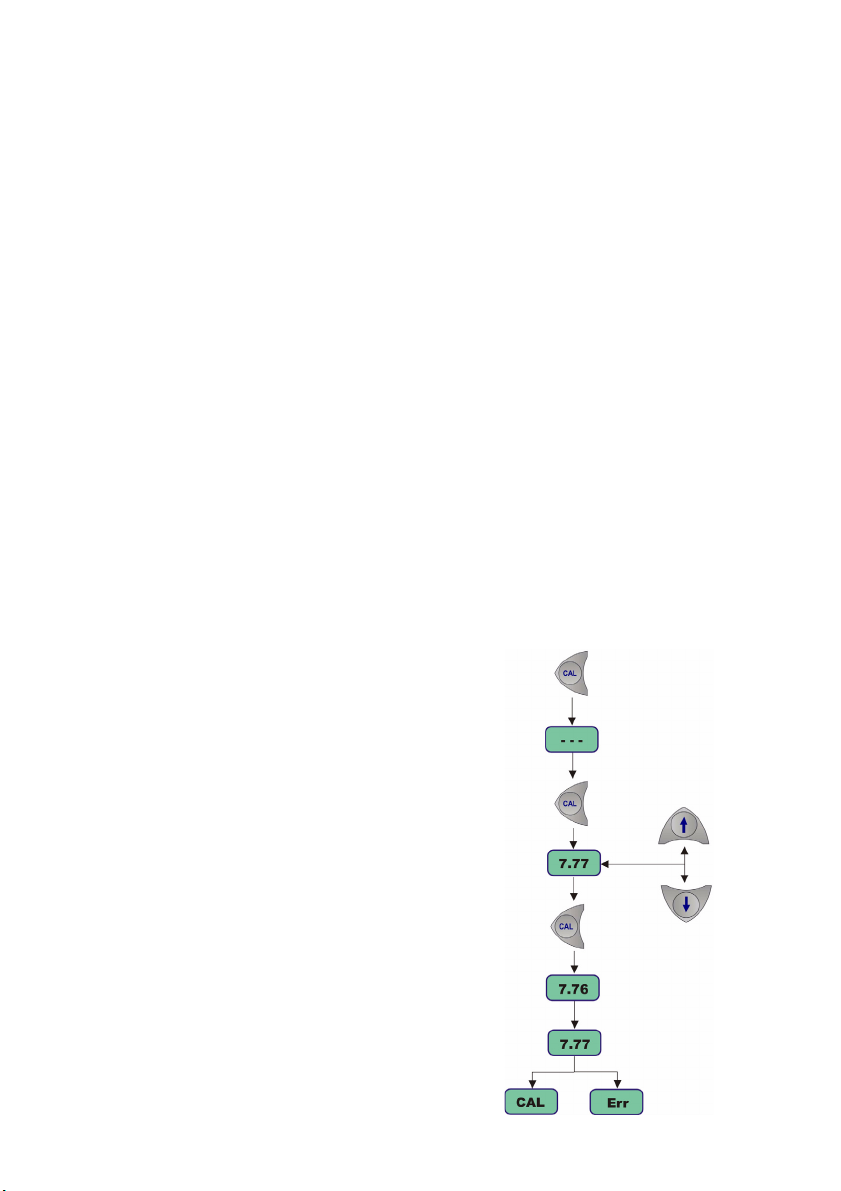
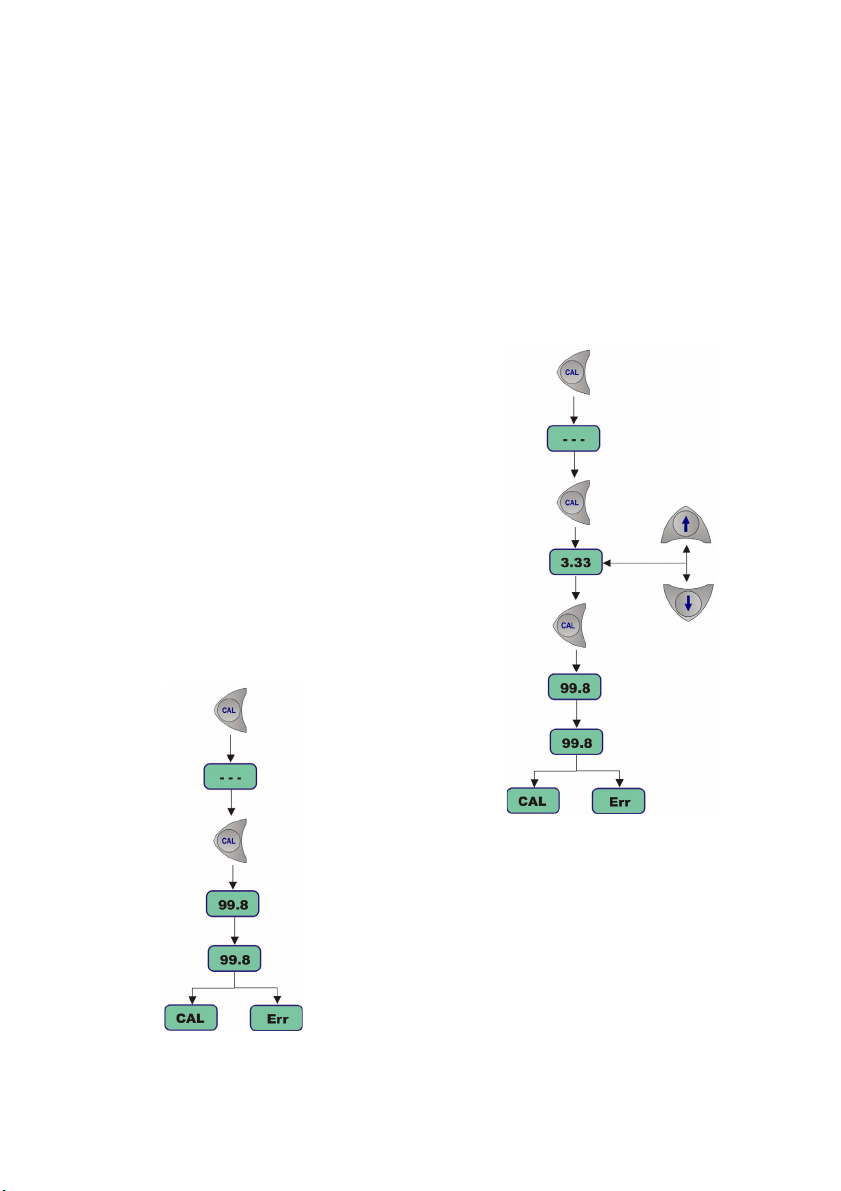
•CAL calibrates the analyzer against a
reference sample. This button can be
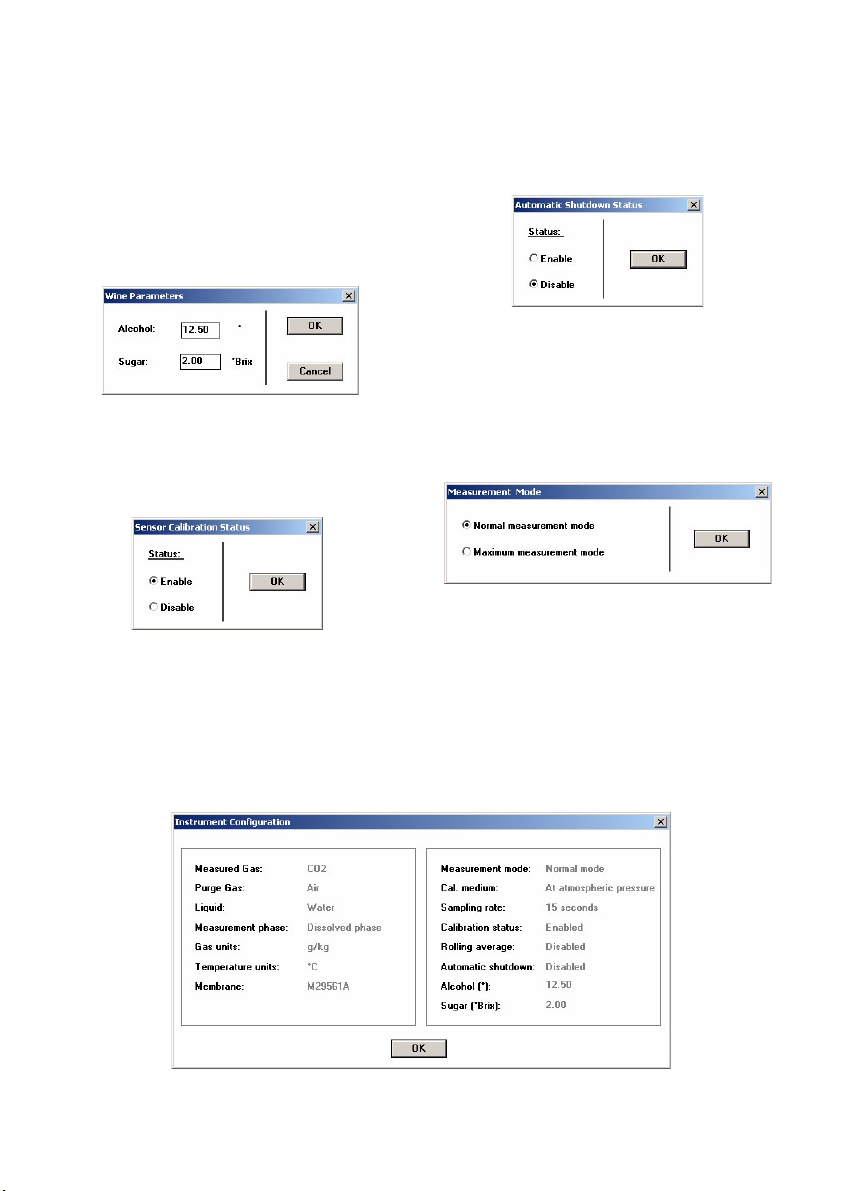
locked out from the Hach Ultra 3658 PC
program
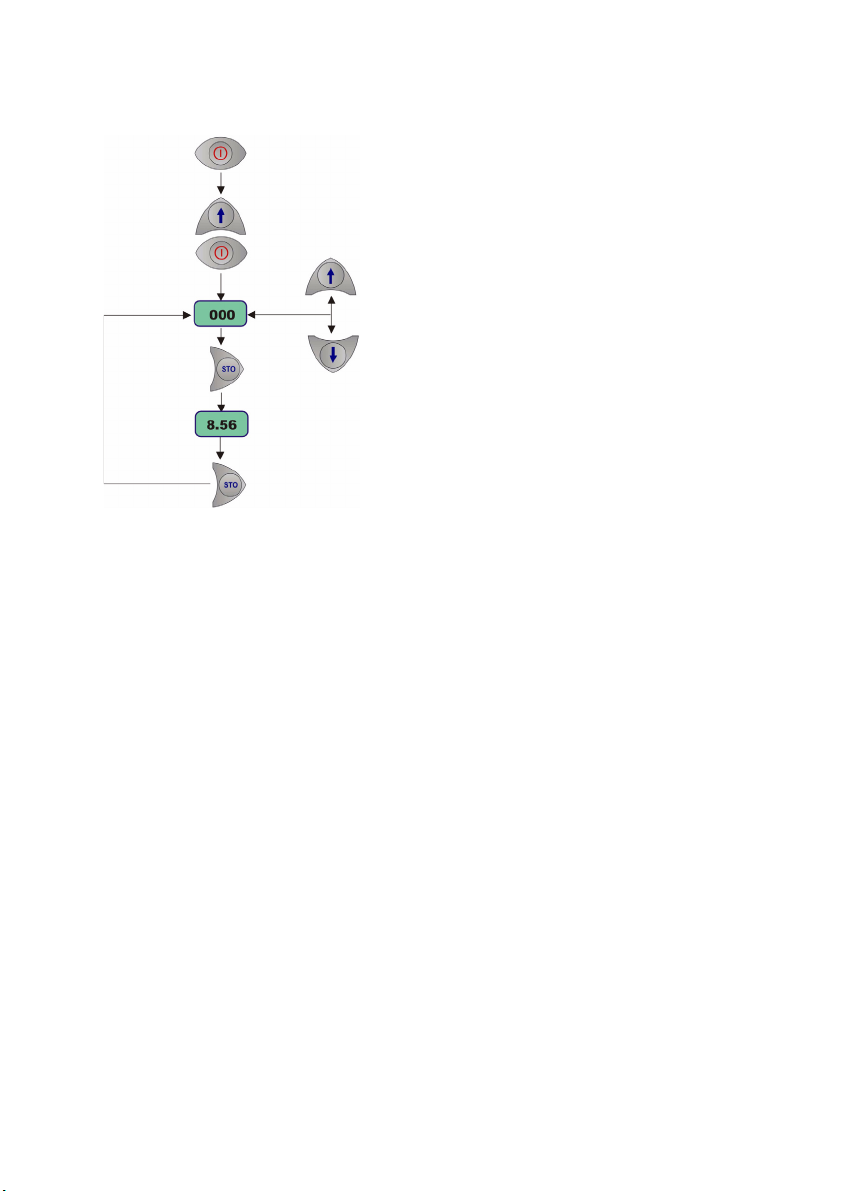
•STO stores a measurement value into
memory
• The ×Økeys toggle between gas
concentration and temperature
measurement displays in measurement
mode, increases or decreases the
storage number during storage or
memory view, or sets a calibration value
during calibration
•POWER + CAL selects dissolved or
gaseous measurement phase
•POWER + STO starts automatic data
acquisition.
•POWER + ×starts memory storage view
•POWER + Østarts continuous purge
mode
There is also a pressure relief valve on top of the
instrument. This button need only be pressed if
pressure builds up inside the instrument due to
large temperature changes.
Startup
To start the instrument, press the keyboard
POWER switch. When you turn power on, the
instrument displays the software version number
briefly, and then starts a series of start-up tests.
This process should take only a few minutes,
during which time a [tSt] message is displayed
on the LCD. Once the tests are completed, a
clearing message [---] is displayed for a further
sixty seconds before the instrument switches
automatically to measurement mode.
The analyzer can be operated independently,
making measurements as a portable carbon
dioxide gas analyzer.
You may store these measurement values for
later analysis via the Hach Ultra 3658 program
(on your personal computer) or the memory view
mode (on the instrument).
General Information