Haisen Technology | 08
Shenzhen
Haisen
Technology
Co.,
Ltd.,
Tel:
+86-755-82598105
丨Fax:
+86-755-82598106
丨Email:
[email protected] 丨www.haisensz.com
ON/OFF Reset
Auto
Mode
1min
30s 3min
5min 20min
10min 30min
5s
5min
1min 10min
5min
1min 30min
1hour 4hour2hour +∞
+
-
50% 75% 100%
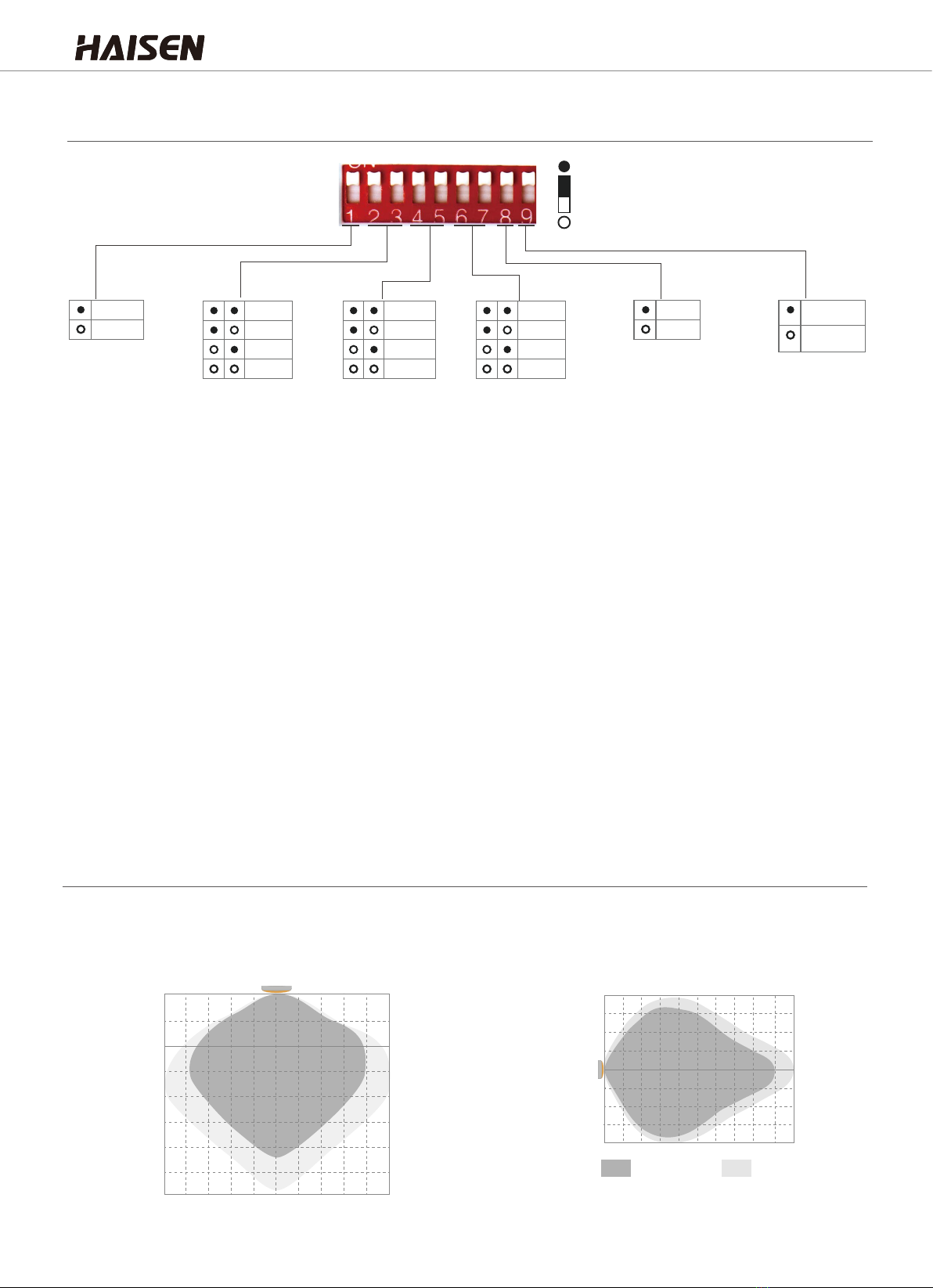
Detection range
Hold time
Stand-by dimming level
Stand-by period
Start
Memory
Apply
5s
30s
25%
Brightness
30Lux
10Lux
80Lux Disable
120Lux
Daylight sensor
2Lux
50Lux
Test
(2s)
HD03R Remote Control Keys Function Introduction
Auto Mode
Reset
Work Mode
1. ON/OFF control the LED light ON/OFF;
2. If press this key to turn off the lamp before it's short-circuited, the lamp will
remain off after power-on again.
ON/OFF
Remote KeysKeys Function Keys Introduction
Detection Distance(Radius) or detection sensitivity:25%/50%/75%/100%。
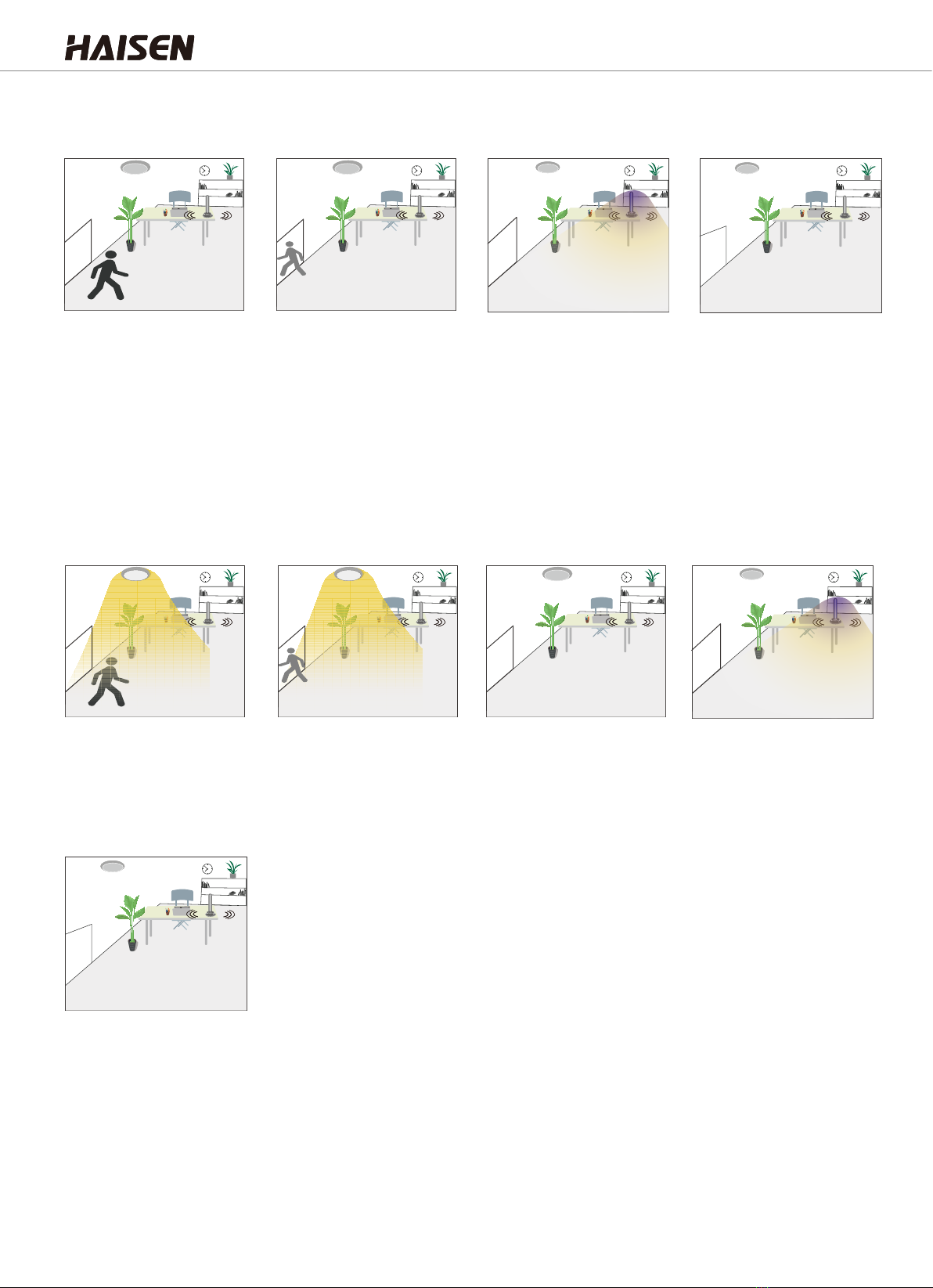
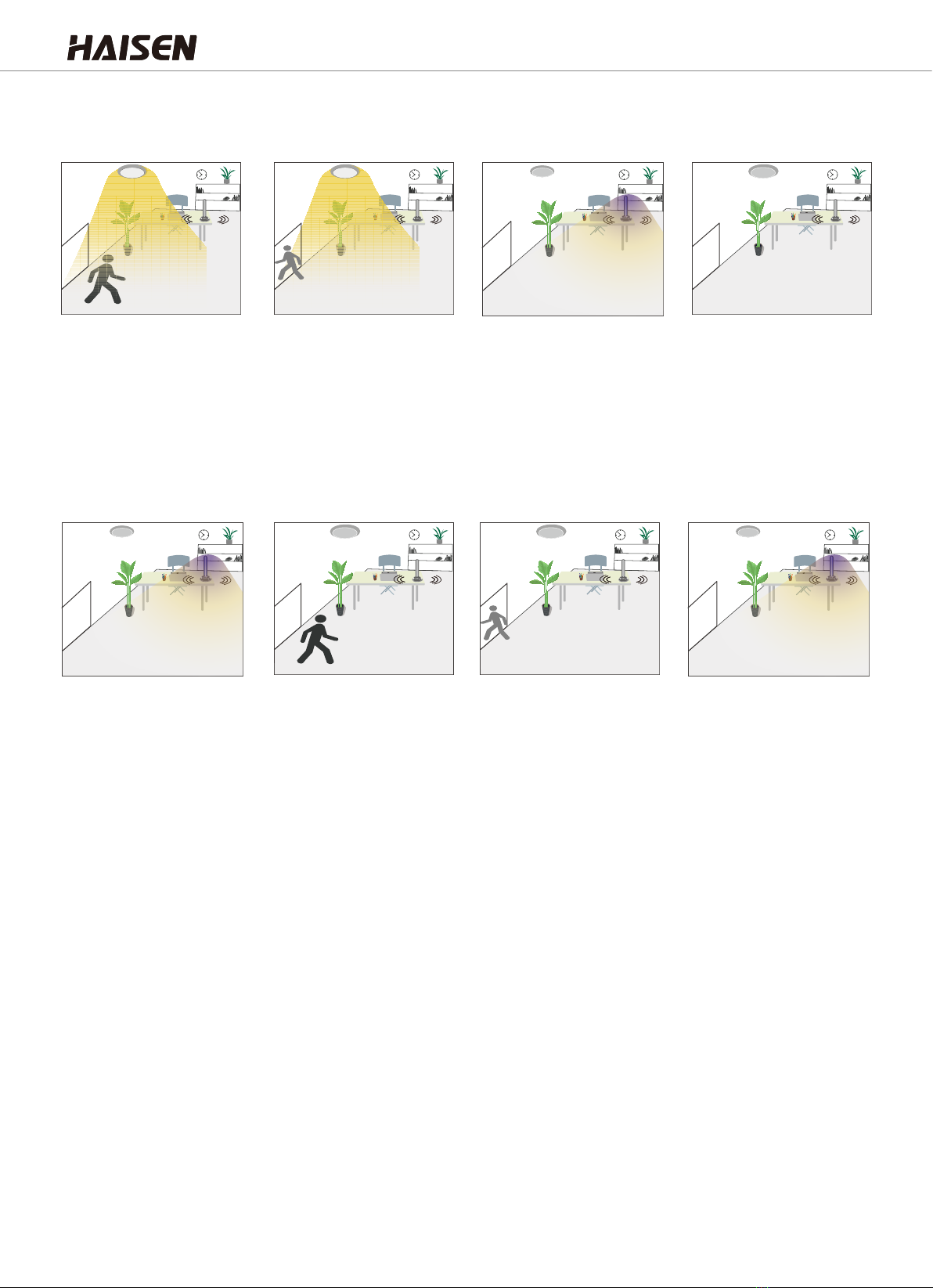
The period to keep the LED light ON with 100% brightness after people leave.
Options of 5s/30s/1min /3min/5min/10min/20min/30min。
Detect the ambient brightness. Options of 2Lux/10Lux/30Lux/50Lux/80Lux/
120Lux/Disable。
( When set to "Disable" , daylight sensor doesn't work, the LED light will turn on
when detect movement with regardness of ambient brightness.
The period that sterilamp on. Options of 30s/1min/5min/30min/1hour/
2hour/4hour/+∞。
(When set to"+∞", the sterilamp will always ON if there is no movement).
The period before the sterilamp turn on. Options of 5s/1min/5min/10min。。
Test (2s)
(test mode)
Press "+" to start dual output mode(DIP switch number 9-UP);
Press"-" to start L1 mode only(DIP switch number 9-DOWN).
NO FUNCTION
Notes
When the work time is set to"+∞', sterilamp OFF when
detect movement and keep ON if there is no movement
detected.
When the daylight threshold is set to "Disable", the
daylight photodiode doesn't work, the LED light will turn
ON when people approach.
The indicator light on the sensor will flash when press
any key but ON/OFF key to indicate to receiving the signal
of remote control and take effect.
Each parameter setting will be automatically saved, and
the settings of each item is subject to the last setting.
Daylight lux value is less, the ambient brightness is darker.
ON/OFF key could only control the LED light and sterilamp
will keep OFF.
HD03R Remote Control Operation Steps
1. Microwave motion sensor settings
Turn on the light, press to switch to sensor mode.
Set the detection area, hold time, daylight threshold, hold time before sterilamp
turn on and work time.
The remote control will save the settings automatically to complete the whole
setting.
Press "ON/OFF" when it's under sensor mode to turn off the light and the sensor
mode; press "ON/OFF" again to turn on the light and switch to turn-on mode.
2. Switch between sensor mode and constant light mode
Press"Reset" on remote control to switch to the settings of DIP switch.
3. Switch between remote control settings and DIP switch settings
Press the key to make all parameters to be factory default with detection area of
100%, hold time 5s and daylight threshold of "Disable". Sensor with DIP switch
will follow the setting of DIP switch.
Press the key to make it into "sensor mode" and all settings remain the same
as the one before light gets ON/OFF.
Press the Test(2s), both of LED light and sterilamp will turn on with 1s, then start
test mode: detection sensitivity of 100% with LED light on for 2s, then sterilamp
turn on 2s. Daylight disable.
Remarks This remote control keys instruction could be only used for HD020SR which is
different from the standard HD03R.
ON/OFF
Reset
Auto
Mode
Start Memory
Apply
+
-
Test
(2s)
Detection Area
Hold Time
Hold Time Before
Sterilamp ON
Work Time
Daylight
Threshold
Auto
Mode
*
*
*
*
*
*
*
*
①
②
③
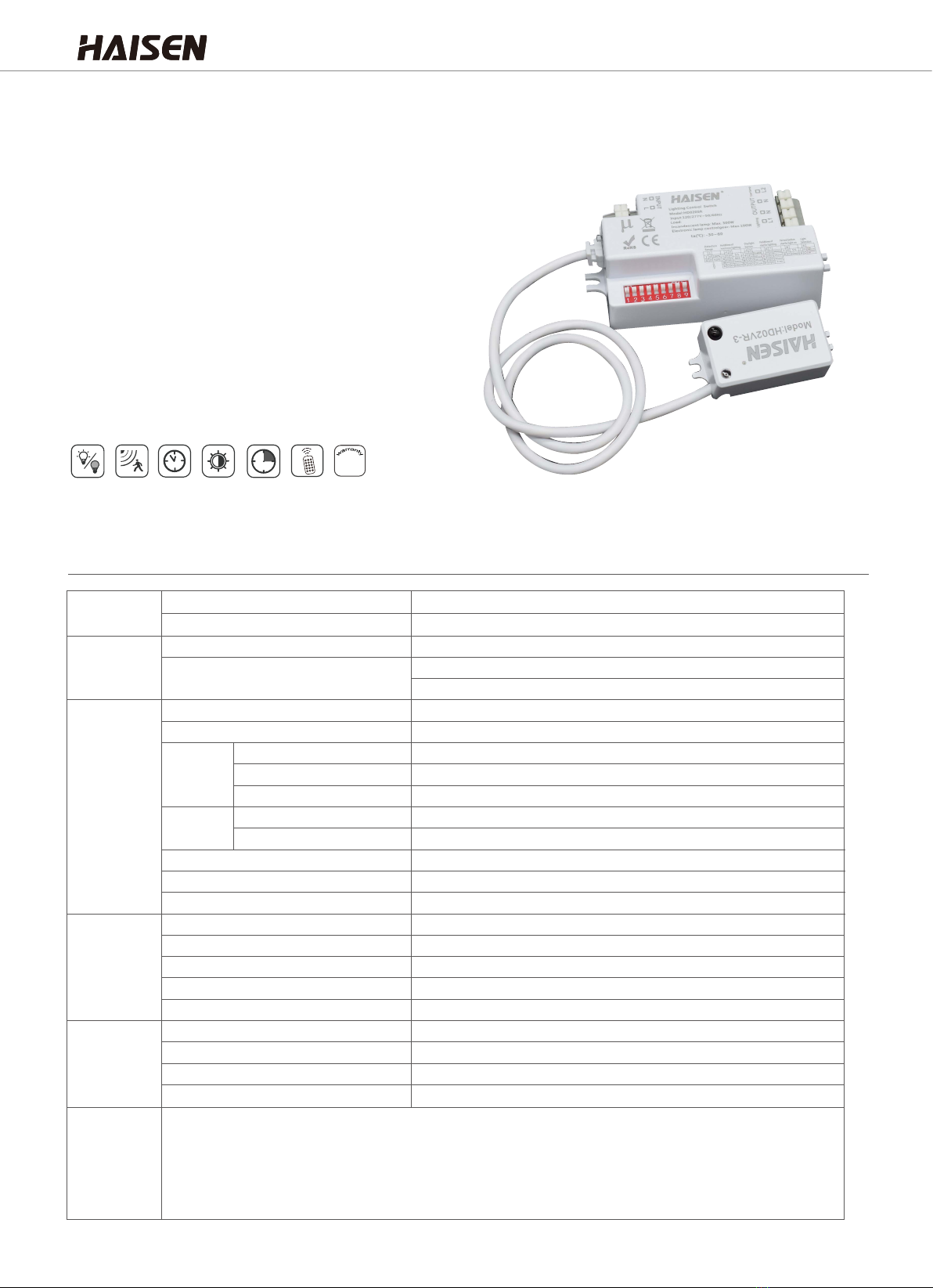
Microwave Motion Sensor
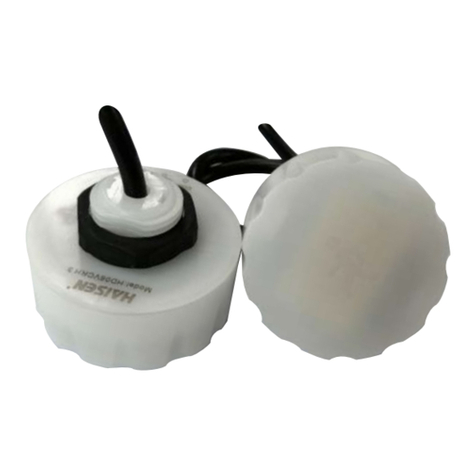
HD020SR