6
EcoloAir Operation, Maintenance & Service Manual
EAOMSI/012009/rev1/EN
FILTER REPLACEMENT
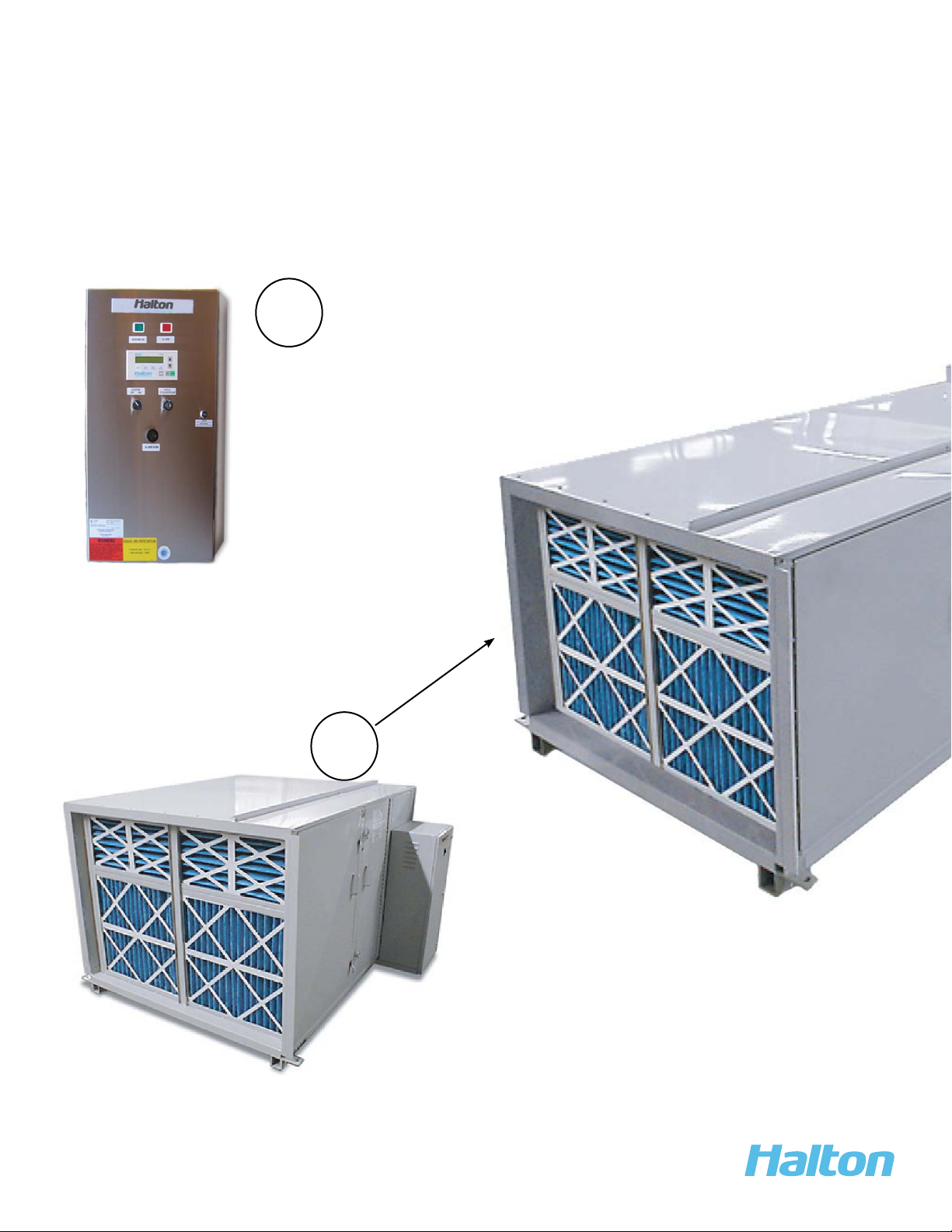
To replace filters, proceed as follows:
1. Shut off fan.
2. Loosen the access door latches and open door.
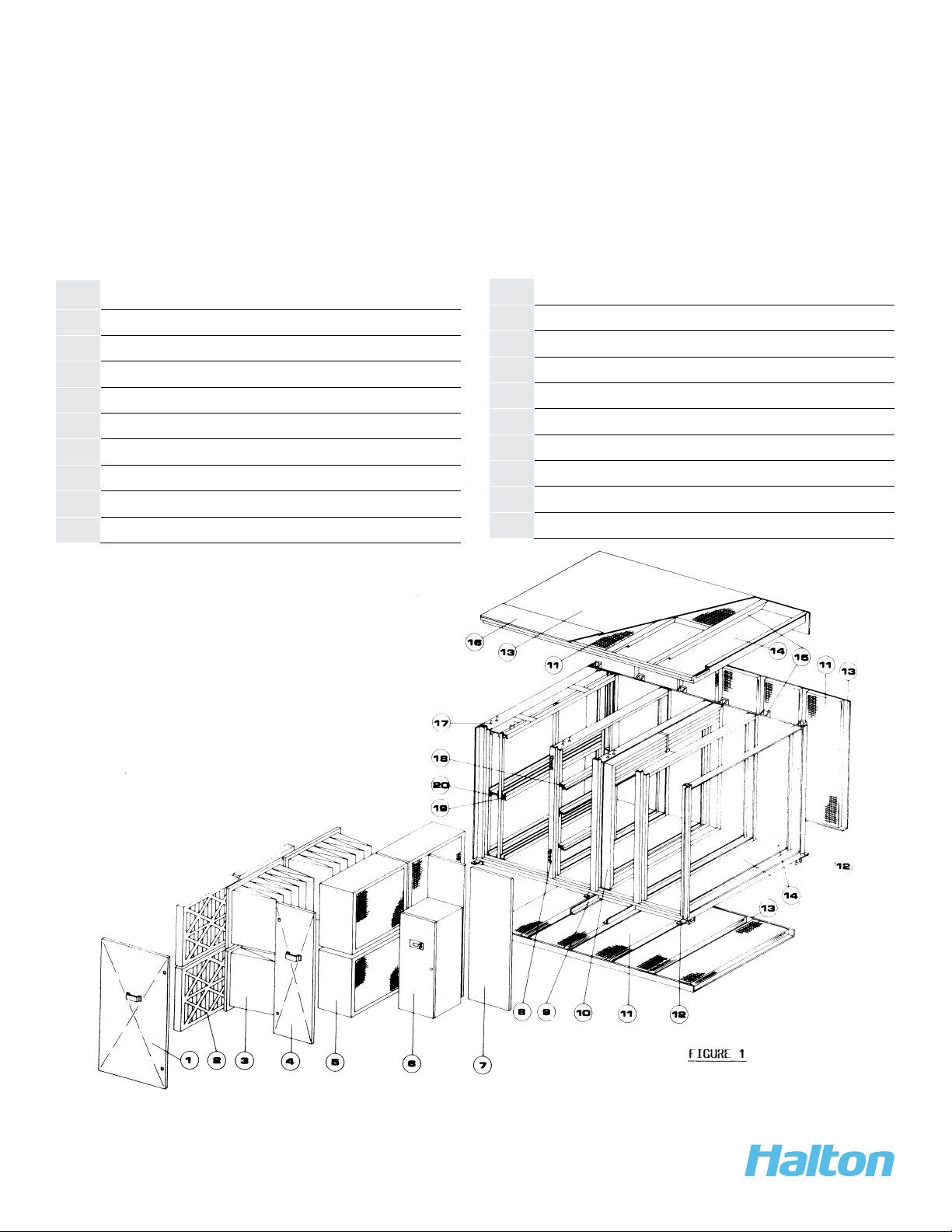
3. Check how filters are set in place to prevent air by-pass.
4. Remove filter clamp on absolute filters with hook handle provided in unit, located on inside
of access door.
5. Remove all filters by sliding out the filter along bottom of filter track.
6. Slide the new filters along the bottom filter track and seat properly along filter by-pass
gasket. Replace all filters in this manner. Ensure all filters are seated properly and replace
filter clamp to lock Absolute filters in place.
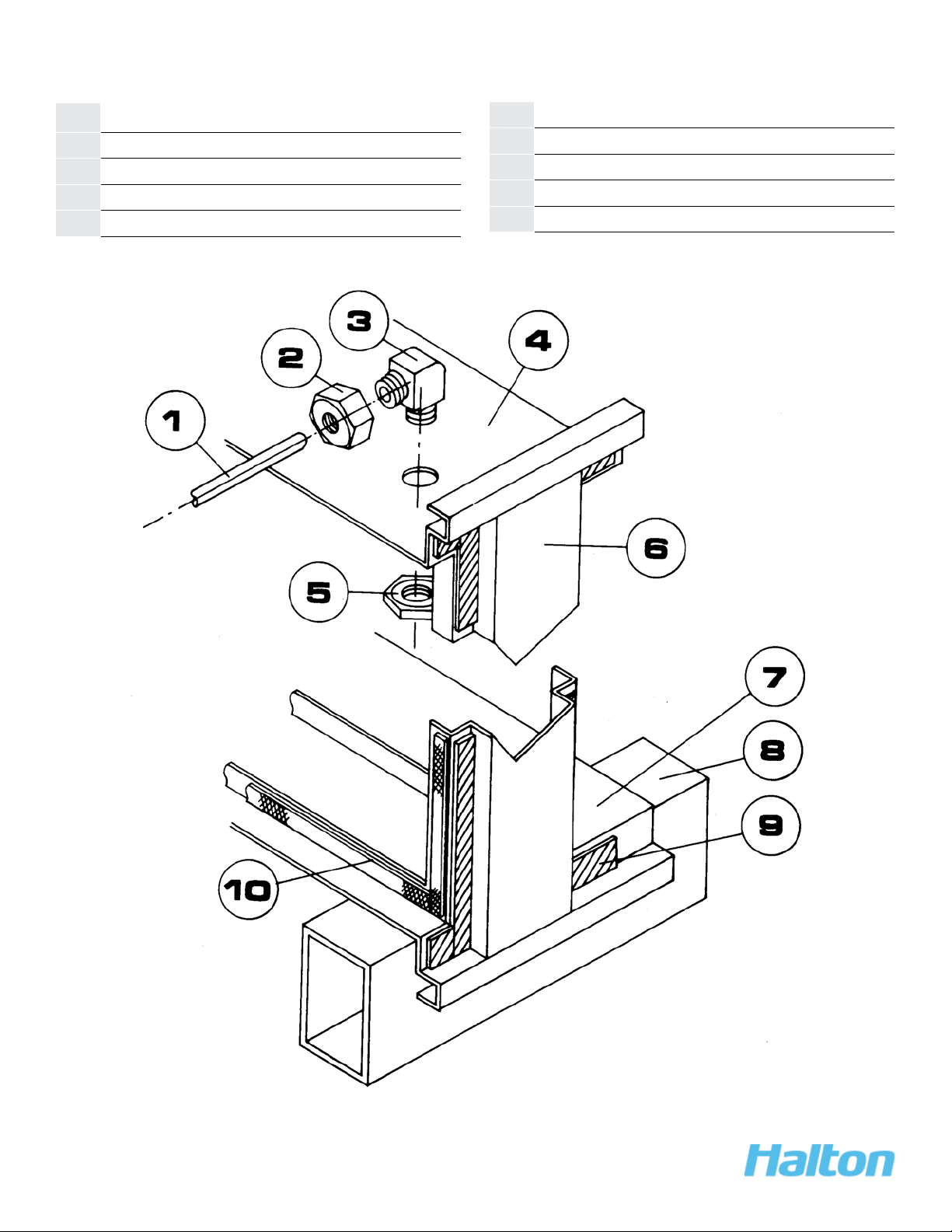
7. Check that pressure switch air tube connection have not been disturbed by removing
pressure tube chase.
8. Close access door and lock all latches.
9. To start fan, turn on disconnect switch at fan.
10. If the fan stops, remove the filter access door and check if all filters have been replaced
and are seated properly.
11. Should fan continue to shut off, check all pressure switch setting
PRESSURE SWITCH ADJUSTMENTS
Check Pressure Switch Operation, proceed as follows:
A. Turn down Alarm Delay Timer in Ecology Control Panel.
B. Turn Number 1 Pre Filter Pressure Switch down (counter clockwise), until alarm sounds and
Indicator Light illuminates (Note Setting). Return Pressure Switch to original setting
(.5” Static Pressure).
C. Turn Number 2, Medium Filter Pressure Switch down (counter clockwise), until alarm
sounds and Indicator Light illuminates (Note Setting). Return Pressure Switch to original
setting (1.25” Static Pressure).
D. Turn Number 3, High Efficiency Filter Pressure Switch down (counter clockwise) until alarm
sounds and Indicator Light on Ecology Panel illuminates. Return Pressure Switch to
original setting (2” Static Pressure).
E. Turn off disconnect switch and EcoloAir Fan Section
F. Turn up Alarm Delay Timer in Ecology Control Panel, set to 20 seconds.
G. Open Filter Access Door and remove any one Absolute filter.
H. Turn Number 4 Overall Pressure Switch counter clockwise to lowest position on Pressure
Switch Scale (0” Static Pressure).
I. Ensure Filter Access Door is closed. Turn on Disconnect Switch on Ecology Fan Section.