3
1. Explanation of warning symbols and notes
Risk of electric shock
This symbol indicates arisk of electric shock from
touching product parts carrying hazardous voltage.
Warning
This symbol is used to indicate safety instructions or to
draw your attention to specichazards and risks.
Note
This symbol is used to indicate additional information or
important notes.
2. Package contents
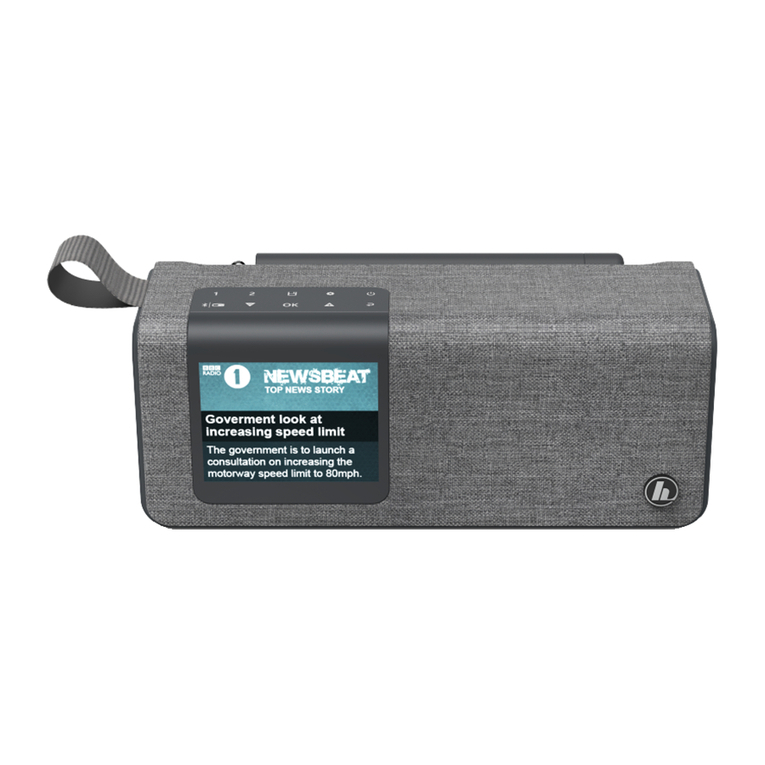
•Hama "DR200BT"
•USB-C charging cable
•Quick-reference guide
3. Safety instructions
•The product is intended for private, non-commercial use
only.
•Do not use the product in areas in which electronic
products arenot permitted.
•Protect the product from dirt, moistureand overheating
and use it in dry rooms only.
•As with all electrical products, this device should be kept
out of the reach of children.
•Do not drop the product and do not expose it to any
major shocks.
•Do not operate the product outside the power limits
specied in the technical data.
•Keep the packaging material out of the reach of children
due to the risk of suffocation.
•Dispose of packaging material immediately in
accordance with the locally applicable regulations.
•Do not modify the device in any way.Doing so voids the
warranty.
•Use the product only for the intended purpose.
•Do not use the product in the immediate vicinity of
heaters, other heat sources or in direct sunlight.
•Do not use the product in adamp environment and
avoid splashing water.
•Only use the article under moderate climatic conditions.
•The battery is integrated and cannot be removed.
•Do not incinerate the battery or the product.
•Do not tamper with or damage/heat/disassemble the
batteries/rechargeable batteries.
•Route all cables so that thereisnorisk of tripping.
•Do not bend or crush the cable.
Risk of electric shock
•Do not open the device or continue to operate it if it
becomes damaged.
•Do not use the product if the
AC adapter,the adapter cable or the mains cable are
damaged.
•Do not attempt to service or repair the product
yourself.Leave any and all service work to qualied
experts.
4. Charging the battery
Warning –rechargeable battery
•Only use suitable charging devices or USB connections
to charge the product.
•Do not use defective chargers or USB ports and do not
attempt to repair them.
•Do not overcharge the product or allow the battery to
completely discharge.
•Avoid storing, charging and using in extreme
temperatures and at extremely low atmospheric
pressures (such as at high altitudes).
•Charge regularly (at least quarterly) during periods of
prolonged storage.
•The product contains arechargeable battery.
•Fully charge the product once beforeusing it for the rst
time.
•Connect the supplied USB-C charging cable to the USB-C
connection (15) on the product.
•Connect the free plug on the USB-C charging cable to a
suitable USB charger.Todothis, consult the operating
instructions for the USB charger you areusing.
•The actual battery life willvary depending on how you
use the device, the settings and the environmental
conditions (batteries have alimited life).
Note –charging process
•Acomplete charging cycle takes about 3hours.
•The product's battery can be charged both when it is
switched on and off.