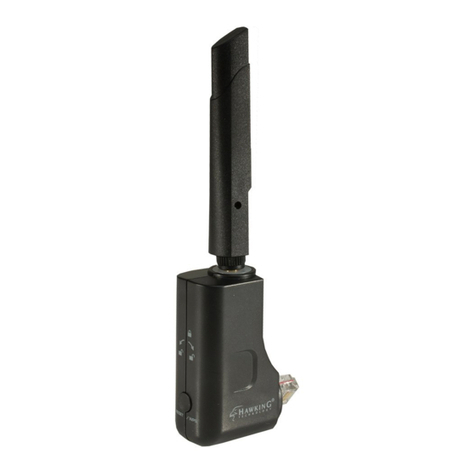
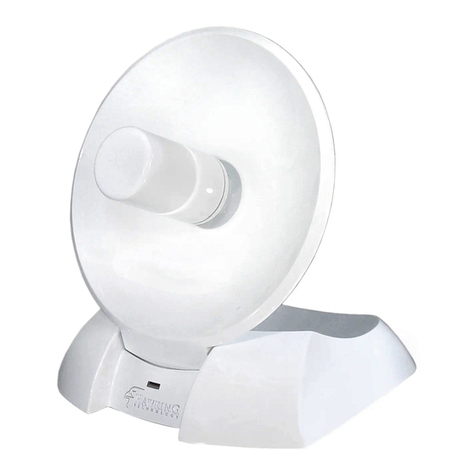
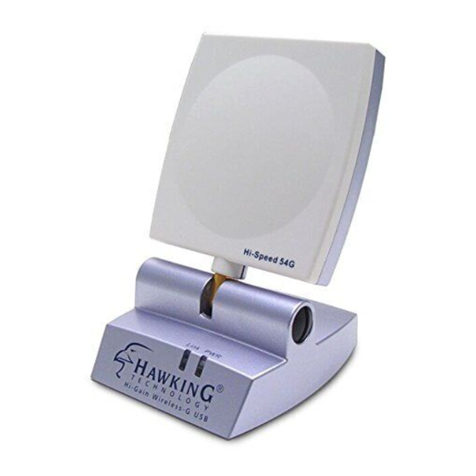
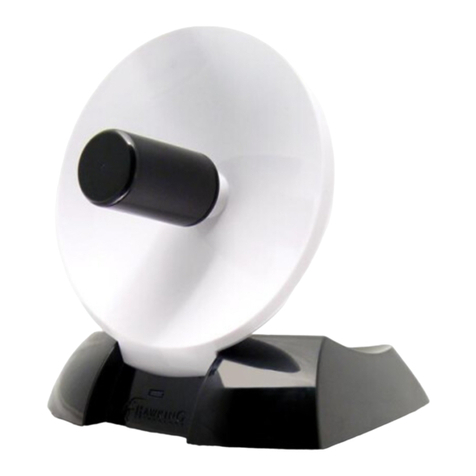
Hawking HWC54D User manual


Trademarks & Copyright
Windows 95/98/ME and Windows NT/2000/XP are registered trademarks of Microsoft Corp.
All other brands and product names are trademarks of their respective companies.
No part of this publication may be reproduced in any form or by any means or used to make
any derivative (such as translation, transformation or adaptation) without the express written
consent of the manufacturer as stipulated by the United States Copyright Act of 1976.
FCC Warning
This equipment has been tested and found to comply with the regulations for a Class B digital
device, pursuant to Part 15 of the FCC Rules. These limits are designed to provide reasonable
protection against harmful interference when the equipment is operated in a commercial
environment. This equipment generates, uses, and can radiate radio frequency energy and, if
not installed and used in accordance with this user’s guide, may cause harmful interference to
radio communications. Operation of this equipment in a residential area is likely to cause
harmful interference, in which case the user will be required to correct the interference at
his/her own expense.
CE Mark Warning
This is a Class B product. In a domestic environment, this product may cause radio interference, in
which case the user may be required to take adequate measures.
HAWKING LIMITED WARRANTY
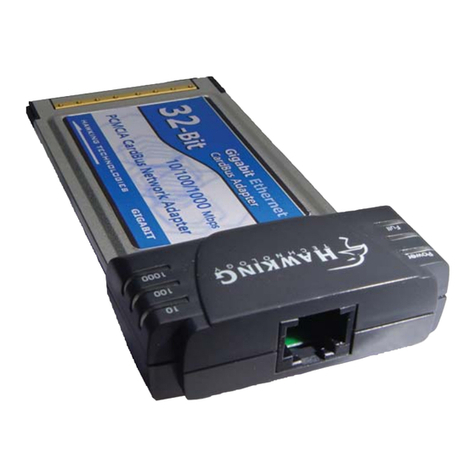
Hawking Technology guarantees that every HWC54D Hi-Gain Wireless-G CardBus Card is
free from physical defects in material and workmanship under normal use for two (2) years
from the date of purchase. If the product proves
defective during this two-year warranty period, call Hawking Customer Service in order to
obtain a Return Authorization number. Warranty is for repair or replacement only. Hawking
Technology does not issue any
refunds. BE SURE TO HAVE YOUR PROOF OF PURCHASE. RETURN REQUESTS CAN
NOT BE PROCESSED WITHOUT PROOF OF PURCHASE. When returning a product,
mark the Return Authorization number clearly on the outside of the package and include
your original proof of purchase.
IN NO EVEN SHALL HAWKING TECHNOLOGY’S LIABILTY EXCEED THE PRICE PAID
FOR THE PRODUCT FROM DIRECT, INDIRECT, SPECIAL, INCIDENTAL OR
CONSEQUENTIAL DAMAGES RESULTING FROM THE USE OF THE PRODUCT, ITS
ACCOMPANYING SOFTWARE OR ITS DOCUMENTATION. Hawking Technology makes
no warranty or representation, expressed, implied or statutory, with respect to its products or
the contents or use of this documentation and all accompanying software, and specifically
disclaims its quality, performance, merchantability, or fitness for any particular purpose.
Hawking Technology reserves the right to revise or updates its products, software, or
documentation without obligation to notify any individual or entity. Please direct all inquiries

CONTENTS
1INTRODUCTION.............................................................................1
1.1 Features......................................................................................................................... 1
1.2 Specifications................................................................................................................1
1.3 Package Contents.......................................................................................................... 2
2INSTALLATION PROCEDURE .....................................................3
3CONFIGURATION UTILITY .........................................................6
3.1 Site Survey.................................................................................................................... 6
3.2 Profile............................................................................................................................7
3.2.1 Configure the Profile................................................................................................ 8
3.2.2 Enable WPA in Windows XP ...................................................................................12
3.3 Link Status (Obtaining an optimal Wireless Connection) ..........................................14
3.4 Statistics......................................................................................................................17
3.5 Advance ......................................................................................................................17
3.6 About...........................................................................................................................19
4TROUBLESHOOTING..................................................................20

1 Introduction
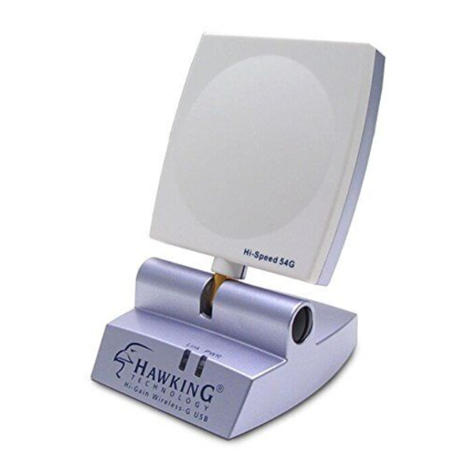
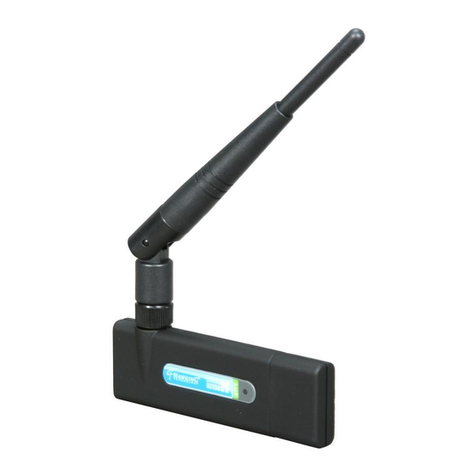
Thank you for purchasing the Hawking Technologies Hi-Gain Mini USB Wireless-G Adapter. The

HWU54DM complies with the IEEE 802.11g standard, which supports up to 54Mbps high-speed
wireless networking. It is also backwards compatible with IEEE 802.11b devices. The HWU54DM is a
high quality, high performance wireless product that has been designed with Hawking’s Hi-Gain
Technology for improved distance and throughput. Using a unique swivel-and-rotate design paired
with a 5dB/5dB Patch antenna, the adapter ensures you’ll get the greatest signal coverage wherever
you are. Just point the unit in the direction of the wireless signal source and you’re sure to get the
highest signal strength. The LED Signal Strength Indicator provides you the information you need to
make sure you’re getting the most from your wireless connection.
For wireless security issues, this card supports 64/128-bit WEP data encryption that protects your
wireless network from eavesdropping. It also supports the WPA (Wi-Fi Protected Access) security
standard that combines IEEE 802.1x and TKIP (Temporal Key Integrity Protocol) technologies. Client
users are required to authorize before accessing to APs or AP Routers, and the data transmitted in the
network is encrypted/decrypted by a dynamically changed secret key. This card also has built-in an
AES engine which ensure the highest degree of security and authenticity for digital information and it is
the most advanced solution defined by IEEE 802.11i for security in wireless networks.
The power consumption of the card is also very low. Furthermore, this card provides several levels of
power saving modes allowing the user to optimize the battery life of their notebooks.
1.1 Features
•Works with both IEEE 802.11b and IEEE 802.11g products.
•Rotate and Swivel design for maximum reception adjustability
•Designed with Hawking Hi-Gain Technology
•Signal Strength Indicator shows current wireless signal reception information
•Directional 5dBi/5dBi Hi-Gain Patch Antenna for increased Wireless Distance and elimination
of wireless interference from laptop components
•High-speed transfer data rate - up to 54Mbps.
•High throughput allows for the transfer of data heavy multi-media files.
•Supports 64/128-bit WEP, WPA (TKIP with IEEE 802.1x) and AES functions for the highest
level of security.
•Automatic fallback increases data security and reliability.
•Supports the most popular operating systems: Windows 98SE/Me/2000/XP.
•USB2.0 Compliant & Bus powered
1.2 Specifications
•Standard: IEEE 802.11b/g
1

•Interface: 32-bit Cardbus
•Frequency Band: 2.4000 ~ 2.4835GHz (Industrial Scientific Medical Band)
•Modulation: OFDM with BPSK, QPSK, 16QAM, 64QAM (11g)
BPSK, QPSK, CCK (11b)
•Data Rate: 54/48/36/24/18/12/11/9/6/5.5/2/1Mbps auto fallback
•Security: 64/128-bit WEP Data Encryption, WPA, AES and IEEE 802.1x
•Antenna: Hi-Gain 6dBi Patch Antenna (Fold-Up and Swivel)
•Drivers: Windows 98SE/Me/2000/XP
•LEDs: TX/RX, Link
•Transmit Power: 16dBm~18dBm (Before Antenna)
•Power consumption: Tx: 350mA, Rx: 250mA
•Receive Sensitivity: 54Mbps OFDM, 10% PER, -70dBm, 11Mbps CCK, 8% PER, -86dBm,
1Mbps BPSK, 8% PER, -92dBm
•Dimension: 8(H) x 118(W) x 54(D) mm
•Temperature: 32~131°F (0 ~55°C)
•Humidity: Max. 95% (NonCondensing)
•Certification: FCC, CE
1.3 Package Contents
Before you begin the installation, please check the items of your package. The package should include
the following items:
•One Hi-Gain Mini USB Wireless-G Network Adapter
•One CD (Driver/Utility/User’s Manual.)
•One Quick Installation Guide
If any of the above items is missing, contact your supplier as soon as possible.
2

2 Installation Procedure
Before you proceed with the installation, please notice following descriptions.
Note1: Please do not install the HWU54DM into your computer before installing the software
program from the CD.
Note2: The following installation was operated under Windows XP. (Procedures are similar for
Windows 98SE/Me/2000.)
Note3: If you have installed the Wireless adapter driver & utility before, please uninstall the old
version first.
A. Insert the Installation CD into your CD-ROM Drive. The Utility splash screen will appear. Click
Driver & Utility Setup to begin setup initialization.
B. Setup will initialize automatically.
C. Setup will ask prompt you to accept the Licensing agreement. Select Yes to continue.
3

D. The system will begin to install the software utility for the HWU54DM. Follow the instruction of the
program to plug in the Mini USBAdapter into the USB port of your desktop or laptop computer.
E. The system will automatically detect the Mini USB Adapter and copy the necessary driver files over.
F. Windows Hardware setup will present a list of drivers for installing the HWU54DM. Select
Hawking HWU54DM Hi-Gain Wireless-G USB Adapter. Click “Next” to continue the hardware
installation.
4

G. Windows will display the Windows “Hardware Installation” warning screen. Click “Continue
Anyway” to proceed with the installation.
H. Click “Finish” to complete hardware installation of the HWU54DM.
5

3 Configuration Utility
The Configuration Utility is a powerful application that helps you configure the HWU54DM and monitor
the link status and statistics of your wireless connection.
The Configuration Utility appears as an icon on the system tray of your Windows operating system
while the card is running. You can open it by double-clicking on the icon.
You may also “Right-click” the icon, which will bring up the following options:
zLauch Config Utilities
Select “Lauch Config Utilities” to open the Configuration Utility tool.
zUse Config as Configuration Utility or Use Zero Configuration Utility as Configuration
Utility
Select which of the two configuration modes you would like to use.
zExit
Select “Exit” to close the Configuration Utility tool
3.1 Site Survey
When you open the Configuration Utility, the system will scan all wireless channels to find all access
points/stations within the accessible range of your card and automatically connect to the wireless
device with the highest signal strength. When using the “Site Survey” option, all nearby networks will be
listed. You can change your connection to another network or you may add one of the networks to your
own profile list.
6

Parameter Description
Available Networks This list shows all available wireless networks within range of your
card. It also displays the information of the networks including the
SSID, BSSID, Signal Strength, Channel, Encryption,
Authentication and Network Type. If you want to connect to any
networks on the list, double-click the item on the list, and the card
will automatically connect to the selected network.
Rescan Button Click “Rescan” button to collect the information of all the wireless
networks nearby.
Connect Button Click “Connect” to connect to the selected network.
Add to Profile Button Add the selected network to Profiles list.
3.2 Profile
The “Profiles List” is for you to manage the networks you connect to frequently. You are able to
Add/Delete/Edit/Activate a profile.
Parameter Description
Profiles List The profiles list display all the profiles and the relative information
including Profile Name, SSID, Channel, etc.
Add/Delete/Edit Button Click these buttons to add/delete/edit the selected profiles.
7
Other manuals for HWC54D
2
Table of contents
Other Hawking Network Card manuals

Hawking
Hawking H-CF690V User manual

Hawking
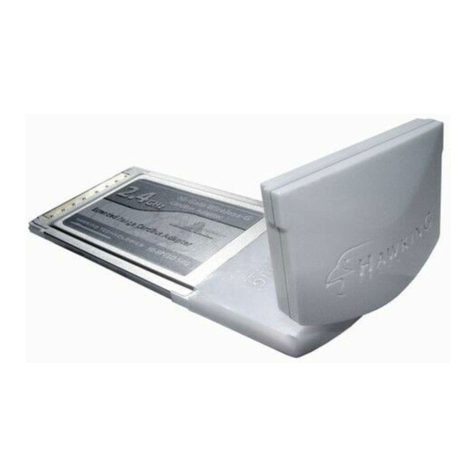
Hawking HWC54DA User manual

Hawking
Hawking HWU54D User manual

Hawking
Hawking HAWNU1 User manual

Hawking
Hawking Hi-Gain HWU9DD User manual

Hawking
Hawking CF100W User manual

Hawking
Hawking HGC1 User manual

Hawking
Hawking HWU54D Operator's manual

Hawking
Hawking HWDN1 User manual

Hawking
Hawking H-CF30W User manual

Hawking
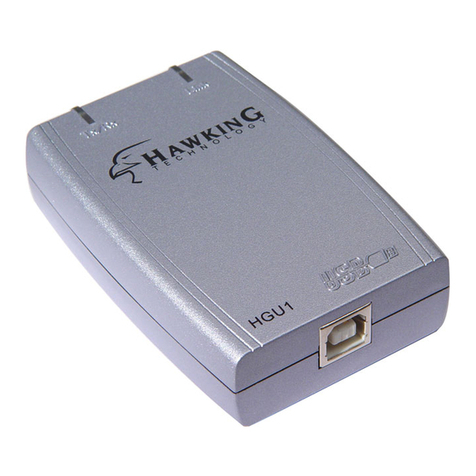
Hawking HGU1 User manual

Hawking
Hawking HGU1 User manual

Hawking
Hawking HUF11 User manual

Hawking
Hawking HWU54G User manual

Hawking
Hawking HW5AC User manual

Hawking
Hawking HAWNU1 User manual

Hawking
Hawking H-WP102 User manual

Hawking
Hawking Hi-Gain HAWNU2 User manual

Hawking
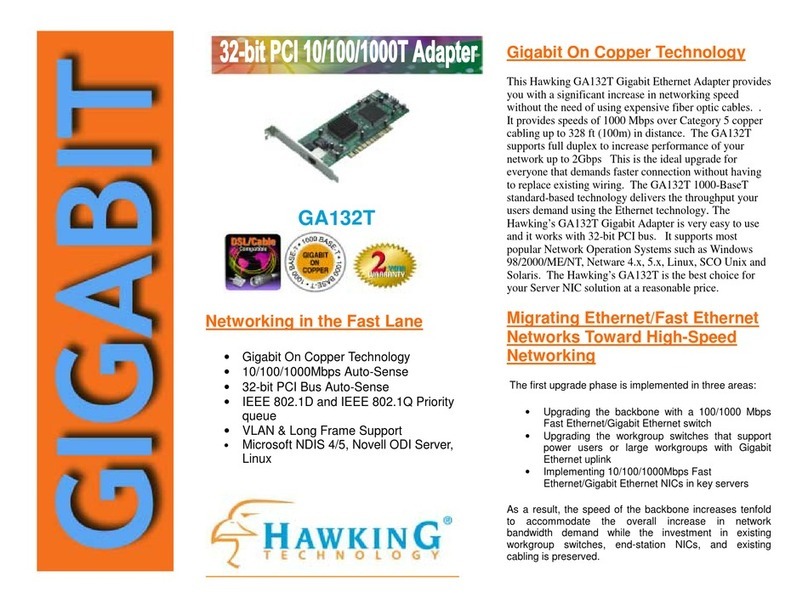
Hawking GA132T User manual