B
A
C
Displays the available wireless networks in your vicinity and the signal strength information
of each network. To connect to your specific network double-click the on the name of the
A
Network. If your network does not appear in this window please click Refresh. If it still
Does not appear please check to see that your wireless network is set up correctly.
Displays detailed information on the network the USB Adapter is currently connected to.
B
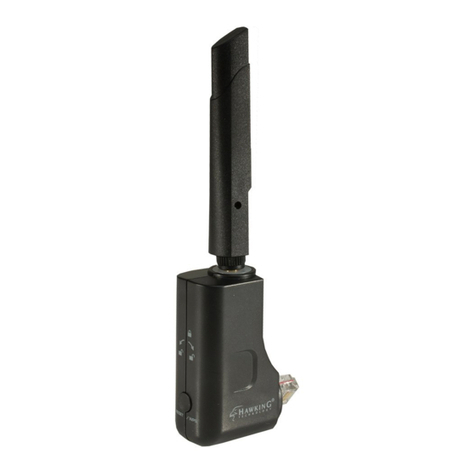
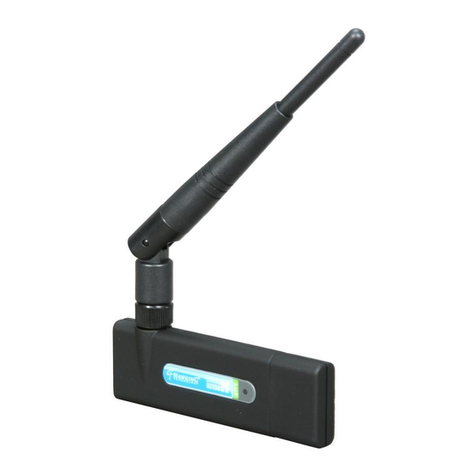
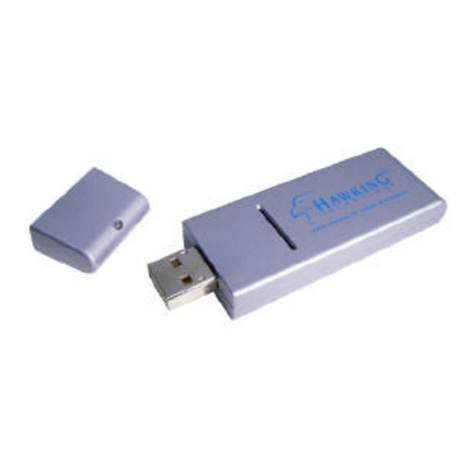
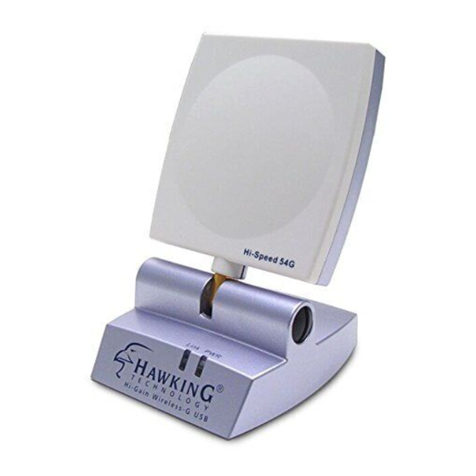
The Signal Strength and Link Quality bars show the connection quality of your HWU54D
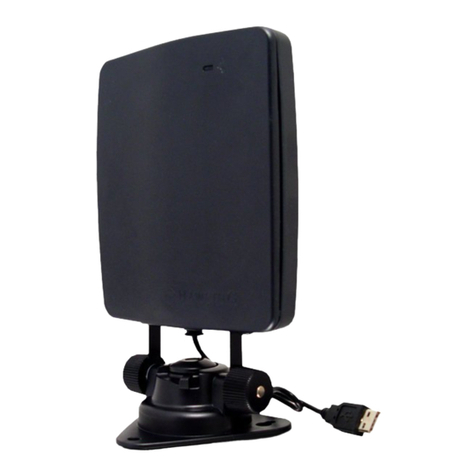
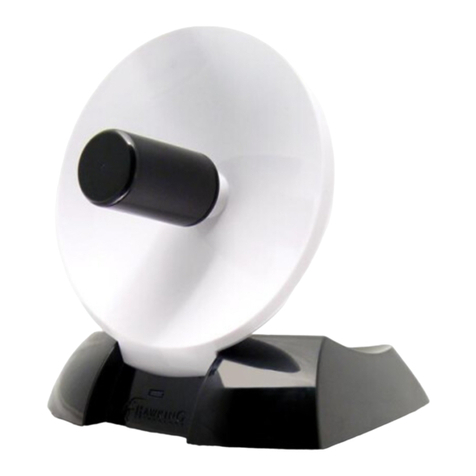
to the wireless network. The antenna on the HWU54D is directional so rotate the orientation
C
of your Adapter until you find the strongest signal.
ADVANCED SETTINGS / SETTING UP SECURITY
(For more advanced wireless users, please see manual if you are unfamiliar with advanced
wireless settings or setting up security):
To adjust advanced settings such as, channel selection, manual SSID input and enabling /
disabling wireless security, please select the More Settings tab. The HWU54D is compatible with
the latest wireless security standards. Please see your network administrator to find out which type
of security your network is using and which keys to input.
ACCESS POINT MODE:
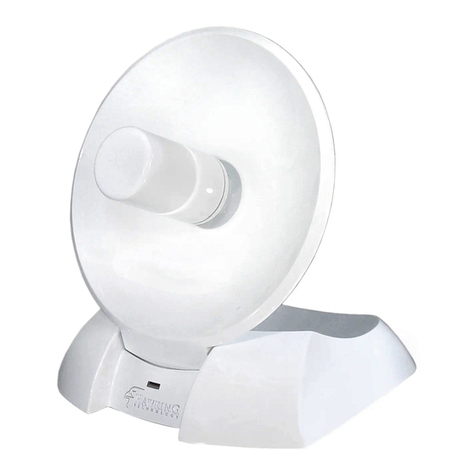
The HWU54G has a very unique feature that allows it to function as a wireless access point to
provide wireless access to nearby wireless adapters. To enable this feature, change the Mode of
the adapter to Access Point from the drop down menu on the top right corner of the Configuration
Utility. If you are interested in using this feature please refer to the User’s Manual for more detailed
instructions and explanations.
Thank you for choosing Hawking Technologies.
10