manuals.online logo
Brands
  1. Home
  2. •
  3. Brands
  4. •
  5. Hawking
  6. •
  7. Network Card
  8. •
  9. Hawking HWDN1 User manual

Hawking HWDN1 User manual

Other Hawking Network Card manuals

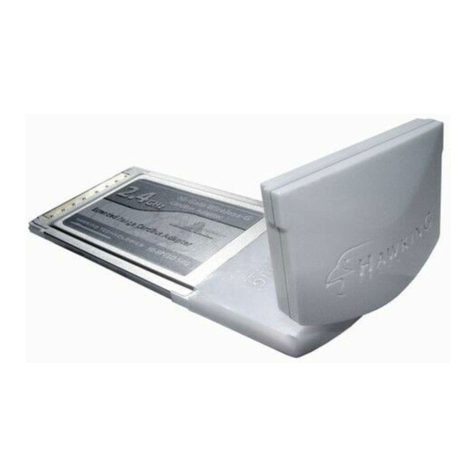
Hawking HAWNU1 User manual

Hawking

Hawking HAWNU1 User manual

Hawking HWU54D Operator's manual

Hawking

Hawking HWU54D Operator's manual

Hawking HWC54D User manual

Hawking

Hawking HWC54D User manual

Hawking HWU54G User manual

Hawking

Hawking HWU54G User manual

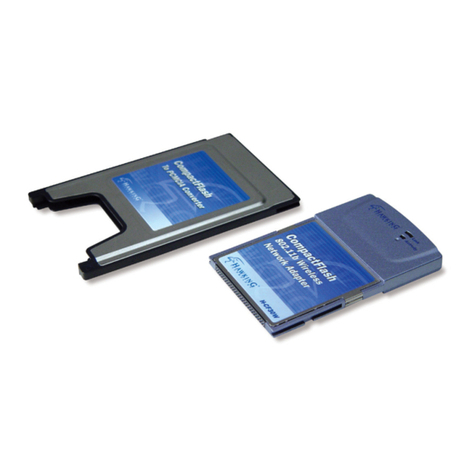
Hawking CF100W User manual

Hawking

Hawking CF100W User manual

Hawking HWU54D User manual

Hawking

Hawking HWU54D User manual

Hawking Hi-Gain HWU9DD User manual

Hawking

Hawking Hi-Gain HWU9DD User manual

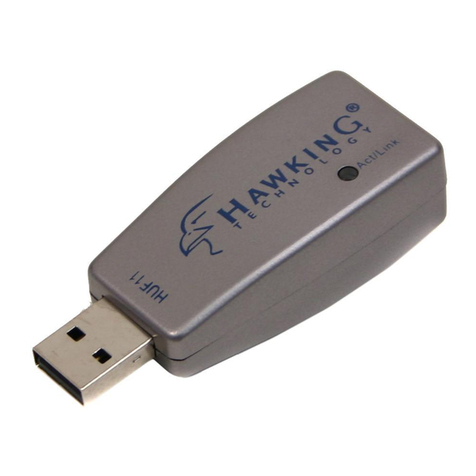
Hawking HUF11 User manual

Hawking

Hawking HUF11 User manual

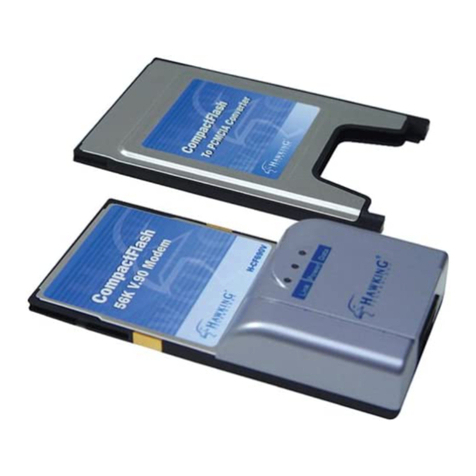
Hawking H-CF690V User manual

Hawking

Hawking H-CF690V User manual

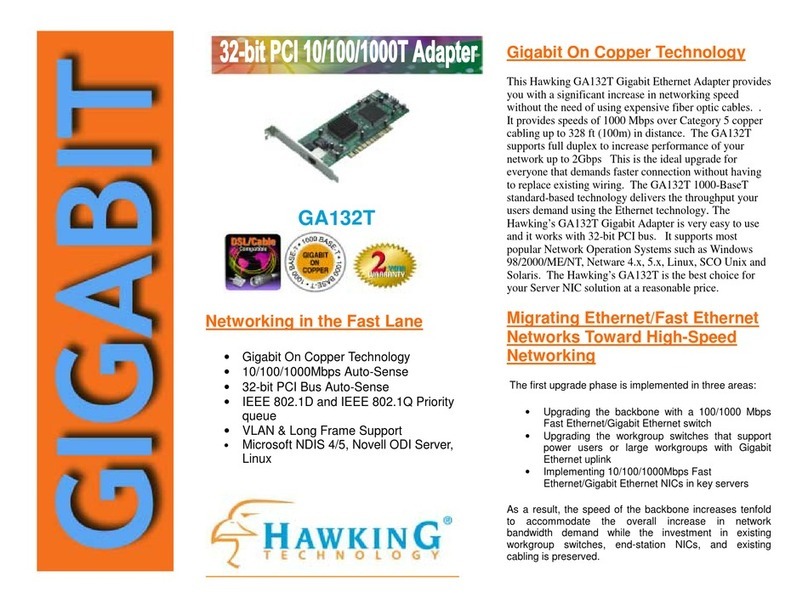
Hawking GA132T User manual

Hawking

Hawking GA132T User manual

Hawking HGC1 User manual

Hawking

Hawking HGC1 User manual

Hawking HAWNU1 User manual

Hawking

Hawking HAWNU1 User manual

Hawking HGU1 User manual

Hawking

Hawking HGU1 User manual

Hawking HGU1 User manual

Hawking

Hawking HGU1 User manual

Hawking Hi-Gain HAWNU2 User manual

Hawking

Hawking Hi-Gain HAWNU2 User manual

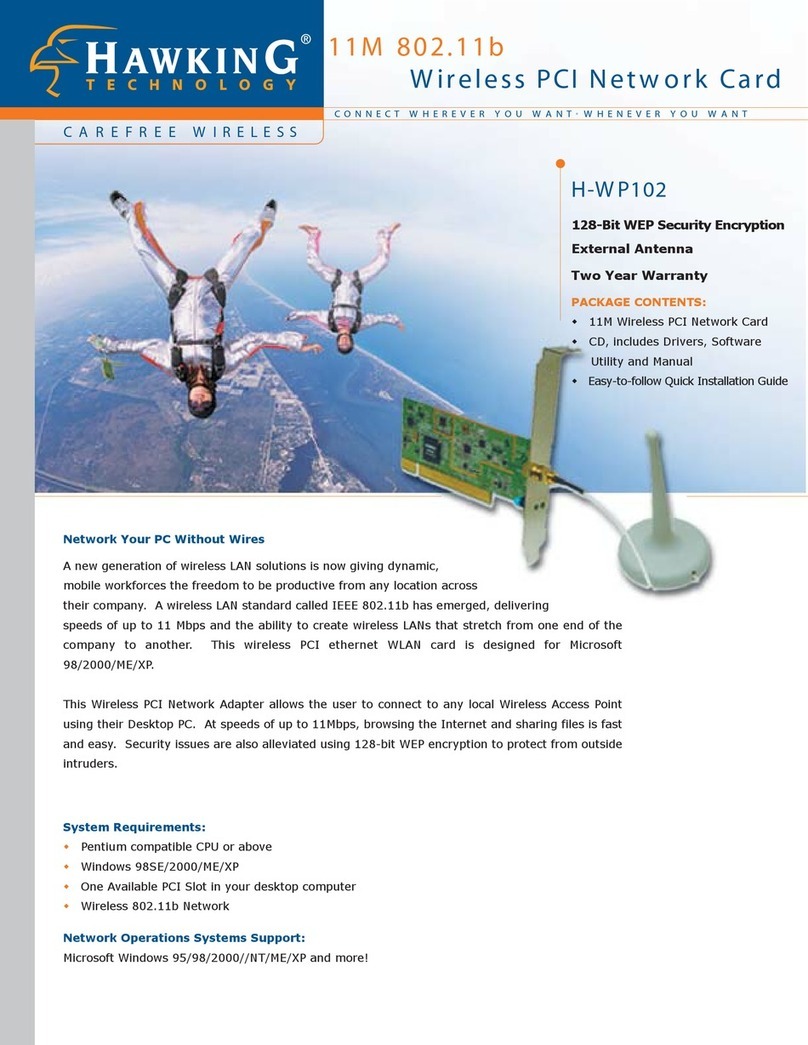
Hawking H-WP102 User manual

Hawking

Hawking H-WP102 User manual

Hawking HW5AC User manual

Hawking

Hawking HW5AC User manual

Hawking H-CF30W User manual

Hawking

Hawking H-CF30W User manual

Hawking HWC54DA User manual

Hawking

Hawking HWC54DA User manual

Popular Network Card manuals by other brands

Belkin F6D301 user manual

Belkin

Belkin F6D301 user manual

FirstComm OBiWiFi5G Setup guide

FirstComm

FirstComm OBiWiFi5G Setup guide

TRENDnet TU2-ETG user guide

TRENDnet

TRENDnet TU2-ETG user guide

YASKAWA SI-EN3 Technical manual

YASKAWA

YASKAWA SI-EN3 Technical manual

Paradyne BitStorm 2600 IP DSLAM installation guide

Paradyne

Paradyne BitStorm 2600 IP DSLAM installation guide

Belkin F5D7050 user manual

Belkin

Belkin F5D7050 user manual

3Com EtherLink 3C509B quick guide

3Com

3Com EtherLink 3C509B quick guide

TRENDnet TEG-PCITX user guide

TRENDnet

TRENDnet TEG-PCITX user guide

Cisco MC16E installation guide

Cisco

Cisco MC16E installation guide

Delta Electronics Braking Modules VFDB Series instruction sheet

Delta Electronics

Delta Electronics Braking Modules VFDB Series instruction sheet

TwinMOS Booming user manual

TwinMOS

TwinMOS Booming user manual

Dialogic Media Board DM/V1200BTEPEQ installation guide

Dialogic

Dialogic Media Board DM/V1200BTEPEQ installation guide

Buffalo AirStation WLI-PCM-L11GP user manual

Buffalo

Buffalo AirStation WLI-PCM-L11GP user manual

TRENDnet TEG-PCITXR user guide

TRENDnet

TRENDnet TEG-PCITXR user guide

Sun Microsystems Interface Adapter user guide

Sun Microsystems

Sun Microsystems Interface Adapter user guide

D-Link DHP?P309AV Setup guide

D-Link

D-Link DHP?P309AV Setup guide

Extollo LANPlug 2000 Product guide

Extollo

Extollo LANPlug 2000 Product guide

LG-Ericsson PCI-1020 user manual

LG-Ericsson

LG-Ericsson PCI-1020 user manual

manuals.online logo
manuals.online logoBrands
  • About & Mission
  • Contact us
  • Privacy Policy
  • Terms and Conditions

Copyright 2025 Manuals.Online. All Rights Reserved.

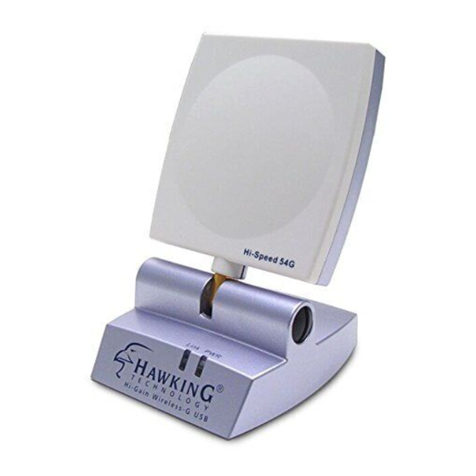
Hi-GainTM Wireless-300N USB
Network Dish Adapter
PACKAGE CONTENTS:
One Wireless-300N USB Dish Adapter
One USB Cable
Quick Installation Guide
One CD (Includes Software & Manual)
HWDN1
Connect Your Laptop or Desktop to Your Wireless Network
and Surf the Internet at Blazing Speeds of up to 300Mbps!
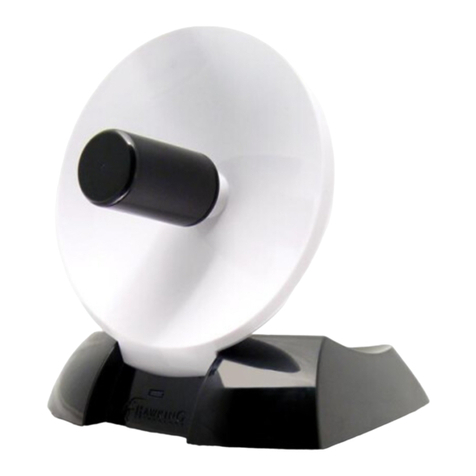
The Hawking Hi-Gain Wireless-300N USB Dish Adapter extends your wireless network 6 times and boosts your data
throughput 12 times! It is capable of transfering data at up to 300Mbps. The Wireless-300N USB Dish Adapter is designed
with advanced Directional Dish Technology for excellent range and performance. A built-in dual antenna concentrates wireless
signals for extended wireless range of up to 600%*, compared to a standard network adapter. It is the most powerful
802.11n Wireless Networking Adapter on the market. Furthermore, it is backward compatible with Wireless 802.11b and
802.11g and will operate on the highest throughput that your network allows.
Installation of the HWDN1 Wireless-300N Dish Adapter is simple and straight forward - run the setup CD and connect the Dish
Adapter to your notebook or desktop through an available USB port. To achieve the maximum wireless range and
performance, direct the HWDN1 towards a wireless source and you are ready to connect!
Features
Extends Network Coverage 6x using MIMO & Hi-Gain Dish Technology
Boosts Data Throughput 12x
Excellent Solution for Media-Intensive Activities with up to 300Mbps Data Transfer Rate
Supports WEP, WPA (PSK, TKIP), and WPA2 (AES) Security Encryption for the highest level of security
Setup is quick and simple
System Requirements:
Windows 2000/XP/Vista
One Available USB Port
Wireless 802.11 b/g/n* Network (i.e. Access Point or Wireless Device)
*Results may vary due to different operating environments.
HWDN1
Step 1 - Run the Setup Wizard
Step 2 - Plug in the Wireless-N USB
Adapter
Step 3 - Find your Wireless Network
DISH ANTENNA VS STANDARD ANTENNAS
An Omni-Directional Antenna's
signal strength gets weaker
with distance
Hawking's HWDN1 Wireless-N USB
Directional Dish Adapter Preserves Speed
at Extended Operating Distances
lower quality connection
Access Point
Hi-Gain Dual Antenna Dish Technology
Extreme Range and Performance
Parabolic Dish
Hi-Gain Dual Antenna Feed
Wireless Signal
Laptop/Desktop with Standard Wireless Adapter
Laptop/Desktop with the Hi-Gain
Wireless-300N Dish Adapter
The HWDN1 is equipped
with Dual Antenna Dish
Technology which
provides more wireless
reception range and
boosted wireless
performance
Hi-Gain Wireless-300N USB Network Dish Adapter
Specications are subjet to change without notice. ©2007 Hawking Technologies, Inc. All Rights Reserved.
HAWKING TECHNOLOGIES, INC
USA: Irvine, California
Sales: 888.662.8828 or 949.790.0800 Fax: 949.790.0880
Email: [email protected] Email: [email protected]
EUROPE: Rotterdam, The Netherlands
Sales: 31-10-245-1600 Fax: 31-(0)10-245 1616
Email: [email protected] Email: [email protected]
READY, NETWORK &GO
SPECIFICATIONS
Network Specications:
 Windows 2000/XP/Vista
 IEEE 802.11 b/g/n
 Security: WEP 64, 128,
152bit WPA (PSK, TKIP), WPA (AES)
Electrical Properties
 Frequency: 2.412~2.462GHz
 Operating Voltage: 5V
 LED indicator: Solid Green & Blinking Mode
Mechanical Properties
 Connector: USB 2.0/1.1
Material Properties
 Color: White
 Dimensions: (L x W x H)
4.17 x 4.90 x 5.14 in
 Weight: 6.7 oz
Warranty
 1 year
RELATED PRODUCTS
HWUN1 Hi-Gain USB Wireless-300N Network
Dish Adapter
HWRN1 Hi-Gain Wireless-300N Router
Hi-Gain Range Extending Products
HAI7SIP Hi-Gain 7dBi Omni-Directional
Antenna
HAI7MD Hi-Gain 7dBi Directional Antenna
HAI15SC Hi-Gain 15dBi Corner Antenna
HAO9SIP Hi-Gain 9dBi Outdoor/Indoor
Omni-Directional Antenna Kit

HAO9SDP Hi-Gain 9dBi Outdoor/Indoor
Directional Antenna Kit
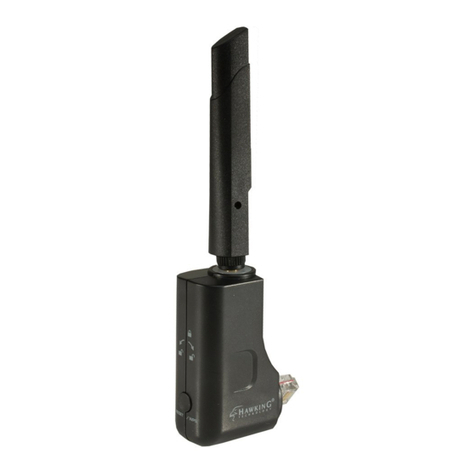
HAO14SDP Hi-Gain 14dBi Outdoor/Indoor
Directional Antenna Kit
HAO15SIP Hi-Gain 15dBi Outdoor/Indoor
Omni-Directional Antenna Kit