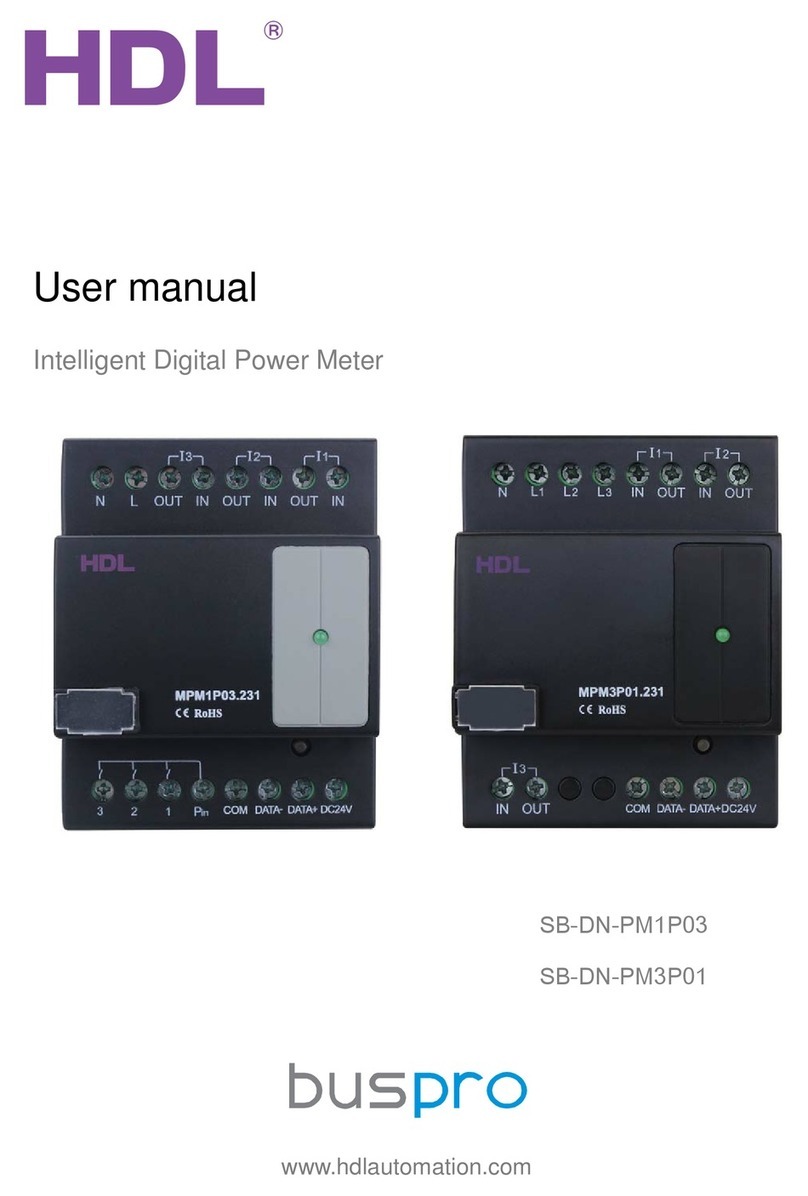
Intelligent Digital Power Meter–User Manual
INDEX
1. Overview........................................................................................................................................1
1.1 General Information.......................................................................................................... 1
1.1.1 Description...............................................................................................................1
1.1.2 Mounting.................................................................................................................. 1
1.1.3 Serial Numbers....................................................................................................... 2
1.2 Functions.............................................................................................................................2
1.3 Device Description.............................................................................................................3
2. Safety precautions....................................................................................................................... 3
3. Technical Data.............................................................................................................................. 4
4. Installation..................................................................................................................................... 4
4.1 Wiring...................................................................................................................................5
4.2 Commissioning...................................................................................................................5
5. Software Configuration............................................................................................................... 6
5.1 Basic Information............................................................................................................... 6
5.1.1 Changing the device ID.........................................................................................6
5.1.2 Setting the date...................................................................................................... 6
5.2 Status Information............................................................................................................. 7
5.2.1 Status Information.................................................................................................. 7
5.2.2 Other Information................................................................................................... 7
5.3 Logic functions................................................................................................................... 8
5.3.1 Logic information.................................................................................................... 9
5.3.2 Logic Settings......................................................................................................... 9
5.3.3 Relation..................................................................................................................10
5.3.4 Trigger targets...................................................................................................... 10
5.3.5 Application............................................................................................................. 11
5.4 View Power Consumption..............................................................................................12
5.5 Adjust Power Meter......................................................................................................... 13
6. Note..............................................................................................................................................14