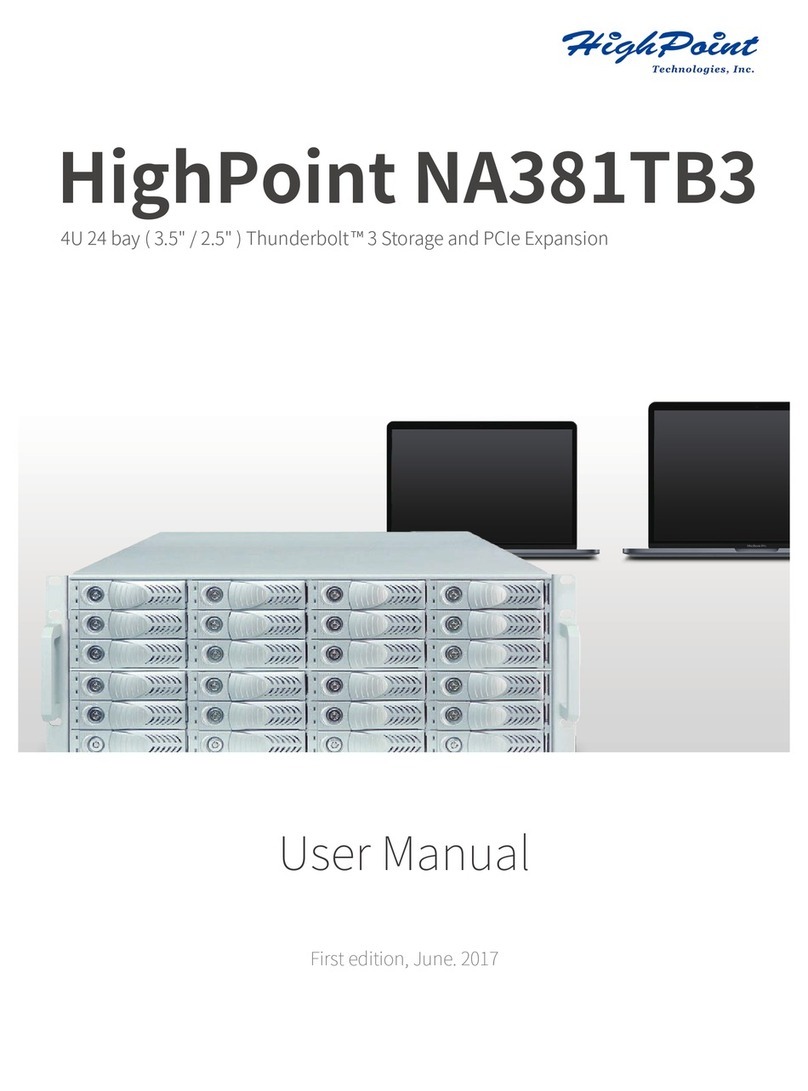
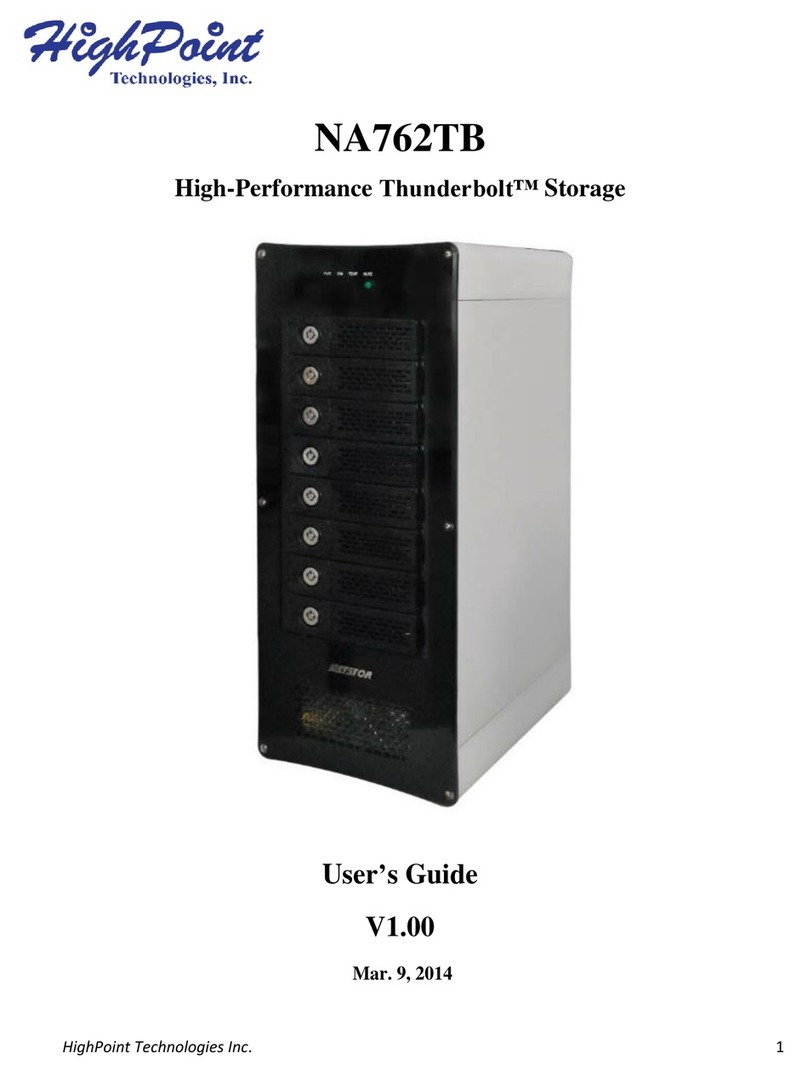
HighPoint 644L User manual

1
淘汰
RocketRAID 644L / 642L
6Gb/s eSATA PCI-Express 2.0 RAID HBA
For Mac
User’s Guide
Revision: 1.0
Nov. 24, 2012
HighPoint Technologies, Inc.

2
Copyright
Copyright © 2012 HighPoint Technologies, Inc. This document contains materials protected by
International Copyright Laws. All rights reserved. No part of this manual may be reproduced, transmitted
or transcribed in any form and for any purpose without the express written permission of HighPoint
Technologies, Inc.
Trademarks
Companies and products mentioned in this manual are for identification purpose only. Product names or
brand names appearing in this manual may or may not be registered trademarks or copyrights of their
respective owners. Backup your important data before using HighPoint's products and use at your own
risk. In no event shall HighPoint be liable for any loss of profits, or for direct, indirect, special, incidental or
consequential damages arising from any defect or error in HighPoint's products or manuals. Information
in this manual is subject to change without notice and does not represent a commitment on the part of
HighPoint.
Notice
Reasonable effort has been made to ensure that the information in this manual is accurate. HighPoint
assumes no liability for technical inaccuracies, typographical, or other errors contained herein.

3
Table of Contents
1 Features and Specifications ................................................................................................................... 4
2 Physical Specifications........................................................................................................................... 5
3 Kit Contents .......................................................................................................................................... 6
4 Hardware Description and Installation.................................................................................................. 7
4.1 RocketRAID 644L / 642L Host Adapter board layout........................................................................ 7
4.2 Installing the RocketRAID 644L / 642L Host Adapter ....................................................................... 7
4.3 Verifying Installation ....................................................................................................................... 9
5 RocketRAID 644L / 642L Driver Installation ......................................................................................... 10
5.1 Driver installation .......................................................................................................................... 10
5.2 Verify Installation of the Software................................................................................................. 12
6 Install / Uninstall HighPoint Web RAID Management Software .......................................................... 13
6.1 Installing the Web RAID Management Software ............................................................................ 13
6.2 Uninstalling the Web RAID Management Software ....................................................................... 13
7 HighPoint Web RAID Management Software ...................................................................................... 15
7.1 Running the Management Software .............................................................................................. 15
7.2 Web RAID Management Software - Global View ........................................................................... 17
7.3 Web RAID Management Software - Physical.................................................................................. 18
7.3.1 Physical - Controller 1 Devices............................................................................................... 19
7.3.2 Physical - Controller 1 Devices Physical Devices Information ................................................. 19
7.3.3 Physical - Rescan ................................................................................................................... 20
7.4 Web RAID Management Software - Logical.................................................................................... 21
7.4.1 Logical - Create Array............................................................................................................. 22
7.4.2 Logical - Spare Pool ............................................................................................................... 28
7.4.3 Logical - Logical Device .......................................................................................................... 29
7.4.4 Logical - Rescan ..................................................................................................................... 29
7.4.5 Logical - Beeper Mute............................................................................................................ 29
7.5 Web RAID Management Software - Setting ................................................................................... 30
7.5.1 Setting - System..................................................................................................................... 30
7.5.2 Setting - Email ....................................................................................................................... 32
7.6 Web RAID Management Software - Event...................................................................................... 33
7.7 Web RAID Management Software - SHI (Storage Health Inspector) ............................................... 34
7.8 Web RAID Management Software - Recover.................................................................................. 36
7.9 Web RAID Management ICON Definition List................................................................................. 36
8 EFI ....................................................................................................................................................... 39
8.1 EFI Update ..................................................................................................................................... 39
8.2 Booting MacOS X from RocketRAID 644L / 642L Adapter via EFI.................................................... 41
9 Thank You ........................................................................................................................................... 44
10 Customer Support ............................................................................................................................. 45

4
HighPoint RocketRAID 644L / 642L HBA For Mac
HighPoint’s RocketRAID 600L Series HBA’s are the Industry’s most affordable, high-performance, SATA
6Gb/s RAID HBA’s, and are ideal for Mac Pro workstations. These 2nd Generation SATA 6Gb/s host
controllers utilize a PCI-Express 2.0 host bus interface, HighPoint's Industry-proven RAID engine, and
support a wide-range of single-disk and RAID configurations including 0, 1, 5, 10 and JBOD.
Each RocketRAID 600L Series HBA’s directly supports up to 4 SATA devices, and up to 20 when used in
conjunction with port multiplier storage devices. For maximum performance, attach SATA hard drives and
SSD’s directly to the RocketRAID 600’s SATA and eSATA ports. To maximize storage capacity, use the
RocketRAID 600 with port multiplier storage chassis and external disk enclosures.
The HighPoint RAID Management Software provides a user friendly interface to create, manage and
maintain your storage solutions.
1 Features and Specifications
Hardware Specifications
PCI-Express 2.0 x4
4x SATA 6Gb/s Ports
Industry standard SATA/eSATA connectors
Directly supports 4 SATA devices / Up to 20 with port multiplier capable enclosure
Backwards compatible with HighPoint SATA RAID HBA’s
Low Profile (RocketRAID 640L , RocketRAID 642L) / Full Height (RocketRAID 644L)
Monitor, Alerts and LED Indicators
Hard Drive LED Indicators (Activity and Failed)
SMTP email notification for events and error reporting
Alarm/Buzzer alerts for drive/array failure
Advanced RAID Features
RAID 0, 1, 5, 10, JBOD
Redundant RAID Configuration for Array availability
RAID Initialization Types - Background, Foreground, Quick Init and Keep Old Data
Spin Down Idle Disk
Enhanced data protection with Write Journaling feature
S.M.A.R.T Support
Auto Rebuild on spare drive
HotPlug and HotSwap support
Larger than 2 TB drive support
Bootable RAID Array support via EFI
Write Back or Write Through Cache support
User friendly Browser-based Management Interface
Web browser-based RAID management software (Web GUI)
Operating System Support
Mac OS X 10.5 and newer

5
2 Physical Specifications
Dimensions:
RocketRAID 642L: 79mm x 67mm x 19mm
RocketRAID 644L: 106mm x 79mm x 19mm
EMI:
FCC Part 15 Class B and CE
Thermal and Atmospheric Characteristics:
Work Temperature Range: +5°C ~ + 55°C
Relative Humidity Range: 5% ~ 60% non-condensing
Storage Temperature: -20°C ~ +80°C
MTBF: 920,585 Hours
Electrical Characteristics:
PCI-E
3.3V
12V
Power
4W max
1W max

6
3 Kit Contents
RocketRAID 644L HBA / RocketRAID 642L HBA
Quick Installation Guide
HighPoint Software CD
Low-Profile Bracket (RocketRAID 642L only)
Two SATA 6Gb/s cables (RocketRAID 642L only)

7
4 Hardware Description and Installation
4.1 RocketRAID 644L / 642L Host Adapter Board Layout
4.2 Installing the RocketRAID 644L / 642L Host Adapter
Note: Make sure the system is powered-off before installing the RocketRAID host adapter.
1. Open the system chassis and locate an unused PCI-E x16 slot.
2. Remove the PCI-E slot cover.
3. Gently insert the RocketRAID 644L / 642L into the PCI-E slot, and secure the bracket to the system
chassis.
RocketRAID 642L
RocketRAID 644L

8
4. After installing the adapter, attach the hard disks or backplane enclosure to the host adapter using the
appropriate cables.
Note: Many server-level chassis include hard-drive hot-swap bays. For these system chassis, cables
are attached to the chassis backplane, rather than directly to each individual hard drive. Consult the
chassis manual for proper installation procedures.
5. Close and secure the system chassis.
RocketRAID 644L / 642L

9
4.3 Verifying Installation
Once the host adapter and hard drives have been installed into the chassis, boot-up the system to verify
that the hardware is properly recognized.
If the system detects the presence of the adapter, the RocketRAID 644L / 642L will be displayed in the
system information PCI Cards window.
Note: The RocketRAID 642L was used for this example, but the procedure applies to the RocketRAID
644L model as well (OS X will identify the HBA as “pci1103,644”).

10
5 RocketRAID 644L / 642L Driver Installation
5.1 Driver installation
Once you have installed the RocketRAID 644L / 642L Card and booted your Mac, follow these instructions
to install the drivers and the HighPoint Web RAID Management software:
1. Click the “System Information” icon.
2. Click “PCI Cards”. A single PCI entry labeled “pci1103,642” will be displayed (“pci1103,644” for the
RocketRAID 644L HBA). “Driver Installed” should be reported as “No” for this entry.
3. Insert the RocketRAID 600 Series Software CD into your Mac DVD drive and navigate to the Mac
Software package folder: \Driver\RR64xL\Driver\Mac.
4. Double-click on the “*.dmg” file to mount the disc image.
5. Double-click on the installer package labeled to start the installation process.
Other manuals for 644L
1
This manual suits for next models
2
Table of contents
Other HighPoint Storage manuals

HighPoint
HighPoint rDrive 6628AM User manual

HighPoint
HighPoint NA381TB3 User manual

HighPoint
HighPoint RocketStor SMART RAID User manual

HighPoint
HighPoint Thunderbolt NA762TB User manual

HighPoint
HighPoint RocketStor 6421TS User manual

HighPoint
HighPoint Thunderbolt NA762TB User manual

HighPoint
HighPoint rDrive 6628AW User manual

HighPoint
HighPoint rDrive 6628TW User manual

HighPoint
HighPoint rDrive 6628TM User manual