Using the TV features
Basic Operations
Multimedia - TV receiver, Videomonitor and PC display, all in one.
Wider viewing angle, 16:9 display - over 160 viewing angle, 16:9 ergonomical display panel
Digital display device - truthfully reproducing the images, without distortion or blurring, irrespective
of magnetic or geomagnetic effect.
200 channels storage
Sleep timer
Teletext with 252 pages memory
NICAM
Dual SCARTinterface
Multi-language OSD
Understanding the TV features
Power ON/OFF
- 8 -
POWER
INDICATOR
Signal source selection
The first way is,Please take your remotecontrol:
Press the <CH+>or <CH->button to select TVinput;
Press the <Video> buttonto select Scart1(CVBS/RGB) input ;
Press the <Video> buttononce more to enterVideo input ;
Press the <S-Video> buttonto select SCART2(Y-C)input ;
Press the <YPbPr> buttonto select YPbPr/YCbCrinput;
Press the <PC> buttonto select PC input;
Press the <DVI>button toselect the DVI input.
If you can notfind your remote controlimmediately, donot worry ,the otherway for your selectingsignal source.
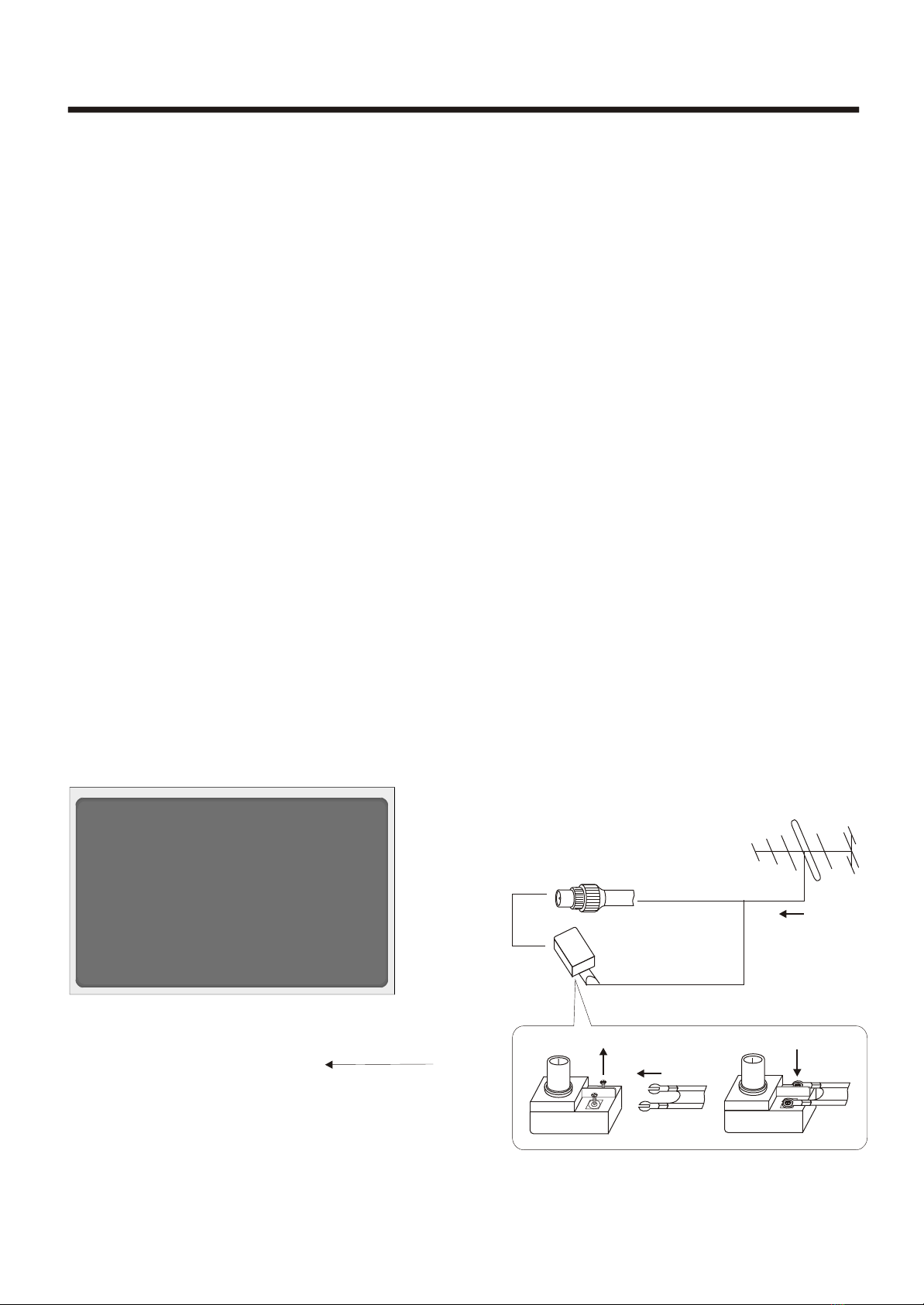
Please Push the <TV/AV> Key on thefront control board ,a Source OSD Menuwill display on thescreen. Push
the <Chanel up> or<Chanel down> Key ,youcan select the Signalsource ,Push the <Volume up> Key toensure
your selection.
1. Connect theTV to power outlet, The Power indicator will be redand
then turn blue.Several seconds later, TV picture will displayon the screen.
2. Press the<Power> button on theremote control toturn off the TV temporarily
and the Power indicator turn red, yourset is atStand-By mode.
3. Press anybutton from the<Power> button ,<CH+>button ,<CH->buttonon the
remote control ,yourset will quitStand-By Mode and reworkagain.
Push the <Chanelup> or <Chanel down >Key on thefront control board,your
set also quitStand-by Mode and rework again.
4. If youdecide to shutdown the TV for along time, itis recommended that you
unplug the powercord.
Dear customer ,two ways for your selecting the signal source.