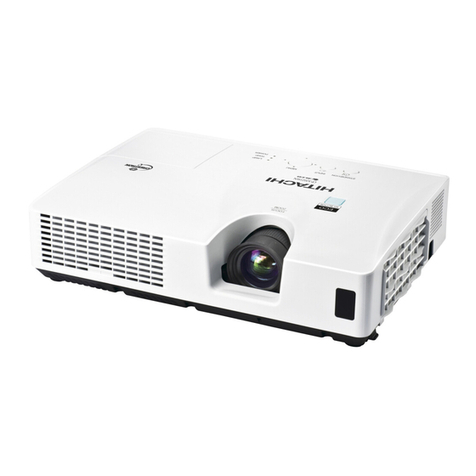
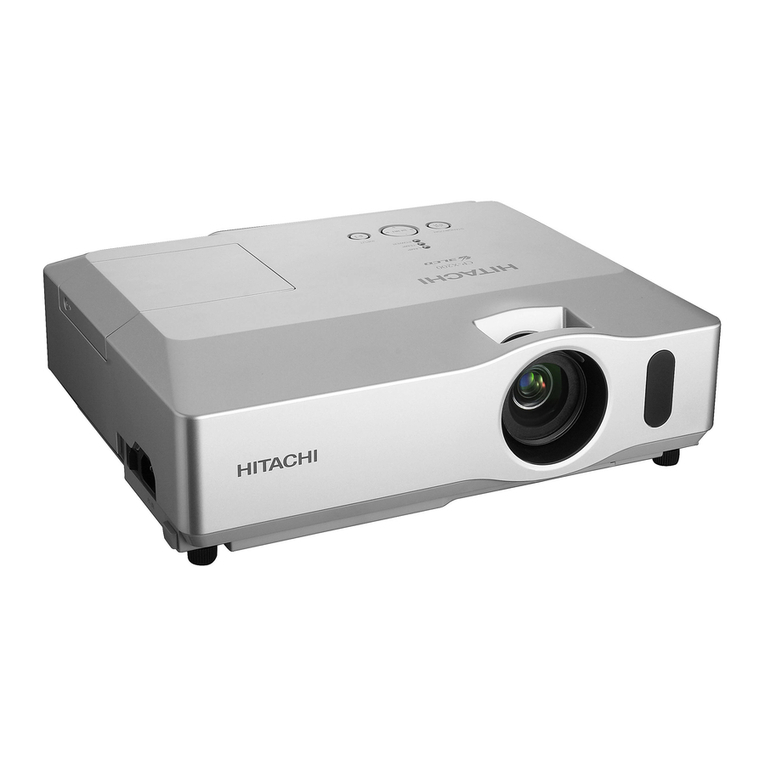
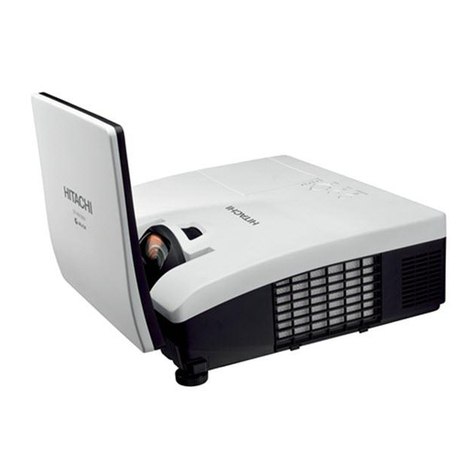
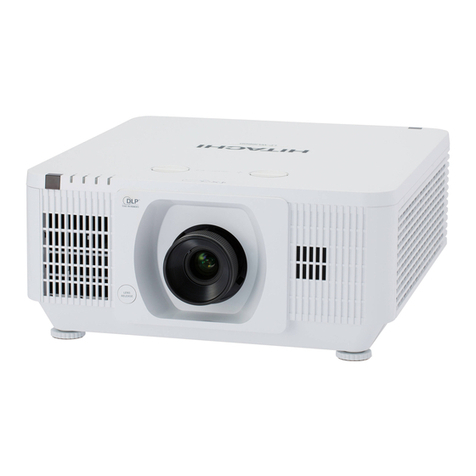
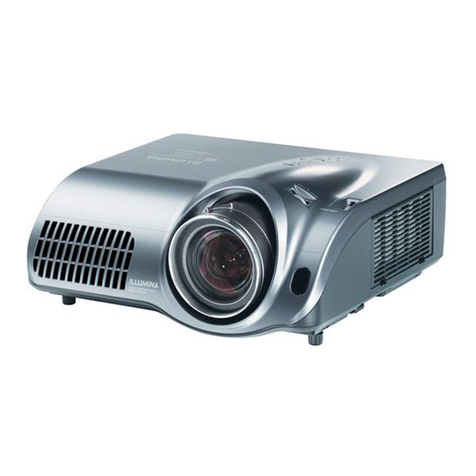
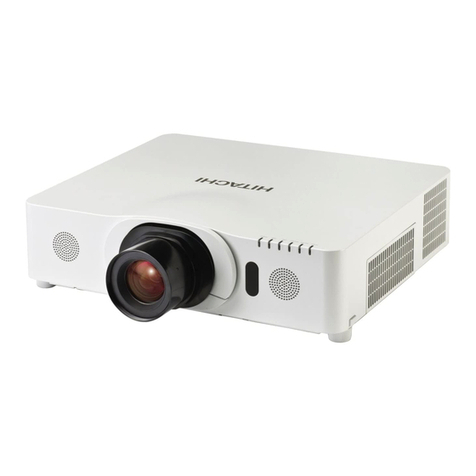
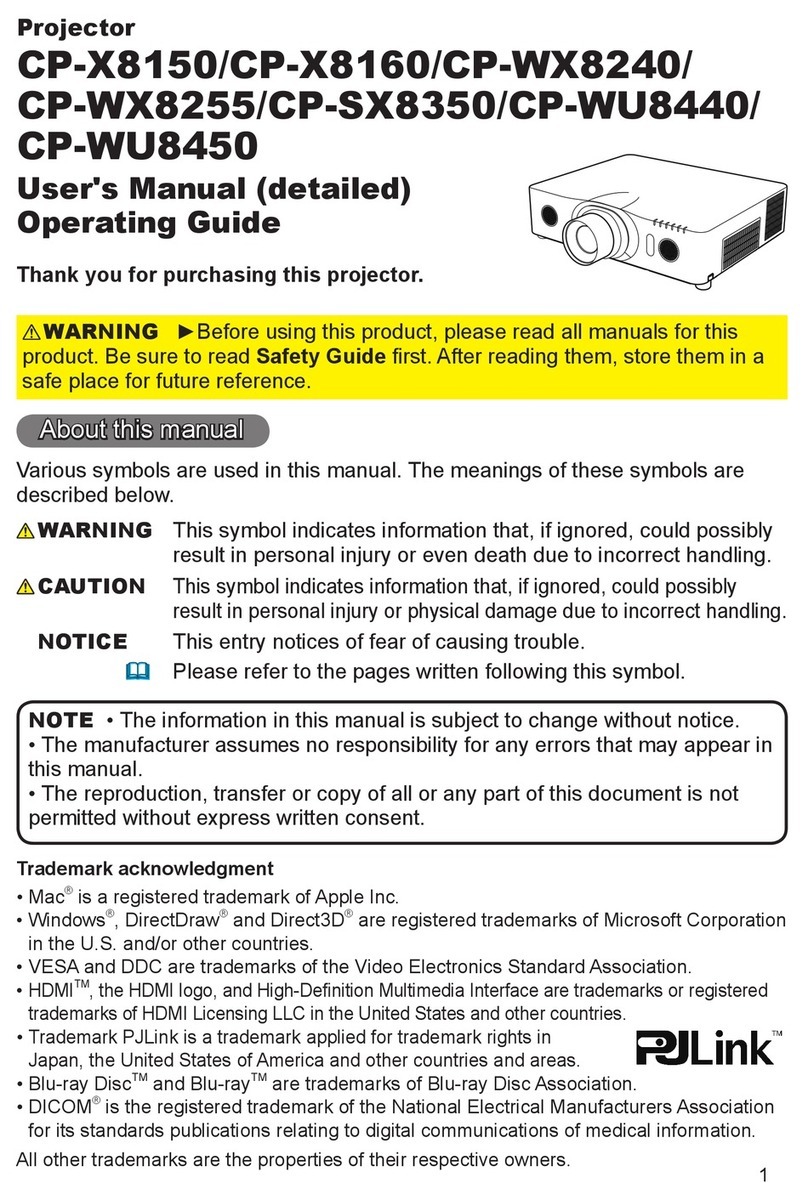
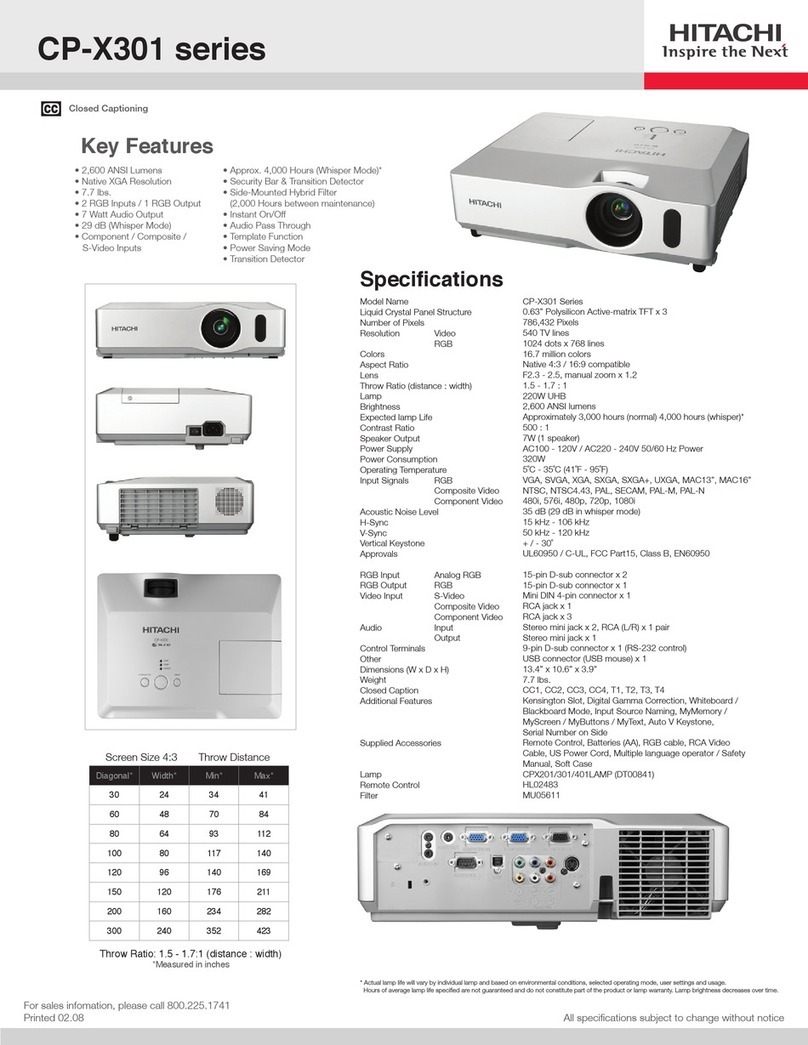
CP-WX8240A LCD Projector
* Actual lamp life will vary by individual lamp and based on environmental conditions, selected operating mode, user settings and usage. Hours of average
lamp life specified are not guaranteed and do not constitute part of the product or lamp warranty. Lamp brightness decreases over time.
** Actual filter life will vary by individual filter and based on environmental conditions, selected operating mode, user settings and usage. Hours of average
filter life specified are not guaranteed and do not constitute part of the product warranty.
Accessories and Lenses
Supplied
Accessories
Remote control, power cord, computer
cable, one standard SL702 lens, lens
cover, user's manual, security label,
application CD, adapter cover
Optional
Accessories
USBWL11N USB wireless adapter,
MS-1 wired multifunction switcher,
MS-1WL wireless multifunction switcher
Optional Lenses 4 optional lenses are available: FL701,
ML703, LL704, UL705
Replacement Parts
Lamp DT01281
Remote Control HL02801
Filter MU06642
Specifications
Display
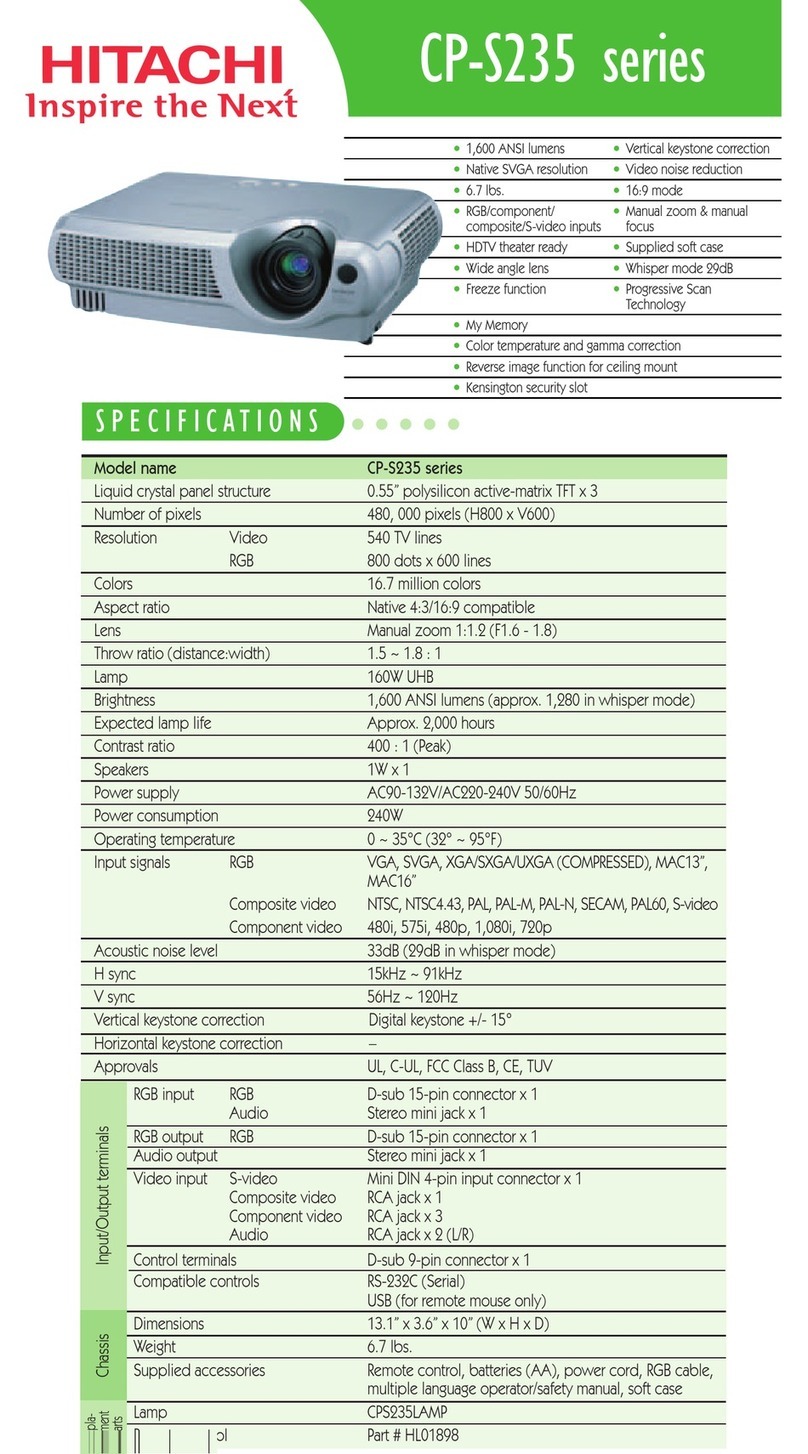
Projection Technology 3LCD, 3 chip technology
Resolution WXGA 1280 x 800
White Light Output 4,000 ANSI lumens
Color Light Output 4,000 ANSI lumens
Colors 16.7 million colors
Aspect Ratio Native 16:10 and 4:3 / 16:9 compatible
Contrast Ratio 3000 : 1 (using active IRIS)
Throw Ratio
(distance : width)
1.5 - 2.2:1
(with standard lens)
Lens & Operation
Lens F = 1.6 - 2.0, f = 19 - 29 mm
x 1.5 motorized zoom, focus & lens shift
Lamp Wattage 245W
Expected Lamp Life* Approximately 2,500 hours (standard mode)
4,000 hours (Eco mode)
Expected Filter Life** Approximately 15,000 hours
Speaker Output 16W (8W x 2)
Acoustic Noise Level 35 dB (29 dB in Eco mode)
Keystone +/- 35º with standard lens
Compatibility
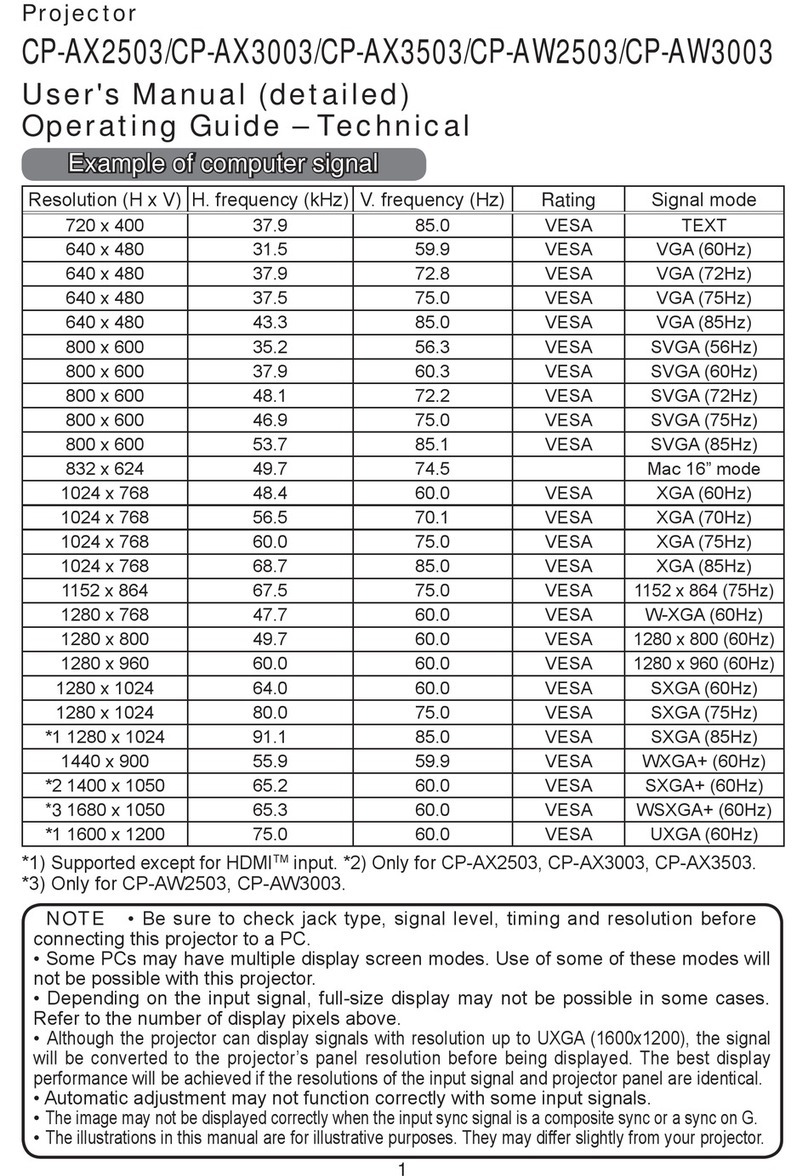
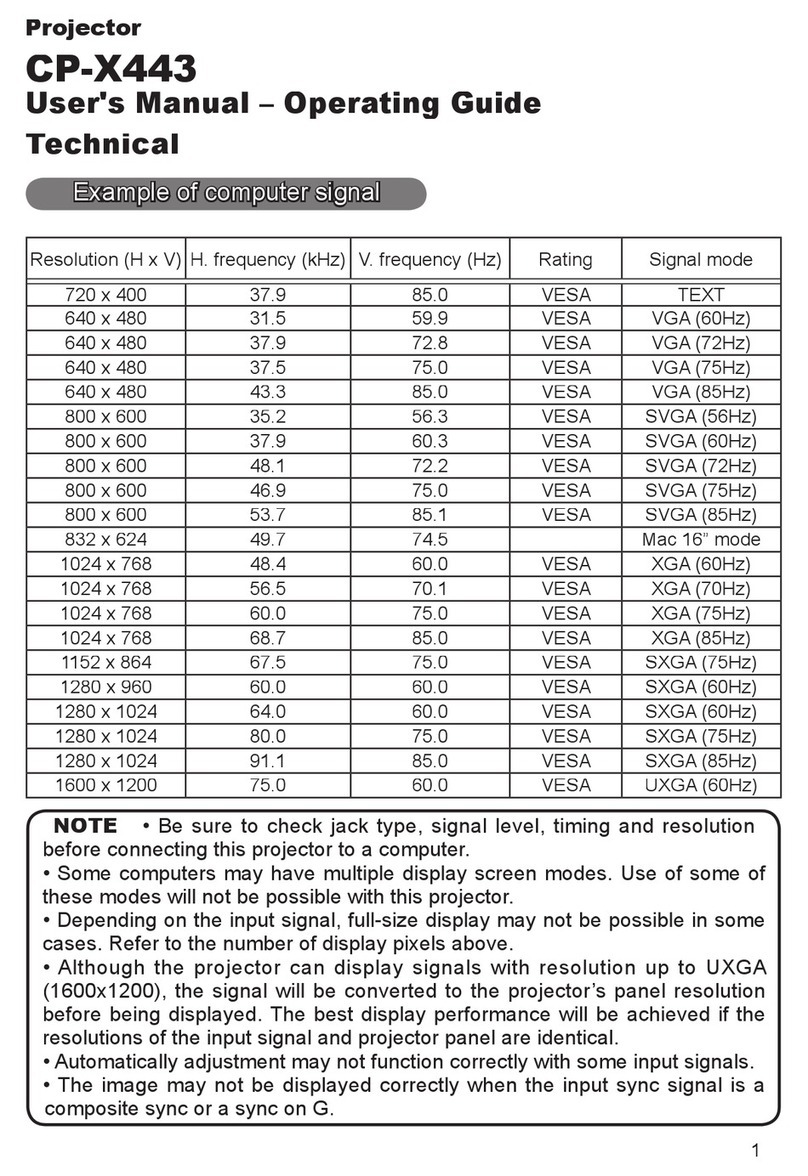
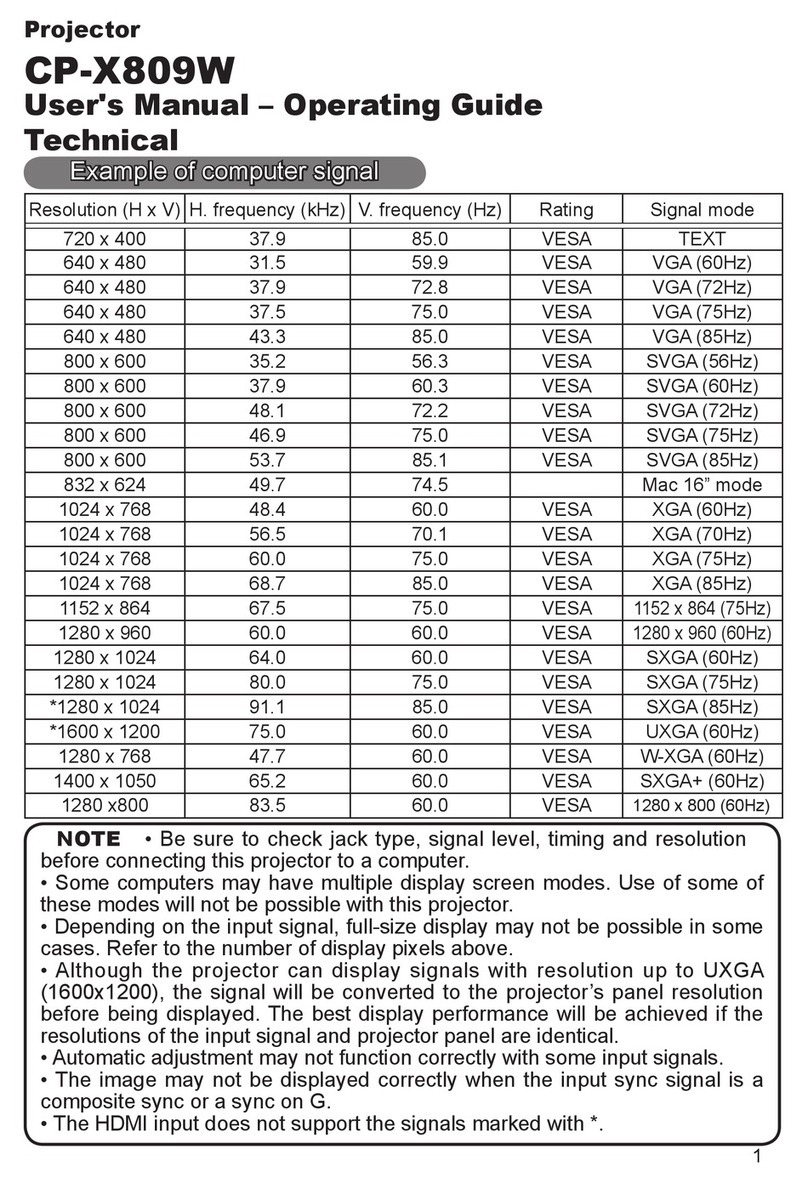
Computer VGA, SVGA, XGA, WXGA, WXGA+/SXGA/WSXGA+/UXGA
(compressed), MAC 16"
H-Sync 31.5 kHz - 106 kHz
V-Sync 56 Hz - 120 Hz
Composite Video NTSC, NTSC4.43, PAL, PAL-M, -N, SECAM
Component Video 480i, 480p, 576i, 720p, 1080i, 1080p
HDMI 480i, 480p, 576i, 720p, 1080i, 1080p,
Computer signal TMDS clock 27 MHz - 150 MHz
Connectors
Digital Input HDMI x 2 (HDCP compliant)
Computer Input 1 15-pin mini D-sub x 1
Computer Input 2 BNC x 5
Computer Monitor Output 15-pin mini D-sub x 1
Video Input
S-Video Mini DIN 4-pin x 1
Composite Video RCA jack x 1
Component Video RCA jack x 3, 15-pin mini D-sub x 1 (shared with computer in 1),
BNC x 3 (shared with computer in 2)
Audio Input 3.5 mm stereo mini jack x 2, RCA jack (L/R) x 1
Audio Output RCA jack (L/R) x 1
Network LAN Wired RJ-45 port (10 base-T / 100 base-TX)
Network LAN Wireless USB-A, IEEE802.11 b/g/n - optional wireless adapter required
USB Type A x 2 (PC-less presentation, wireless adapter)
Type B x 1 (USB display or mouse control)
Control Terminals 9-pin D-sub x 1 (RS-232 control)
Ratings & Warranty
Power Supply AC100-120V / AC220-240V, 50/60Hz
Power Consumption 375W
Operating Temperature 32ºF - 104ºF (0ºC - 40ºC)
Dimensions (W x D x H) 19.6" x 15.6" x 5.3" (without lens)
Weight Approximately 18.5 lbs.
Approvals UL 60950-1 / cUL FCC Part 15 subpart B class A
Warranty 3 year limited parts and labor.
Extended Service Contract available (additional cost)
Installation
Series
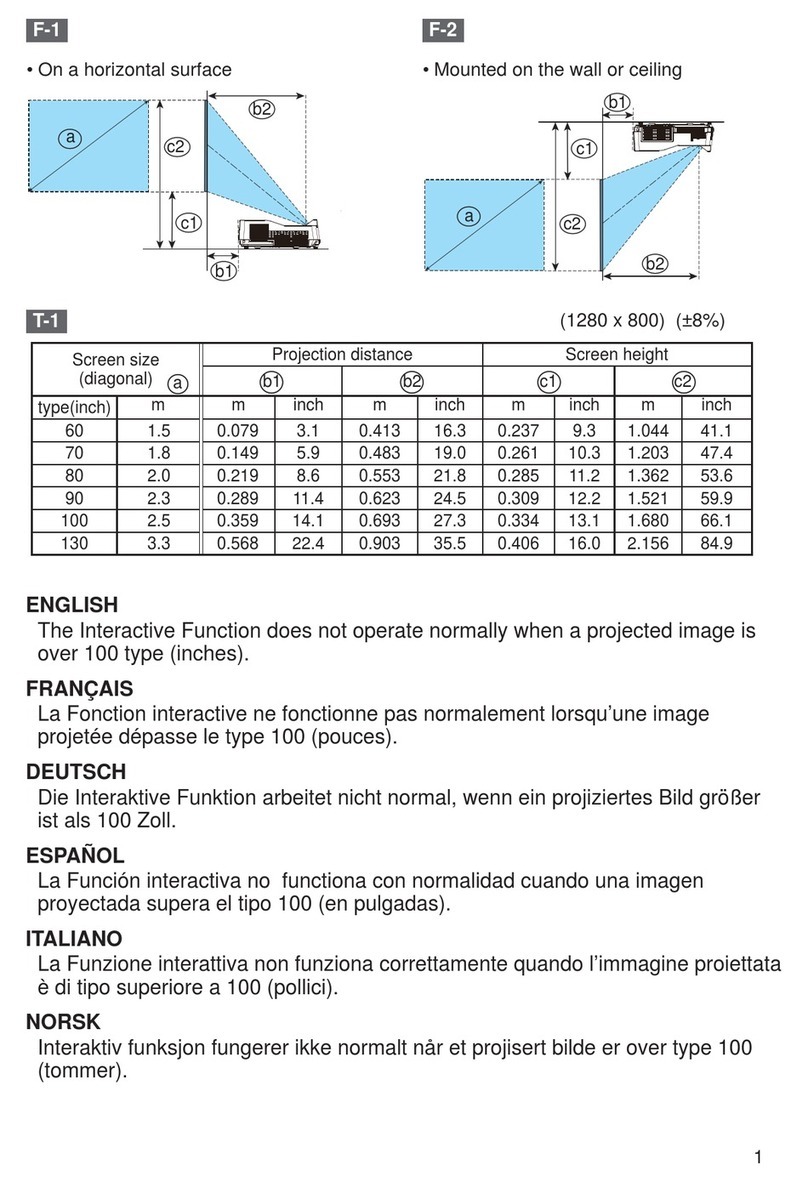
Projection Throw Chart
Screen Size 16:10 Throw Distance
Diagonal
Width Min Max
30 25 39 58
60 51 77 115
80 68 102 154
100 85 127 192
150 127 191 287
200 170 254 383
300 254 380 573
Throw Ratio: 1.5 - 2.2 : 1 (distance : width)
Screen size and throw distance are measured in inches
with standard lens SL702.
Projection Lens Chart
Lens Inches Meters
SL702 127 - 192 3.2 - 4.9
FL701 88 2.2
ML703 162 - 321 4.1 - 8.1
LL704 305 - 520 7.8 - 13.2
UL705
516 - 879 13.1 - 22.3
Projection distances measured in inches and meters with standard lens
and optional lenses when projecting onto a 100" diagonal screen.
CP-WX8240A
Hitachi America, Ltd.
900 Hitachi Way, Chula Vista, CA 91914
Web: hitachi-america.us/projectors
HI0149-Rev.1-07/13
All specifications subject to change without notice.
3LCD and the 3LCD logo are registered trademarks of the Seiko Epson Corporation.
©2013 Hitachi America, Ltd. All Rights Reserved
.