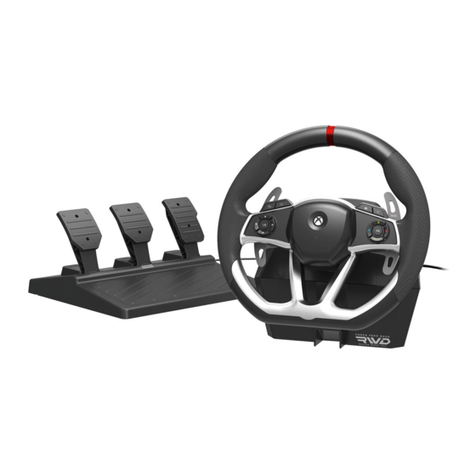
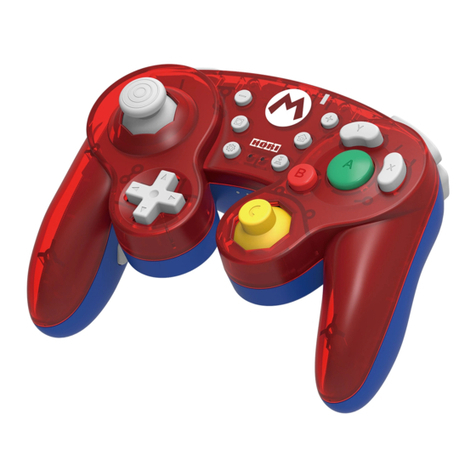
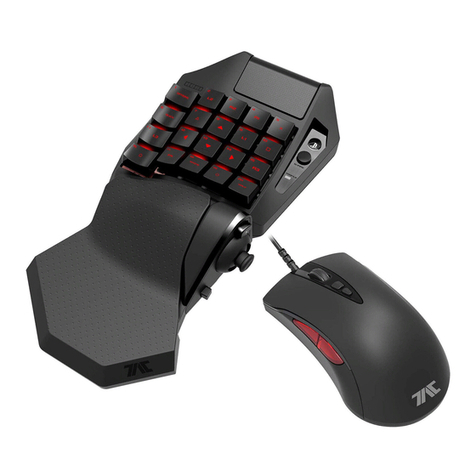
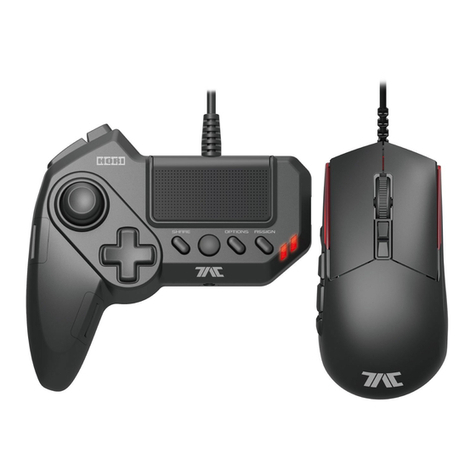
3
PC*
WiredconnectioncannotbeusedonPS4™.
ThisproductcannotbepairedbyconnectingaUSBcable.
ConnectthecontrollertothePS4™viaUSBconnectiontochargeifthebatterylevelislow.
MustbepairedtoeachPS4™separately.
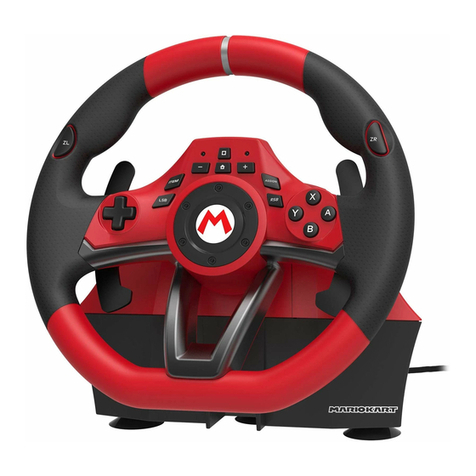
Donotturnthesteeringwheelwhilepairingorre-connecting.
Turnthesteeringwheeltoitsmaximumrotationpositiononceinbothdirections.
PressdownfullyintoeachoftheLpedalandRpedalonce.
・Pleaserepeattheprocesswhenyoure-connectthecontrollerorrestartthePS4™orPC*
system.
TousethisproductonWindowsPC,refertotheURLbelowfordriverinstallationinstructions.
【URL】https://hori.jp/info/install/
※AbovestepisforWindowsⓇ8~8.1/7only;notnecessaryforWindowsⓇ10.
WiredConnection
TogglethePlatformToggleSwitchto"PC"andconnecttheUSBcabletothePC.
WirelessConnection
ForBluetoothcompatiblePCsonly.
・Fornon-BluetoothcompatiblePC,pleasepurchaseaseparateBluetoothadapter.
<Windows10>
1.ClicktheWindowsStartButtonlocatedonthebottomleftofthescreen.
2.Click" Settings"fromtheStartMenu.
3.Click"Devices"fromtheWindowsSettingsscreen.
4.Turn"Bluetooth"Onandclick"AddBluetoothorotherdevice".
5.Click"Bluetooth"fromtheAddadevicescreen
6.Whileholdingdownthe"SHARE"buttonofthisproduct,pressandholdthe"PS"Button(More
than5seconds).
・TheLEDIndicatoronthisproductwillflashandbeginpairing.
7.Select"HORIWirelessRacingWheel"fromthelisttocompletethepairing.
<Windows8.1/8>
1.Movethemousecursortothebottomrightofthescreentodisplaythesidebar.
2.Click"Settings"thenselect"ChangePCSettings".
3.FromthePCSettingsscreen:
4.Whileholdingdownthe"SHARE"button,pressandholdthe"PS"Button(Morethan5seconds).
・TheLEDIndicatorwillflashandbeginpairing.
5.Select"HORIWirelessRacingWheel"fromthelisttocompletethepairing.
<Windows7>
1.RightclicktheBluetoothiconinsidetheWindowsTaskbarlocatedonthelowerrightofthe
screenandclick"AddaDevice".
・IfyoudonotseetheBluetoothicon
①ClicktheWindowsStartButtonlocatedonbottomleftofthescreen.
②Click"DeviceandPrinter"andrightclick"PC"fromthelistandclick"BluetoothSettings".
・Click"Options"tabandcheckmark"AllowBluetoothdevicestoconnecttothiscomputer".
2.Whileholdingdownthe"SHARE"button,pressandholdthe"PS"Button(Morethan5seconds).
・TheLEDIndicatorwillflashandbeginpairing.
3.Select"HORIWirelessRacingWheel"fromthelisttocompletethepairing.
<Windows8.1>
Click"PCandDevice",thenselect"Bluetooth".
Fromthe"BluetoothDevicemanagement"screen,
turn"Bluetooth"On.
<Windows8.0>
Click"Wireless",thenturn"Bluetooth"On.
Click"Device",thenselect"AddaDevice".
*PCcompatibilitynottestednorendorsedbySonyInteractiveEntertainmentEurope.