Stage1
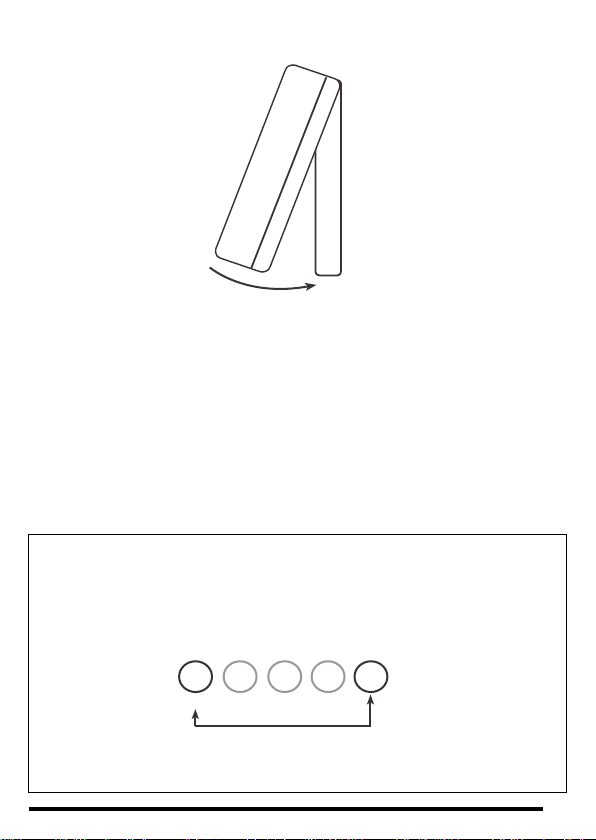
1)Setthe number 1DILswitch on thebackof the HRT4-ZW
thermostat to the On (Up) position and the display will
changetoshowtheletter‘I’.Iftheletter‘L’appears,carryout
stage1Aopposite.
2)PoweruptheCentaurPlusZWtimeswitch.
3) Press the dial on the front of the HRT4-ZW thermostat
oncesothatthe‘I’inthedisplayflashes.
4) Press and hold the ‘Boost’and ‘Enter’ buttons on
the front of the CentaurPlus ZW until an indicator
appears in its display against the radio aerial
symbol.
5) After a few seconds the radio mast symbol
willappearinthedisplayalongwiththelettersIP.
6) Reset the number 1 DIL switch on the back of
the HRT4-ZW to the Off position and the
temperaturewillappearinthedisplay.
7)NowchecktheCentaurPlusZWtimecontrolisreceivingsignalsfromthethermostat
byturningthetime switchtoan‘On’settingwiththeredindicator lightlitandturningthe
thermostatupanddowntomaketheboilerswitchonandoff.
N.B. There is a half second delay in switching On and Off on receipt of the
commands. There is no ‘click’ from the thermostat which is silent in operation but
there will be an audible ‘click’ from the CentaurPlus ZW when it is ‘On’and the
thermostat switches On and Off.
8)Whenthethermostatiscallingforheataflamesymbolwillappearinitsdisplay.
9)ZWavecommunicationisnowsuccessfullyestablished.
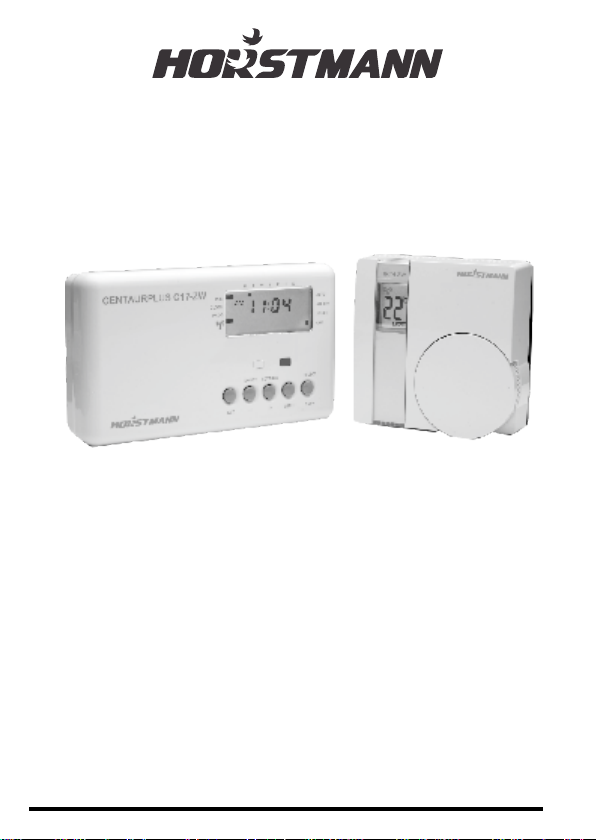
Instructions for pairing the HRT4-ZW room thermostat
withtheCentaurPlusZW
These devices use the latest Z-Wave wireless communication technology to give a
reliable wireless link that should not suffer from interference from other nearby devices.
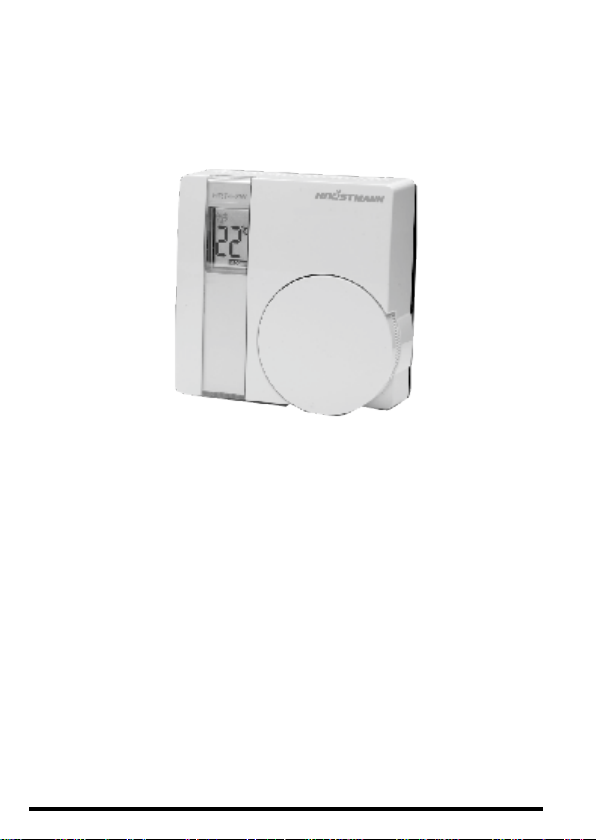
The device comprises a thermostat (the HRT4-ZW) and its receiver (the CentaurPlus
C17-ZW).Pairingthedevicesonsiteensuresreliablecommunication.
Follow these steps to ensure that the HRT4-ZW thermostat will communicate
satisfactorilywith itsreceiver.Thisisbestcarriedout withtheHRT4-ZWthermostat
heldnearbythe(powered)CentaurPlusC17-ZW.
Press and hold ‘BOOST’ and ‘ENTER’buttons to
‘SIGN ON’ or ‘PAIR’ the HRT4 ZW thermostat
8