manuals.online logo
Brands
  1. Home
  2. •
  3. Brands
  4. •
  5. Hotone
  6. •
  7. Music Pedal
  8. •
  9. Hotone Ampero User manual

Hotone Ampero User manual

Other manuals for Ampero

7

Other Hotone Music Pedal manuals

Hotone OMP-6 User manual

Hotone

Hotone OMP-6 User manual

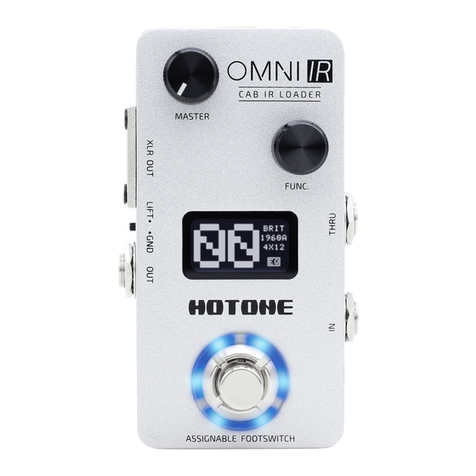
Hotone Omni IR User manual

Hotone

Hotone Omni IR User manual

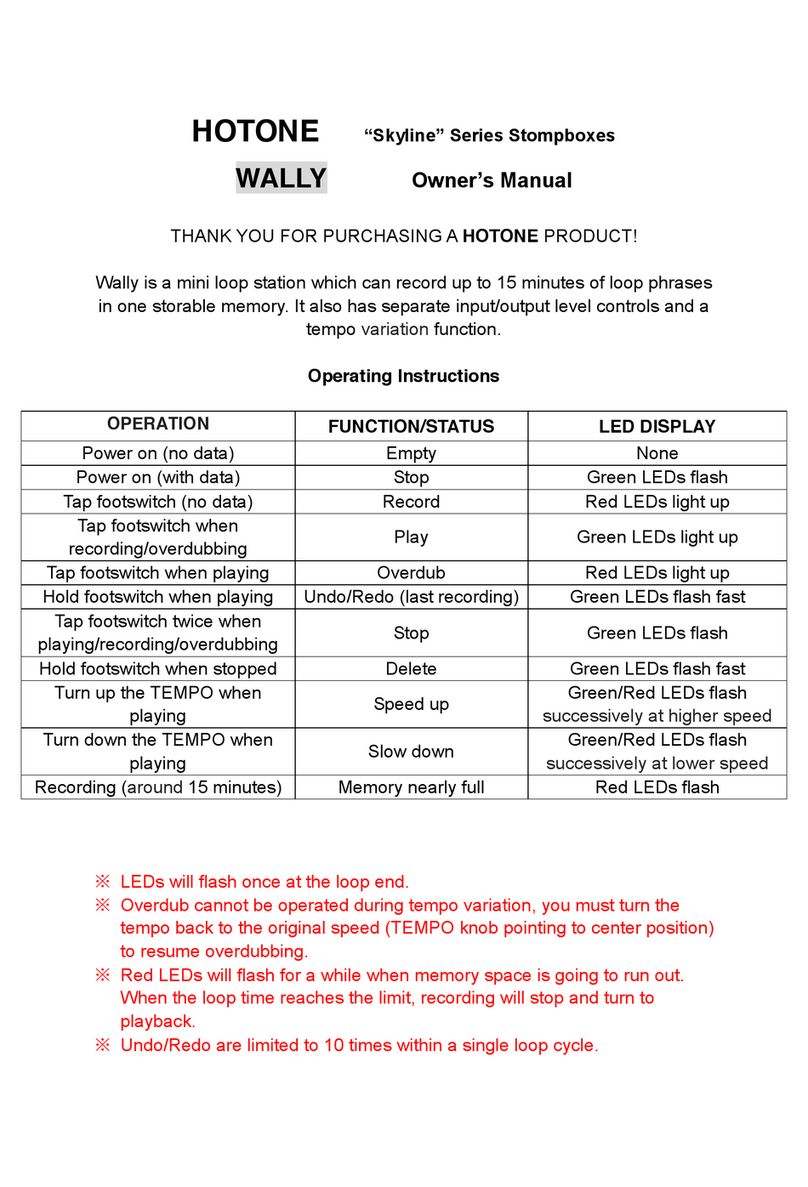
Hotone Skyline Wally User manual

Hotone

Hotone Skyline Wally User manual

Hotone Soul Press II User manual

Hotone

Hotone Soul Press II User manual

Hotone BINARY User manual

Hotone

Hotone BINARY User manual

Hotone Binary IR User manual

Hotone

Hotone Binary IR User manual

Hotone Binary Eko User manual

Hotone

Hotone Binary Eko User manual

Hotone Ampero User manual

Hotone

Hotone Ampero User manual

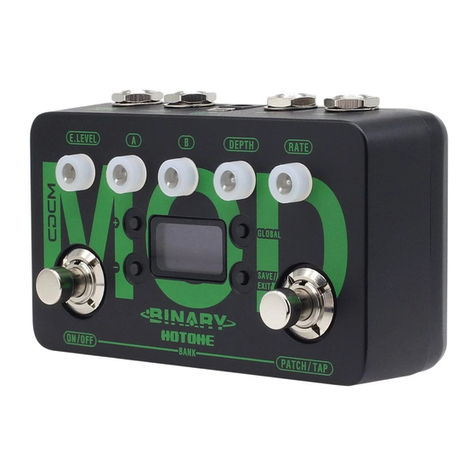
Hotone Binary Mod User manual

Hotone

Hotone Binary Mod User manual

Hotone A STATION User manual

Hotone

Hotone A STATION User manual

Hotone TAPE EKO User manual

Hotone

Hotone TAPE EKO User manual

Hotone JOGG Mounting instructions

Hotone

Hotone JOGG Mounting instructions

Hotone Ampero User manual

Hotone

Hotone Ampero User manual

Hotone Binary Amp User manual

Hotone

Hotone Binary Amp User manual

Hotone AMPERO II STAGE User manual

Hotone

Hotone AMPERO II STAGE User manual

Hotone PRESS Series Quick start guide

Hotone

Hotone PRESS Series Quick start guide

Popular Music Pedal manuals by other brands

Walrus Audio ARP-87 instruction manual

Walrus Audio

Walrus Audio ARP-87 instruction manual

Ibanez Phaser Mini owner's manual

Ibanez

Ibanez Phaser Mini owner's manual

Ashdown GEEZER BUTLER PEDAL OF DOOM user guide

Ashdown

Ashdown GEEZER BUTLER PEDAL OF DOOM user guide

TC Electronic G-Natural user manual

TC Electronic

TC Electronic G-Natural user manual

Pro-MIDI G25 user manual

Pro-MIDI

Pro-MIDI G25 user manual

Whirlwind oc-bass quick start guide

Whirlwind

Whirlwind oc-bass quick start guide

Strymon Lex-rotary user manual

Strymon

Strymon Lex-rotary user manual

Behringer PB600 manual

Behringer

Behringer PB600 manual

Lexicon MX200 user guide

Lexicon

Lexicon MX200 user guide

Dunlop Hendrix 68 Shrine Octavio Fuzz Series quick start guide

Dunlop

Dunlop Hendrix 68 Shrine Octavio Fuzz Series quick start guide

Matthews Effects Whaler V2 manual

Matthews Effects

Matthews Effects Whaler V2 manual

Grid 1 Pedal Jeanie user manual

Grid 1

Grid 1 Pedal Jeanie user manual

Amptweaker tightboost user manual

Amptweaker

Amptweaker tightboost user manual

Ibanez TS-808 Tube Screamer Overdrive Pro owner's manual

Ibanez

Ibanez TS-808 Tube Screamer Overdrive Pro owner's manual

DW 7000 owner's manual

DW

DW 7000 owner's manual

FAMC Liquid-Foot Jr. Series user manual

FAMC

FAMC Liquid-Foot Jr. Series user manual

Dimavery EPVP-50 manual

Dimavery

Dimavery EPVP-50 manual

Tefi Vintage Lab GEGÈ operating manual

Tefi Vintage Lab

Tefi Vintage Lab GEGÈ operating manual

manuals.online logo
manuals.online logoBrands
  • About & Mission
  • Contact us
  • Privacy Policy
  • Terms and Conditions

Copyright 2025 Manuals.Online. All Rights Reserved.

www.hotoneaudio.com
Bluetooth MIDI Controller
Screen Display Getting Started
The Bluetooth indicator (the dot shown
above) will flash when Ampero Control
is in Bluetooth Pair Mode (hold FS 2+3).
1. Turn on the Bluetooth switch on your mobile device,
then turn on your Ampero Control and launch the app.
2. Login your account (optional).
3. Press and hold FS 2+3 on your Ampero Control to
enable Bluetooth Pair Mode. A dot will flash on the
bottom right corner on the screen of your unit to
indicate pairing status on.
4. When your Ampero Control appears listed on the
startup page, select and tap the “Connect To The
Selected Device” button on the screen. If search failed,
you can retry searching by manually tap “Search
Again” button.
PC CC
PC CC
ThisindicatesaPC
message(PC16)
hasbeensent
ThisindicatesaCC
message(CC112)
hasbeensent
MIDI
PC CC PC CC
PC CC PC CC
Bluetoothnot
connected
Bluetooth
connected
Bluetooth
PC CC PC CC
Thisindicatesunitbank
change
(bank00tobank01)
Bank Notes:
1. You can enter offline mode if no device is found.
2. Ampero Control can only be edited by one device at a
time. To use other devices, tap “Settings” icon on the
lower right corner of the screen, find “Connection
Status” and enter, then tap “Disconnect”. Connect
another device when finished.
3. The default device name is Ampero Control. You can
customize your device name if needed.
4. If search failed (no device found or timeout), you can
retry searching by manually tap “Search Again” button,
or restart Bluetooth on your mobile device.
5. When using Bluetooth connection for editing or MIDI
control, please keep your Ampero Control close to your
phones/pads/computers for best possible experience.
The recommended range is less than 5m.
3-digit LED screen:
Indicates unit info (bank number, MIDI
messages, etc.). Please check Screen
Display section for details.
EXP/CTRL 1/2:
1/4” TRS inputs, for connecting
external expression pedals/momentary
footswitch controllers.
Perfect for Hotone Ampero Press or
Ampero Switch.
A B
MIDI IN:
Standard 5-pin MIDI input jack,
for receiving MIDI messages.
1 2 3 4
USB:
USB 2.0 Type-B jack, for USB MIDI control.
Ampero Control can be powered by the USB port.
MIDI OUT/THRU:
5-pin MIDI output jack,
for sending MIDI
messages.
Panel
Programmable Footswitch (FS) 1-4:
For sending MIDI messages depending on your needs.
Use Ampero Control app for detailed settings.
Tap FS 1+2: Bank down
Tap FS 3+4: Bank up
Hold FS 2+3: Enable Bluetooth Pair Mode
Hold FS 4 while powering up:
Enable Expression Pedal
Calibration Mode
The contents of this manual
are subject to change without notice.
Power Supply Connection:
Power supply input
(9-18V DC center negative).
Specifications
Compatible Exp Pedal Pot Resistance:
Max. 10kΩ
Power Requirement:
9-18V DC center negative or 5V DC (USB)
Current Consumption: Max. 100mA
Working Range: ≤5m
Dimensions:
258.5mm (W)×55.5mm (D)×49mm (H)
Weight: 440g
Thank you for purchasing a H o t o n e p roduct. Scan the QR code for the full manual and app d ownload links.
感谢您购买Hotone产品,请扫描右侧⼆维码获取完整说明书及配套软件下载地址。
www.hotoneaudio.com/support We recommend you update the latest firmware/software for the best possible experience.
我们建议您及时升级到最新固件/软件以获得最佳的⽤⼾体验。
FCC Statement
This device complies with part 15 of the FCC Rules.
Operation is subject to the following two conditions:
(1) This device may not cause harmful interference, and
(2) This device must accept any interference received,
including interference that may cause undesired
operation. Any Changes or modifications not expressly
approved by the party responsible for compliance could
void the user's authority to operate the equipment.
Note: This equipment has been tested and found to
comply with the limits for a Class B digital device,
pursuant to part 15 of the FCC Rules. These limits are
designed to provide reasonable protection against
harmful interference in a residential installation.
This equipment generates uses and can radiate radio
frequency energy and, if not installed and used in
accordance with the instructions, may cause harmful
interference to radio communications. However, there
is no guarantee that interference will not occur in a
particular installation. If this equipment does cause
harmful interference to radio or television reception,
which can be determined by turning the equipment off
and on, the user is encouraged to try to correct the
interference by one or more of the following measures:
-Reorient or relocate the receiving antenna.
-Increase the separation between the equipment and
receiver.
-Connect the equipment into an outlet on a circuit
different from that to which the receiver is connected.
-Consult the dealer or an experienced radio/TV
technician for help.
This equipment complies with FCC radiation exposure
limits set forth for an uncontrolled environment. This
equipment should be installed and operated with
minimum distance 20cm between the radiator & your
body.
FCC ID: 2AHJSEC-4