Built on Innovation®9
These services must be specified when
purchasing a data plan. Availability may vary by
country and cell carrier, but it must have one of
these two options on the plan.
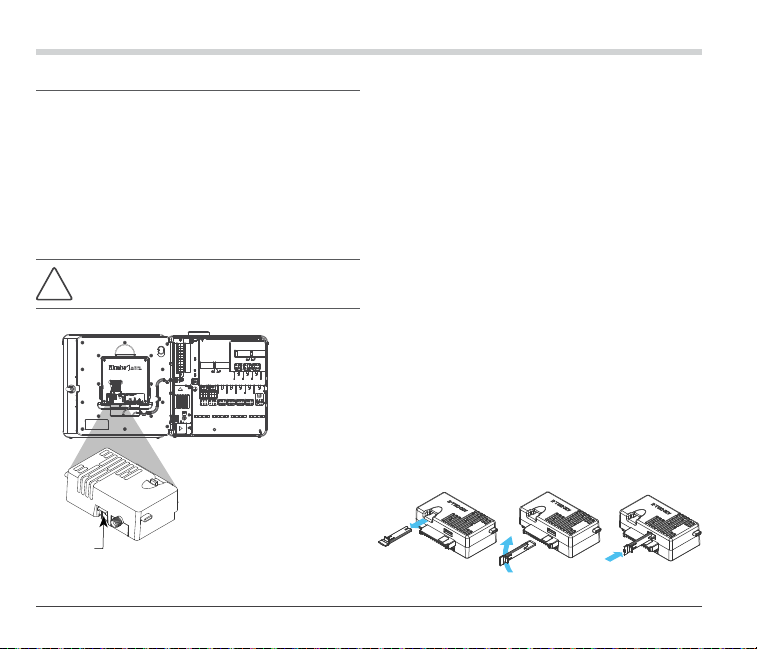
The A2C-LTEM Module uses Nano SIM cards, so be
certain to obtain the correctly sized SIM card. Some
cards are perforated to fit different sizes; these are
acceptable if they are trimmed down to the Nano size.
North American customers also have the option
to use the A2C-LTEM Module in Verizon systems
with a CATM1 or NB-IoT service plan and SIM card
from Verizon. (They may call these “M2M Plans.”)
The carrier must supply the APN for the local
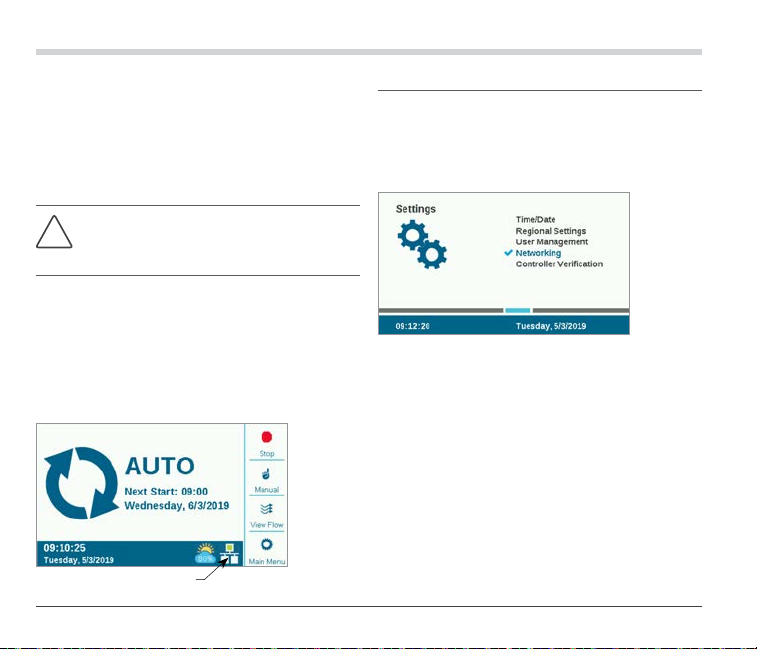
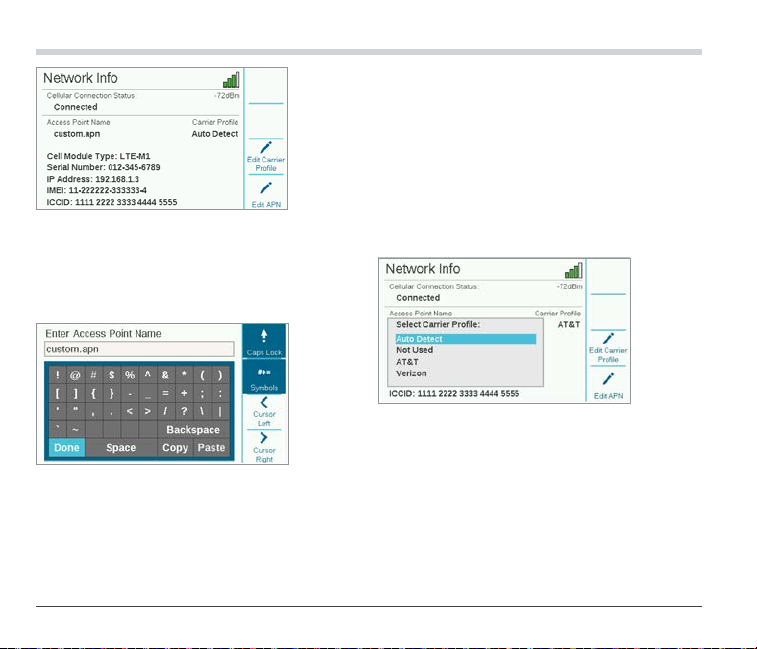
service. Press the Edit APN soft key on the
Networking screen to select or enter the local
APN for the carrier.
Use the dial to scroll through the choices, and
click the dial to select one:
• aws.inetd.gdsp is for Vodaphone via the
Hunter/Zipit SIM card
• SIM card default will attempt to find the
correct APN on the installed SIM card
• Manual Entry is for users who must enter an
APN for another carrier
If you plan to use the available Hunter/Zipit
choices on the supplied SIM card, you may
skip the next section and proceed directly to
Software Setup.
Using a Different Service Provider: Customers
who supply their own SIM card and data plan
must change the APN for the device to connect.
To purchase your own SIM card and data plan,
you should know: The A2C-LTEM Module is 4G
cellular ONLY. It will not function in 3G systems.
The A2C-LTEM Module must use either: CAT-M1
(recommended) or NB-IoT cell data technology.
Conguration and Connection