Contents
Safety: read first ....................v
About this book ....................vii
Registering your option ..................vii
Installation and user’s guide................1-1
Product description ...................1-1
Installationrequirements..................1-1
Beforeyoubegin....................1-2
Handlingprecautions..................1-2
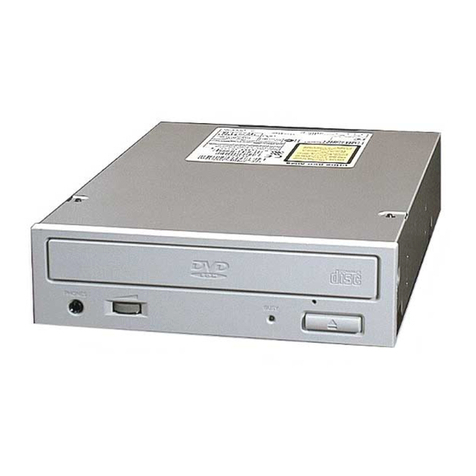
Drive controls and connectors ...............1-3
Installing the drive....................1-4
Step1.Openingthecomputer...............1-4
Step 2. Unpacking the drive ...............1-4
Step 3. Setting the configuration jumpers ...........1-5
Step4.Mountingthedriveinthebay............1-6
Step5.Attachingthecablestothedrive...........1-6
Step 6. Completing the hardware installation ..........1-7
Step 7. Setting up your computer for DVD video playback .....1-8
Enabling the DMA settings ................1-8
Step 8 Installing the MPEG Decoding Software .........1-8
ViewingaDVDmovie..................1-9
DVDregioncodes...................1-9
Using the DVD-RAM Read function ............1-10
Care and maintenance ..................1-11
CaringforaCDorDVD................1-11
Caring for the DVD-ROM drive ..............1-12
Manually ejecting a disc ................1-12
Appendix A. Product specifications .............A-1
Appendix B. Problem solving ...............B-1
Appendix C. Customizing the device-driver configuration settings C-1
Changing the Windows 95, Windows 98, Windows Me, and Windows NT
devicedrivers....................C-1
Changing the Auto Insert Notify and DMA parameters for Windows 95,
Windows 98, and Windows ME .............C-1
Changing the Windows 2000 DMA parameter setting .......C-1
Enabling DMA for Windows NT 4.0.............C-2
Appendix D. Help and service information...........D-1
© Copyright IBM Corp. 2001 iii