iCAM-MR/ZMR Series User Manual ICP DAS 3
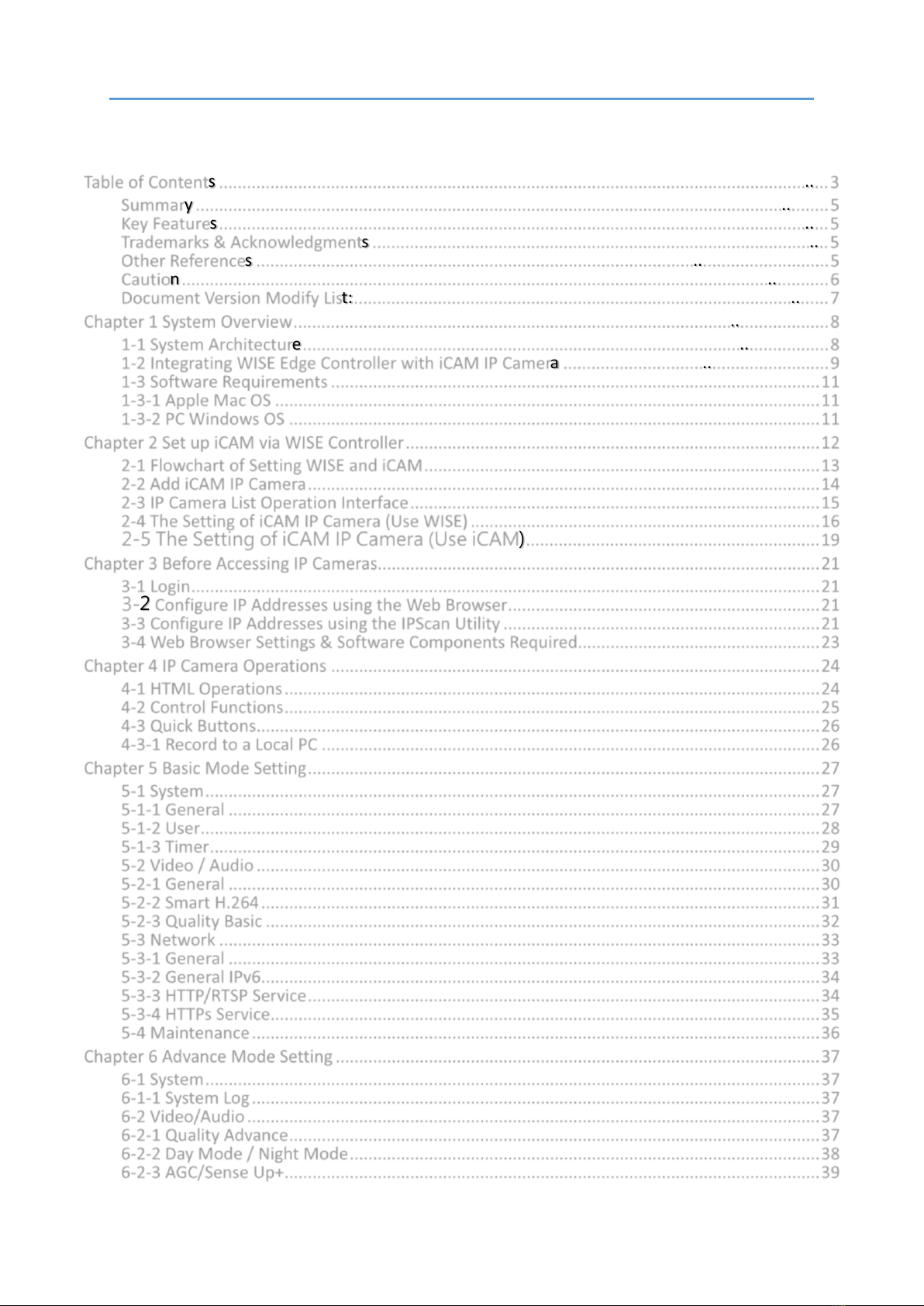
Table of Contents
Table of Contents ...................................................................................................................................3
Summary ........................................................................................................................................5
Key Features...................................................................................................................................5
Trademarks & Acknowledgments ..................................................................................................5
Other References ...........................................................................................................................5
Caution...........................................................................................................................................6
Document Version Modify List:......................................................................................................7
Chapter 1 System Overview...................................................................................................................8
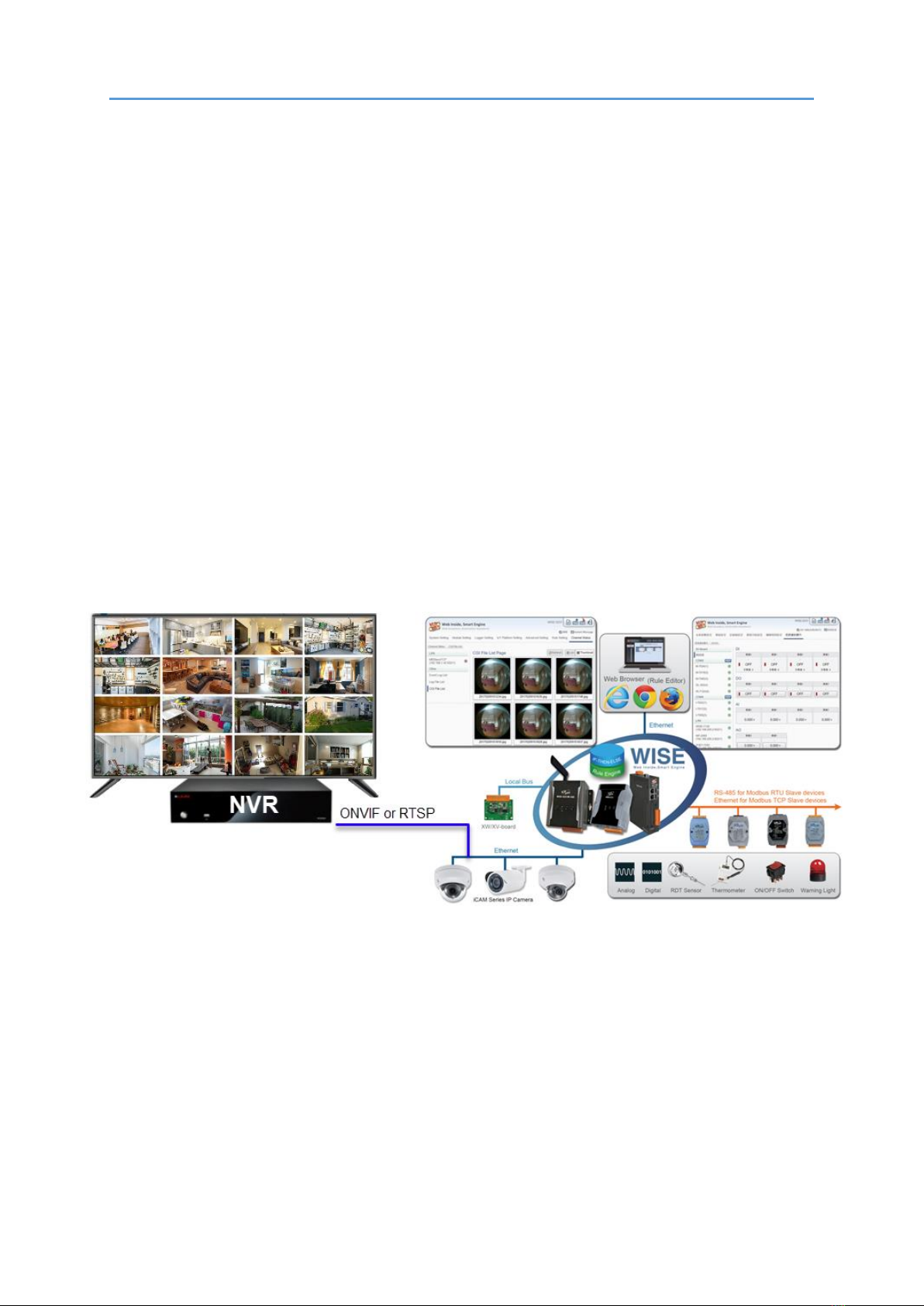
1-1 System Architecture.................................................................................................................8
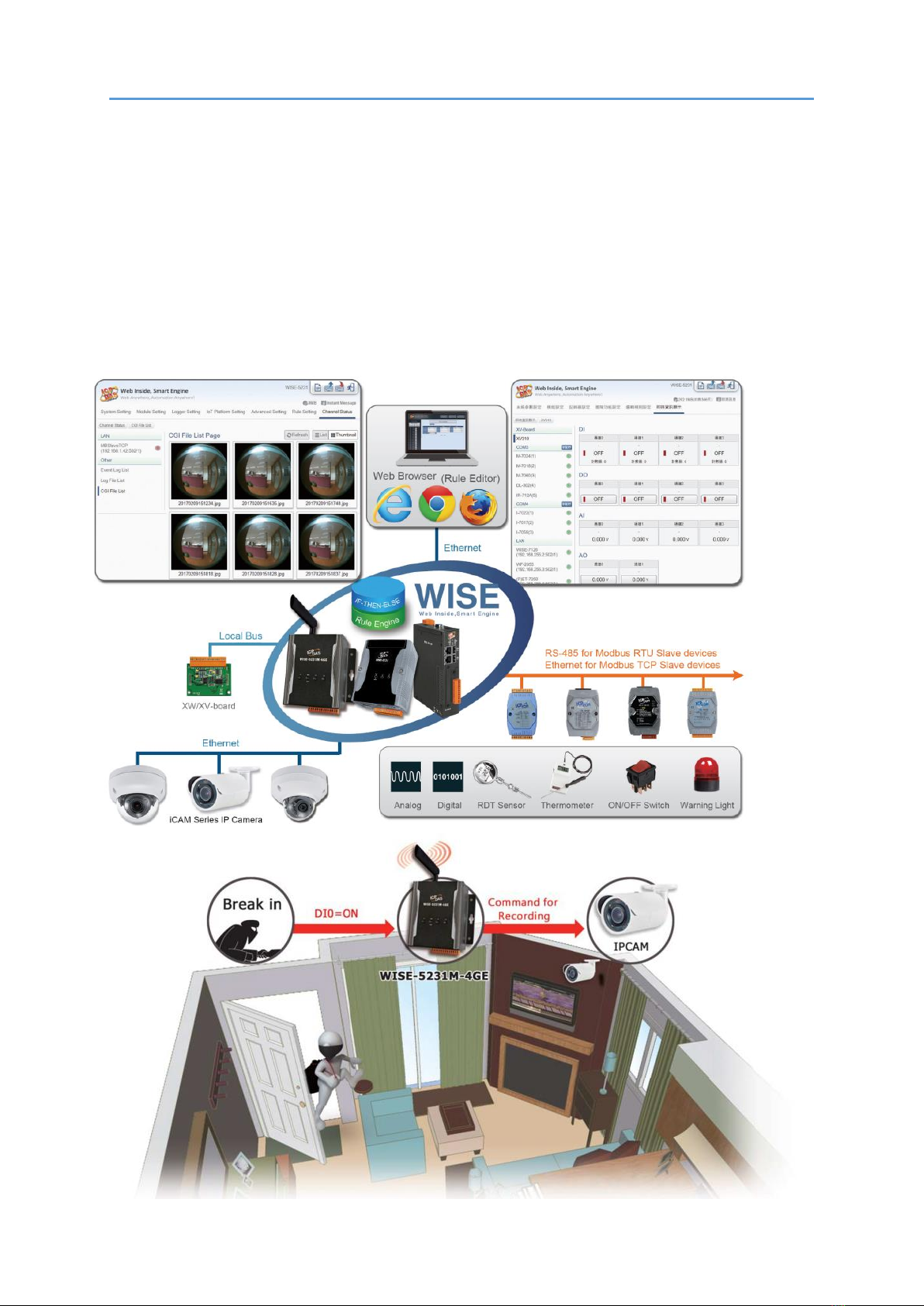
1-2 Integrating WISE Edge Controller with iCAM IP Camera .........................................................9
1-3 Software Requirements .........................................................................................................11
1-3-1 Apple Mac OS .....................................................................................................................11
1-3-2 PC Windows OS ..................................................................................................................11
Chapter 2 Set up iCAM via WISE Controller.........................................................................................12
2-1 Flowchart of Setting WISE and iCAM.....................................................................................13
2-2 Add iCAM IP Camera..............................................................................................................14
2-3 IP Camera List Operation Interface........................................................................................15
2-4 The Setting of iCAM IP Camera (Use WISE) ...........................................................................16
2-5 The Setting of iCAM IP Camera (Use iCAM)...............................................................19
Chapter 3 Before Accessing IP Cameras...............................................................................................21
3-1 Login.......................................................................................................................................21
3-2 Configure IP Addresses using the Web Browser...................................................................21
3-3 Configure IP Addresses using the IPScan Utility ....................................................................21
3-4 Web Browser Settings & Software Components Required....................................................23
Chapter 4 IP Camera Operations .........................................................................................................24
4-1 HTML Operations...................................................................................................................24
4-2 Control Functions...................................................................................................................25
4-3 Quick Buttons.........................................................................................................................26
4-3-1 Record to a Local PC ...........................................................................................................26
Chapter 5 Basic Mode Setting..............................................................................................................27
5-1 System....................................................................................................................................27
5-1-1 General ...............................................................................................................................27
5-1-2 User.....................................................................................................................................28
5-1-3 Timer...................................................................................................................................29
5-2 Video / Audio.........................................................................................................................30
5-2-1 General ...............................................................................................................................30
5-2-2 Smart H.264........................................................................................................................31
5-2-3 Quality Basic .......................................................................................................................32
5-3 Network .................................................................................................................................33
5-3-1 General ...............................................................................................................................33
5-3-2 General IPv6........................................................................................................................34
5-3-3 HTTP/RTSP Service..............................................................................................................34
5-3-4 HTTPs Service......................................................................................................................35
5-4 Maintenance..........................................................................................................................36
Chapter 6 Advance Mode Setting........................................................................................................37
6-1 System....................................................................................................................................37
6-1-1 System Log..........................................................................................................................37
6-2 Video/Audio...........................................................................................................................37
6-2-1 Quality Advance..................................................................................................................37
6-2-2 Day Mode / Night Mode.....................................................................................................38
6-2-3 AGC/Sense Up+...................................................................................................................39