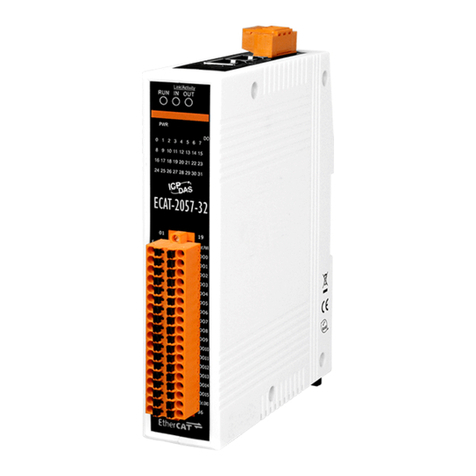
ET-7026Modbus TCP DAQ Module - QuickStart (Dec/2017)
ICP DAS USA, Inc. | www.icpdas-usa.com | 1-310-517-9888 | 24309 Narbonne Ave. Suite 200. Lomita, CA 90717
4
1: Set the IP configuration on your computer.
The ET-7000 module comes with the default IP address of
192.168.255.1, you must chose an IP address for the
computer in the range of 192.168.255.2 – 192.168.255.253
that is not in use.
2: Launch your web browser to go to the ET-7000 web
interface.
Enter the factory default IP address 192.168.255.1
for the ET-7000 as the URL in browser and press
Enter.
3 3: Fill out the User name and Password:
Fill out the factory default user name and password “Admin” and
then click “OK”.