8
ENGLISH
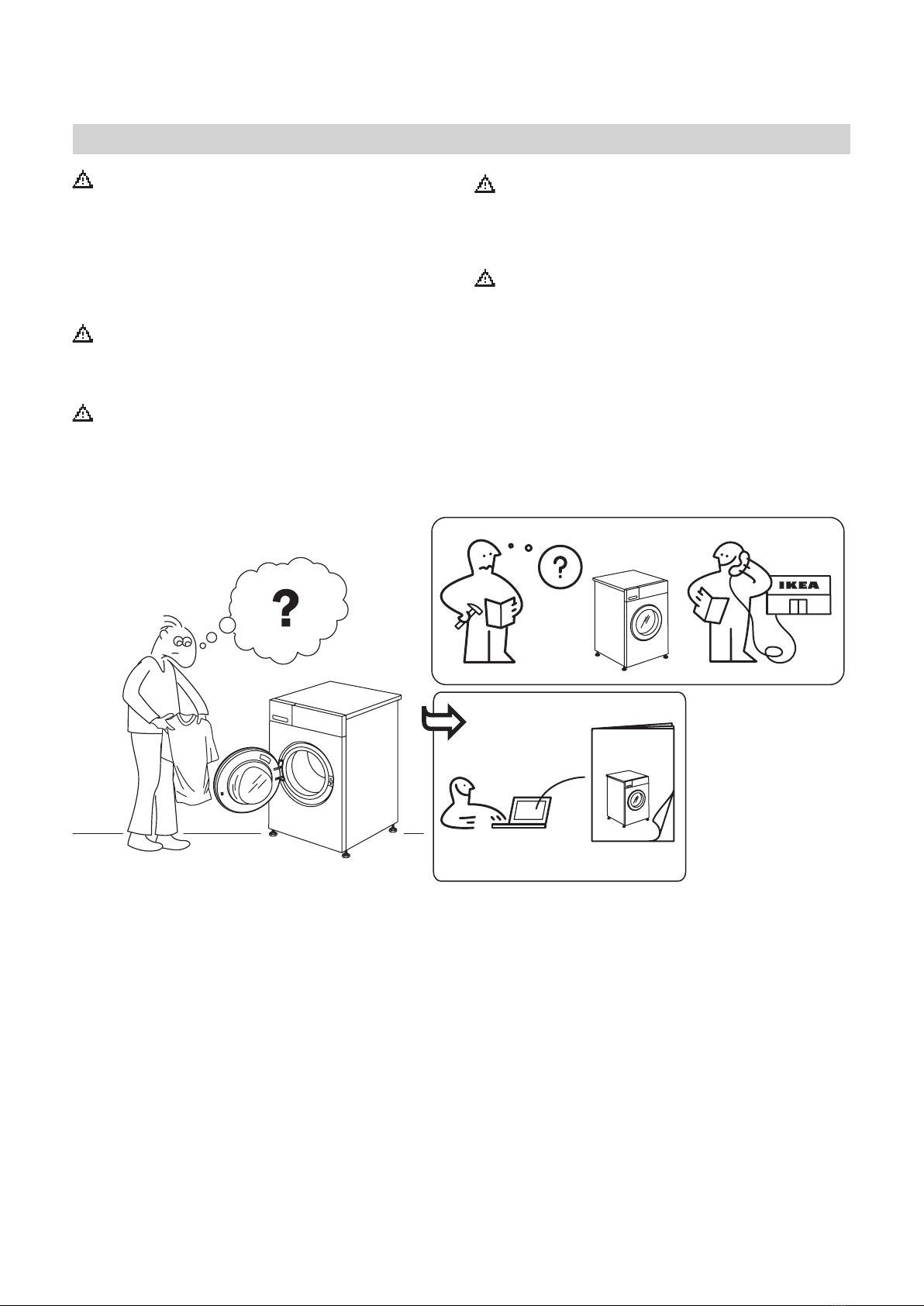
To download the full version visit www.ikea.com
What to do if...
Before contacting the Service Centre, refer to the table below. Often the malfunctions are minor and can be solved in few minutes
Problem Possible causes Solutions
The tumble dryer does not turn on
The plug is not inserted into the socket. Insert the plug into the socket.
The plug is faulty.
Try to plug another appliance in the same
socket. Do not use connecting electrical devices
to the socket, as adapters or extensions.
A power failure occurred. Await the reactivation of the power supply.
The tumble dryer does not start
The door is open.
For machines equipped with this function:
await the end of the delay set or switch the
machine o to reset it. Refer to the section
Options.
The button Start/Pause was not pressed
to start the program. Press the button Start/Pause.
The function Key Lock was enabled (in
case of machines equipped with this
option).
Refer to the option section and, if the Key Lock
is present, disable it. Switching the machine o
is not enough to disable this option.
The drying times are very long
An appropriate maintenance was not
carried out.
Refer to the section Cleaning and maintenance
and perform the operations described.
The programme, the time and/or the
drying level set are not suitable for the
type and the amount of load inserted into
the dryer.
Refer to the section programmes and options
to nd the programme and the options most
suitable for the type of load.
The garments are too wet. Carry out a washing cycle with higher spin
speed to remove as much water as possible.
The dryer may be overloaded. Refer to the programme section to check the
max. load for each programme.
Room temperature. The drying time may be longer if the room
temperature falls outside the 14–30°C range.
The programme did not end A power failure occurred might have
occurred.
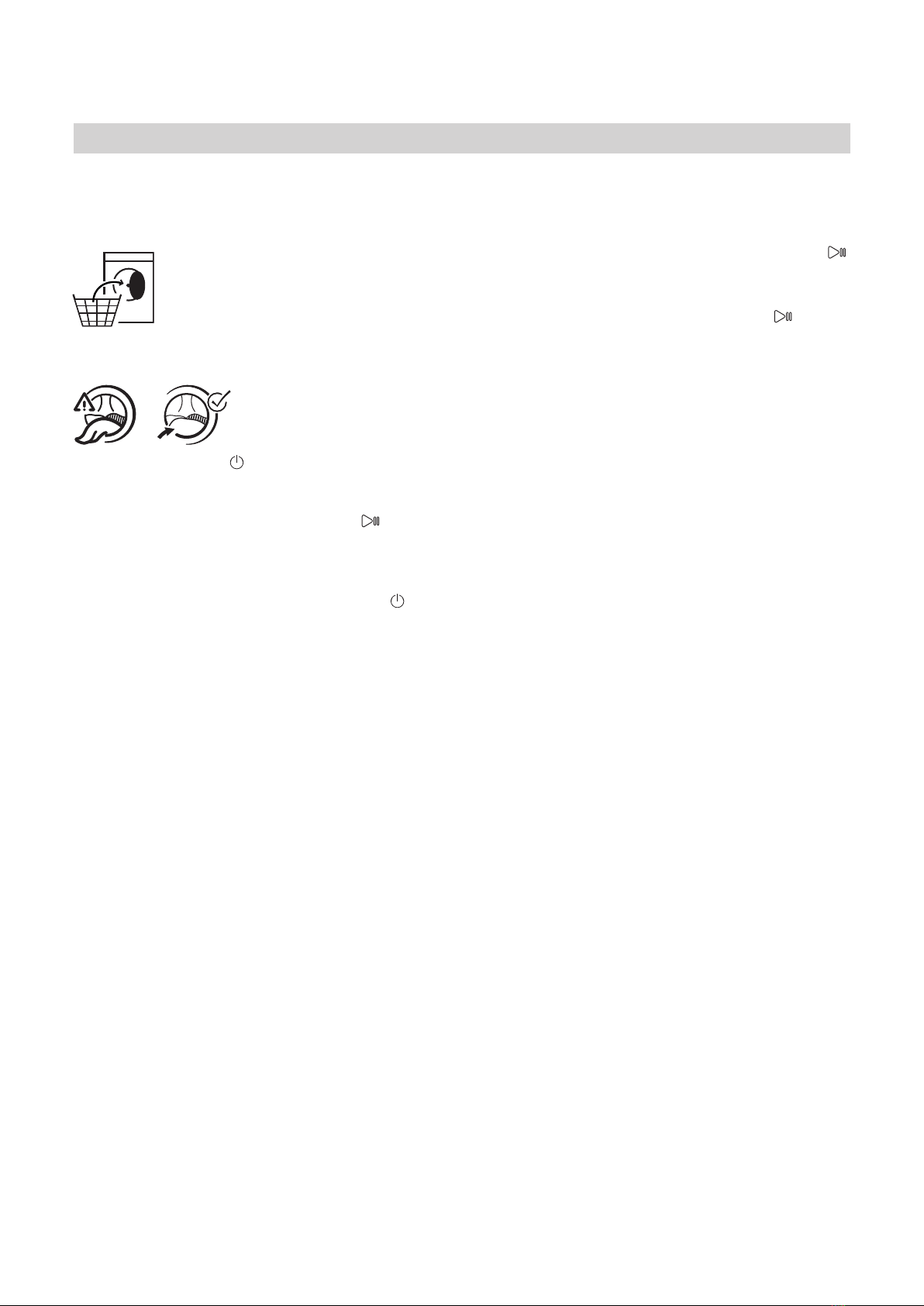
In case of power failure, it is necessary to press
the button Start/Pause to restart the cycle.
Lightsonorashing
Water tank The water tank is full. Emtpy the water tank. Refer to the section
Cleaning and maintenance.
Doorlterand/orbottomlter Failure of the air ow necessary for
machine operation.
Clean the door lter and the bottom one and
check whether air intake is free. Carrying
out these operations improperly may cause
damages.
Bottomlter The bottom lter requires cleaning. Clean the bottom lter. Refer to section
Cleaning and maintenance.
DEMO The cycle lasts few minutes The dryer is in DEMO mode. The DEMO
indicator is on.
Disable the DEMO mode. The following actions
must be carried out in sequence, without
breaks. Switch the machine on and then switch
it o again. Press the Start/Pause button until
the buzzer is heard. Switch the machine on
again. The “DEMO” indicator ashes and then
turns o.
The presence of wrench symbol
signals a malfunction. The machine sensors detected a failure.
Switch the dryer o and unplug it. Open the
door immediately and pull laundry out, to
allow the heat to dissipate. Wait for about 15
minutes. Reconnect the dryer to the power
supply, load the laundry and restart the drying
cycle. If the problem still occurs, contact the
After-Sales Service Centre and communicate
thelettersanddigitsashingonthe
display.For instance: F3 and E2.