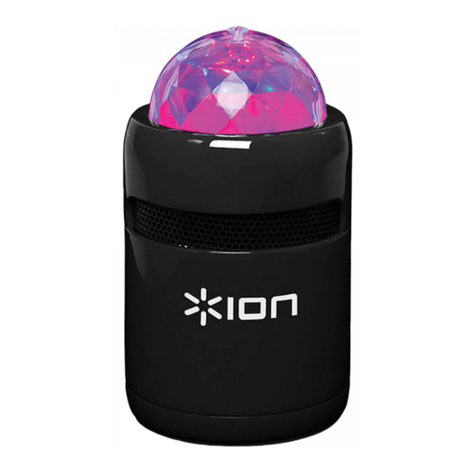
ION Audio Party Splash™ User Guide 5
Charging & Battery Information
For the quickest charging time, power o Party SplashTM and use the included micro-USB
cable to connect the micro-USB charging port on the rear panel of the speaker to a USB power
adapter (DC 5V, 2A; not included) connected to a power outlet, or your computer (powered
on). A full charge can take up to 4 hours, depending on the specifications of your 5V, 2A
adapter.
If there is no audio coming from a Bluetooth device or the aux input for 15 minutes, Party
SplashTM will automatically power o to save battery. To wake the unit, simply resume audio
playback.
Here are some other recommendations for getting the longest life from the internal battery.
General Usage Fully charge the battery before using it.
Avoid full discharge of the battery if possible. Li-Ion batteries are
maintenance-free, and the battery will last longest when operating
between 30–80% charged.
Do not use the product while charging the battery.
Do not charge the battery in exceedingly hot (greater than 90°F/32°C) or
exceedingly cold (less than 32°F/0°C) temperatures.
Storage For best product longevity, do not store at exceedingly hot (greater than
90°F/32°C) or exceedingly cold (less than 32°F/0°C) temperatures.
For best product longevity, store with a 50% battery charge.
If you leave the battery level low and do not charge it for 6 months, it may
permanently lose capacity.
Repair If the battery failstocharge, contact ION Audioat ionaudio.com.
Disposal Bring the unit to a recycling center or dispose of in accordance with local
ordinances.