User Guide
iris 350 8
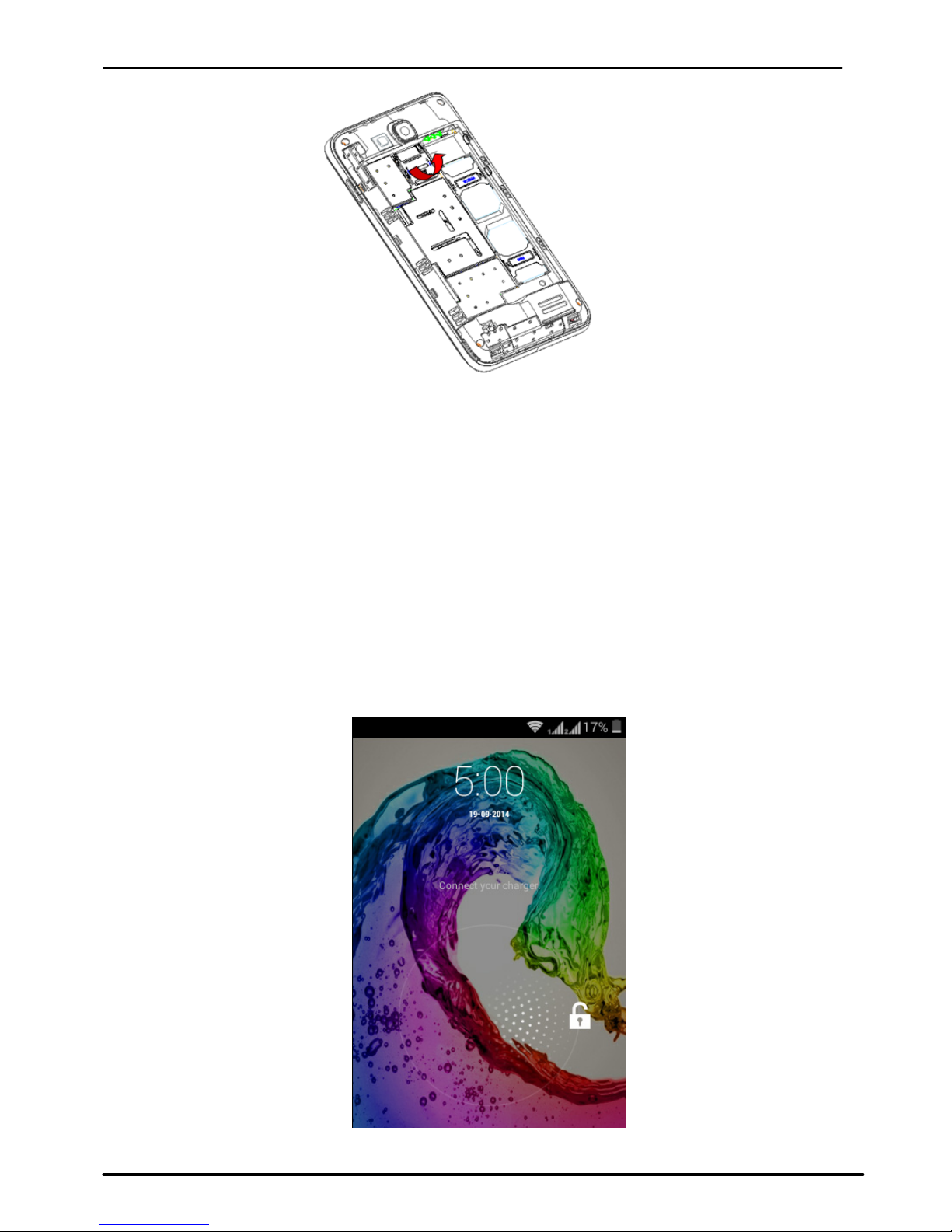
Youmayberequiredtounlockyourphonebasedontheunlock
methodinsettings.
Tosettheunlockmethod:
Onthemainmenu,touchSettings>Security.
TouchSetupscreenlock.
Choosethetypeoflockingasdesired.Youcansetyourscreenlock
onthebasisofpattern,PIN,Passwordornone.
3.4.UsingtheTouchscreen
Youcanusethetouchscreeninthefollowingways:
Touch:Actsonitemsonthescreen,suchasapplicationand
settingsicons,totypelettersandsymbolsusingtheonscreen
keyboard,ortopressonscreenbuttons.
Touchandhold:Touch andholdanitemonthescreenuntilan
actionoccurs.
Drag:Touchandholdanitemandmoveyourfingeronthescreen
untilyoureachthetargetposition.
Swipeorslide:Quicklyslideyourfingeracrossthesurfaceofthe
screen,(withoutdragginganitem).Forexample,slidethescreen
upordowntoscrollalist,
Double‐tap:Tapquicklytwiceonawebpage,map,orotherscreen
tozoom.Forexample,double‐tapasectionofawebpagein
Browsertozoomthatsectiontofitthewidthofthescreen.You
canalsodouble‐taptocontroltzoom,inMaps,andinother
applications.
Pinch:Insomeapplications(SuchasMaps,Browser,andGallery)
youcanzoominandoutbyplacingtwofingersonthescreenat
onceandpinchingthemtogether(tozoomout)orspreadingthem
apart(tozoomin).
Rotatethescreen:Onmostscreens,theorientationofthescreen
changesasyourotateit.Youcanturnthisfeatureonandoff.