UserManual
Model‐irisX1 2
U U 1-U U U WelcomeU U 4
U U 1.1. Exciting FeaturesU U ......................................4
U U 1.2. Technical SpecificationU U ..............................5
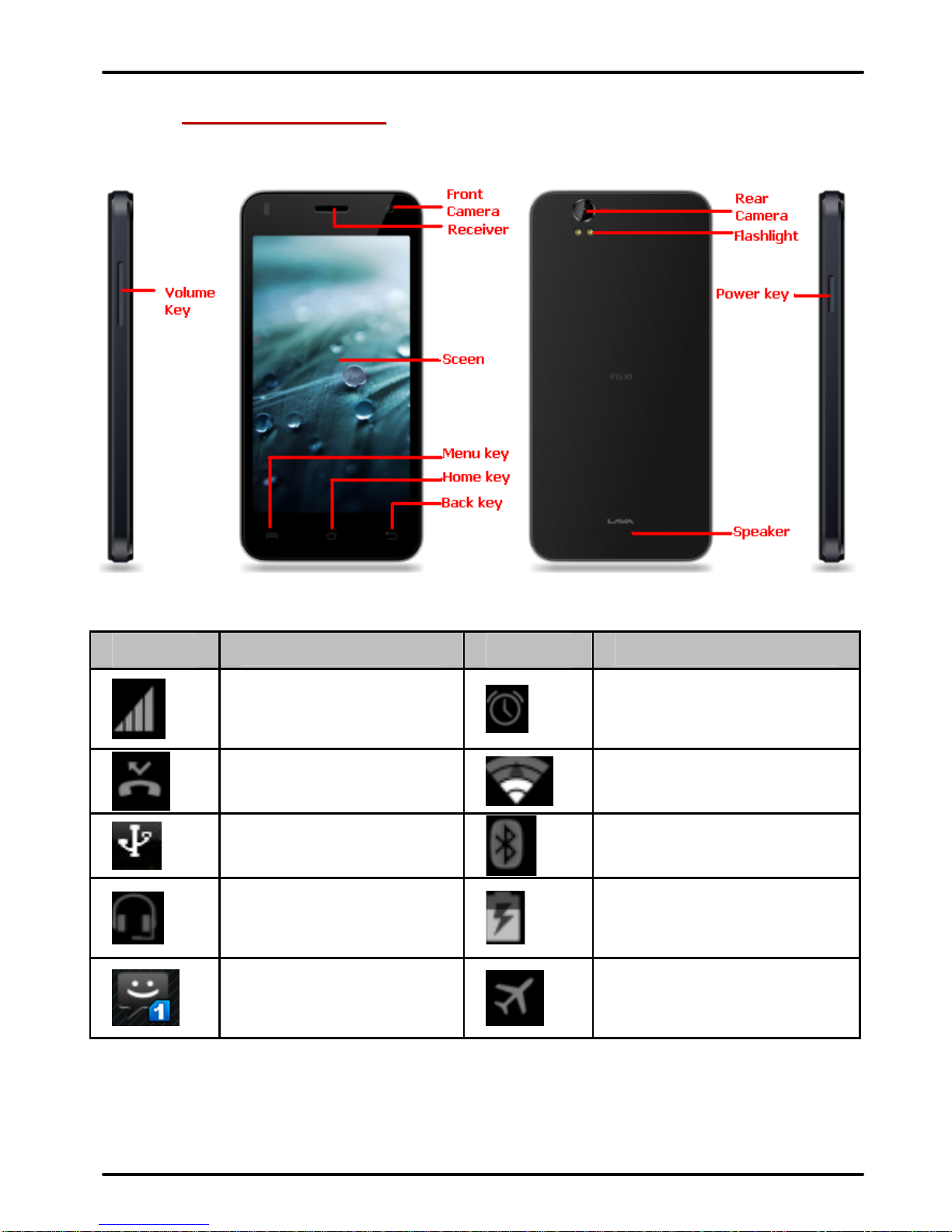
U U 2-U U U U Phone LayoutU U 6
U U 2.1. Keys and PartsU U ..........................................6
U U 2.2. Icons and IndicatorsU U ..................................6
U U 3-U U UUGetting StartedU U 7
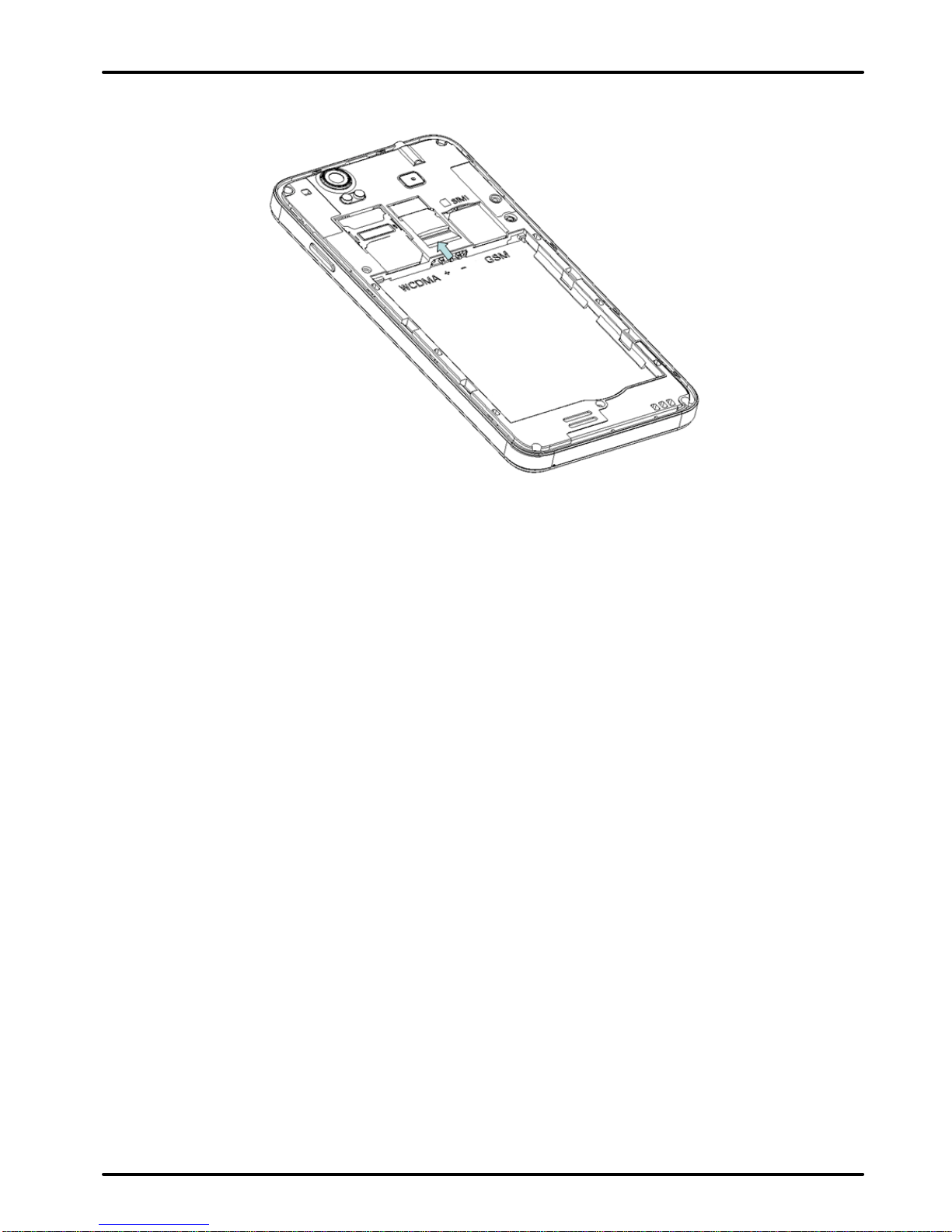
U U 3.1. Insert SIM cardU U ..........................................7
U U 3.2. Insert Memory cardU U ...................................7
U U 3.3. Unlock the PhoneU U ......................................8
U U 3.4. Using the Touch screenU U .............................9
U U 3.5. Using the Phone’s ButtonsU U ......................10
U U 3.6. Context MenusU U ........................................11
U U 3.7. Options menusU U ........................................12
U U 3.8. Menu IconsU U ..............................................12
U U 4-U U UUPlacing and Receiving CallsU U 13
U U 4.1. Make a CallU U .............................................13
U U 4.2. Disable Phone Calls (Airplane mode)U U .....13
U U 4.3. Disable SIM cardU U .....................................14
U U 5-U U UUThe Home ScreenU U 14
U U 5.1. Open and Close the LauncherU U .................15
U U 5.2. Switch to Recently Used ApplicationU U .......16
U U 5.3. Customize Home ScreenU U .........................16
U U 6-U U UUManaging NotificationsU U 19
U U 6.1. Open the Notifications PanelU U ..................19
U U 6.2. Respond to NotificationsU U .........................19
U U 6.3. Close Notifications PanelU U ........................20
U U 7-U U UUMessagingU U 20