DRAFT
TrackMan™ Installation and Operating Manual
Rev. 1.0, October 2004
Page 5 of 20
CAUTION: SAFETY INSTRUCTIONS
Use the following safety instructions to ensure your own personal safety and to help protect
the TrackMan™ radar unit.
General
•Do not attempt to service the device yourself. Always follow installation instructions
closely.
•Only use cables and accessories approved by ISG A/S together with your TrackMan™
Radar Unit.
•Always connect all cables before turning on power for the TrackMan™ system.
•The AC adaptor may become hot during normal operation of the TrackMan™ system.
Use care when handling the adaptor during or immediately after operation.
•When operating the TrackMan™ system outside in direct sunlight, the metallic chassis
of the TrackMan™ Radar Unit may become hot. Use care when moving the
TrackMan™ Radar Unit in this case.
•If the TrackMan™ system has been used in wet weather, clean all items with a dry
cloth after use.
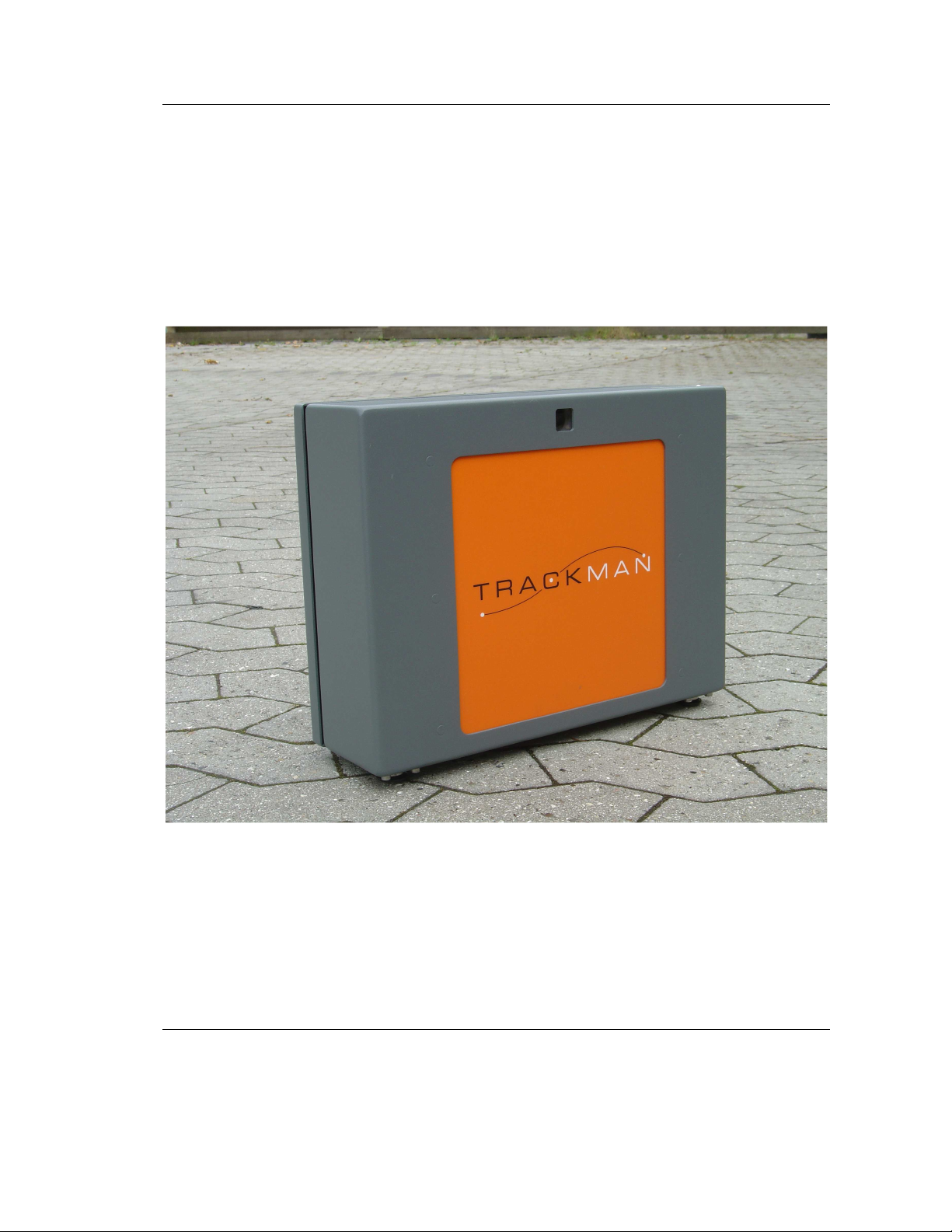
•During use and transportation of the TrackMan™ Radar Unit, avoid bumping into
obstacles with the orange plastic front.
•When not using the TrackMan™ Radar Unit, avoid any kind of load at the orange
front, since this might damage the radar.
Power
•Only use the AC adaptor supplied with the TrackMan™ Radar Unit. Use of another
adaptor may cause fire or explosion.
•Before you connect the TrackMan™ Radar Unit to an electrical outlet, check the AC
adaptor voltage rating to ensure that the required voltage and frequency match the
available power source.
•To help prevent electric shock, plug the AC adaptor and device power cables into
properly grounded power sources. These power cables may be equipped with 3-prong
plugs to provide an earth grounding connection. Do not use adaptor plugs or remove
the grounding prong from the power cable plug. If you use a power extension cable,
use the appropriate type, 2-prong or 3-prong, to mate the AC adaptor power cable.
•Make sure that the computer and AC adaptor connected to the TrackMan™ Radar
Unit are connected to the same power outlet. Failure to comply with this requirement
could cause electrical shock and create permanent damage on both the TrackMan™
Radar Unit and the computer.
•Place the AC adaptor in a ventilated and dry area. Do not cover the AC adaptor that
will reduce cooling.
•Be sure that nothing rests on your AC adaptors power cable and that the cable is not
located where it can be tripped over or stepped on.
ISG A/S accepts no liability for failure to comply with these requirements.