4
Catalogue
1 . B r i e f …………………………………………………………………… … … 1
1.1 Spec. for marks ………………………………………………… … … 2
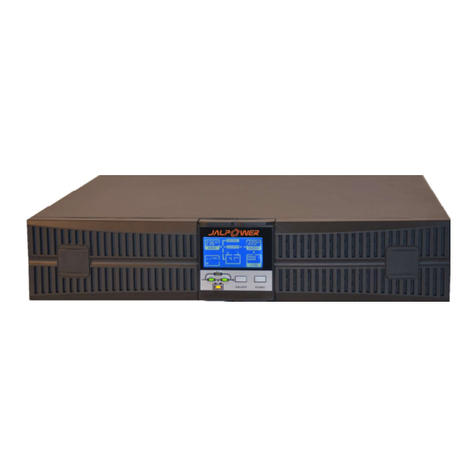
1.2 Front panel………… ……… … …… ……………………… …… … ……2
1.3
Real
panel
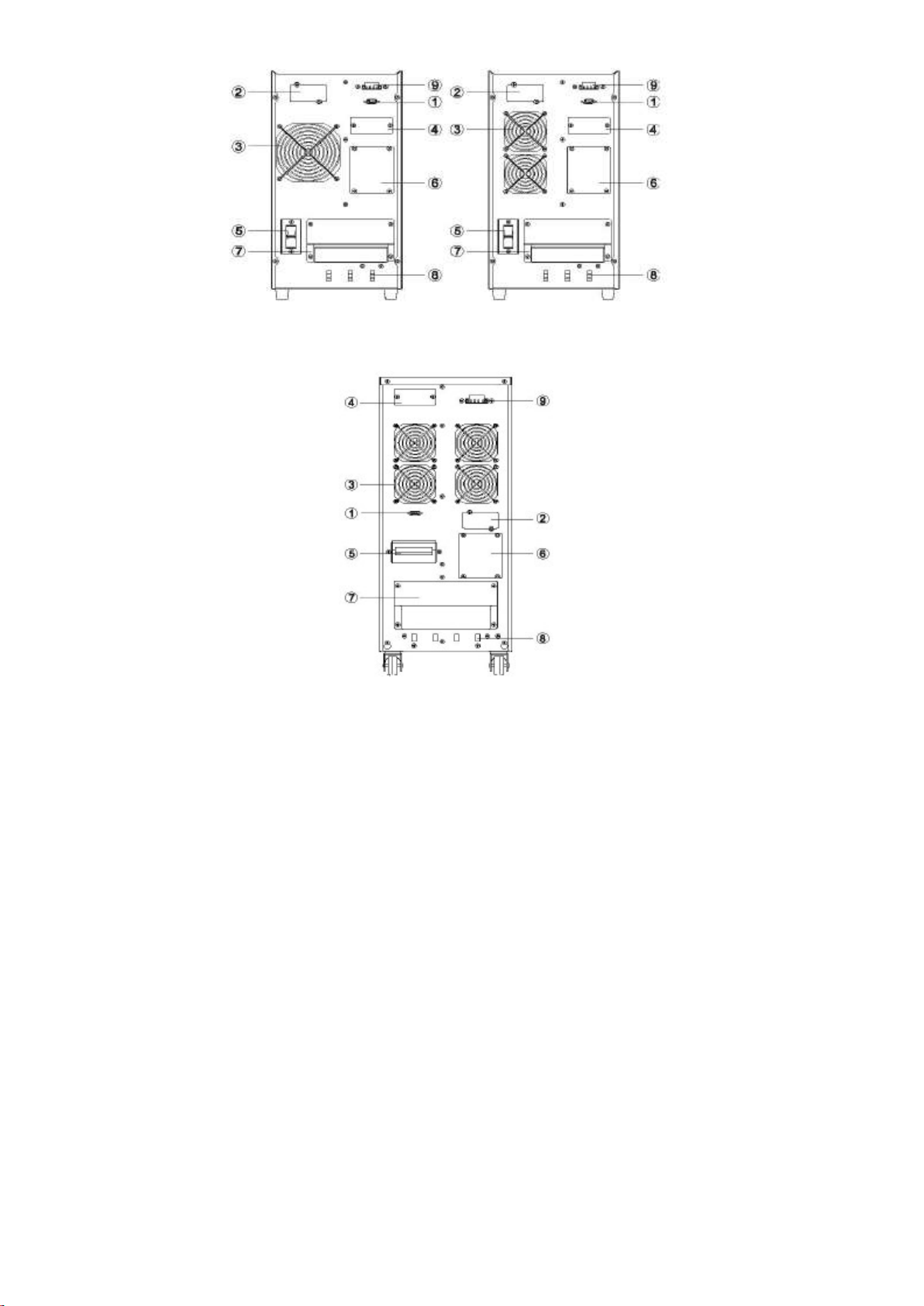
…………………………………………………………………3
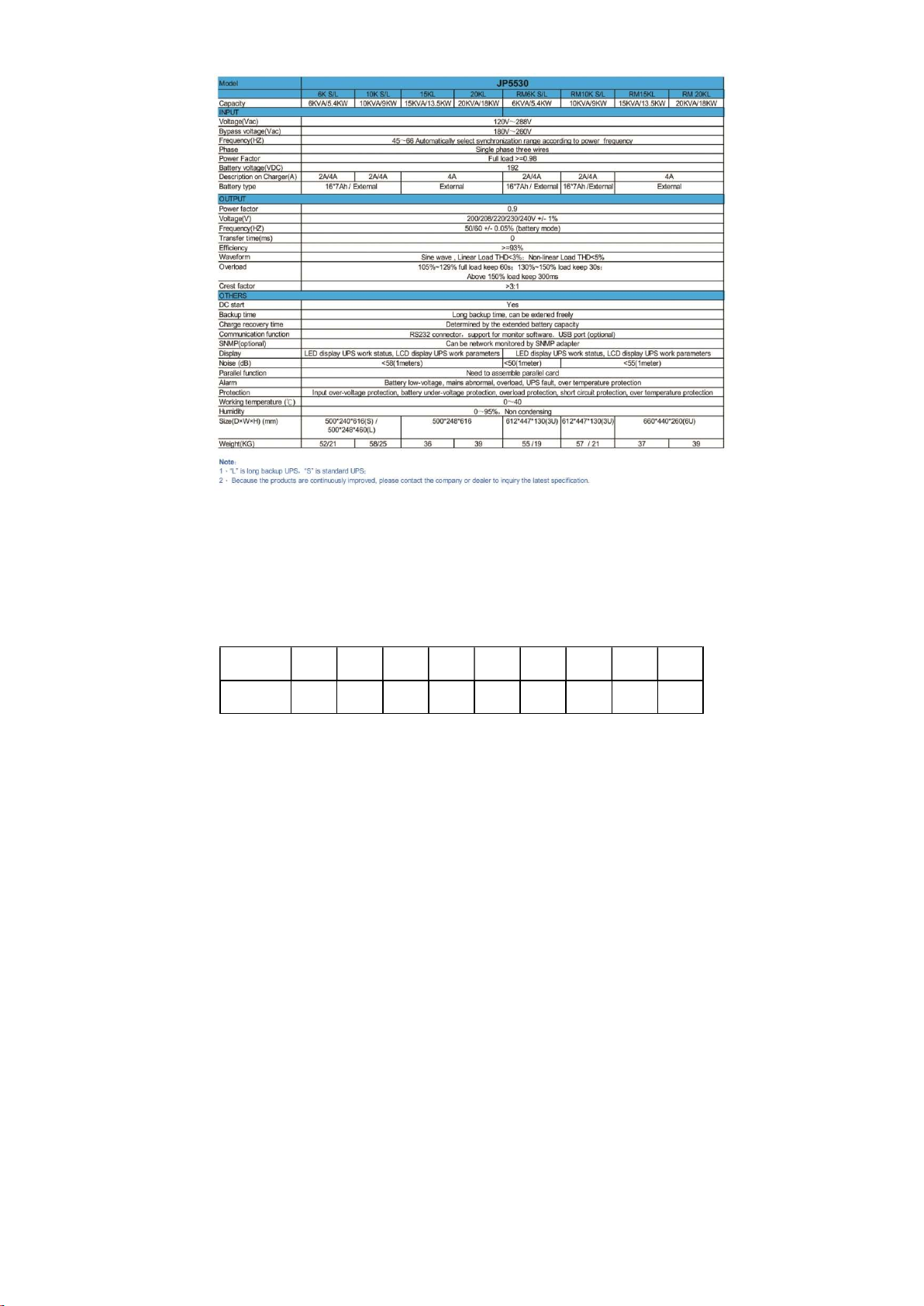
1.4 Spec for product……………………………………………… …………6
2. Installation……… ……………………… ……… …………… …… … ………7
2.1 Checking before using…………………………………………………7
2.2 Table of cable………………………………………………………………7
2. 3
U P S
c o n n e c t i on
… … … … … … … … … … … … … … …… … … … … 8
2.4
Installation
for
external
batte ry……………………………………10
2.5
Connection
to
the
computer………………… … ……………………11
2.6 Parallel(optional)…………………………………………………… ……12
2.7
Installation
for
SNMP(optional)…………………………………………15
2.8 EPO………………………………………………… ……………………16
2.9
Maintenance
switch
(optional)
…………………………………………17
2.10
Dust
screen
(optional)…………………………………………………18
2.11
Isolated
transformer
(optional)………………………………………18
3、Display
panel…………………………………………………………………19
4、O p e r a t i o n …………………………………………………………2 2
4.1 Start UPS on LED panel…………………………………………………22
4.2 Shut off UPS on LED panel……………………………………………23
4.3 Start UPS on LCD panel…………………………………………………24
4.4 Shut off UPS on LCD panel……………………………………………25
5、Battery ……………………………………………………………………
26
6、M a i n t e n a n c e ……………………………………………………………2 7
7、Lights on LED/LCD panel ………………………………………………………28