manuals.online logo
Brands
  1. Home
  2. •
  3. Brands
  4. •
  5. Jiecang
  6. •
  7. Engine
  8. •
  9. Jiecang JCC50SLEU User manual

Jiecang JCC50SLEU User manual

Other Jiecang Engine manuals

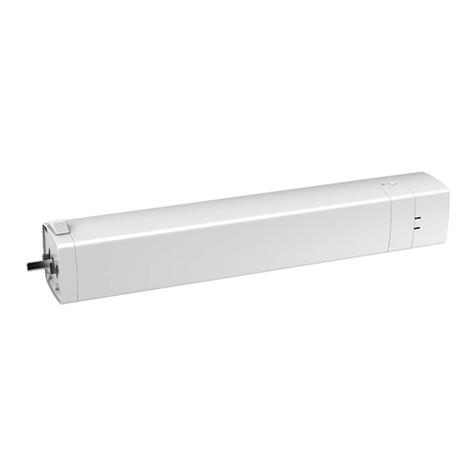
Jiecang JCA35SEW01 User manual

Jiecang

Jiecang JCA35SEW01 User manual

Jiecang JCA User manual

Jiecang

Jiecang JCA User manual

Jiecang JCC50STEW User manual

Jiecang

Jiecang JCC50STEW User manual

Popular Engine manuals by other brands

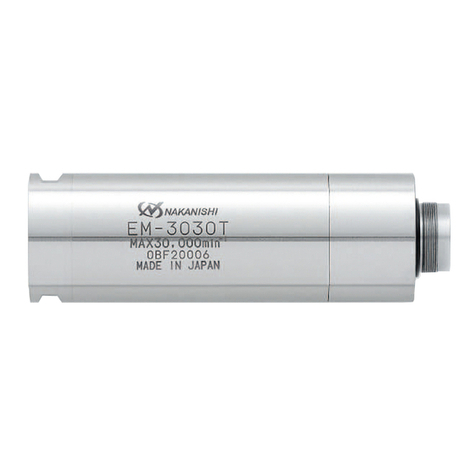
Nakanishi EM-3030T Operation manual

Nakanishi

Nakanishi EM-3030T Operation manual

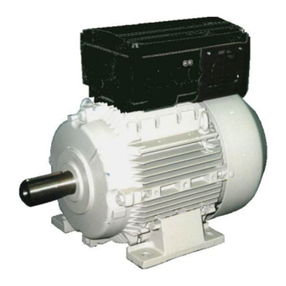
Siemens COMBIMASTER CM12 operating instructions

Siemens

Siemens COMBIMASTER CM12 operating instructions

Bosch Rexroth Hagglunds CA Series Installation and maintenance manual

Bosch

Bosch Rexroth Hagglunds CA Series Installation and maintenance manual

Hyundai H170VC manual

Hyundai

Hyundai H170VC manual

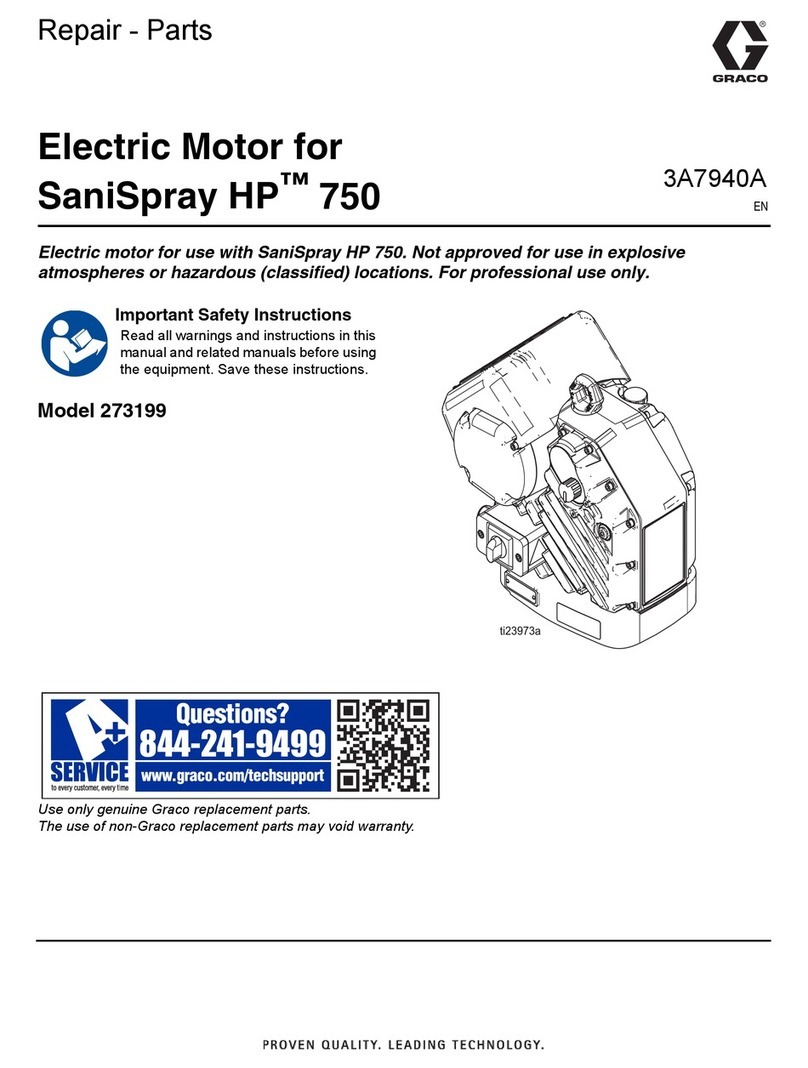
Graco 273199 repair parts

Graco

Graco 273199 repair parts

MOTO GUZZI BREVA V1100 Workshop manual

MOTO GUZZI

MOTO GUZZI BREVA V1100 Workshop manual

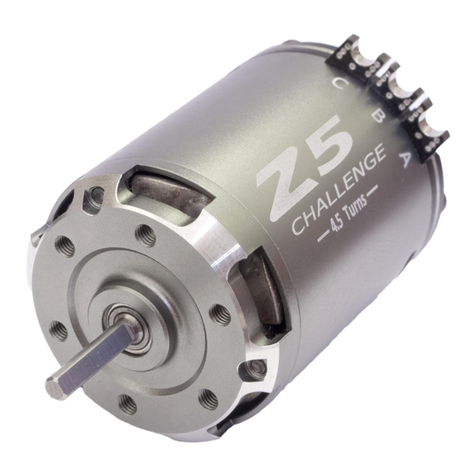
Dualsky Track & Field Z5 instruction manual

Dualsky

Dualsky Track & Field Z5 instruction manual

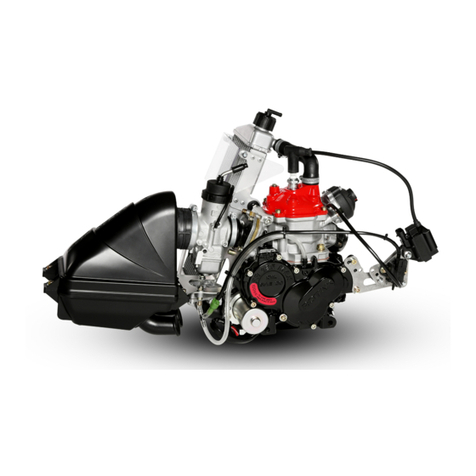
Rotax 125 senior MAX evo installation manual

Rotax

Rotax 125 senior MAX evo installation manual

Kohler K361 Service manual

Kohler

Kohler K361 Service manual

MTD OHV Series user guide

MTD

MTD OHV Series user guide

Mercury D4.2L D-Tronic manual

Mercury

Mercury D4.2L D-Tronic manual

Perkins 1206E-E66TA Operation and maintenance manual

Perkins

Perkins 1206E-E66TA Operation and maintenance manual

Skov DA 174 Technical user guide

Skov

Skov DA 174 Technical user guide

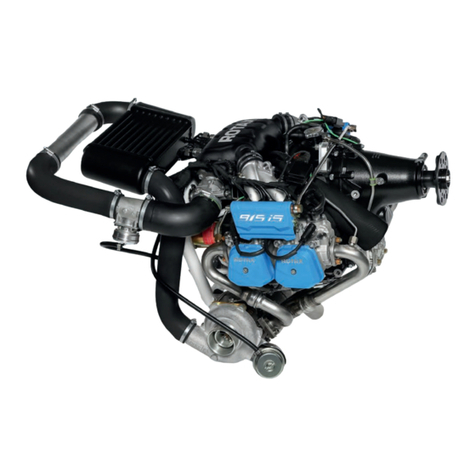
Rotax 915 i A SERIES Maintenance manual

Rotax

Rotax 915 i A SERIES Maintenance manual

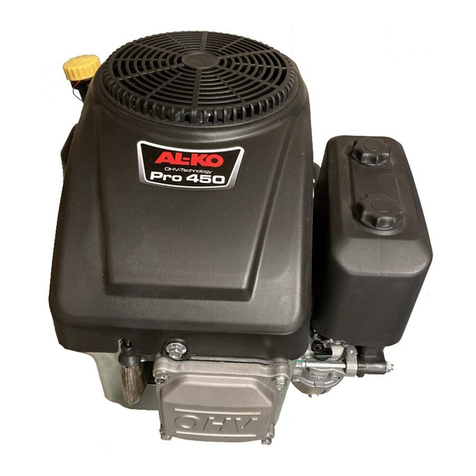
AL-KO PRO 350 Instructions for use

AL-KO

AL-KO PRO 350 Instructions for use

MTU 12 V 4000 Lx4 operating instructions

MTU

MTU 12 V 4000 Lx4 operating instructions

Nanni N3.30 Workshop manual

Nanni

Nanni N3.30 Workshop manual

Nanni N5.160 CR2 Operator's manual

Nanni

Nanni N5.160 CR2 Operator's manual

manuals.online logo
manuals.online logoBrands
  • About & Mission
  • Contact us
  • Privacy Policy
  • Terms and Conditions

Copyright 2025 Manuals.Online. All Rights Reserved.

03 Installation of battery pack
JCC50SLEU
Curtain Motor
User Manual
Removing operation is the same as the installation
The operation of removing battery pack is the same as the installation
Control the OPEN/
STOP/CLOSE of the
Shade
Open &
Close *1
Open &
Close *2
Open &
Close *3
Open &
Close *4
1.This product is for indoor use only, do not use outdoor or in humid environments.
2.This motor has a external rechargeable Li-ion battery pack with integrated charge
management. Max input voltage: 5V/2A.
3.Please charge it before using for the first time, make sure it is fully charged before first use
4. When the battery voltage is low, LED will flicker 8 times to give a low-voltage alarm when
motor starts.
5. The motor will open&close in operation, please do not proceed to the next step until it
complete.
6.During operation, the effective interval of the transmitter button operation is 10 seconds. If
there is no effective transmitter operation for more than 10 seconds, it will automatically exit
the current mode.
7. The motor can be paired with max 10 controllers.
8.The open&close limits cannot be set at the same point. Limits saved even power off.
9.The motor runs constantly for at 6 min max without any other operation.
10.With soft start&stop function,the motor will start and stop slower to make it run elegantly.
Sleep Mode,
RF Control Inactive
Hold H button for 6s, jog
twice to show the motor RF
control is inactive; Hold H
button for 2s, the RF control
is active again
motor is not in sleep mode
01 Product Info
02 Installation 04 Caution!
05 Instructions
a.Pairing Motor with Controller
Jogging
Time
Torque: 1.2 N.m
12
Speed:14cm/s
14
Open
CH- CH+
Fav
LED
Close
Prg 1 Prg 2
Stop
JCHR35W3A2
6-channel remote controller
Way 1:Before adding a new controller
Way 2:After motor is powered on for more than 10s
Note: Pairing can not be done under group channel or 0 channel.

to delete the close limit.
to delete the open limit.
Run to open
limit
automatically
c.When the manual control function is on, hand-pull the curtain, the curtain will
automatically start running in the direction of pulling.
b.Direction Reverse
c.Automatic Open & Close Limits Setting
d.Deleting Open & Close Limits
e.Setting and Cancelling Favorite Position
f.Hot key to the Fav. Position
g.Adjusting Motor Speed
h.Removing Controllers
i.Adjusting Open & Close Limits
j.Cancelling Limits
k.Turn On/Off Manual Control Function
l.Open/Close Limits Setting Manually
Note: If motor doesn't response, the max/min speed has already been reached.
There are 3 speeds adjustable.
Note: Afterthemotorrunsforalongtime,ifitdoesnotclosewellorthestallprotection
well,pleasedothisadjustinglimitsoperation.
Remove controller B via pre-existing controller A
Controller B removed
Remove a single controller
05 Troubleshooting
Low battery