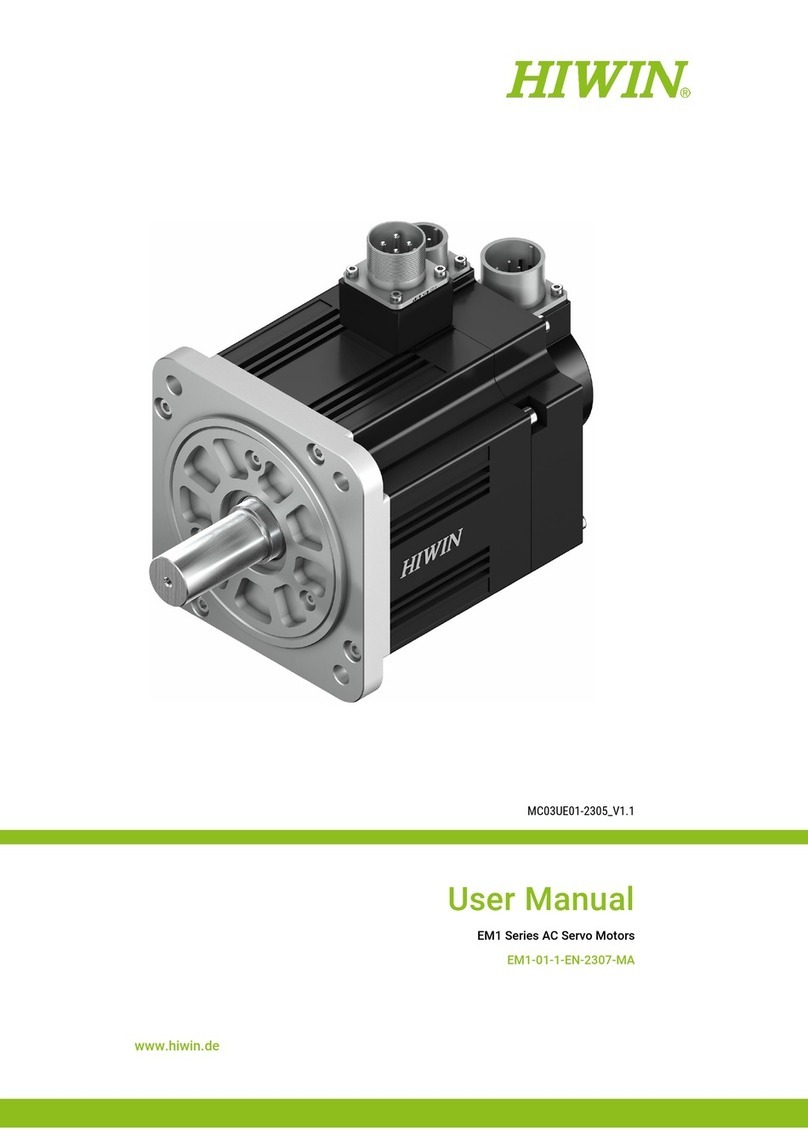
Jiecang JCC50STEW User manual

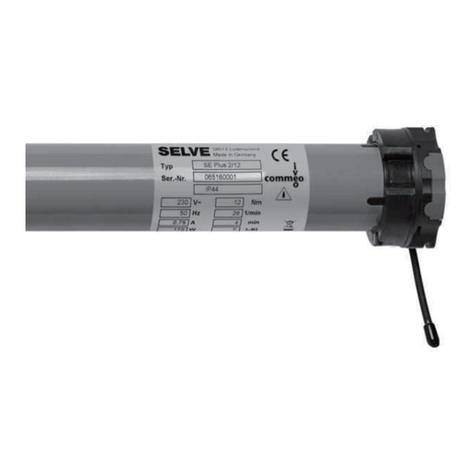
JCC50STEW
Curtain Motor
User Manual
Entering Wi-Fi connection
mode
Control the OPEN/
STOP/CLOSE of the
Shade
Open &
Close *1
Open &
Close *2
Open &
Close *3
Open &
Close *4
Run to open
limit
automatically
Removingoperationisthesameastheinstallation
1.This product is for indoor use only, do not use outdoor or in humid environments.
2.The motor will response in operation, please do not proceed to the next step until it
complete.
3.During operation, the effective interval of the transmitter button operation is 10 seconds If
there is no effective transmitter operation for more than 10 seconds, it will automatically exit
the current mode.
4.The motor can be paired with max 10 controllers.
5.The open&close limits cannot be set at the same point. Limits saved even power off.
6.The motor runs constantly for at 6 min max without any other operation.
7.With soft start&stop function,the motor will start and stop slower to make it run elegantly.
8.Do not lift the motor by grabbing the wire or antenna.
a.Pairing Motor with Controller
b.Direction Reverse
c.Automatic Open & close Limits Setting
e.Setting and Cancelling Favorite Position
f.Hot key to the Fav. Position
g.Adjusting Motor Speed
h.Removing Controllers
d.Deleting Open & Close Limits
03 Caution!
04 Instructions
02 Installation
01 Product Info
Jogging
Time
Wi-Fi connecting
Note: If motor doesn't response, the max/min speed has already been reached.
There are 3 speeds adjustable.
Remove controller B via pre-existing controller A
Controller B removed
Remove a single controller
Torque: 1.2 N.m
12
Speed:14cm/s
14
Built-in Wi-Fi module
W
Note: Pairing can not be done under group channel or 0 channel.
Way 1:Before adding a new controller
Way 2:After motor is powered on for more than 10s

c.When the manual control function is on, hand-pull the curtain, the curtain will
automatically start running in the direction of pulling.
Open & Fav x2s
Close & Fav x2s
todeletethecloselimit.
todeletetheopenlimit.
k.Turn On/Off Manual Control Function
l.Open/CloseLimitsSettingManually
j.Cancelling Limits
i.Adjusting Open & Close Limits
06 Troubleshooting
05 Connecting to Wi-Fi network
Note: Afterthemotorrunsforalongtime,ifitdoesnotclosewellorthestallprotection
well,pleasedothisadjustinglimitsoperation.
Wi-Fi
c. Operate the motor to enter Wi-Fi network connection mode:
①Download APP
Other Jiecang Engine manuals